3DPrintCAD - 3D Design for 3D Printing, in Your BrowserDesign it.Prep it.Print it.
3DPrintCAD is a 3D design studio for 3D printing that runs in your browser - shapes, text and smart generators, with print prep built in. From a name keychain to a planetary gearbox.
- no account
- nothing to install
- files stay on your computer

Slicing summary
Opens in the slicers you use
Bed presets for
Design, generate and prepare -
in one browser tab
A modeller, smart generators and a print-prep toolbox that work together, so the file you export is the one that prints.
Smart generators do the hard part
Type a link, pick a picture or set a few numbers - the model builds itself.
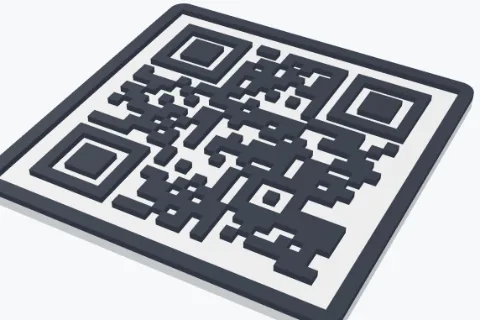
- QR codes checked to scan, with logos, labels and NFC pockets
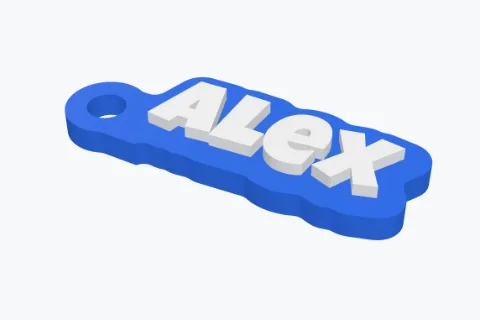
- Name keychains, picture stickers, trays and Gridfinity bins
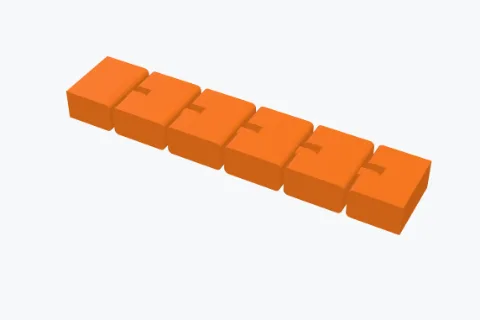
- Jigsaw puzzles and flexis - with knobs and hinges you design

Precise enough for real mechanisms
Exact millimetres, real involute teeth and fits you can trust - parts that work the first time.
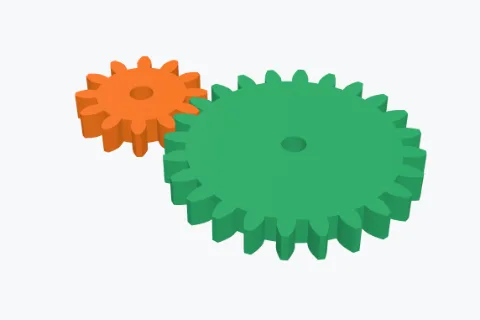
- Spur, helical, planetary, bevel and worm gears, checked to mesh
- Sketches with constraints and dimensions, extrude and revolve
- Holes with fit clearance, booleans, rounded edges and measuring

Ready for the printer, not just the screen
Catch problems before they cost filament - and fix them in a click.
- Overhangs in red, pillar supports, lay on a face, cut below the bed
- STL and 3MF import, mesh health, make solid, reduce file size
- Resize to the millimetre, cut big parts in two with connectors

Colour that makes it to the slicer
Paint faces, combine coloured parts and keep every colour through cuts and booleans.
- Brush, fill a face or paint a whole part
- 3MF with each colour on its own filament, for AMS and MMU
- Lithophanes and HueForge-style prints from your photos

One tool, every kind of maker
It starts simple and goes as deep as you want - from a first keychain to a working gearbox.
Kids & families
A name keychain in two minutes, a drawing turned into a sticker. Clear steps, instant results.
Beginners
Build with shapes like blocks: drag, drop, resize. Any shape can cut a hole. Undo is one click away.
Makers & pros
Exact sizes, constrained sketches, mesh repair, supports and multi-colour 3MF - all in the browser.
Engineers & tinkerers
Involute gears, Gridfinity to spec, custom puzzle knobs and print-in-place hinges you test.
Start from a ready-made model
Every generator opens with an example on the plate - change the details, then print.
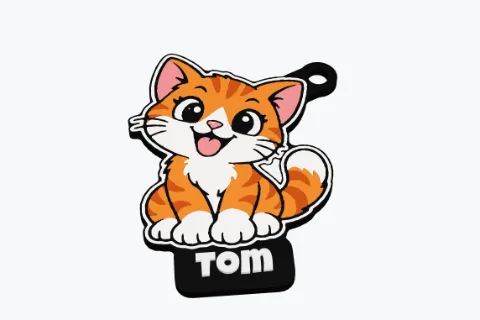
Picture to sticker
Any picture to a multi-colour relief, keychain, tray or box.
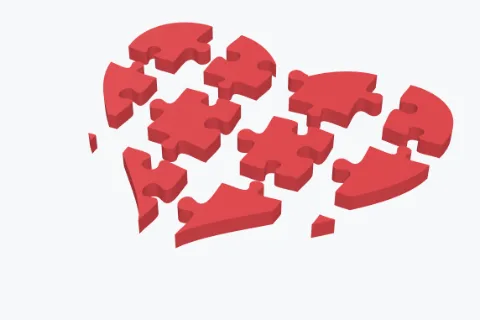
Jigsaw puzzle
Grid, circular or random pieces, with knobs you can draw.
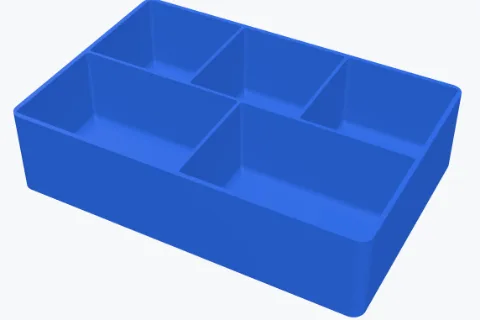
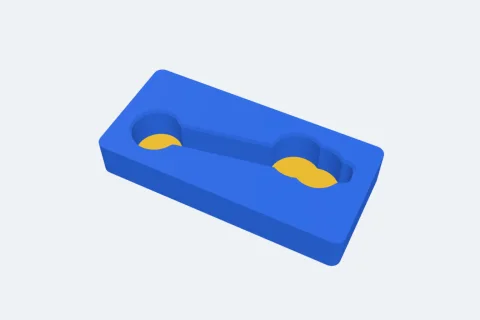
Trays & Gridfinity
Compartment trays, stacking bins and baseplates with lids.
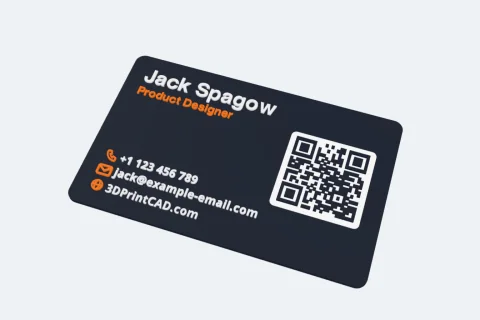
Business card
Your details, a QR code and NFC, raised or in several colours.
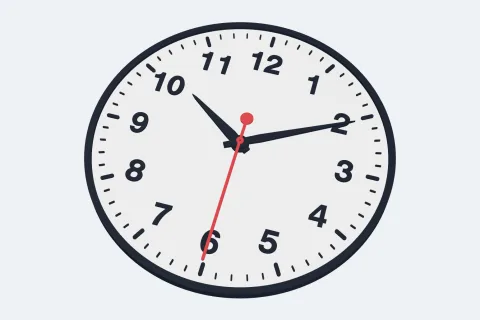
Wall clocks
12 styles, numbers, hands and pictures for a quartz movement.
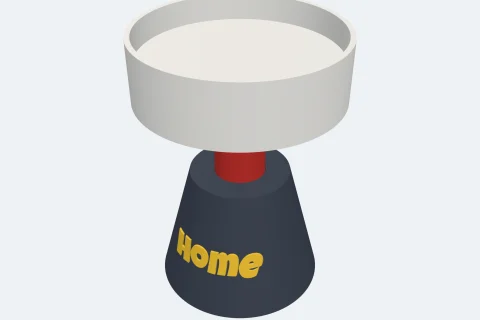
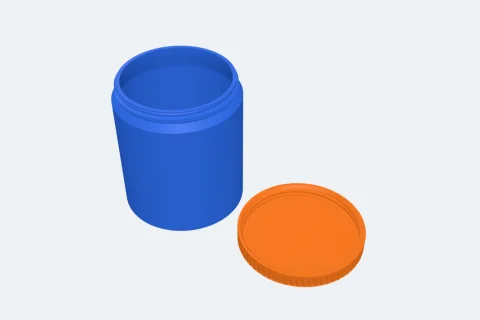
Stands
A body, a neck and a holder: a dish, pockets, a jar ring, a spike or a lamp holder.
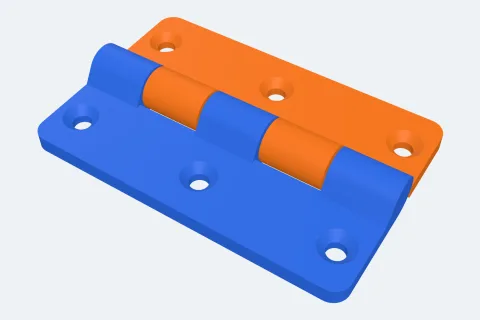
Hinges
Butt, piano, strap, lift-off, snap-on and living hinges - most print in place.
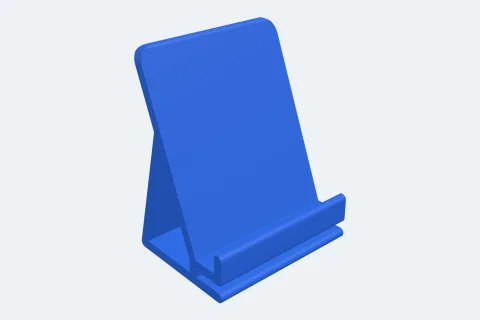
Phone stands
12 styles for phones and tablets, with cable channels, texts and logos.
Phone grips & badges
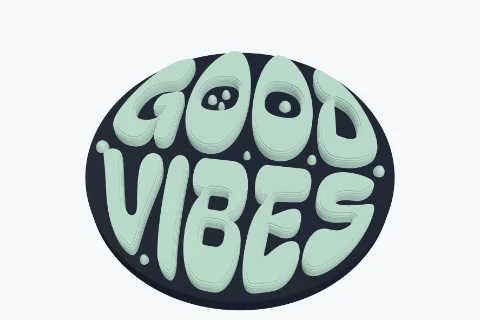
Your words in puffy groovy letters filling a round - a phone grip topper, keychain, fridge magnet or badge, with icons, an outline and colours.
Folding phone stand
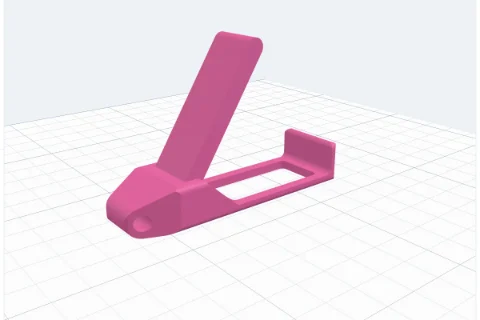
A keychain whose lever flips up on a hidden print-in-place hinge to hold your phone - with a stopper so it stays shut.
Greeting cards
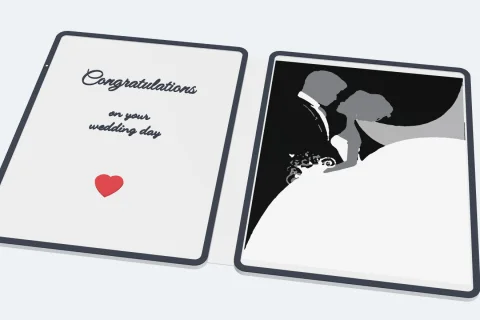
A folding card printed in one piece - texts, SVGs and pictures on the front, inside and back, raised, flat or as separate pieces, a border, any shape and a lock.
Gift boxes
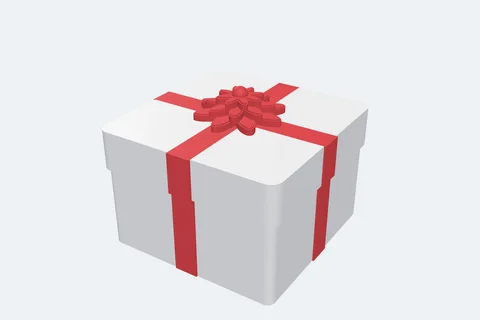
A box with a lid, a ribbon in seven styles, thirteen bows held on by printed pins, a gift tag, patterns or your own SVG, and your texts and pictures - every part in its own colour.
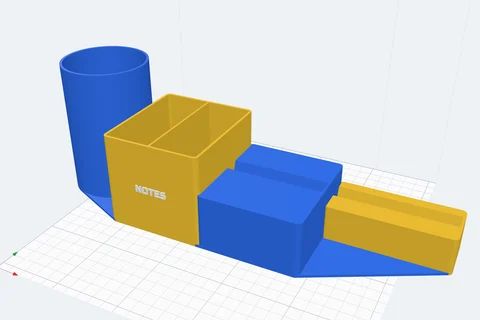
Organisers
Pen cups, bins, trays, holders for brushes, crayons or toothbrushes, a phone slot and a card slot side by side - desk, bathroom or makeup, each part its own size and colour.
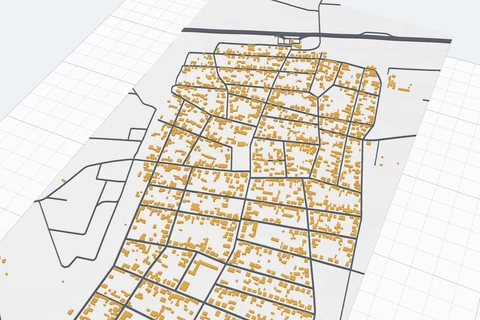
3D maps
Any place on Earth in 3D: pick the area on the map - buildings, roads, rivers, parks and the hills, from OpenStreetMap and Overture Maps, every layer its own colour.
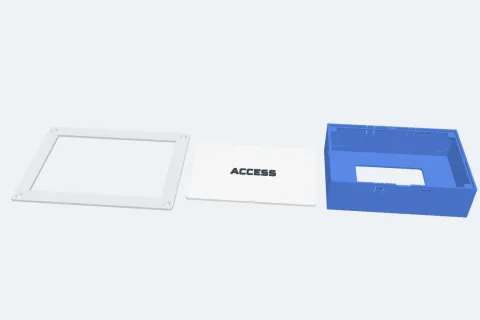
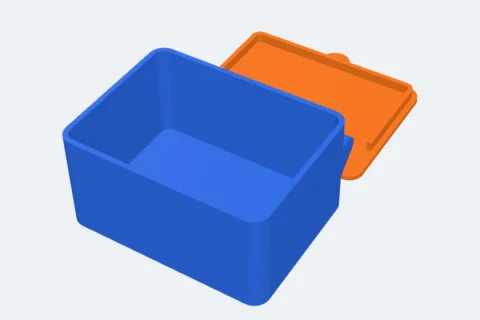
Inspection boxes
A box for a hole in the wall, a frame it holds in and a lid - a solid floor, a hole in it or no floor, cable knock-outs, screws. Seven ways to join the box and the frame, the lid decorated with texts, SVGs and stickers.
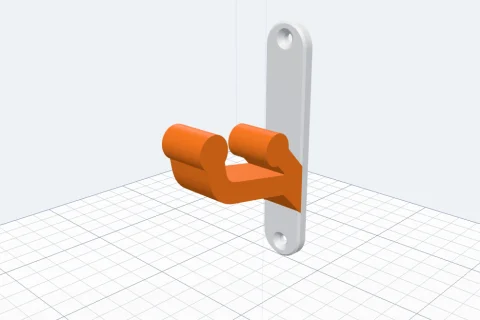
Wall mounts
Hooks, a coat hook, a hook rack, shelf brackets, a small shelf, rod holders, broom clips, cup and bottle rings, a headphone hanger, a tool rack, a pocket and a guitar hanger - or two-part mounts that slide or click together: a dovetail, a cleat, a U cradle, a slot and button, a V wedge for VESA holes, a T-rail. Printed without supports.
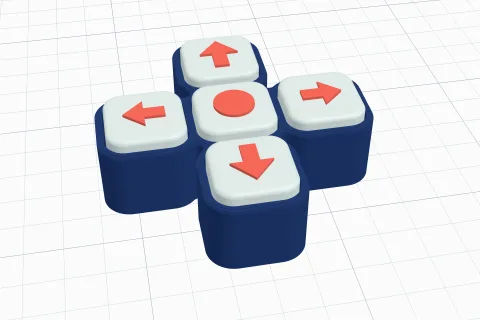
Clickers
Fidget clickers with a mechanical keyboard switch inside: one key or a word spelled in keys, any shape - a heart, a star, your text - letters, SVGs or pictures on top, textured walls and a key ring.
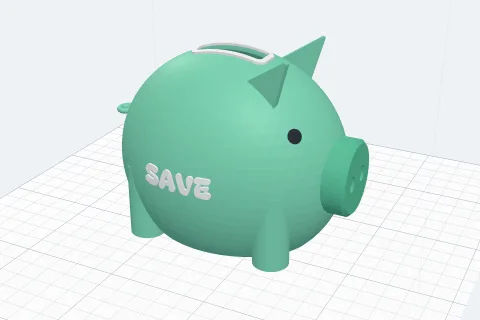
Money banks
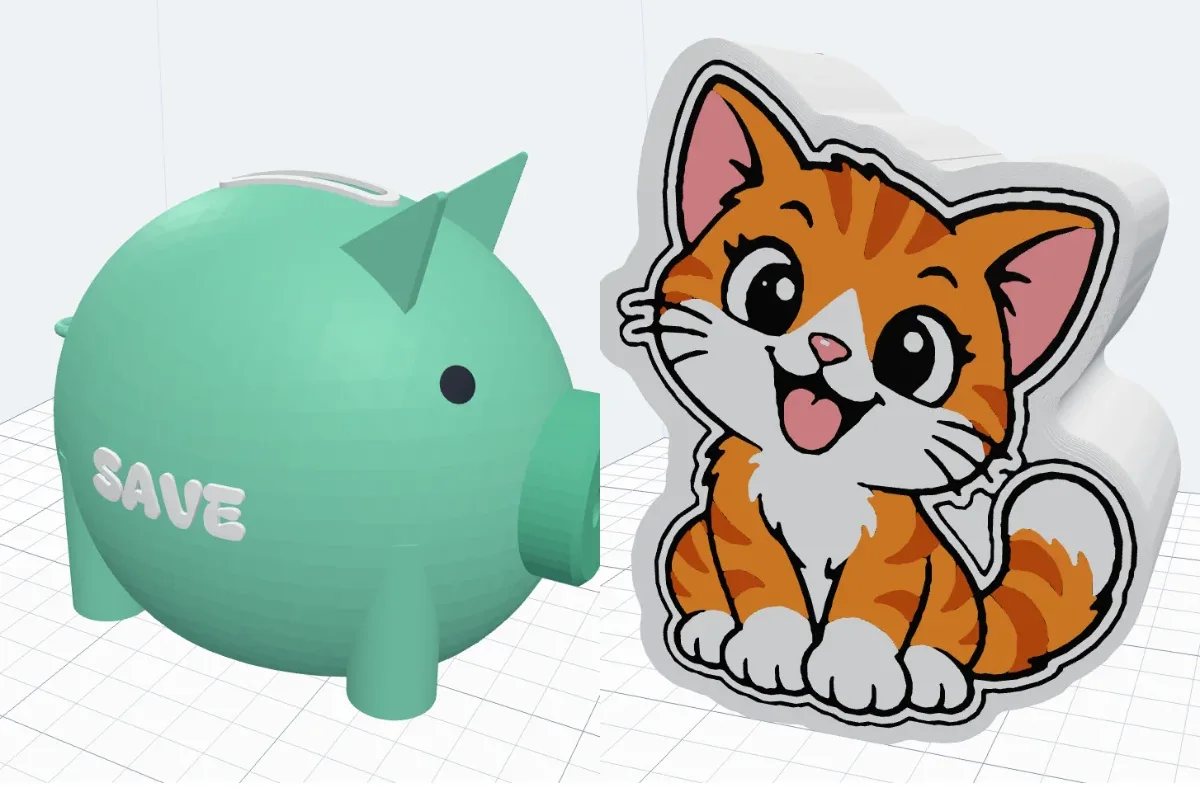
Piggy banks, jar banks and standing shapes - a heart, a house, a name or your own picture - with a coin slot you drag and turn on any side, a screw plug or a lid to get the money out, and your texts and pictures on it.
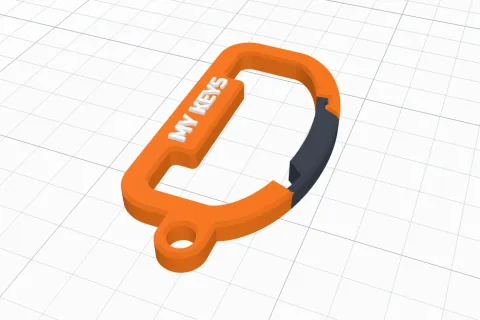
Carabiners
Nine shapes - D, oval, pear, round, rectangle, hexagon, heart, teardrop, triangle - with a spring gate printed in place, a name on the spine, a key ring eye, texts and SVGs. For keys, bags and bottles.
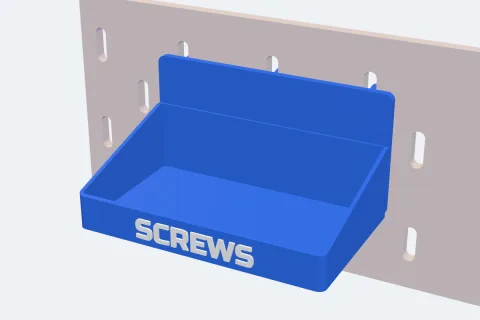
Pegboard
Hooks, forks, pegs, rings, jar holders, cups, boxes, trays, shelves, tool racks, cable holders and Gridfinity shelves for IKEA SKÅDIS, a classic pegboard or your own - or pegs on the back of anything you made.
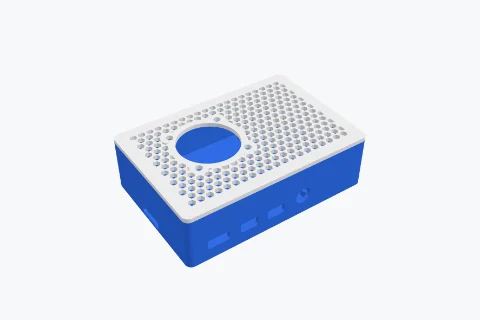
Board cases
Cases and holders for Raspberry Pi, ESP, Arduino and LoRa boards (RAK WisBlock, T-Beam, Heltec) or your own - every port cut out, vents, a fan, and mounts for a wall, a DIN rail, VESA or magnets.
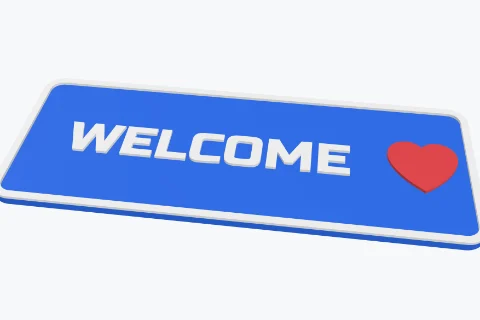
Plates and signs
Any shape, a drawing, an SVG or a letter, with texts, logos and pictures - or LED cap letters.
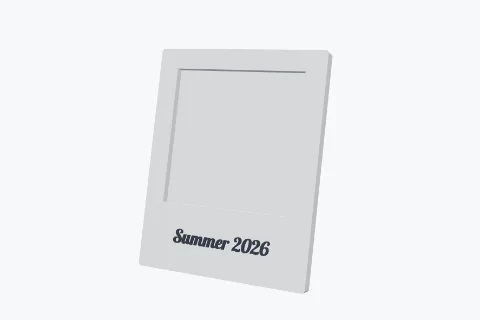
Frames
For photos, prints, mirrors, canvas boards, tiles, puzzles and keepsakes - windows of any shape, a back that clicks in, a leg, a base or keyholes.
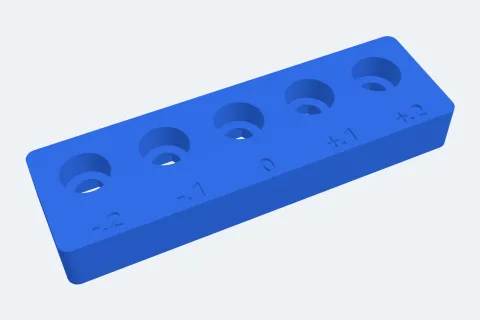
Bolts & nuts
Bolts, nuts, inserts and screws into plastic - holes that fit, with a test strip.
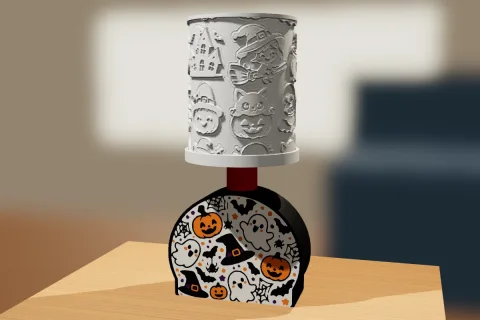
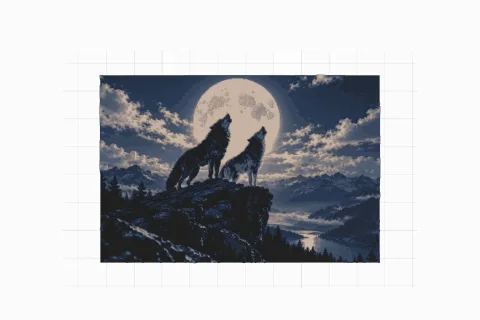
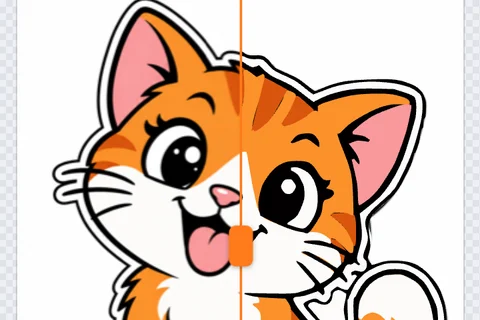
Image to SVG
Turn any picture into a clean SVG - colours, black & white, line art, silhouettes or pixel art - touch it up, keep it, download it or put it on the bed, a body per colour.
Learn it in minutes
Short videos and step-by-step guides that cover every option.
 7:20
7:20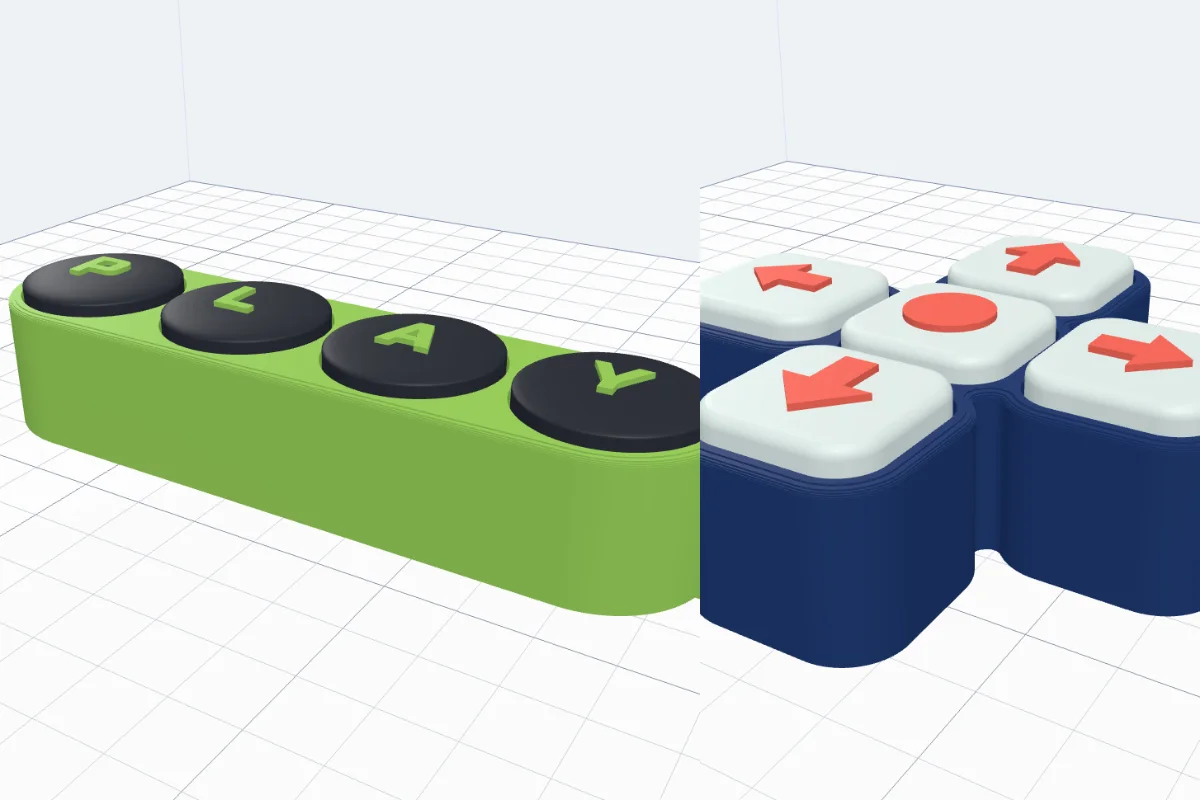 4:49
4:49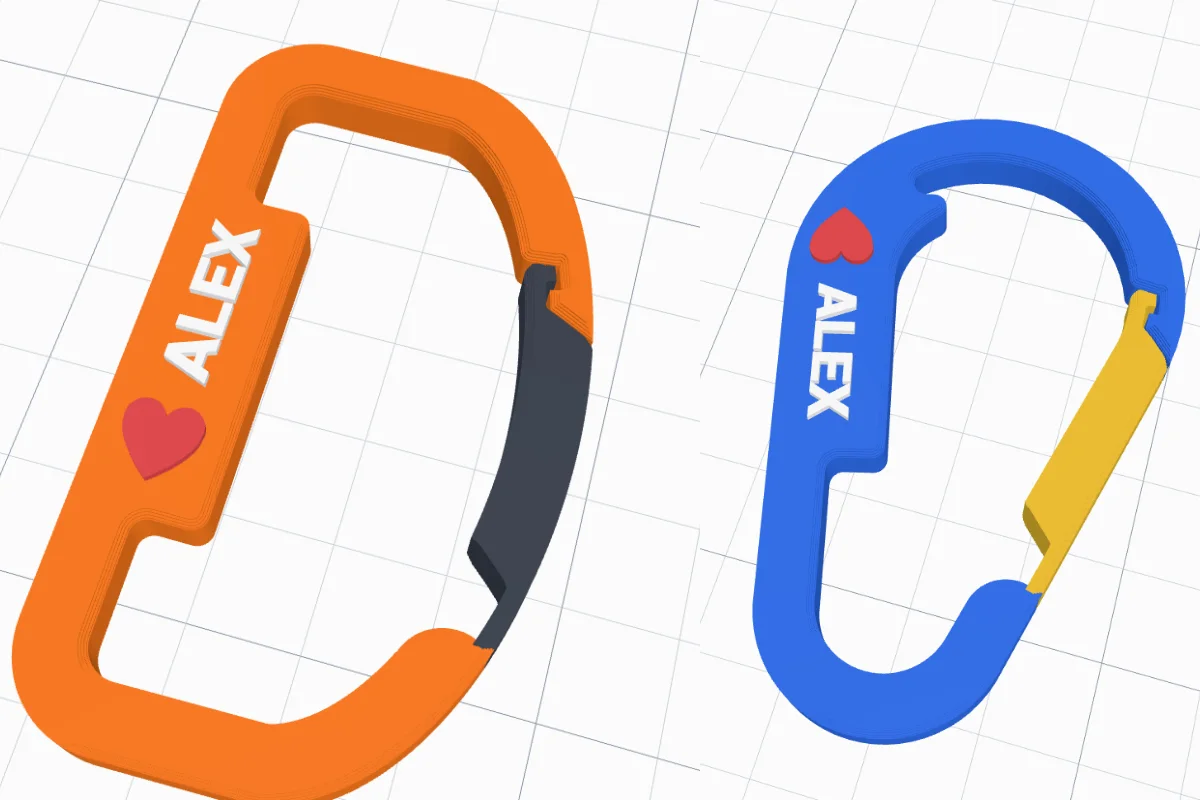 3:04
3:04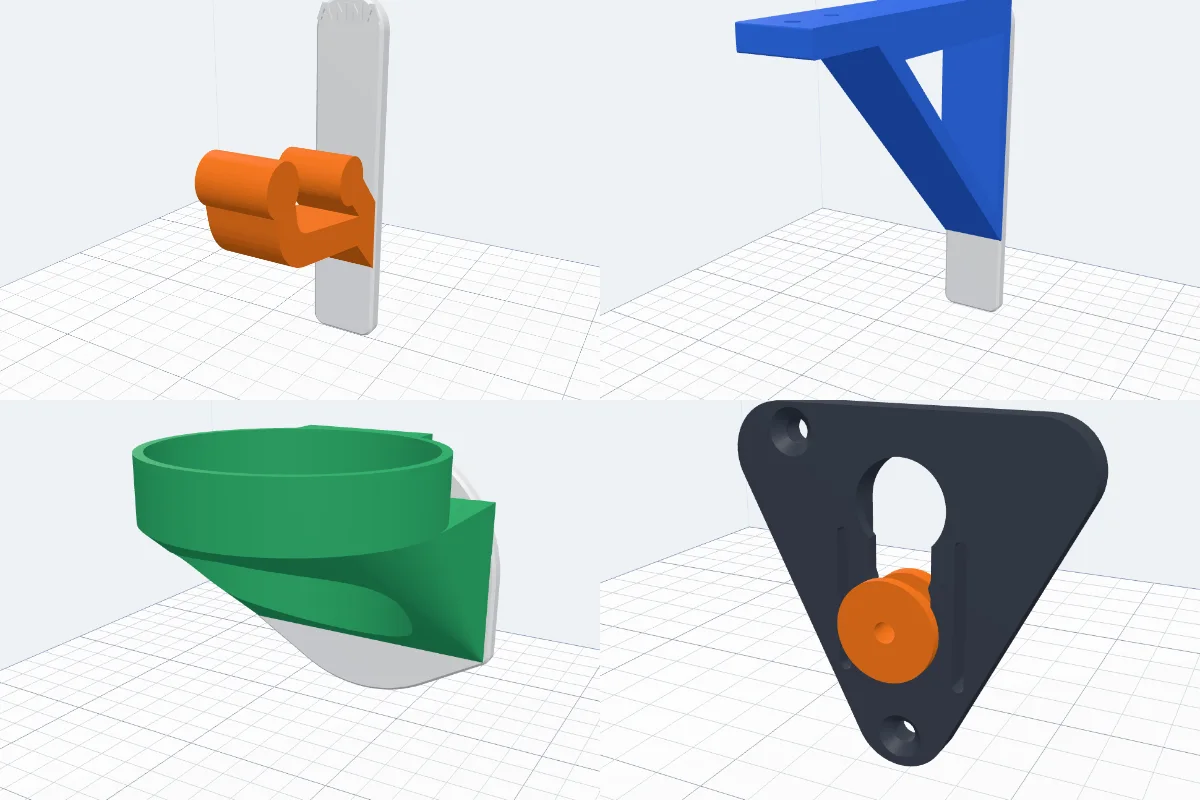 4:24
4:24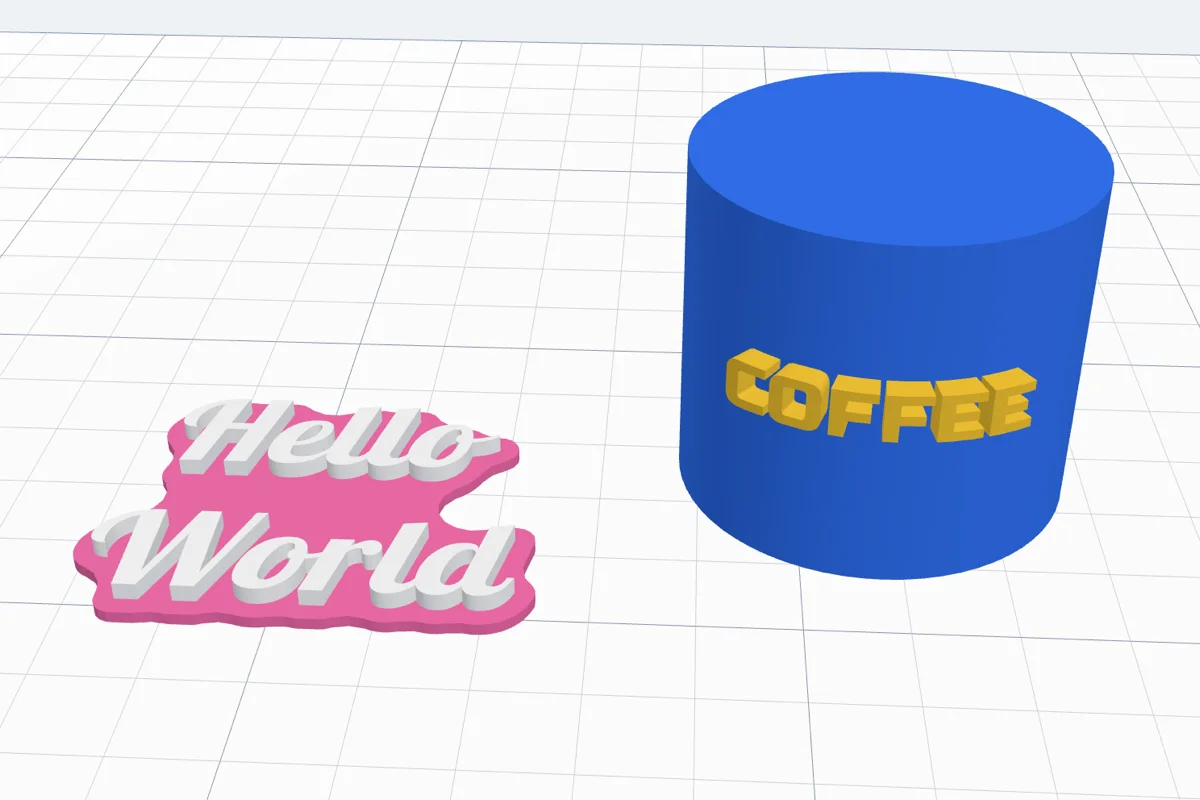 3:57
3:57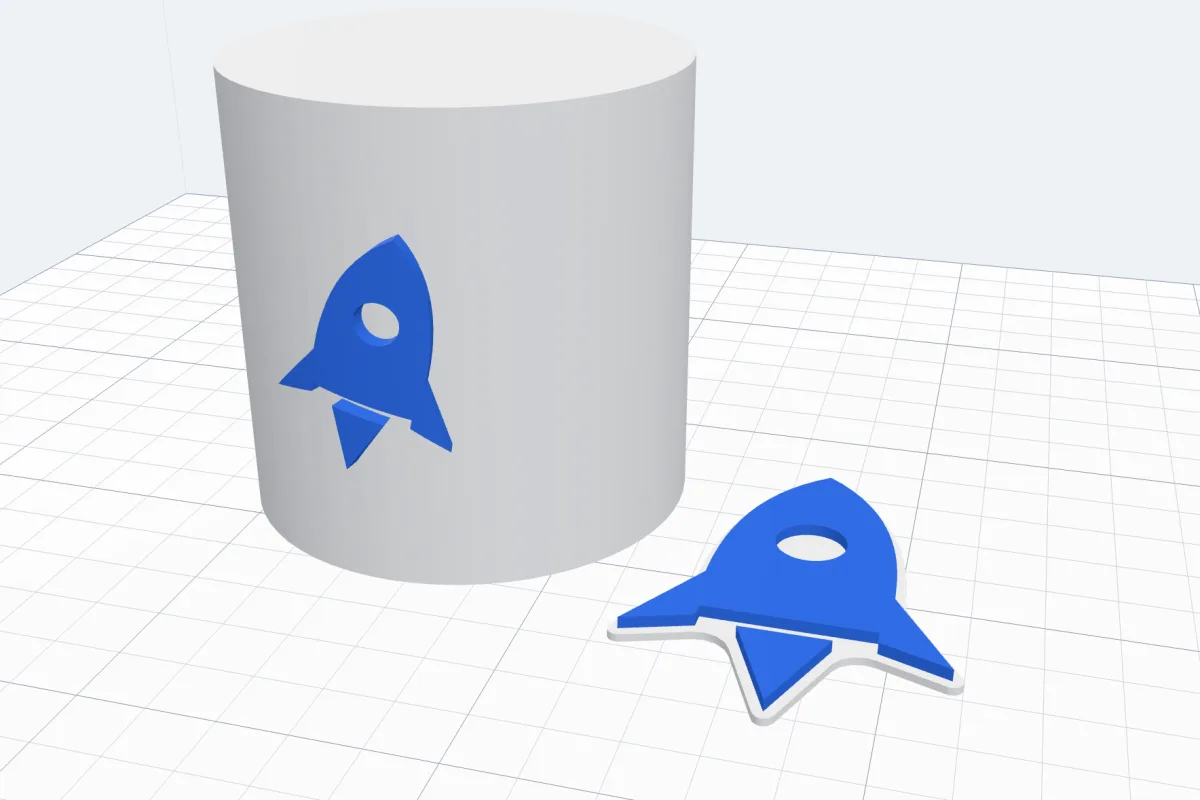 3:19
3:19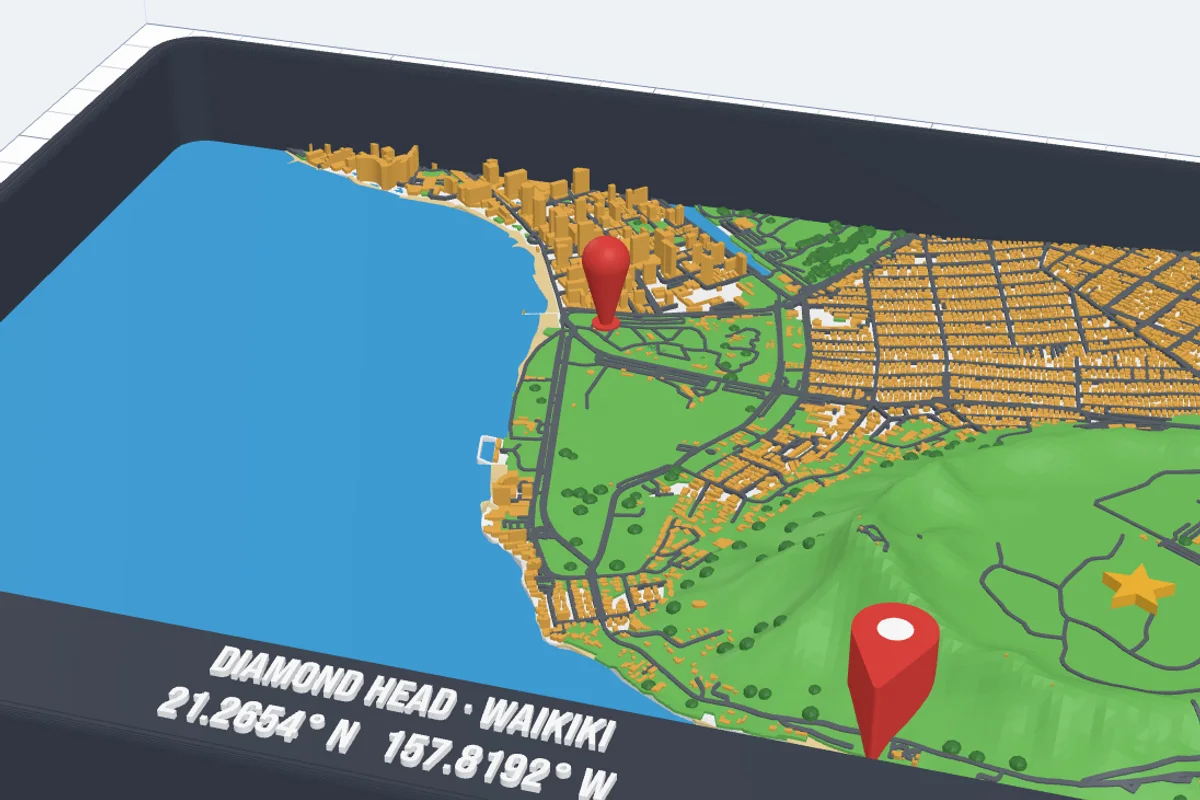 5:22
5:22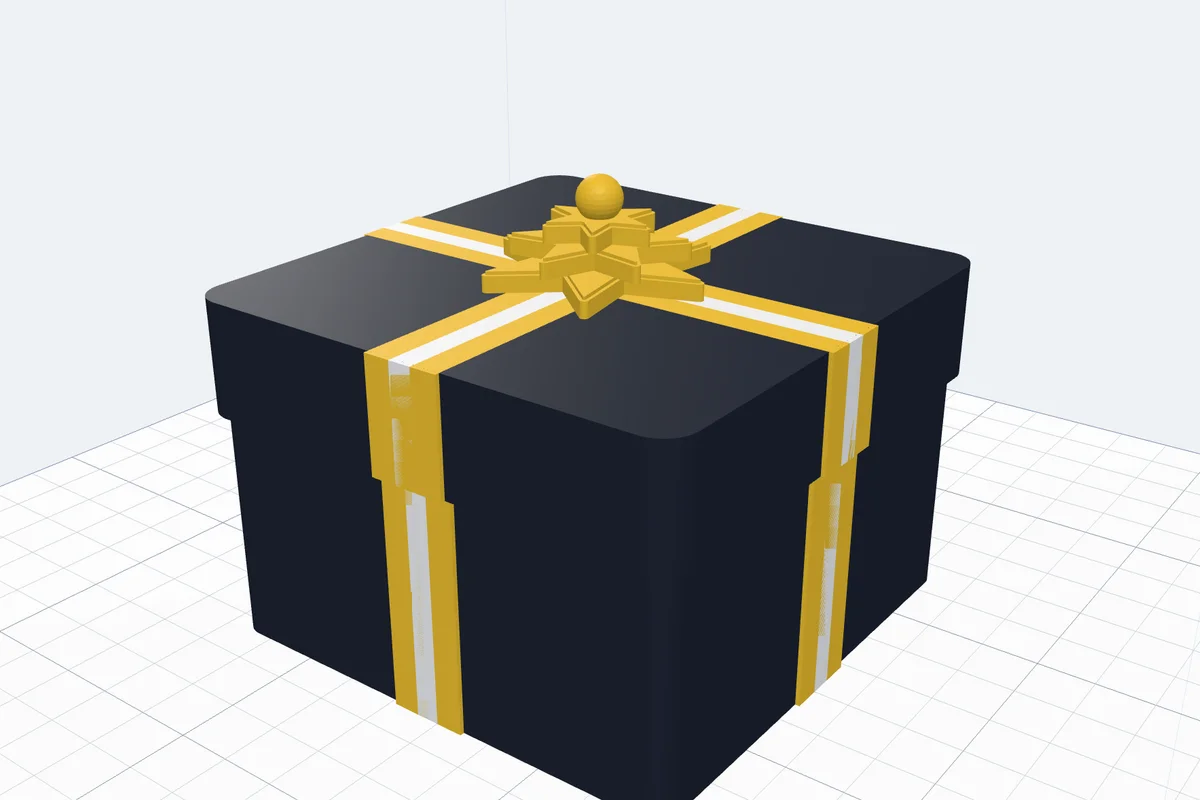 6:12
6:12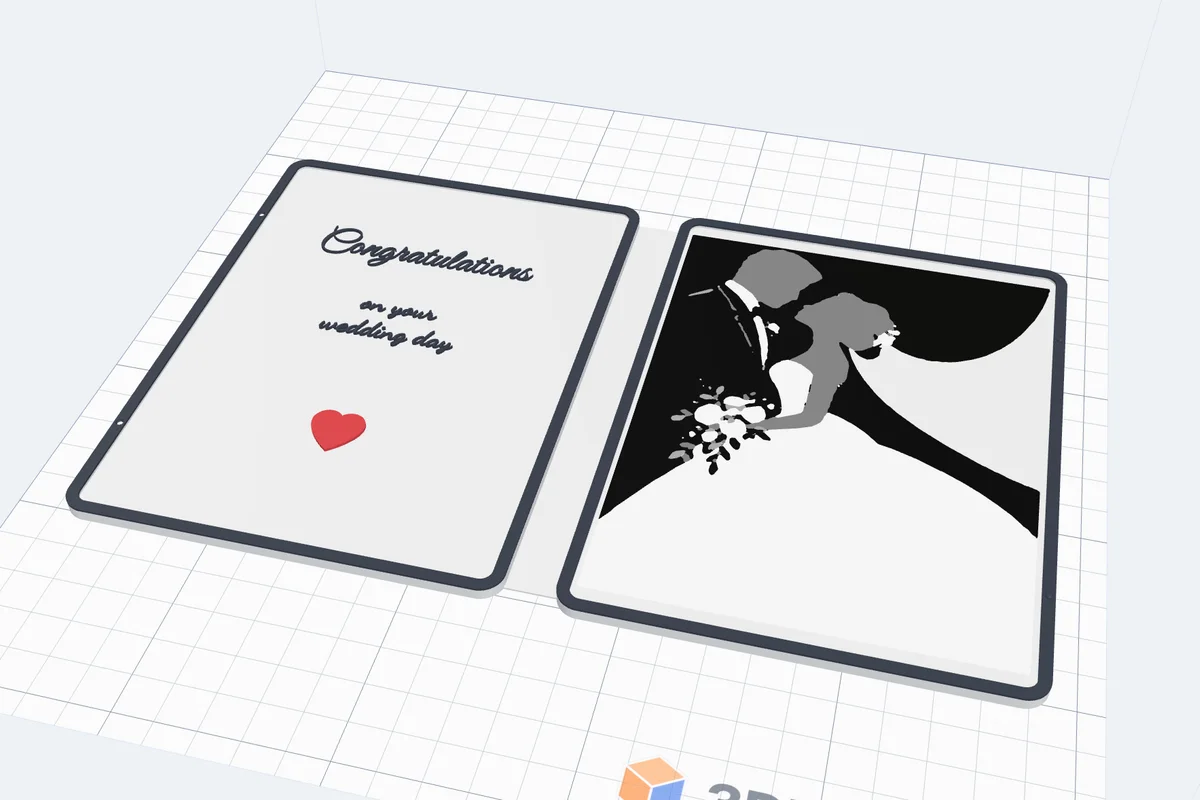 6:43
6:43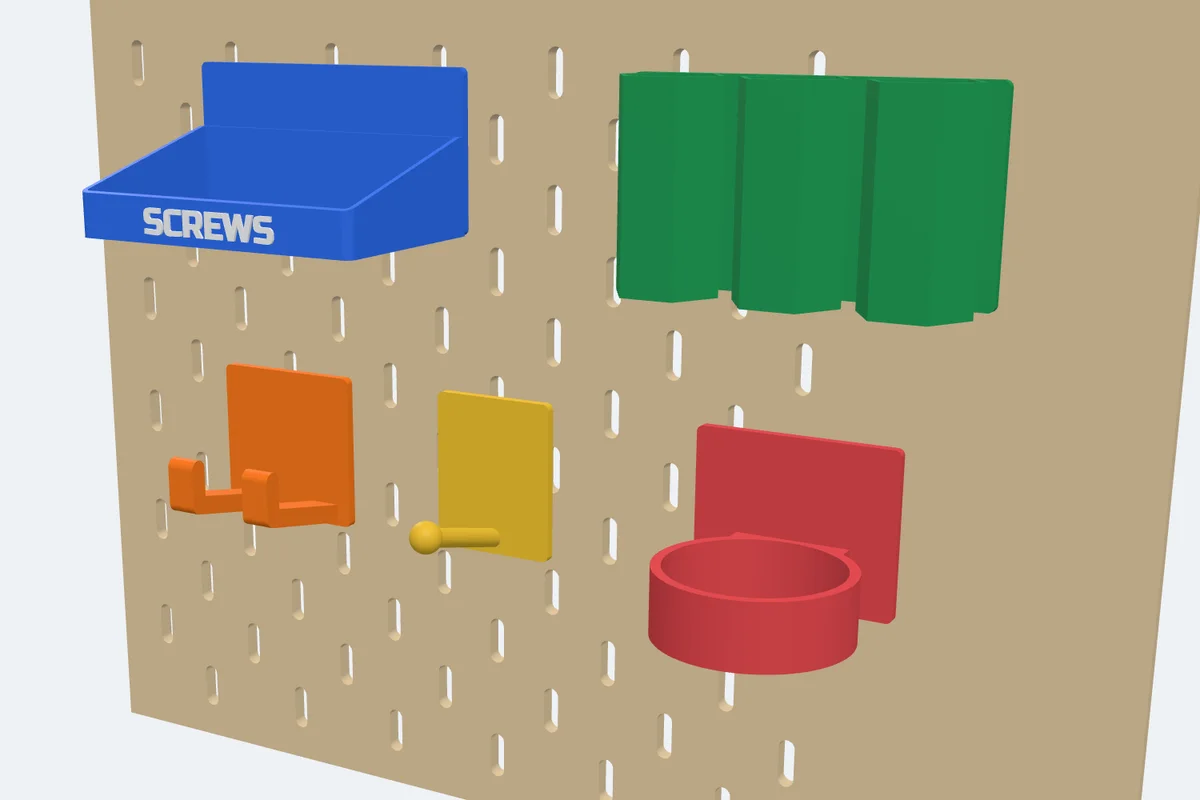 4:34
4:34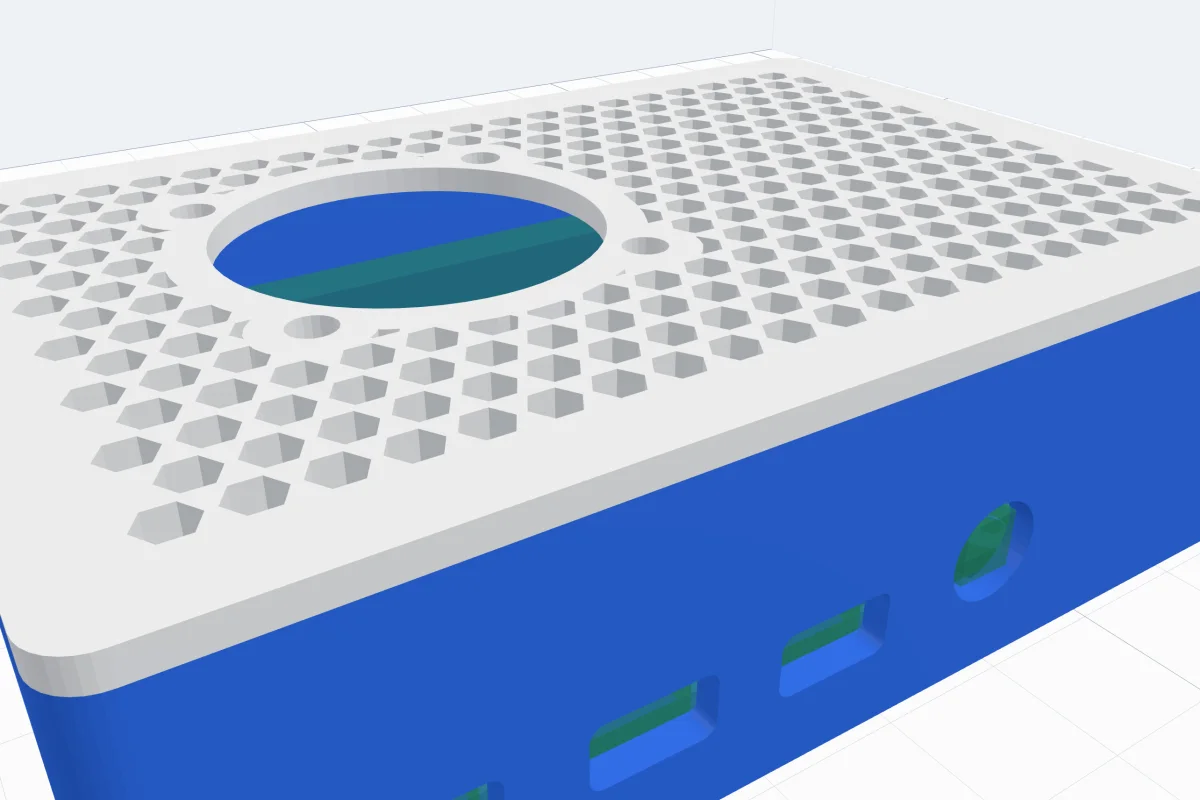 4:05
4:05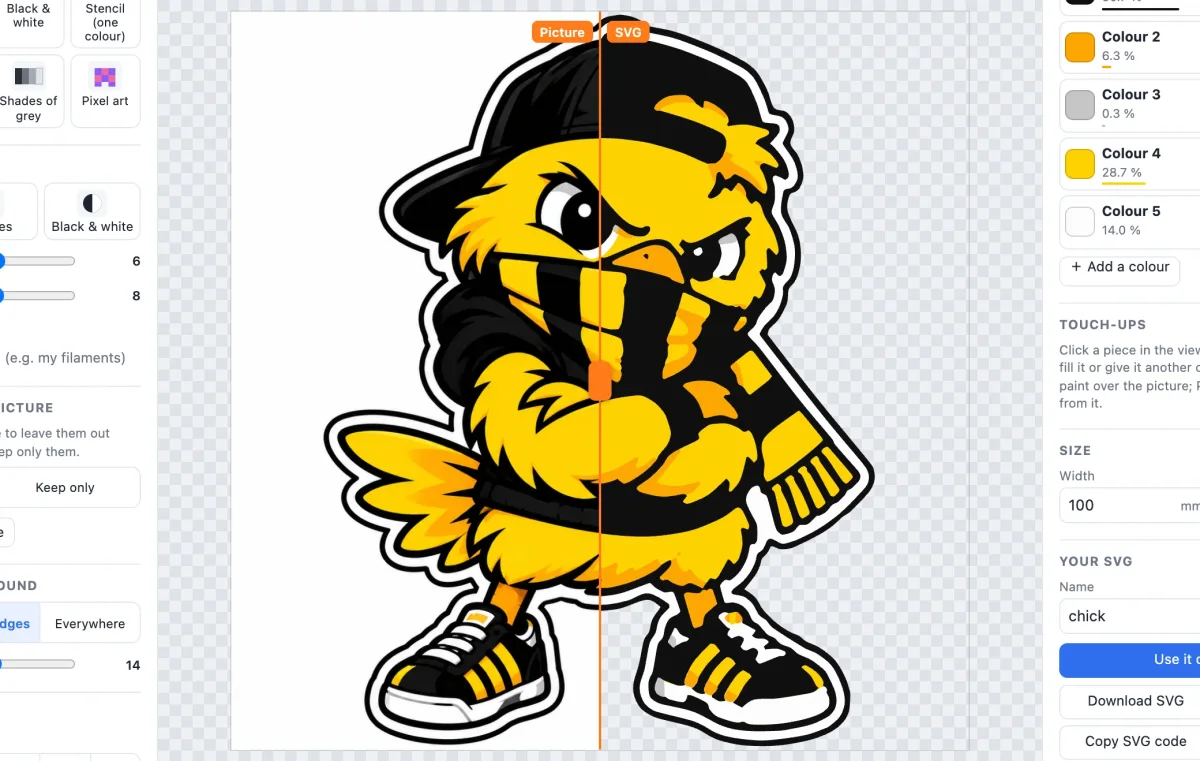 7:43
7:43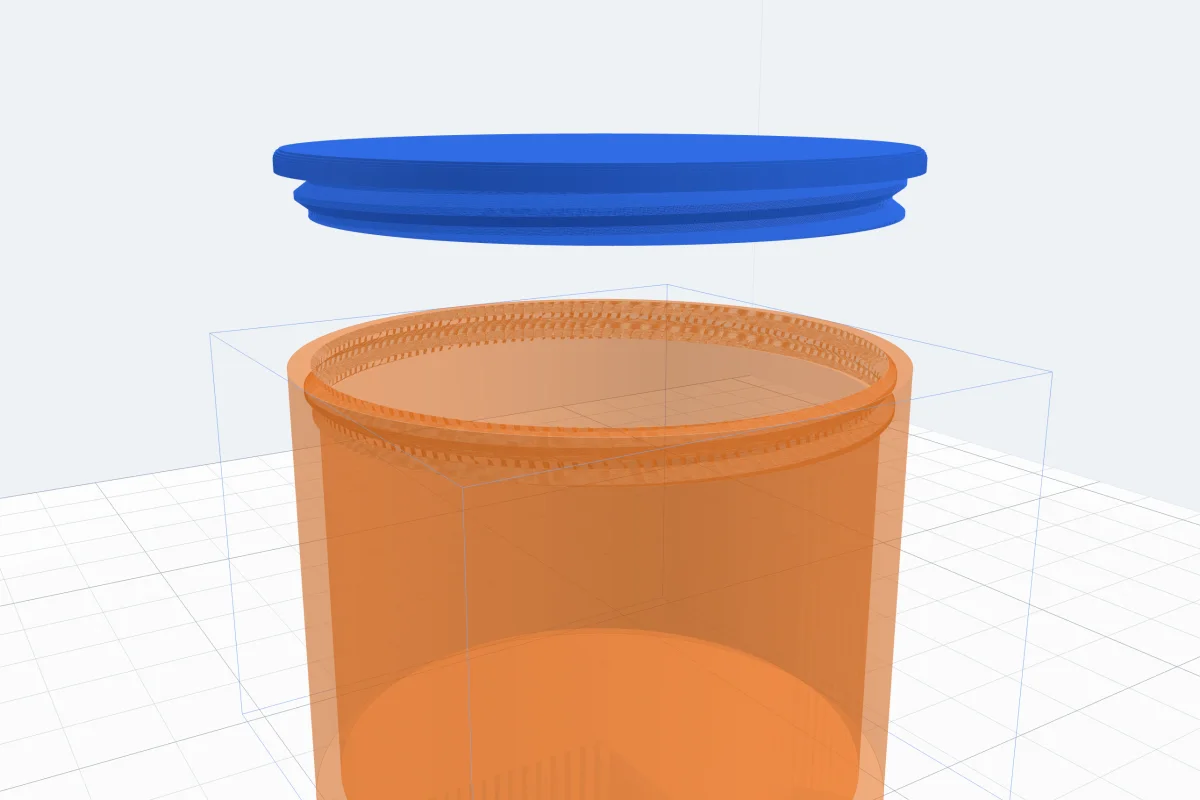 3:53
3:53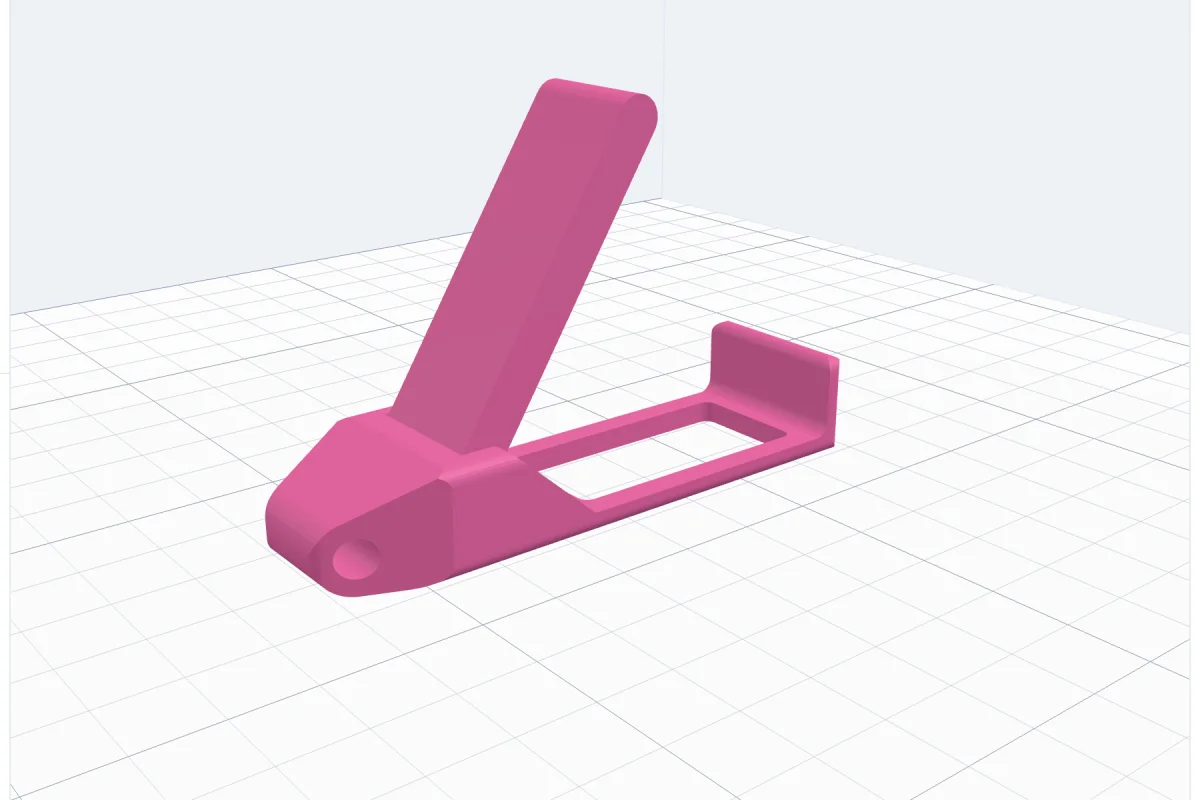 4:20
4:20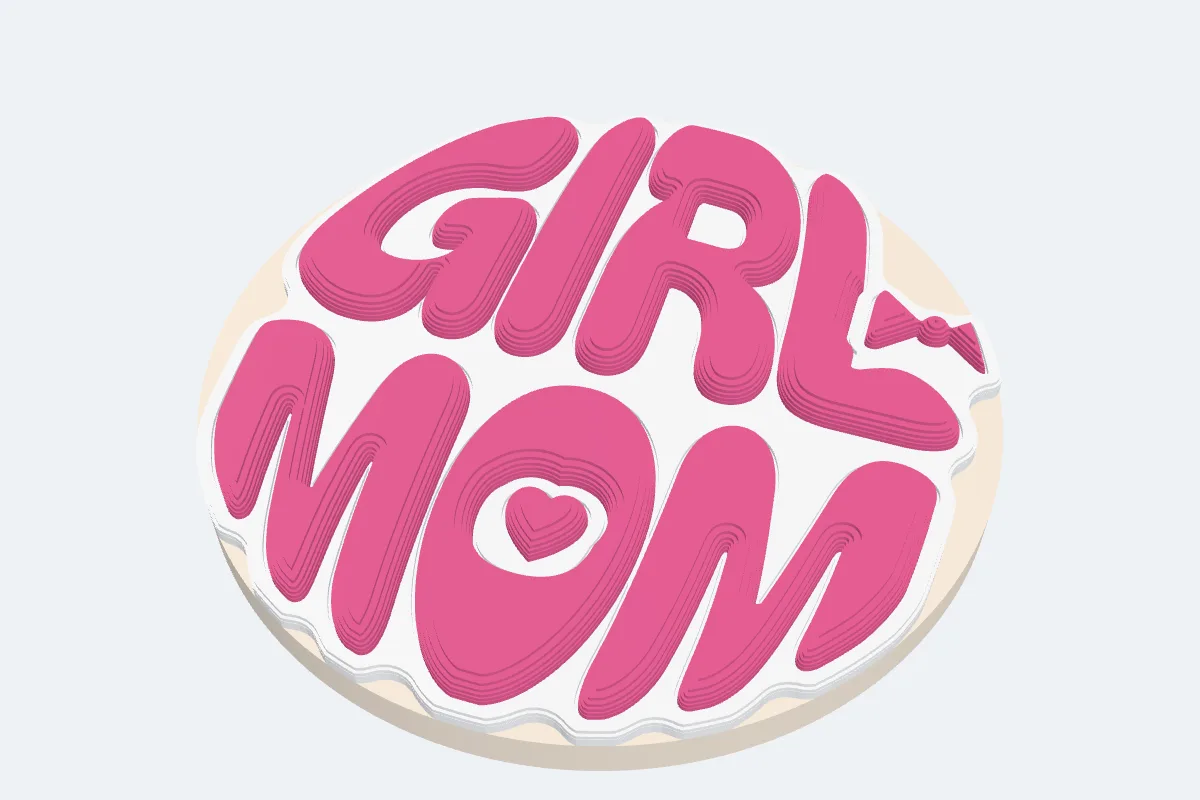 4:01
4:01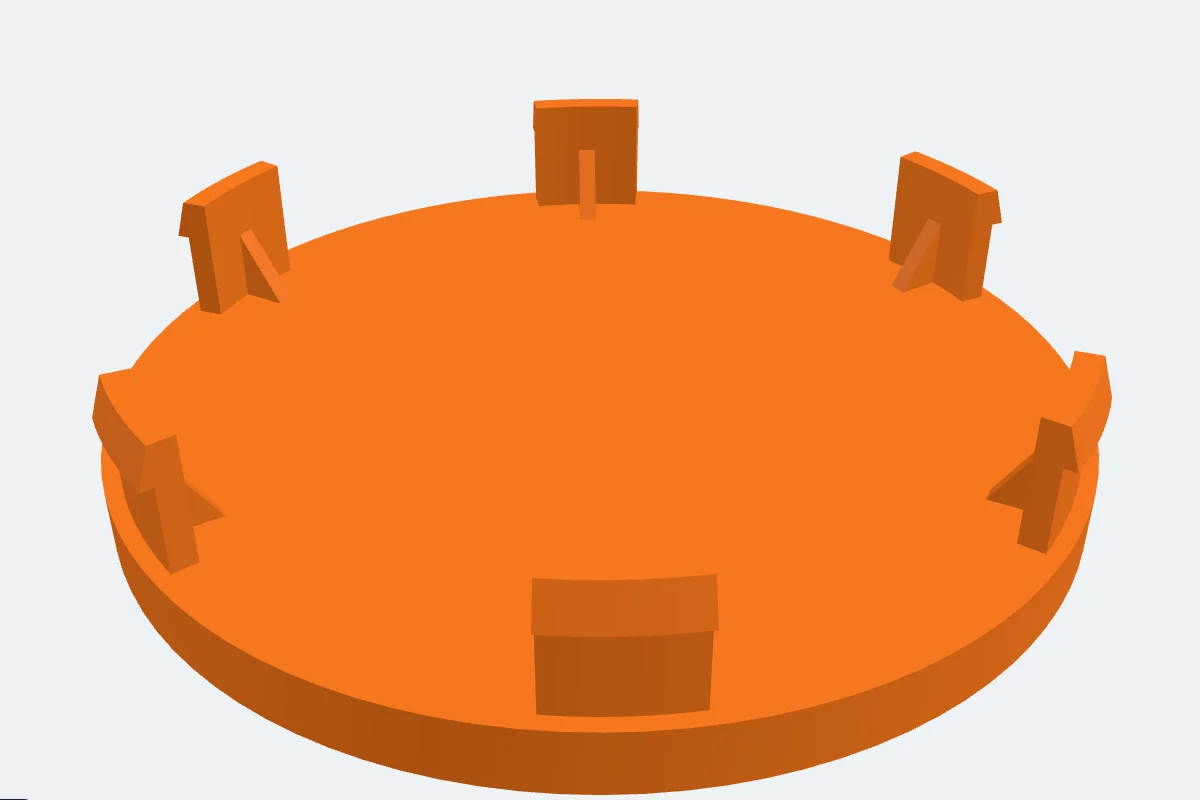 3:44
3:44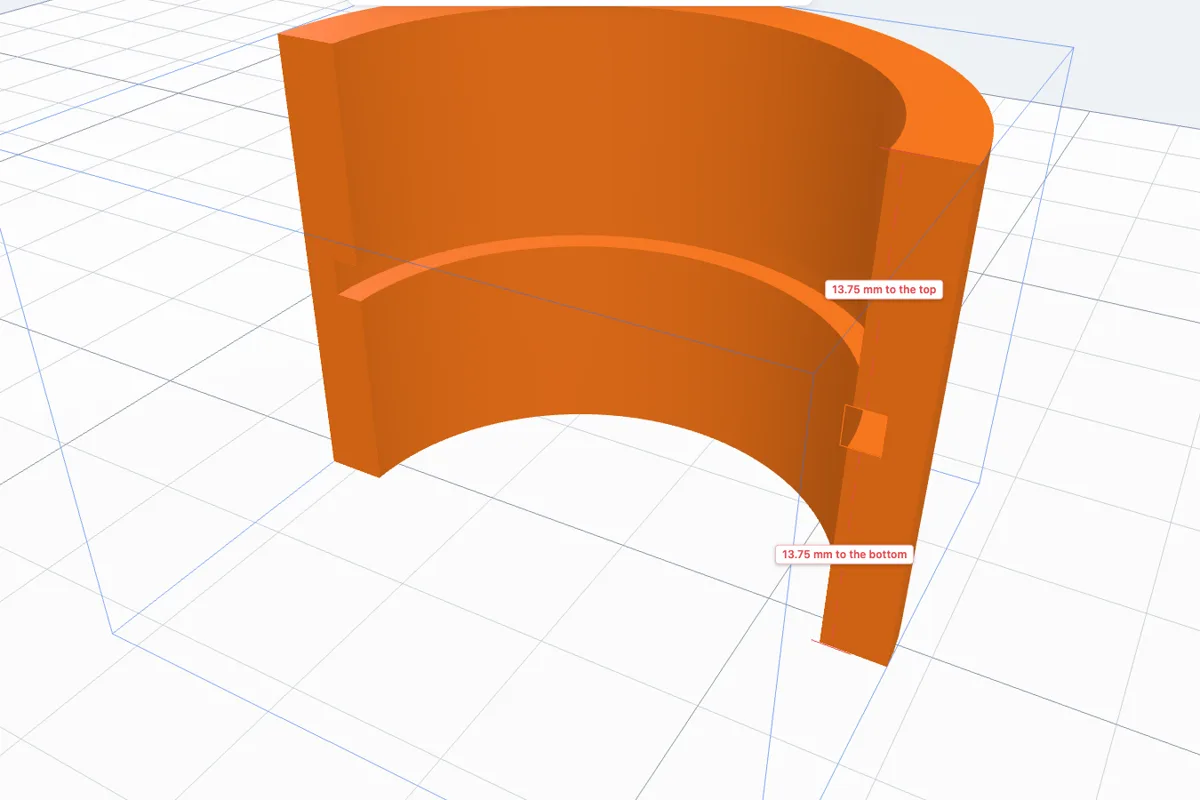 3:21
3:21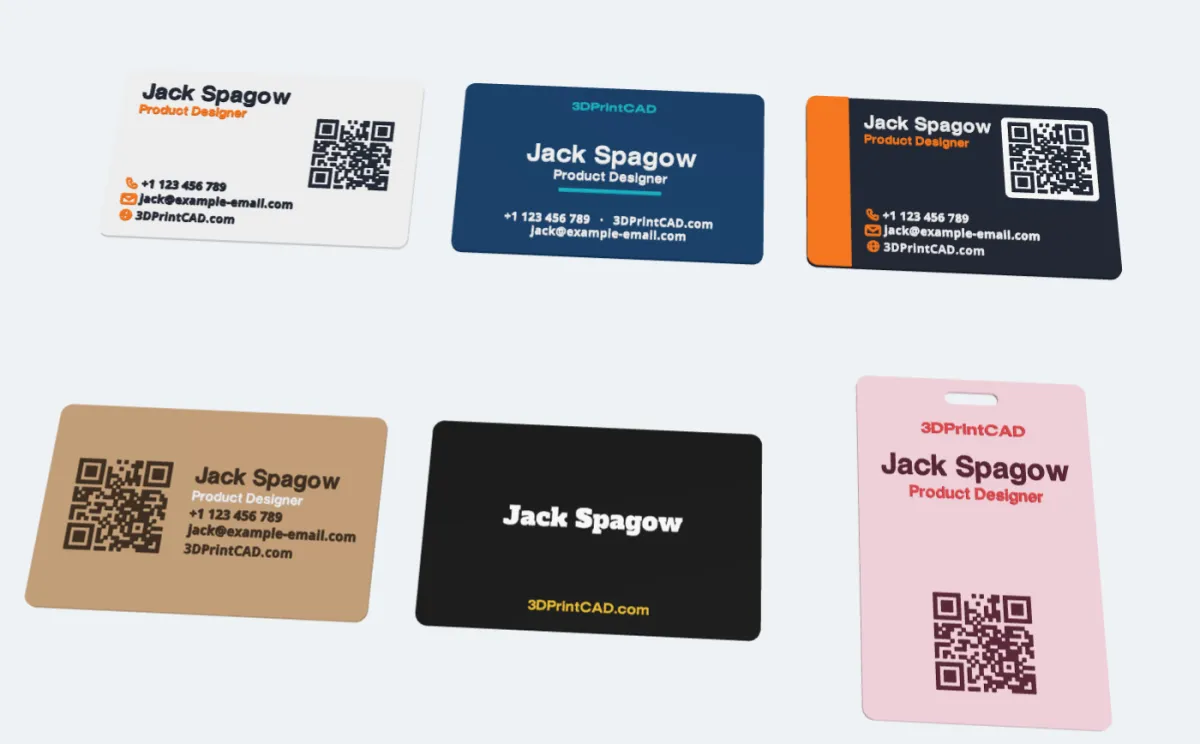 2:49
2:49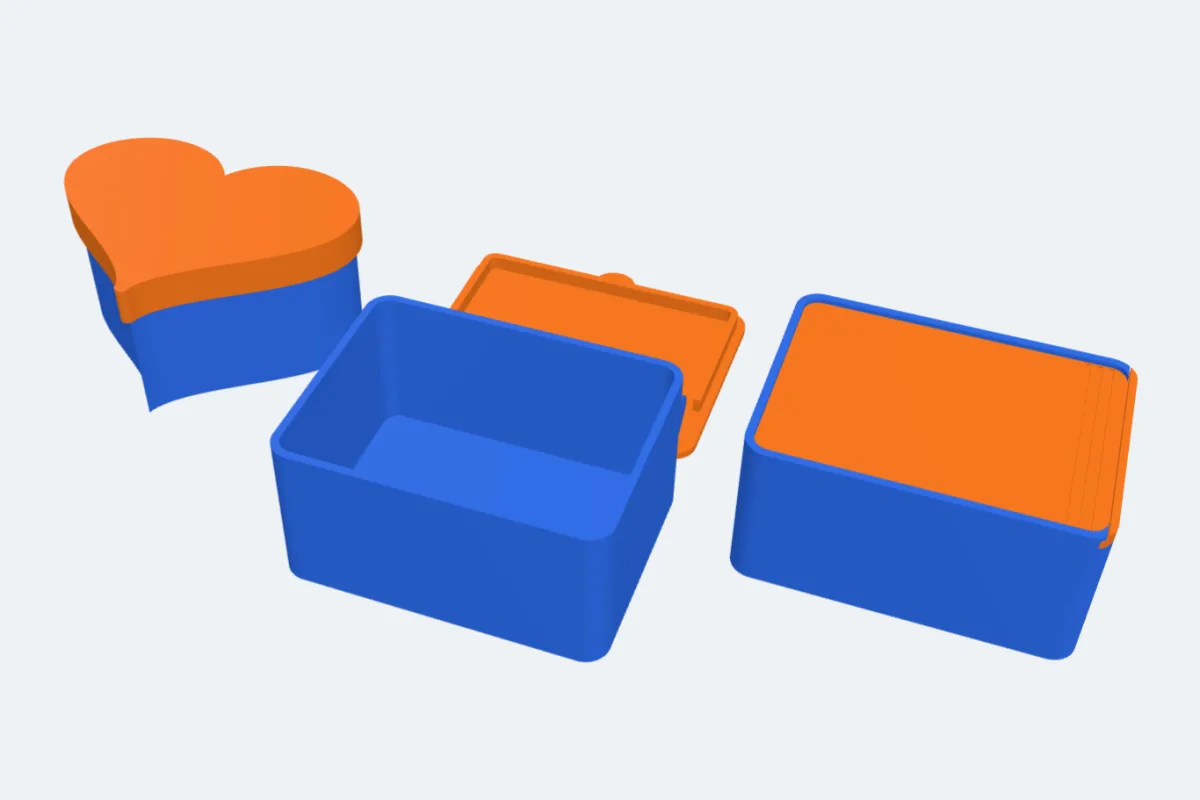 1:59
1:59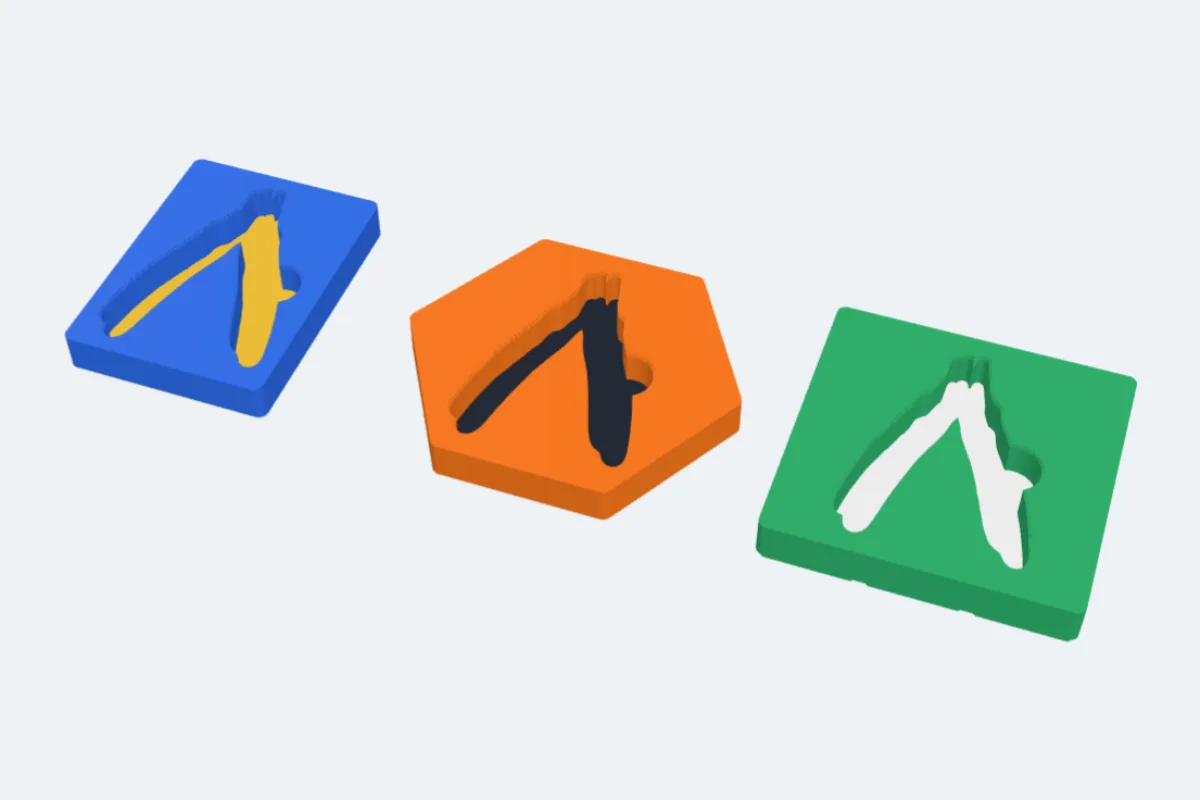 1:33
1:33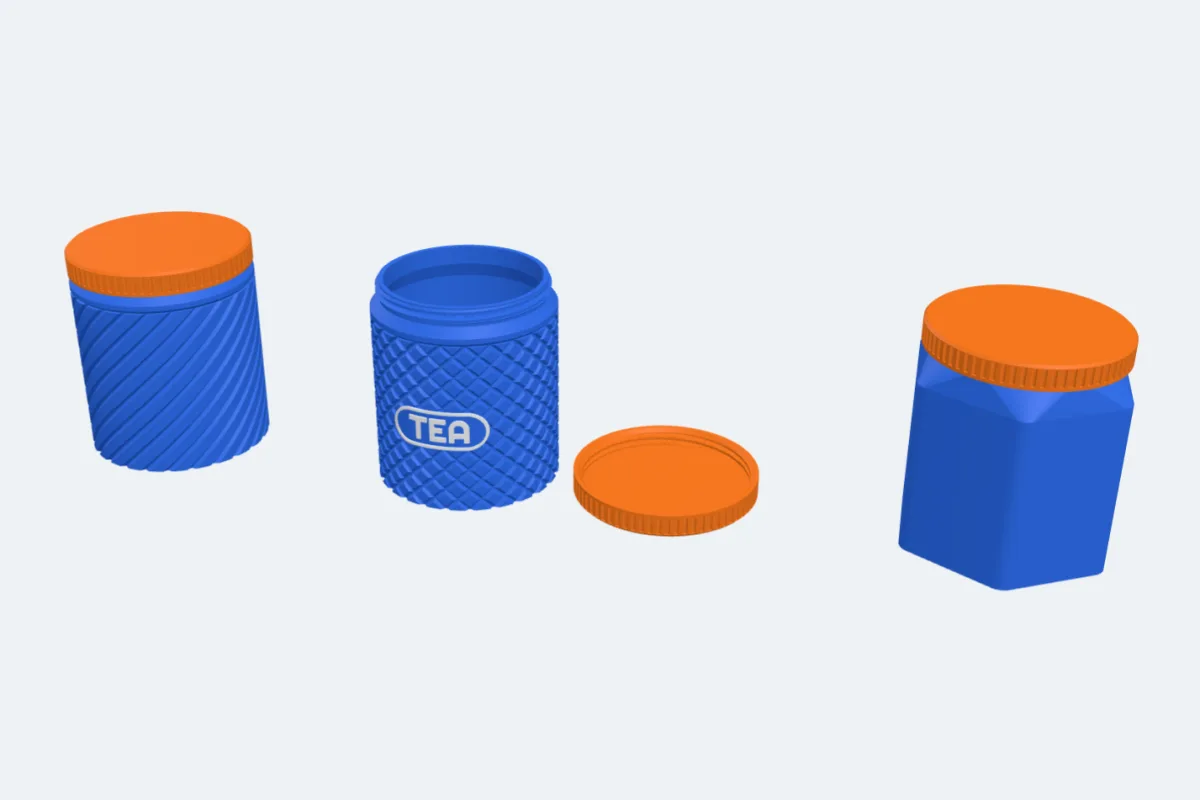 2:16
2:16 1:43
1:43 1:40
1:40 1:55
1:55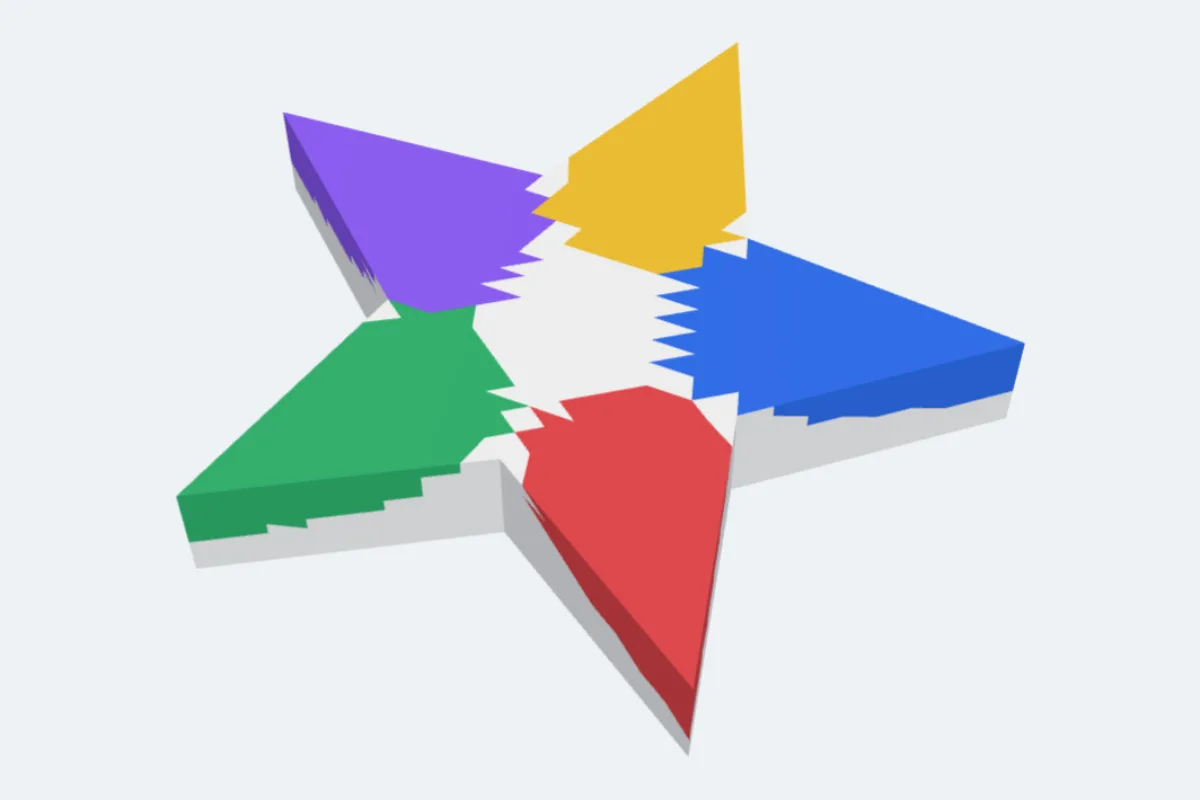 2:16
2:16 3:19
3:19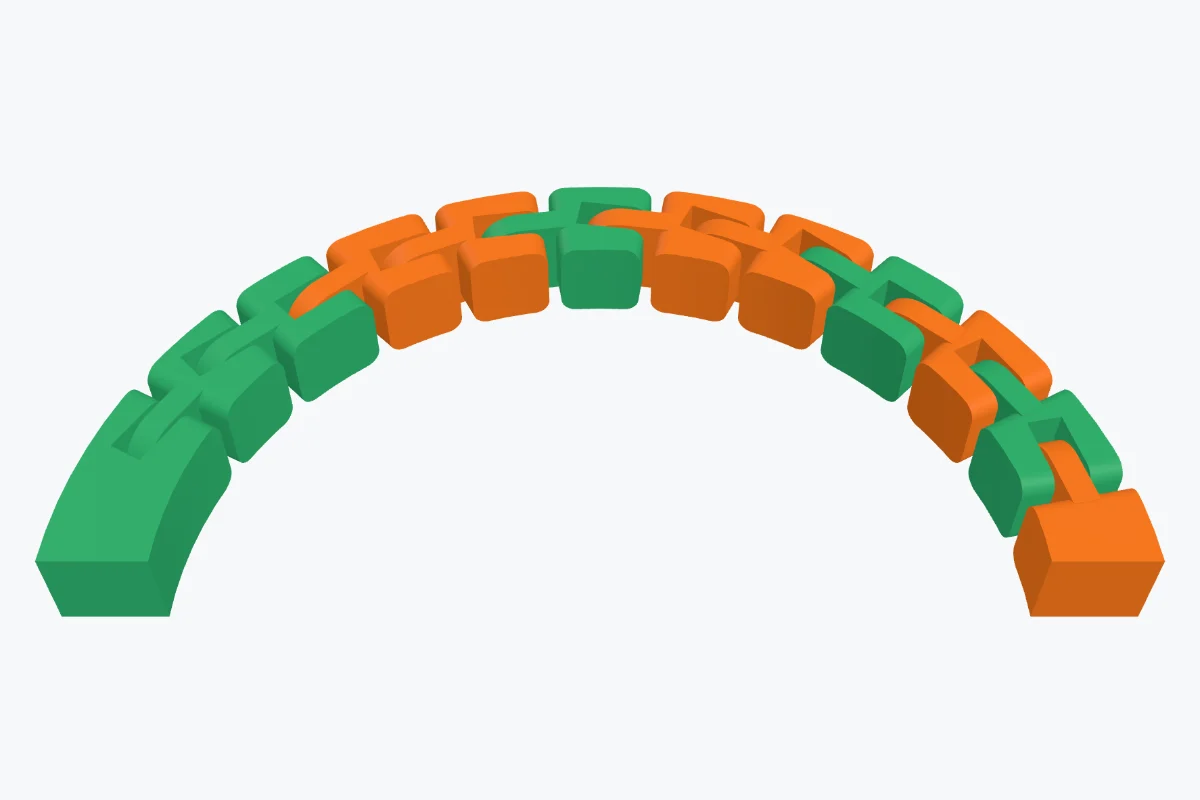 7:36
7:36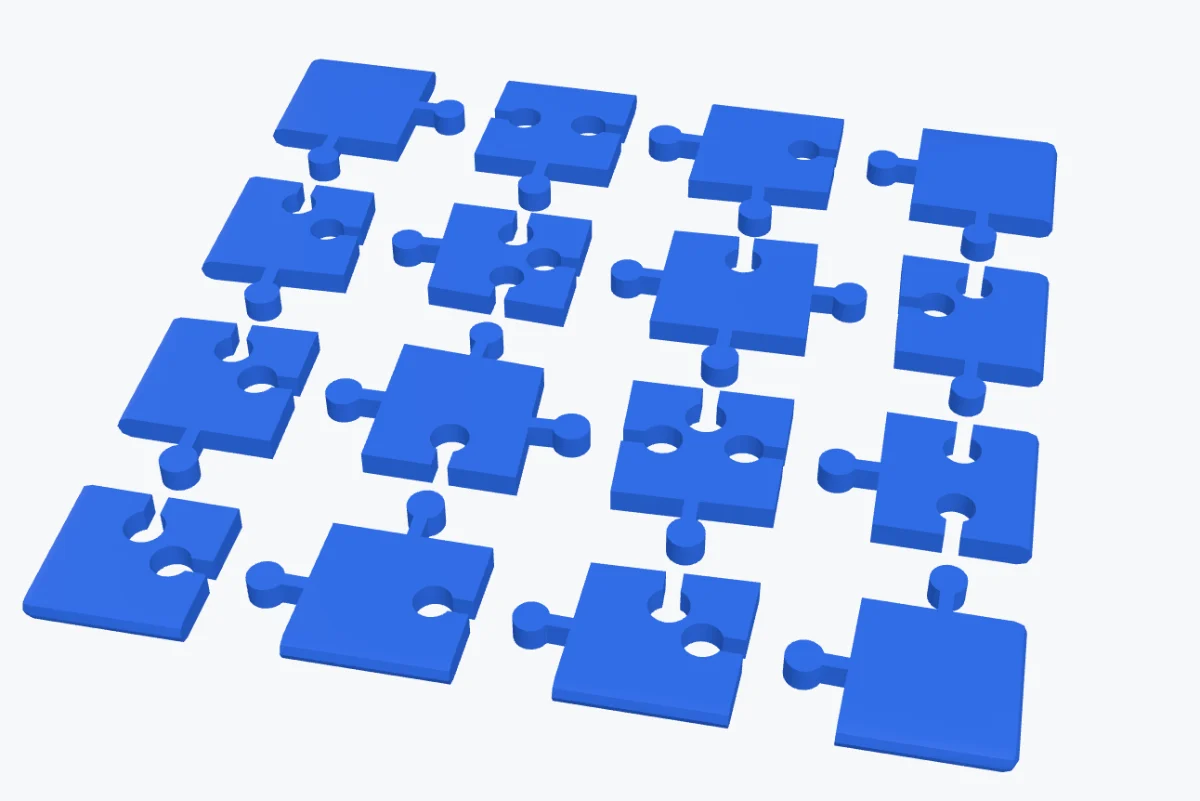 5:24
5:24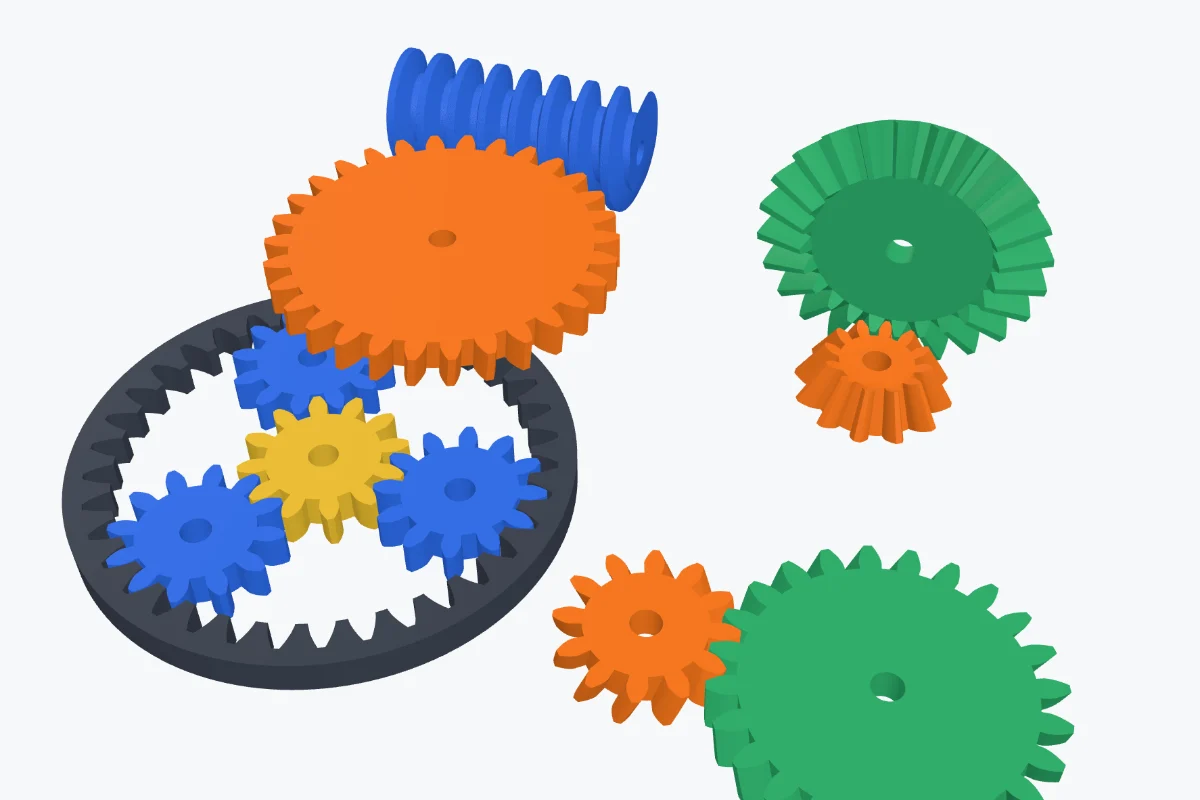 3:18
3:18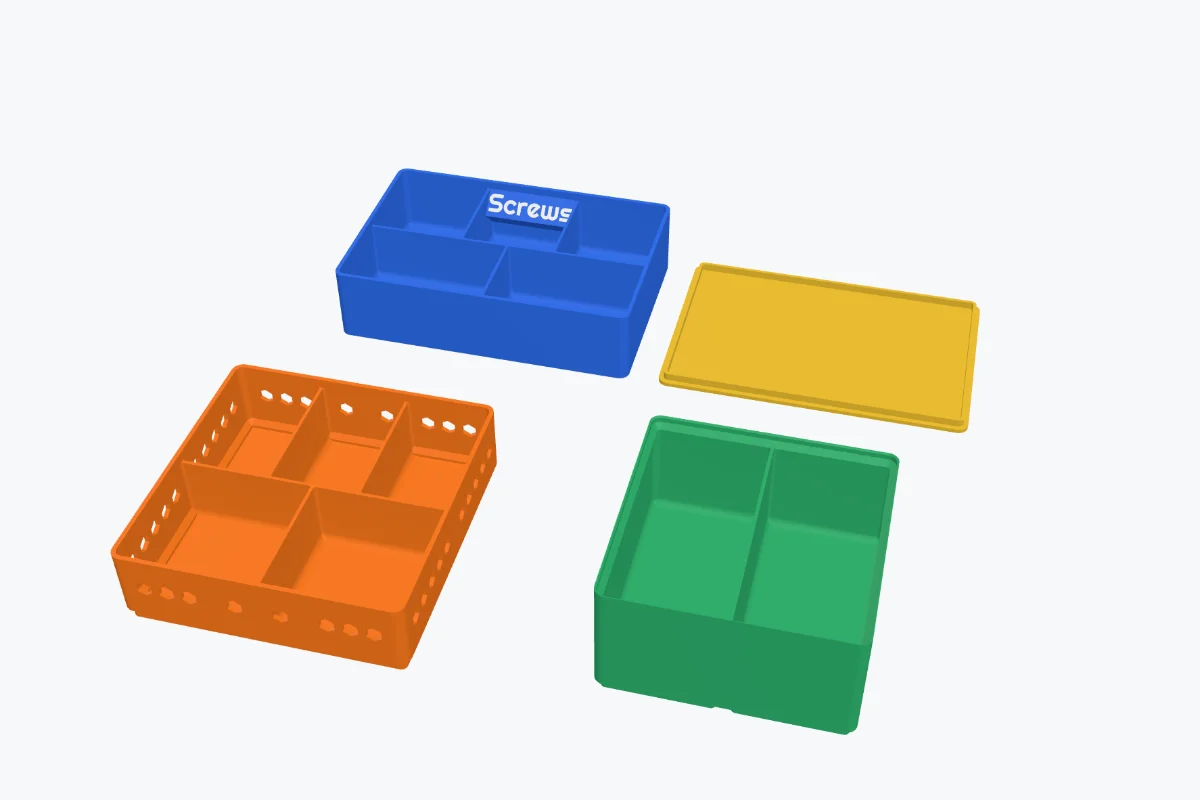 3:22
3:22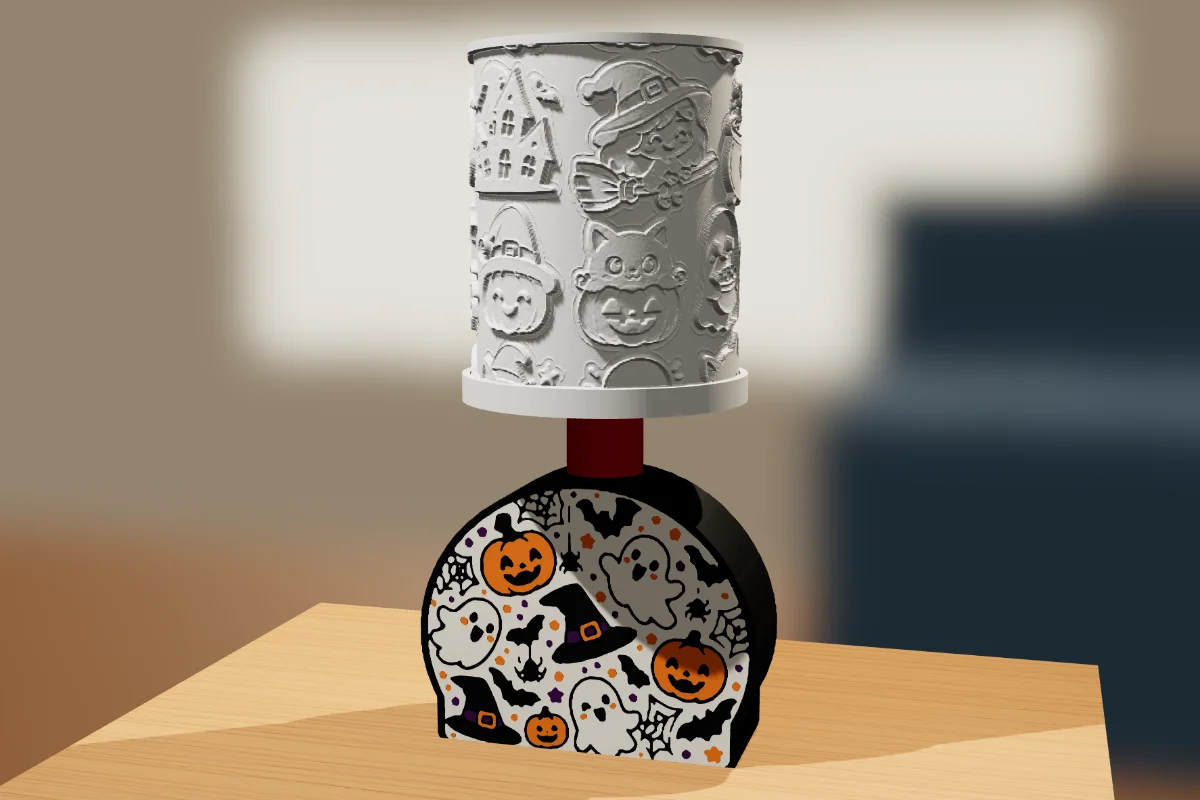 4:51
4:51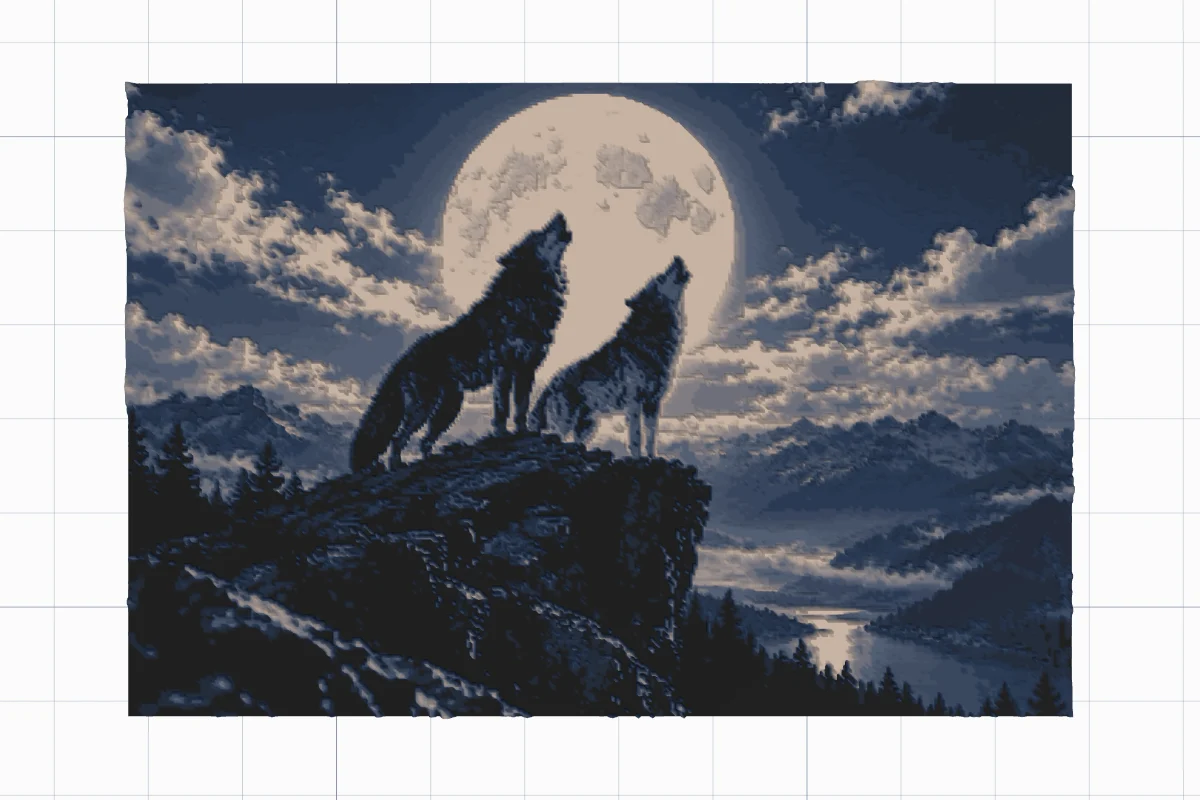 2:28
2:28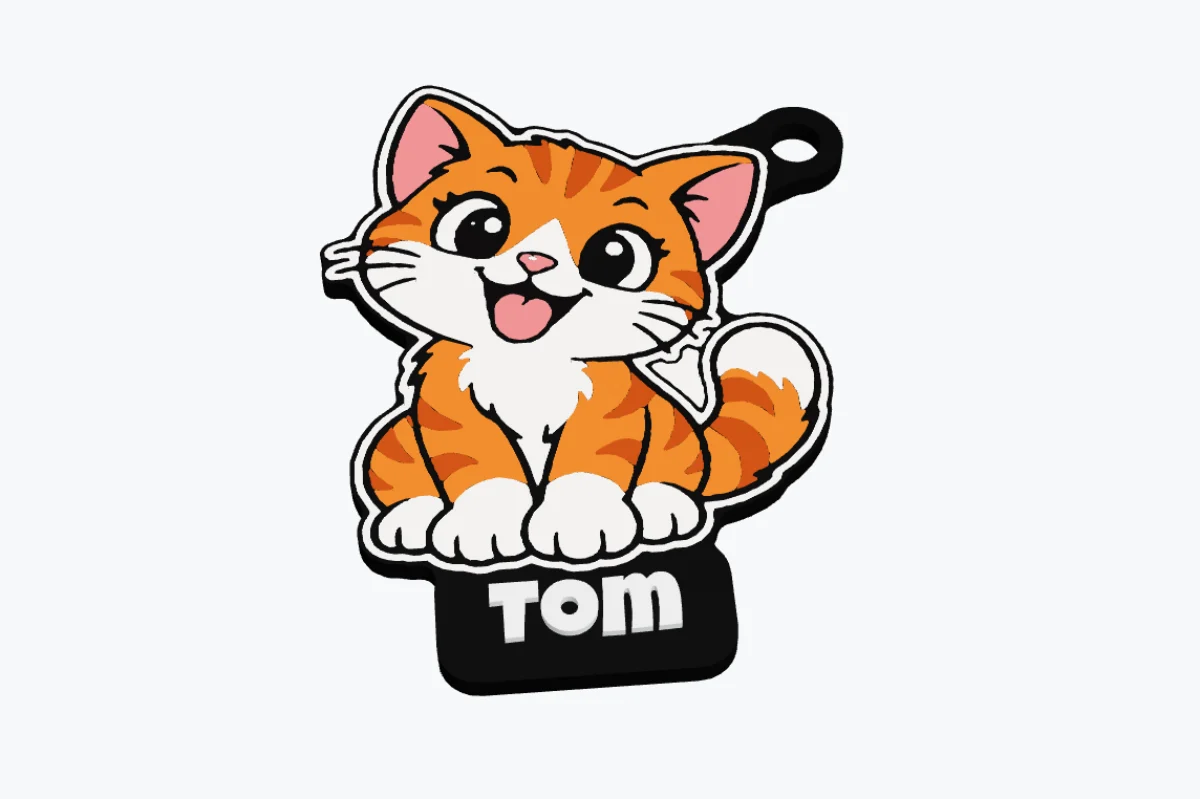 VIDEO
VIDEO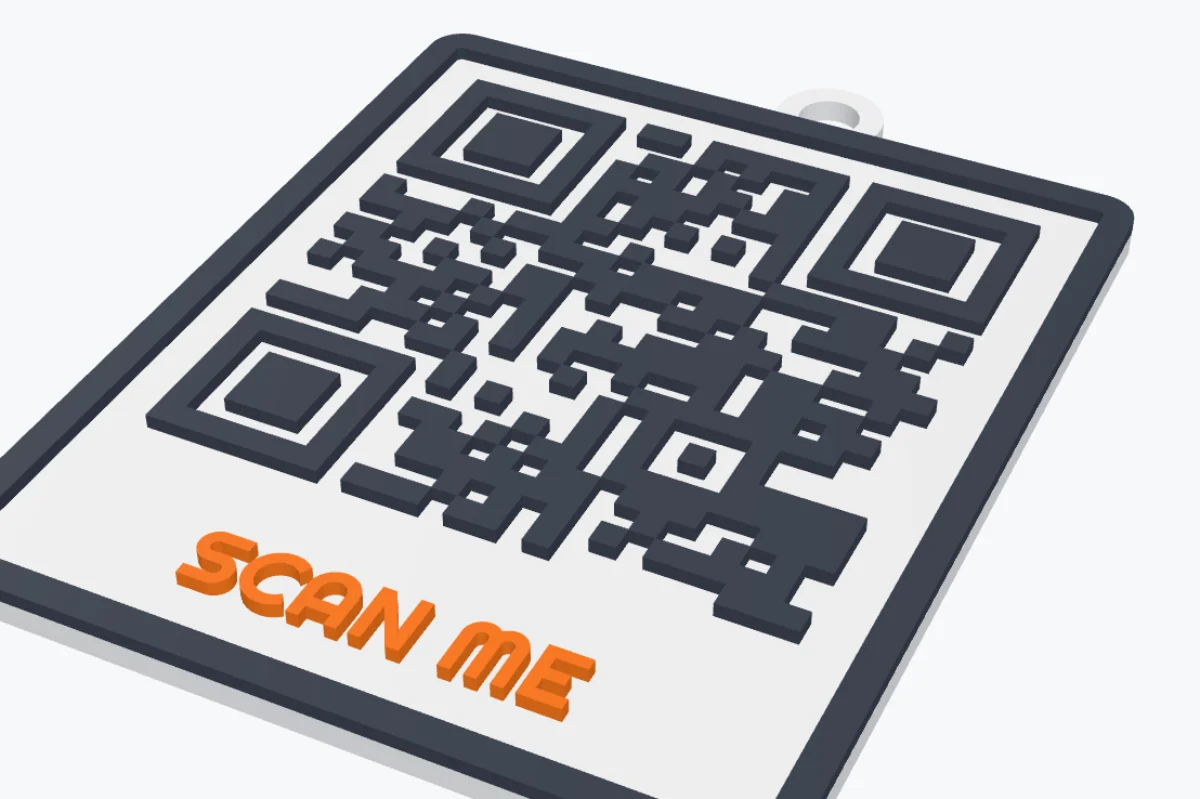 VIDEO
VIDEO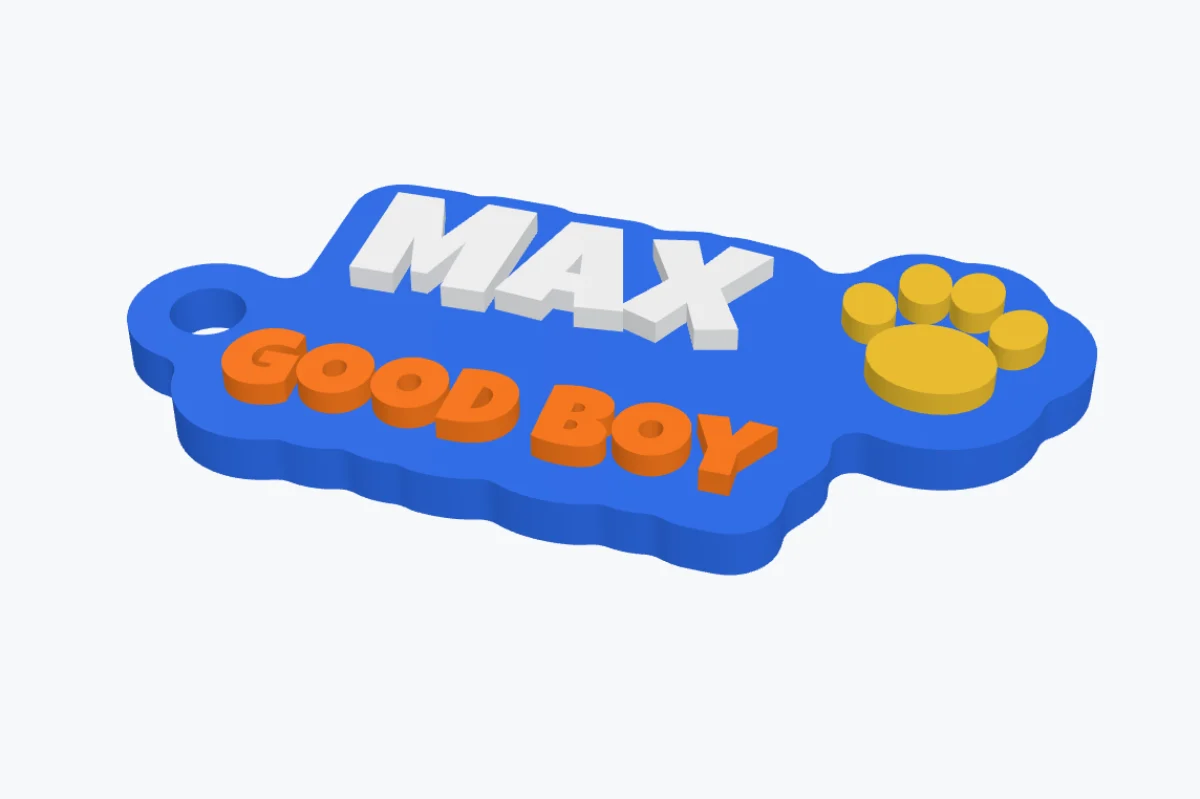 VIDEO
VIDEO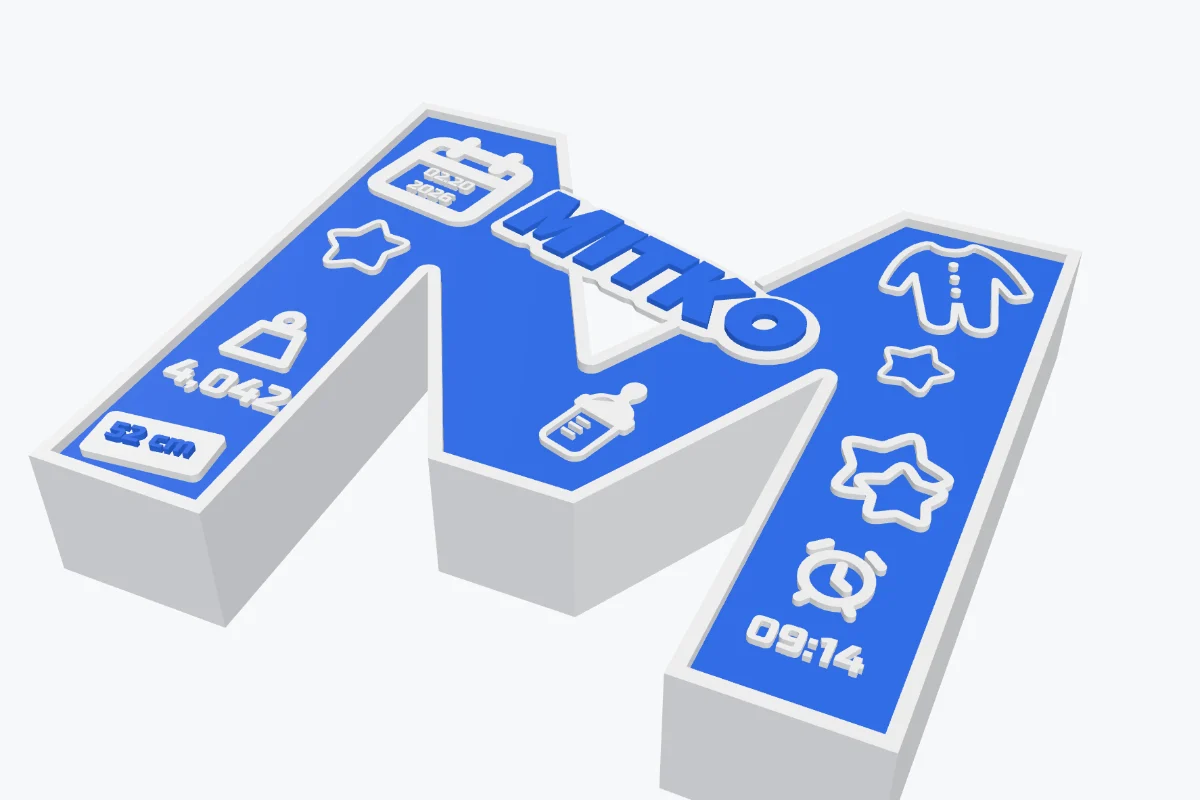 3:19
3:19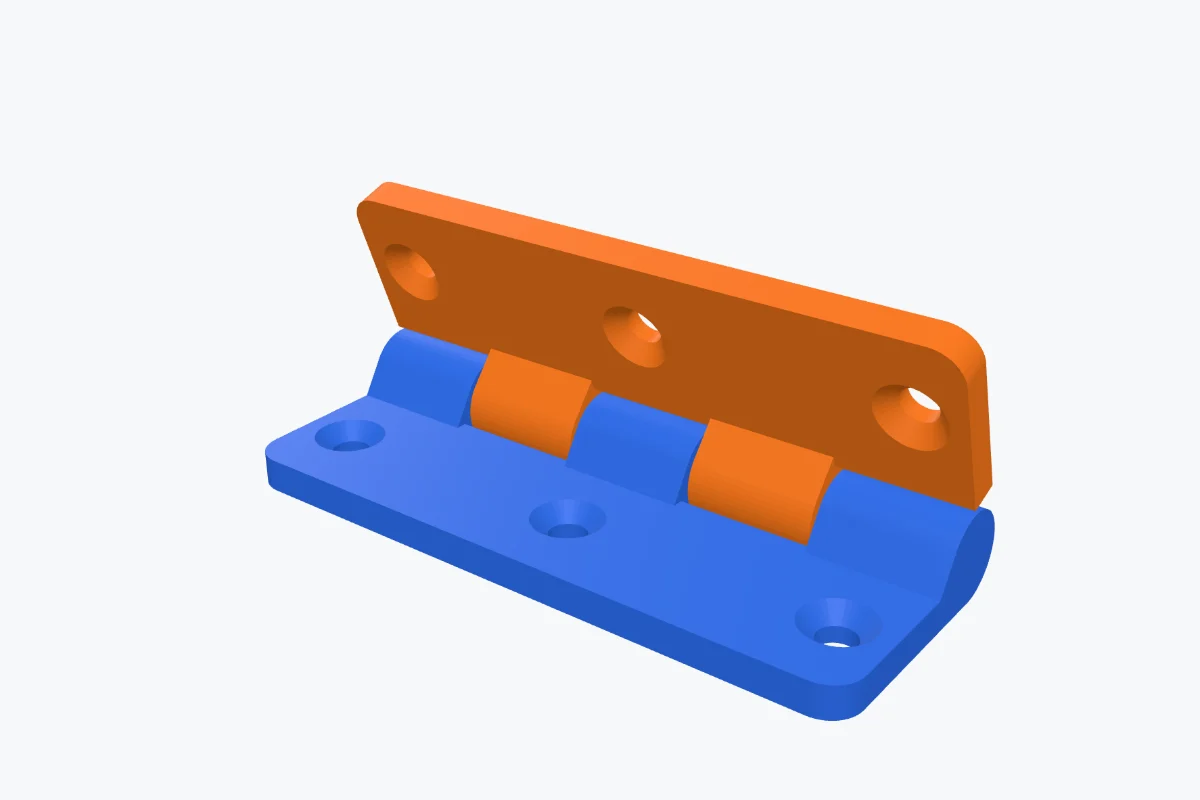 2:24
2:24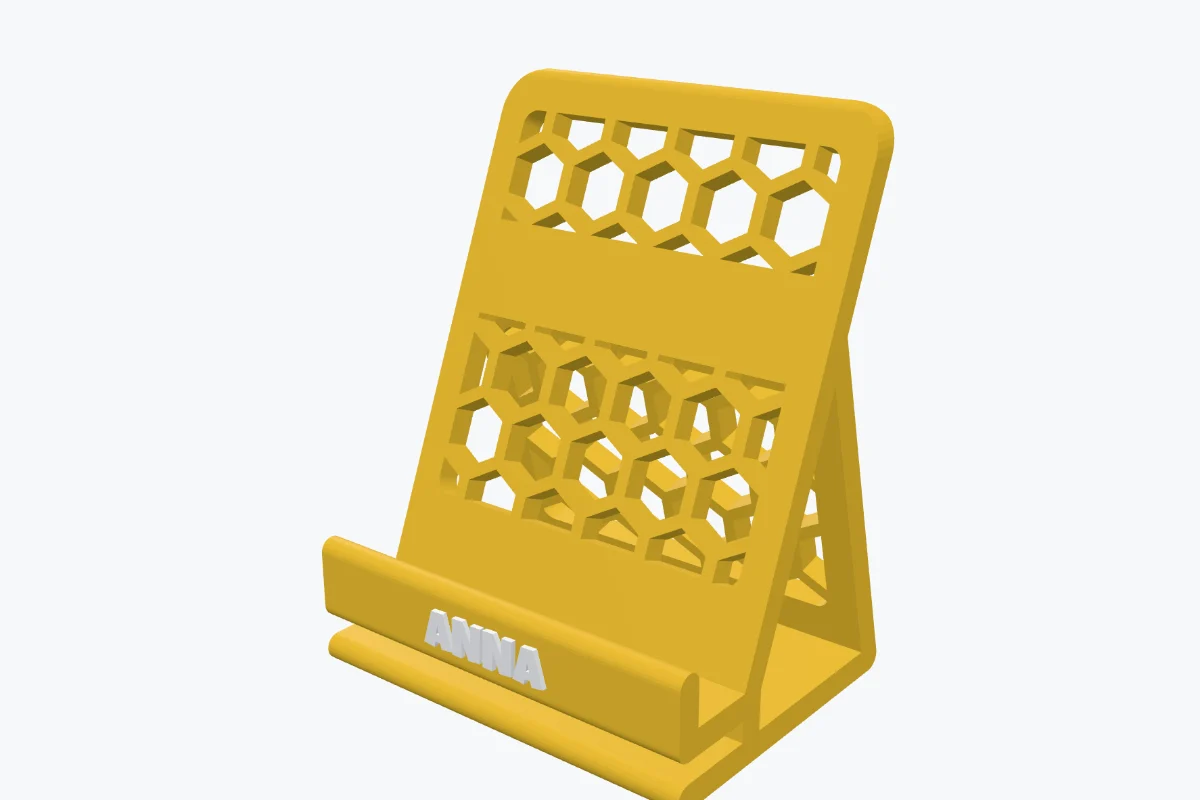 3:12
3:12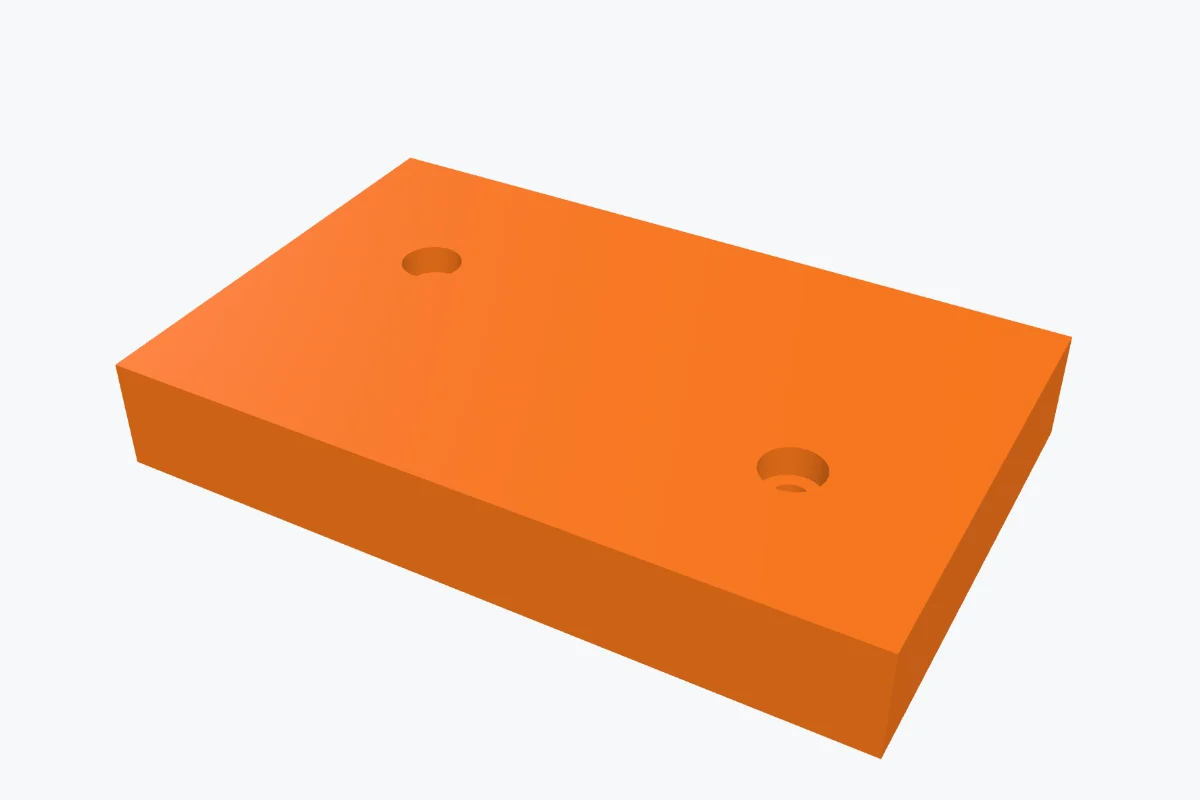 3:00
3:00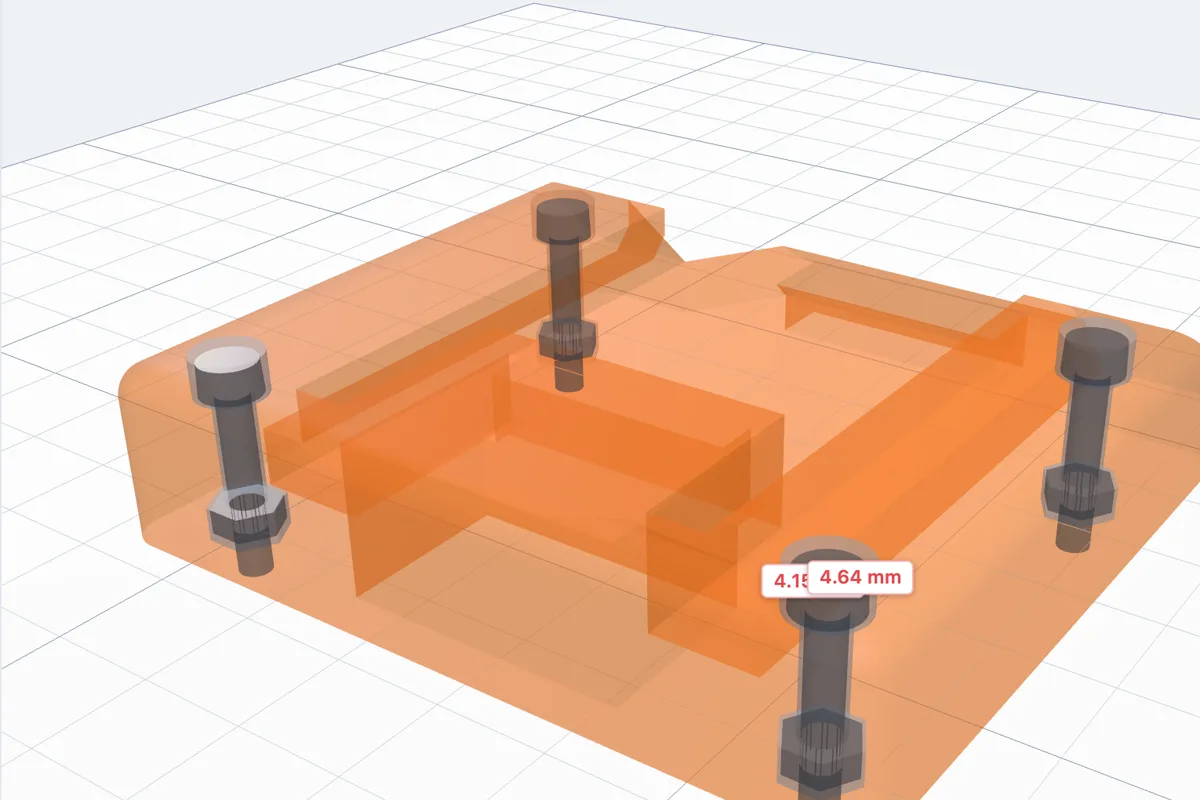 2:42
2:42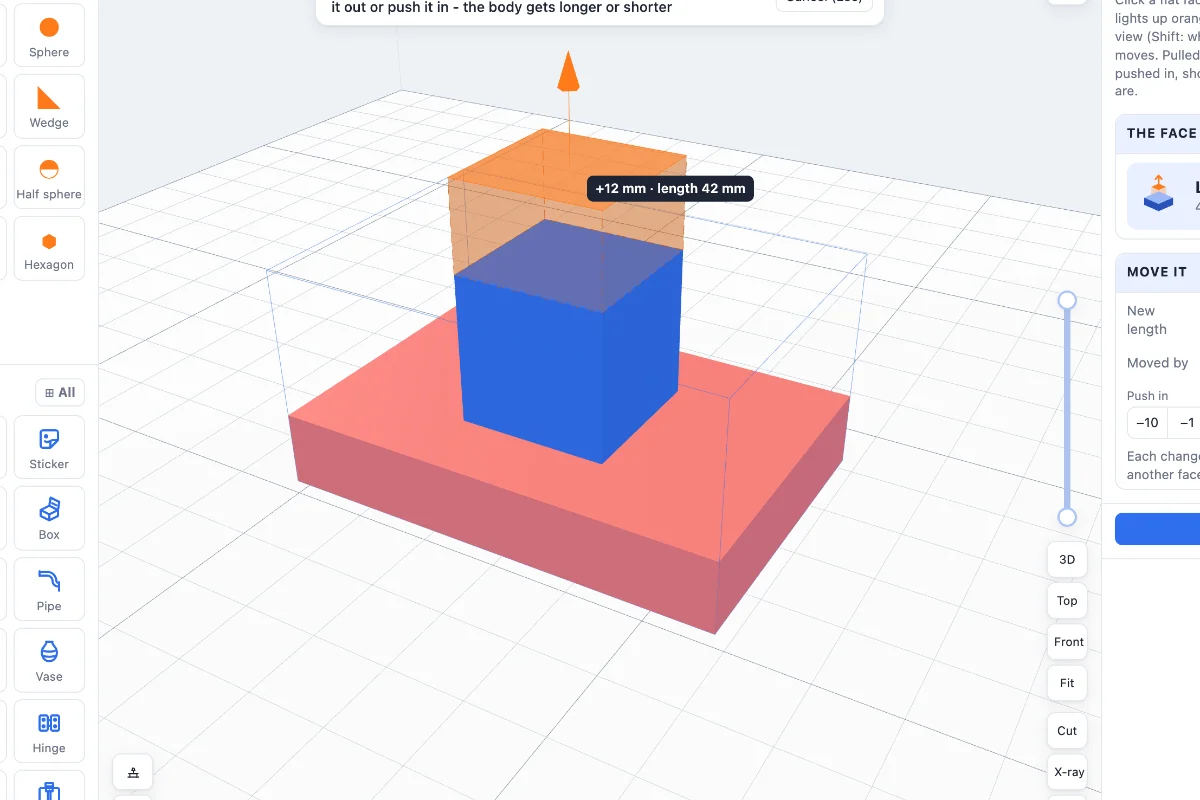 2:50
2:50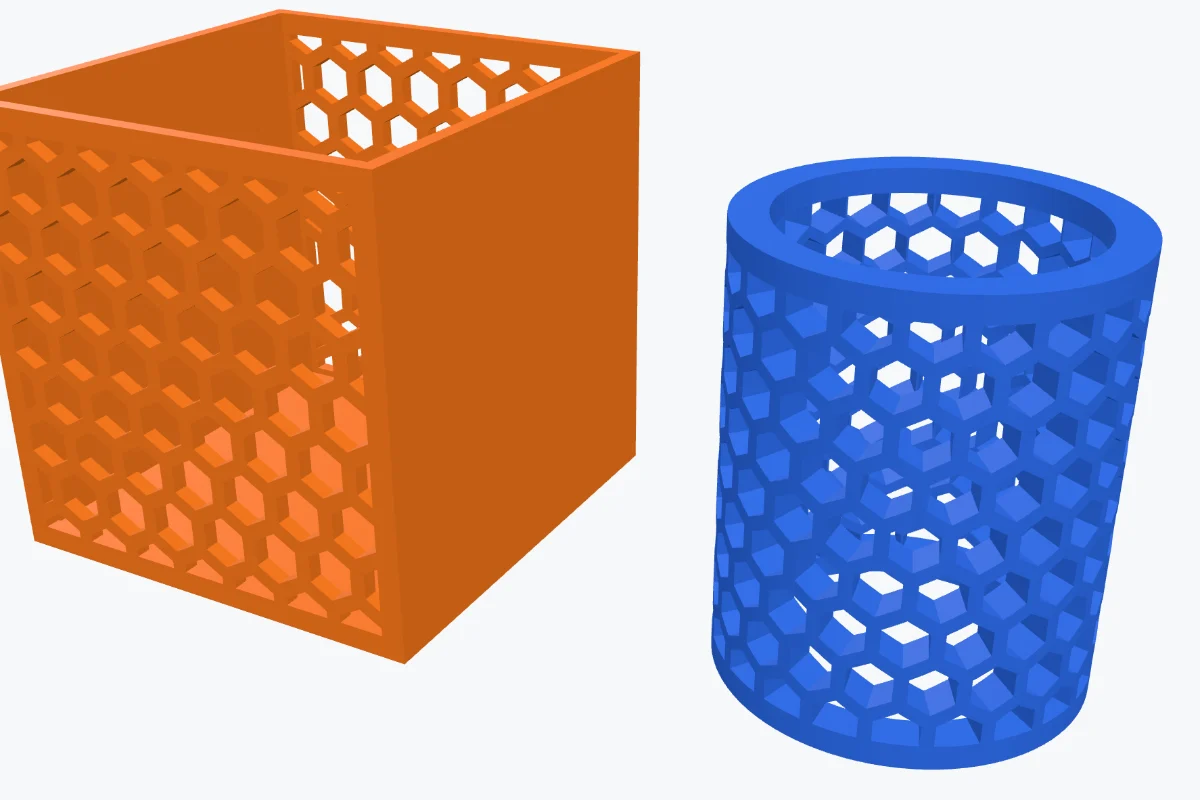 5:15
5:15 4:35
4:35 3:32
3:32 3:04
3:04 1:48
1:48Your designs never leave your computer
3DPrintCAD runs entirely in your browser. Projects are saved locally, nothing is uploaded, there are no trackers and no account to create or lose. Back everything up to one file whenever you like.
Questions, answered
Do I need to install anything or make an account?
No. 3DPrintCAD runs in your web browser on a computer. Open it and start designing - there is no account and nothing to install.
Where are my designs saved?
In your own browser, on your computer. Nothing is uploaded. You can save a backup file of all your projects at any time and load it in any browser.
Which printers and slicers does it work with?
Any. It exports STL for every slicer and multi-colour 3MF that opens in Bambu Studio, OrcaSlicer and PrusaSlicer with each colour on its own filament. Pick your bed size from the common ones (180 to 350 mm, 256 × 256 by default) or type your own.
Is it good for kids and beginners?
Yes. You build with shapes like building blocks, and the generators make keychains, stickers and puzzles in a few clicks. Pros get exact sizes, sketches with constraints, mesh repair and multi-colour export.
Does it work on phones and tablets?
The editor needs a computer with a mouse - 3D design on a small touch screen is no fun. This page and the guides work everywhere; send yourself the link and open it on your computer.
Your next print starts here
Open the app, pick an example and have something on the plate in minutes.
 ; M117 BUY ME A COFFEE
Enjoying 3DPrintCAD?
It is made by one maker, with no ads and no trackers. A coffee keeps new generators and fixes coming.
Buy me a coffee on Ko-fi
; M117 BUY ME A COFFEE
Enjoying 3DPrintCAD?
It is made by one maker, with no ads and no trackers. A coffee keeps new generators and fixes coming.
Buy me a coffee on Ko-fi