3DPrintCAD › Guides › Paint tool
Paint tool: colour any model for multi-colour printing
Colour any model for a multi-colour printer: brush stripes, fill whole faces in one click, or paint a whole part at once - then export a 3MF that OrcaSlicer, Bambu Studio and PrusaSlicer open painted, each colour on its own filament. Everything happens in your browser.

1Open Paint
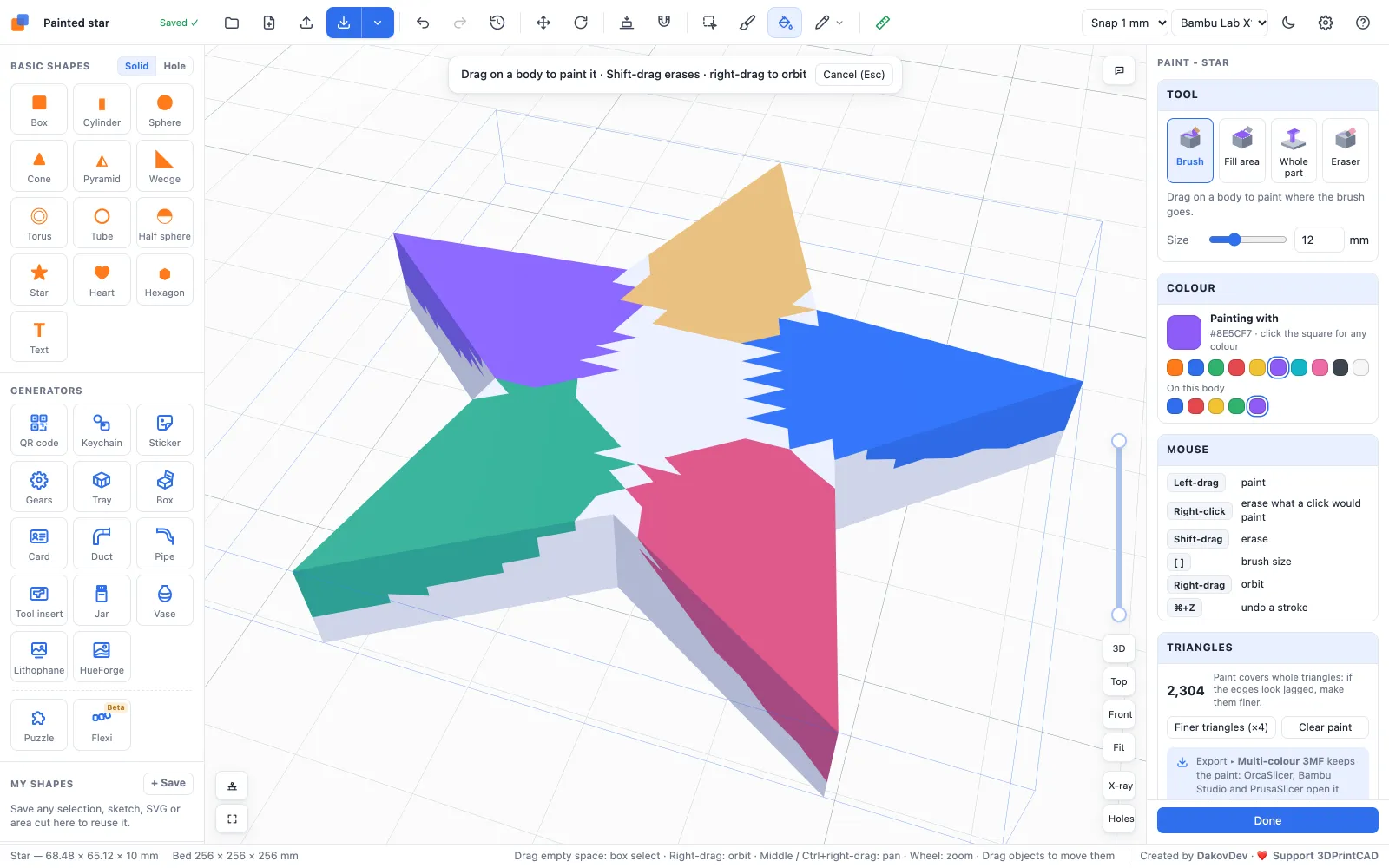
Select a body and click Paint (the brush) in the toolbar - or use this link, which starts a new project with a star to paint. The panel on the right has the tools, the colours and the mouse keys. Before you click, the area a click would paint is shown lightened with a white outline.
2Tools
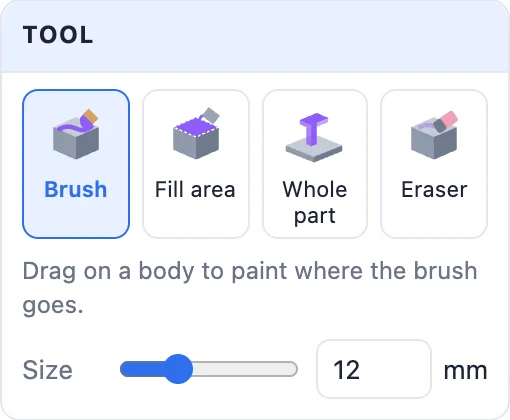
- Brush - drag on the body to paint where the brush goes. Size sets its width (or the keys [ and ]). Only the side facing you is painted.
- Fill area - click a face: the smooth area around it is filled, up to sharp edges. Stop at edges sets how sharp an edge has to be to stop the fill (30° by default) - lower it to stop at gentler edges.
- Whole part - click once to paint a whole part: a letter on a plate is painted top and sides, up to where it meets the plate; a separate piece is painted completely.
- Eraser - removes paint. A right-click without dragging also erases what a left click would paint, and Shift-drag erases with the brush.

3Colours
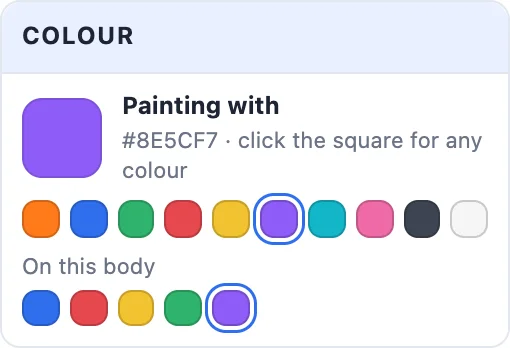
Click the big square for any colour, or a swatch. On this body lists the colours already used on it, so you can pick one again exactly. Each colour becomes its own filament when you export.
4Smooth edges: finer triangles
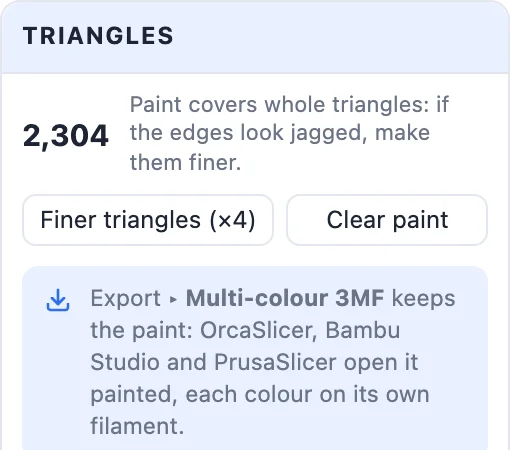
Paint covers whole triangles of the mesh. On a simple shape with big triangles the edge of the paint looks jagged - click Finer triangles (×4) once or twice before you paint, and the brush follows your stroke closely. Clear paint removes all paint from the body. Every stroke is one undo step (Ctrl / Cmd + Z), and undo keeps Paint open.
5Print it in colour
- Click Export ▸ Multi-colour 3MF. OrcaSlicer, Bambu Studio and PrusaSlicer open it painted, each colour on its own filament - assign your filaments and slice.
- Paint stays with the body when you move, turn or resize it. Union keeps the colours of the bodies it joins, and cutting a painted body below the bed or in two keeps its paint.
- Tools that rebuild the mesh itself, such as Make solid or Reduce file size, remove the paint - do those first and paint last.
Questions
Which slicers open the painted model?
OrcaSlicer, Bambu Studio and PrusaSlicer open the multi-colour 3MF painted, each colour on its own filament. Make sure the project has as many filaments as colours.
Why are the paint edges jagged?
Paint covers whole triangles. Click Finer triangles (×4) before painting - the mesh gets four times as many triangles and the brush follows your stroke closely.
Can I paint an STL I downloaded?
Yes. Import it, select it, click Paint and paint. Export a multi-colour 3MF to keep the colours - an STL has no colours.
Why did my paint disappear?
Tools that rebuild the mesh itself, such as Make solid or Reduce file size, remove the paint. Moving, turning, resizing, Union and cuts keep it - so do those mesh fixes first and paint last.
Paint your model now
Open Paint, pick your colours and export a multi-colour 3MF.
Paint a model nowAlso see: Image to 3D sticker, HueForge generator, Sculpt tool and all guides.