3DPrintCAD › Guides › 3D map generator
3D map generator: 3D print a map of any place
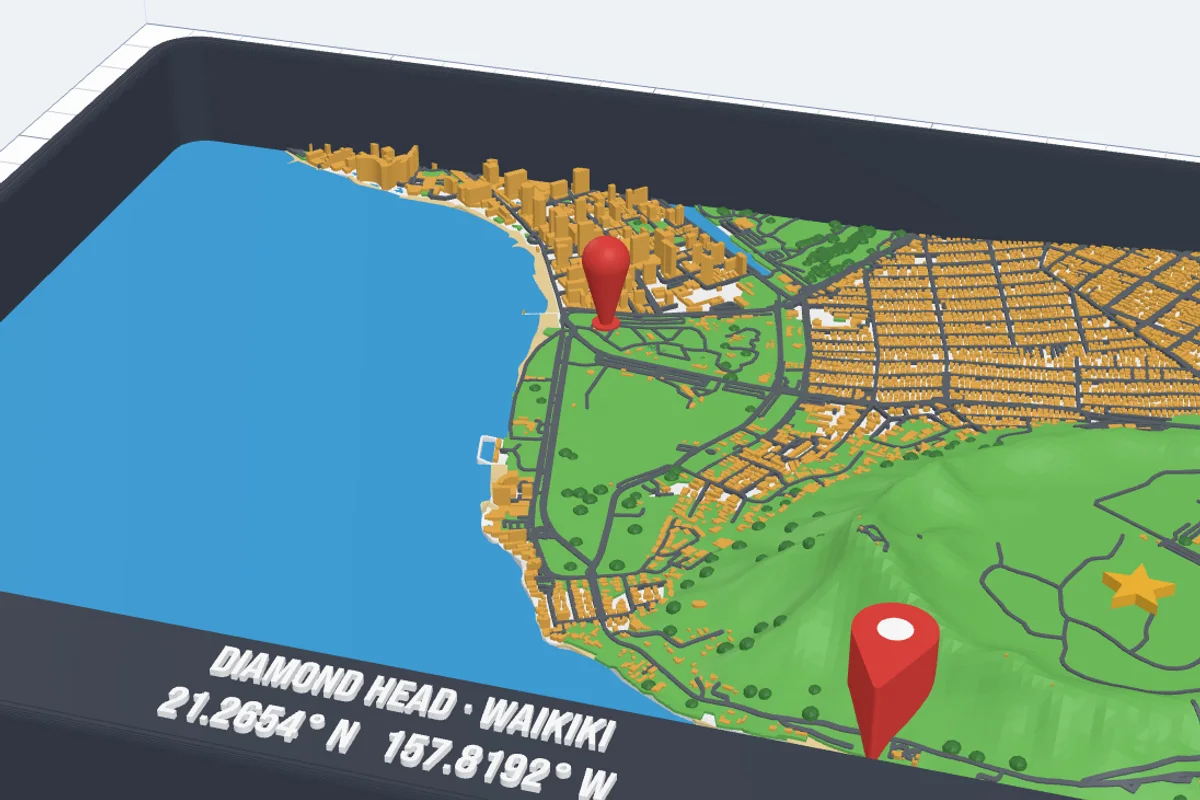
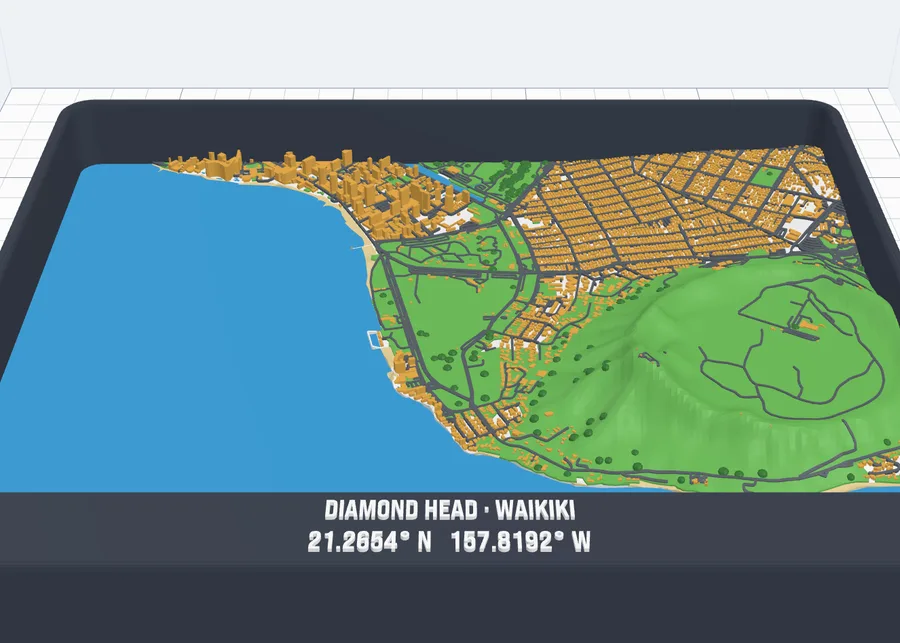
Turn any place on Earth into a 3D printable map: your town, a holiday island, the city where you met. Search it, draw a frame round it, and get the buildings, roads, rivers and the sea, parks, beaches, trees and the hills - every layer in its own colour, with a frame, a title and pins for the places that matter. This guide goes through every option on two places: Rome around the Colosseum, and Hawaii from Waikiki to Diamond Head.
Watch the tutorial
Every option in about five minutes, with subtitles: picking the area, styles, buildings, roads, parks and your own route in Rome; the hills, the sea, beaches, trees, the frame and its title and map pins in Hawaii. Watch on YouTube ↗
1Open the generator
Click Map in the Generators list on the left, or the button above. A map opens at once to pick the area - nothing is built until you have chosen one. Nothing is added to your project until you click Create map.
2Pick the area
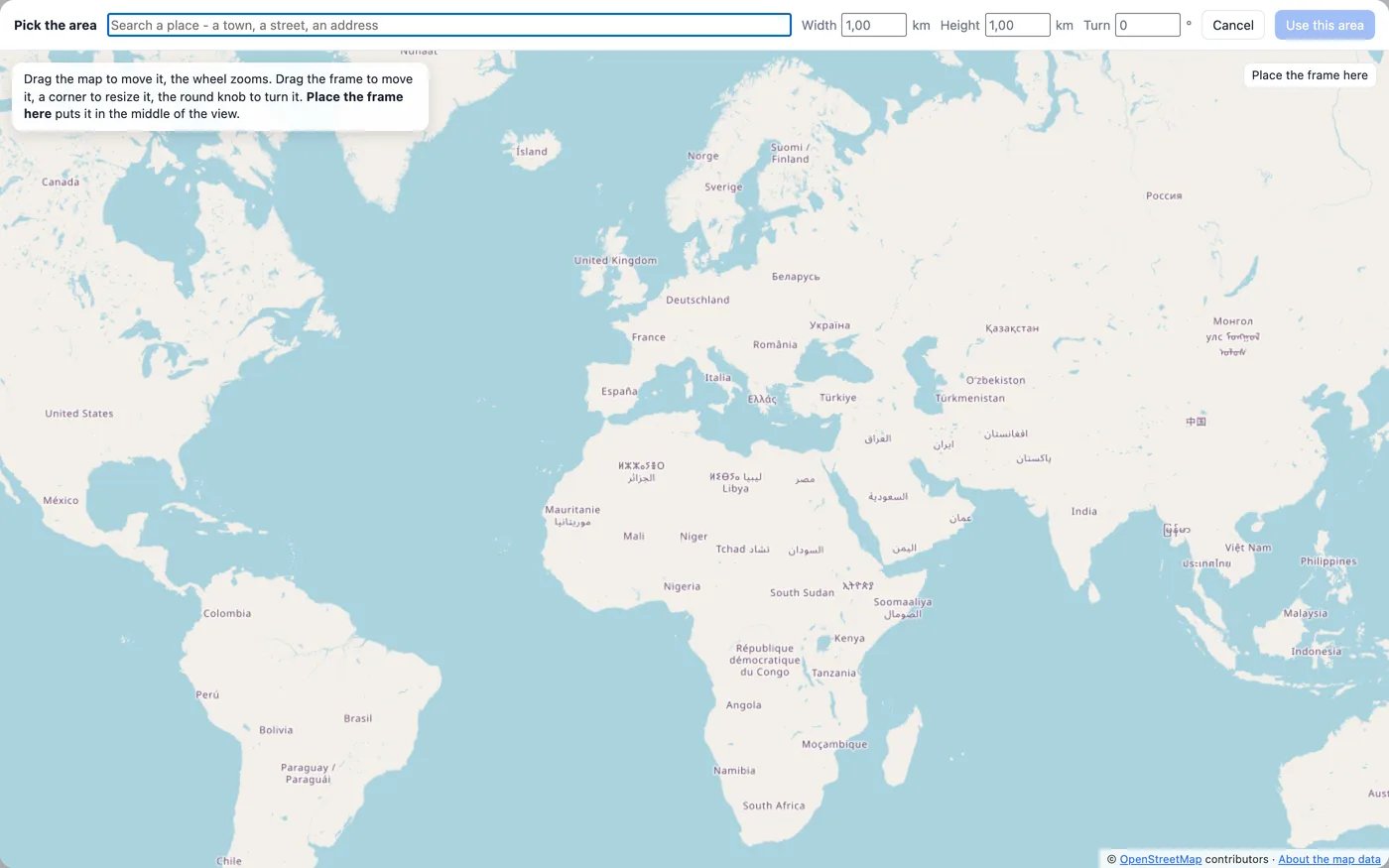
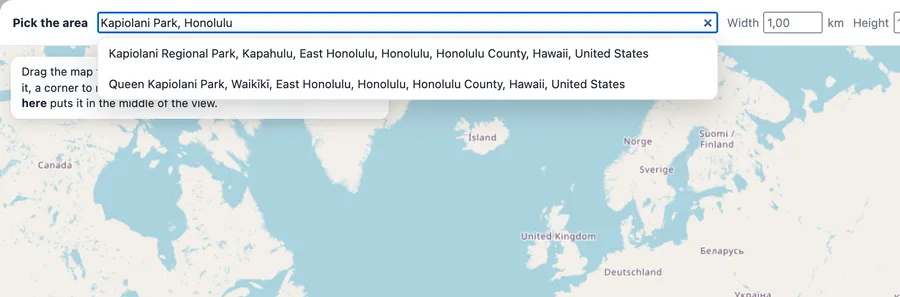
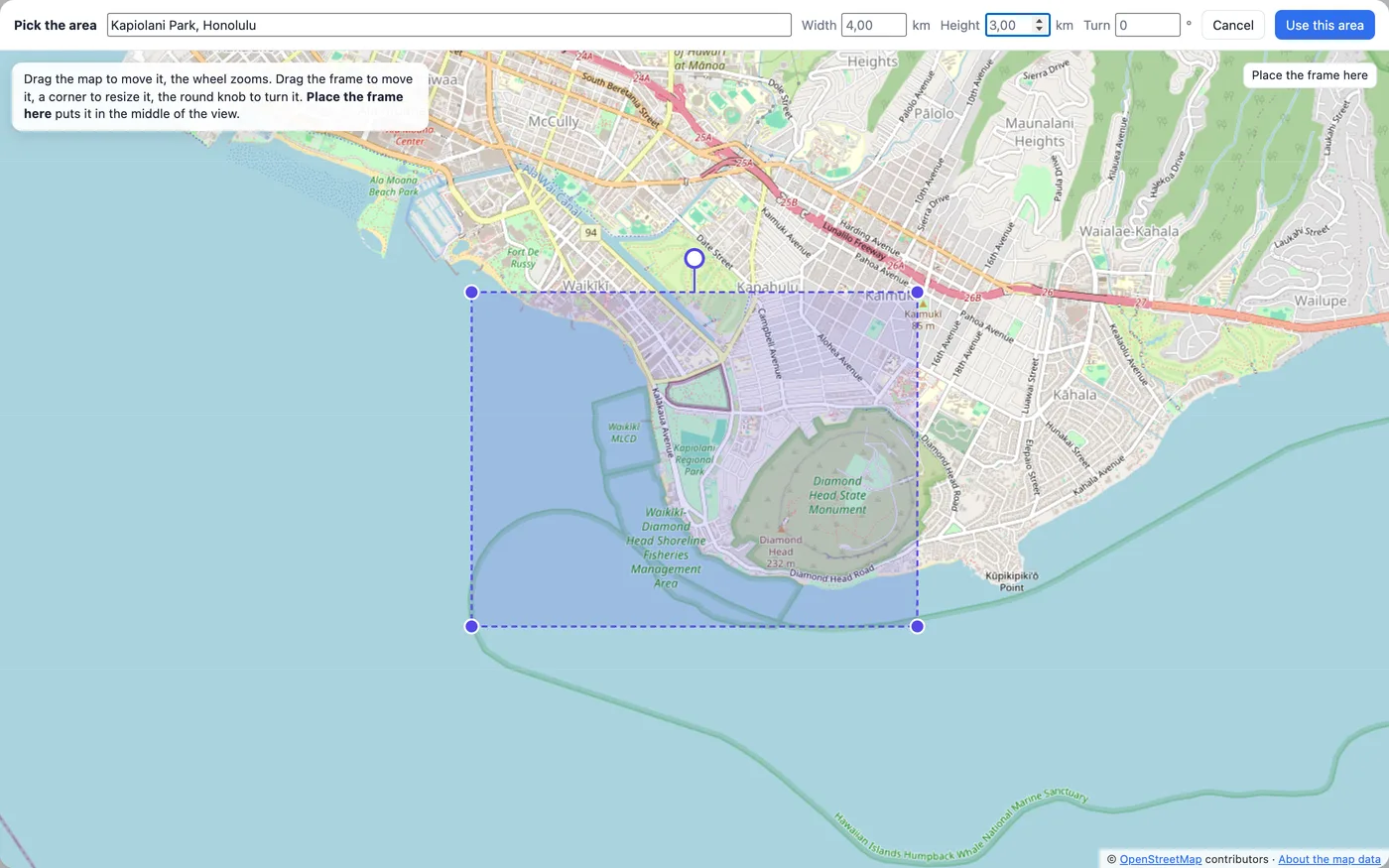
- Search - type a town, a street, a building or an address and press Enter; pick one of the results. The map moves there and the frame is drawn round the place.
- Or move the map (drag it, the wheel zooms) and click Place the frame here: the frame goes in the middle of the view.
- The frame is the area of your map: drag it to move it, a corner to resize it, the round knob to turn it (Shift: 15° steps). Or type its Width and Height in km and its Turn in degrees - up to 6 × 6 km.
- Use this area builds the map. The data is fetched once for each area; changing the options afterwards does not load it again.
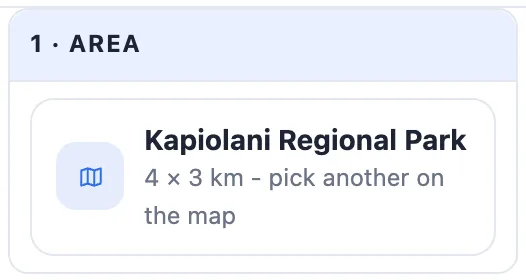
The panel's first card shows the area: click it to pick another one.
3Style
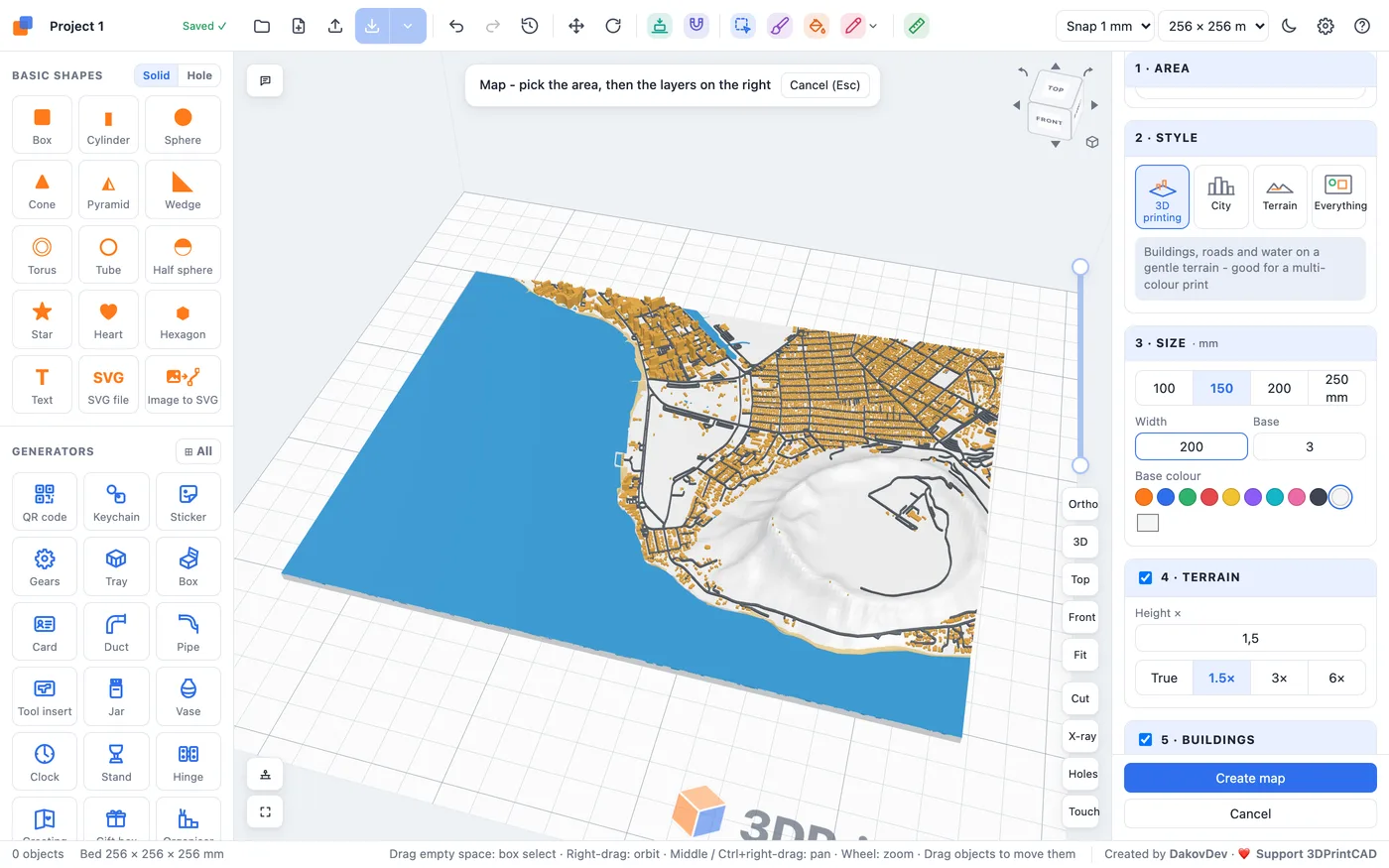
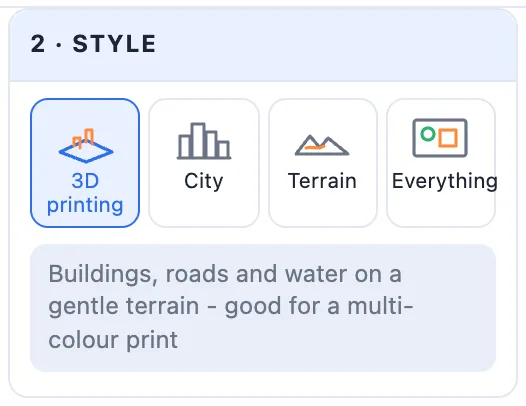
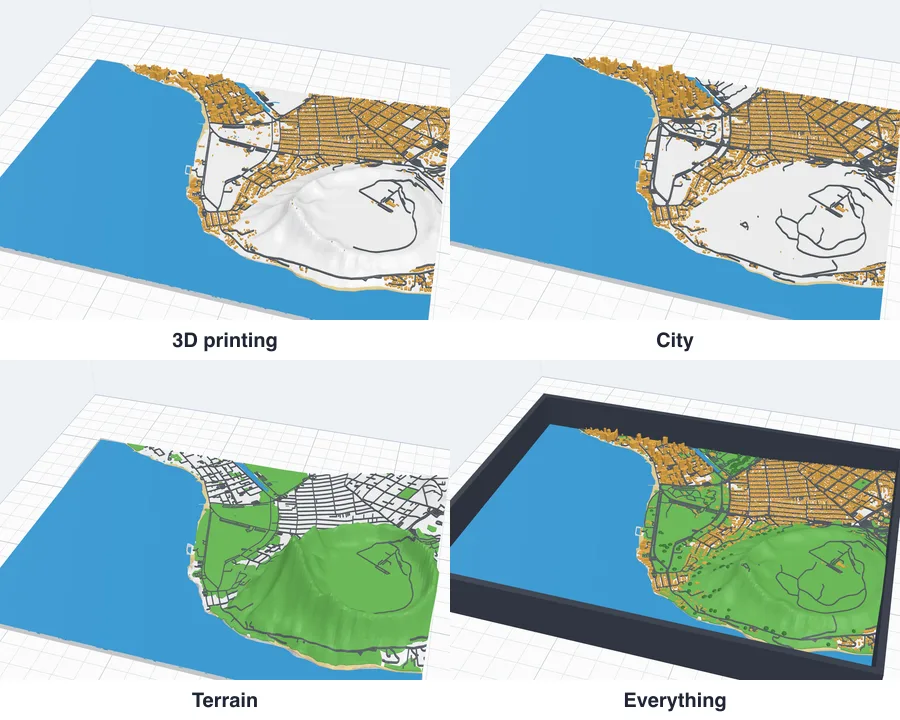
2 · Style sets everything in one click: 3D printing (buildings, roads and water on a gentle terrain), City (flat, taller buildings, every street and path), Terrain (the hills four times taller, rivers, roads and green, no buildings) and Everything (buildings, every road, water, parks, forests, trees and a frame). Change anything afterwards - the style then becomes your own.
4Size and base
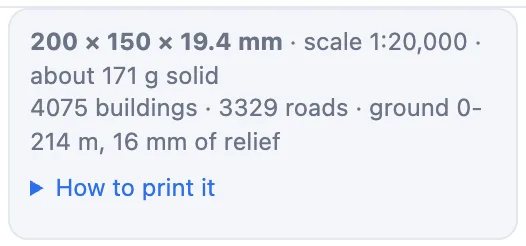
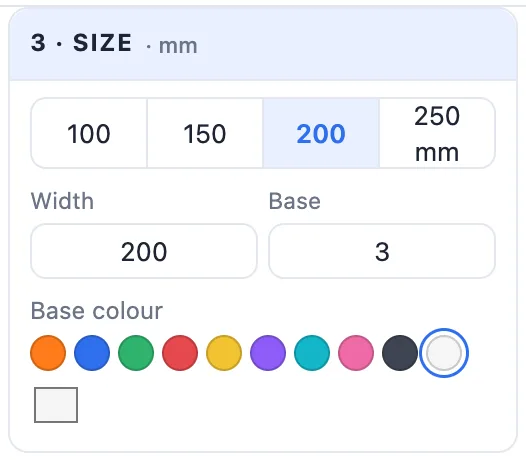
3 · Size: the model's width - 100, 150, 200 or 250 mm, or any width (its depth follows the area) - the Base's thickness at the lowest ground and the Base colour. The info box shows the scale: 4 km on 200 mm is 1 : 20,000.
5Terrain - the hills
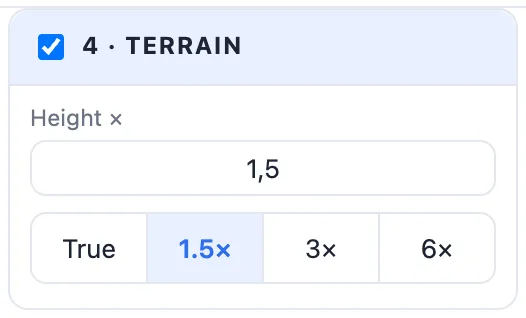
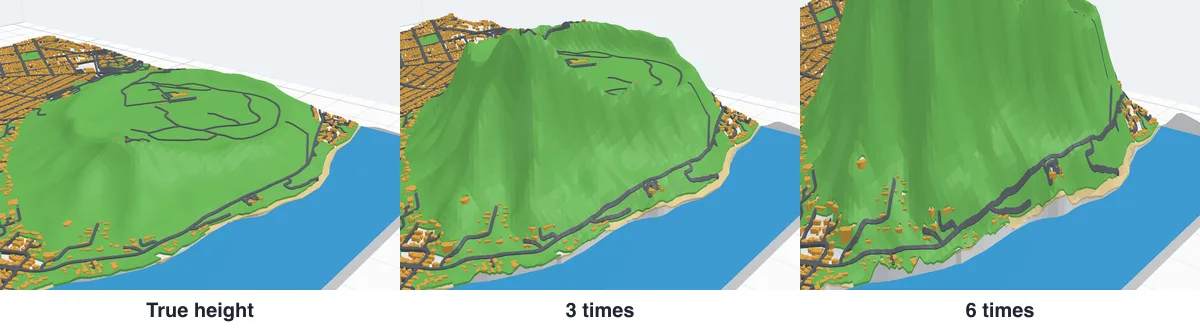
4 · Terrain builds the ground at its real heights. At map scale small hills almost vanish, so Height × makes them taller: True, 1.5×, 3×, 6× or any number. Off, the base is flat. Diamond Head, 214 m high, is 16 mm at 1.5×. The sea always lies flat at sea level.
6Buildings
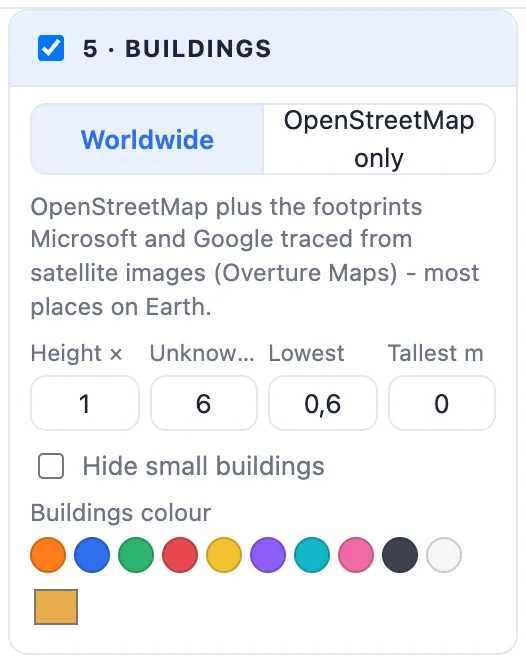
- Worldwide - OpenStreetMap plus the footprints Microsoft and Google traced from satellite images (Overture Maps): most places on Earth. OpenStreetMap only - just the buildings people mapped.
- Height × - all buildings taller or lower. Unknown m - the height of buildings with none in the data. Lowest (mm) - none lower than this, so the smallest still print. Tallest m - a limit for a tower that would stand far above everything (0 = none).
- Hide small buildings - leaves out footprints smaller than you set (mm²).
- Buildings colour.
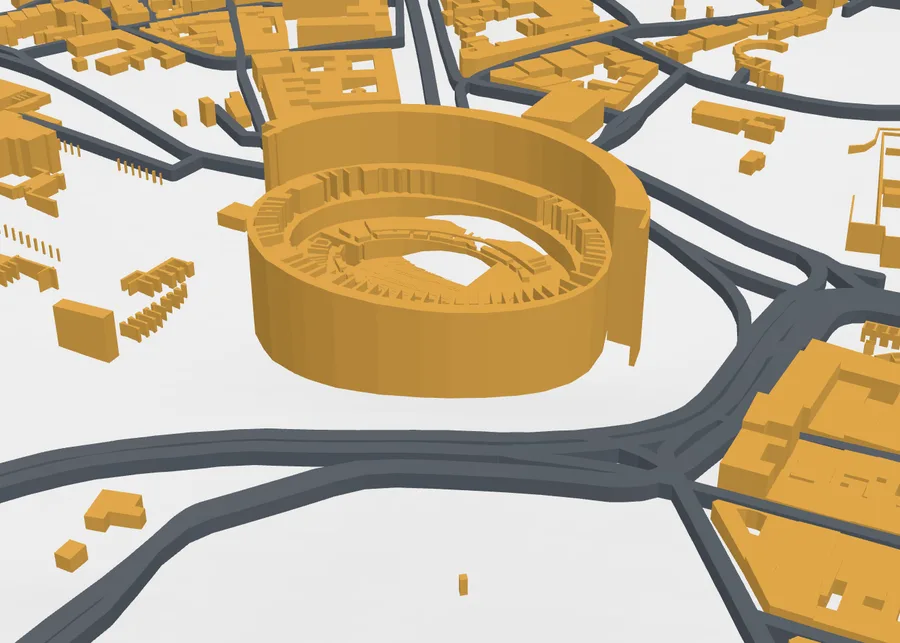
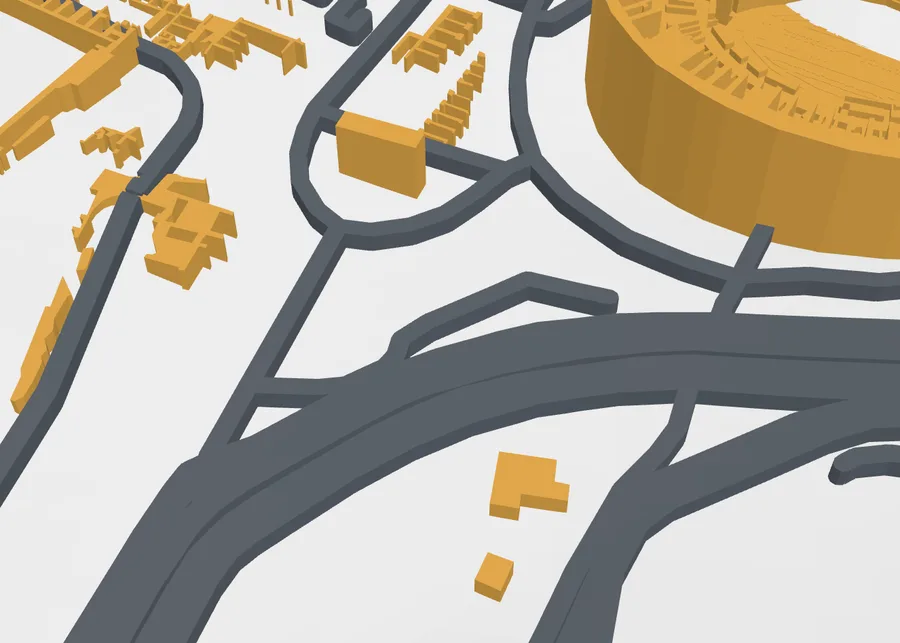
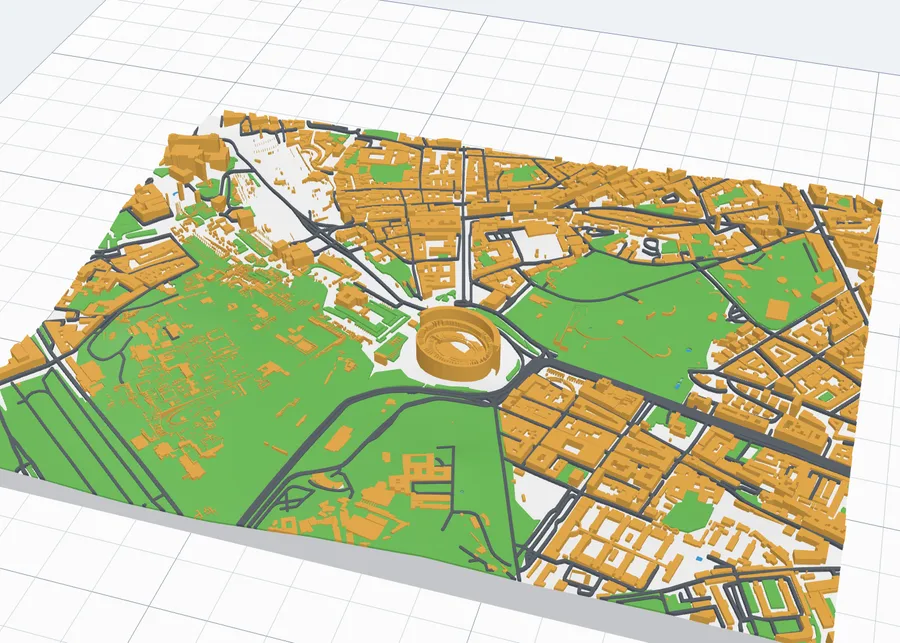
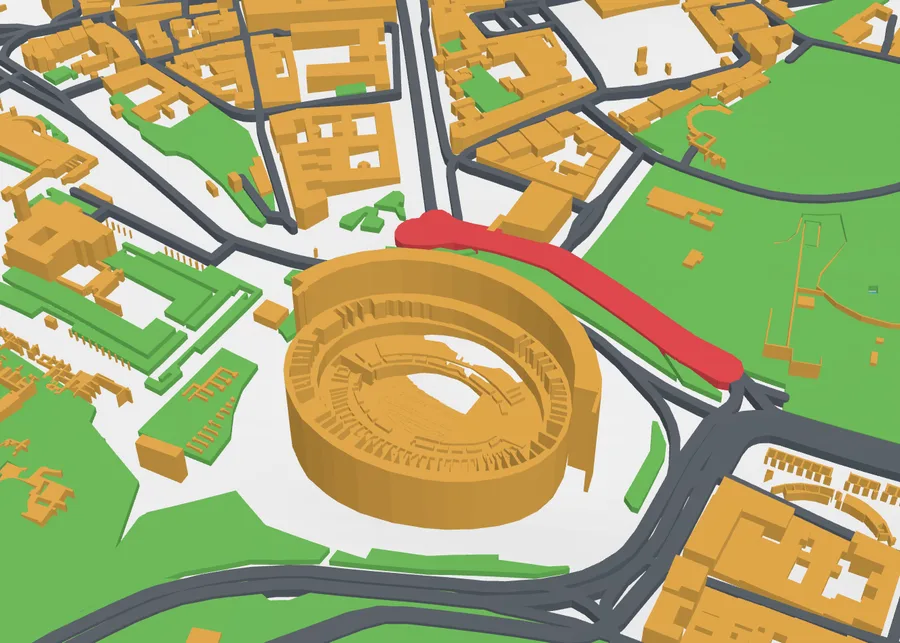
A building drawn in parts gets each part's own height - the Colosseum's outer wall, its stepped inner rings and the open arena.
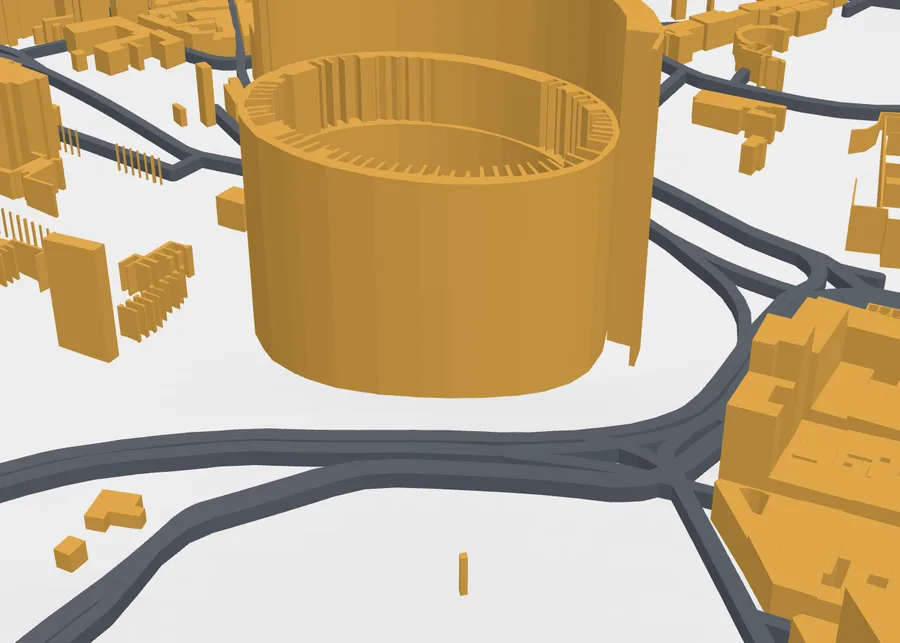
7Roads
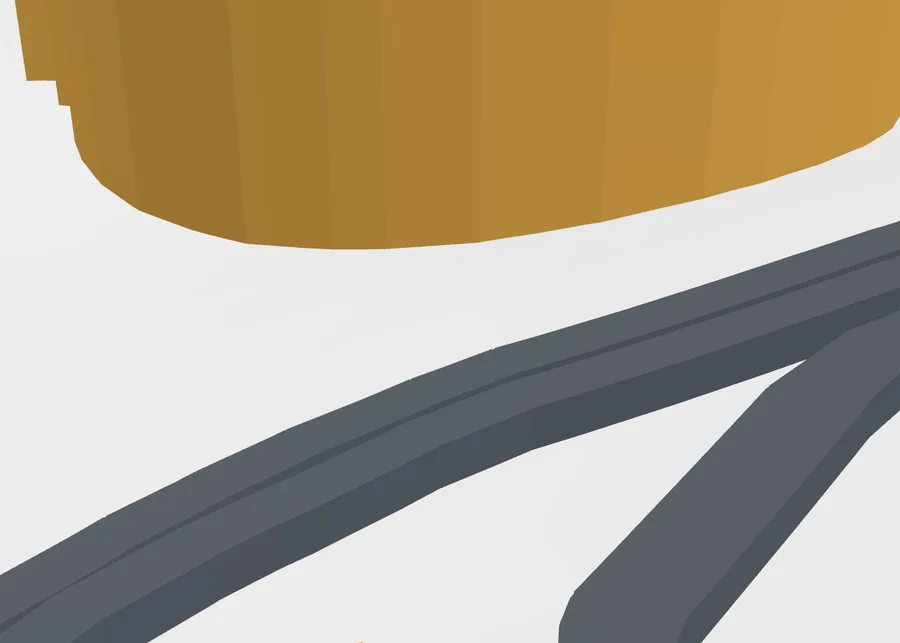
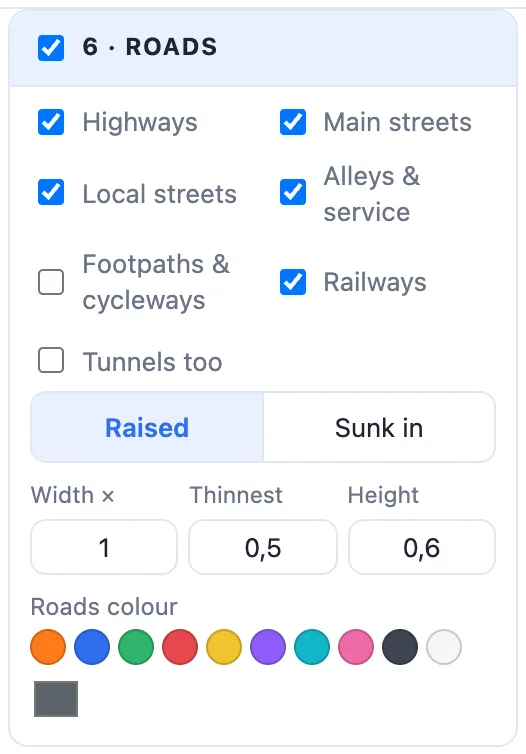
- Which roads: Highways, Main streets, Local streets, Alleys & service, Footpaths & cycleways and Railways (with how many there are), and Tunnels too.
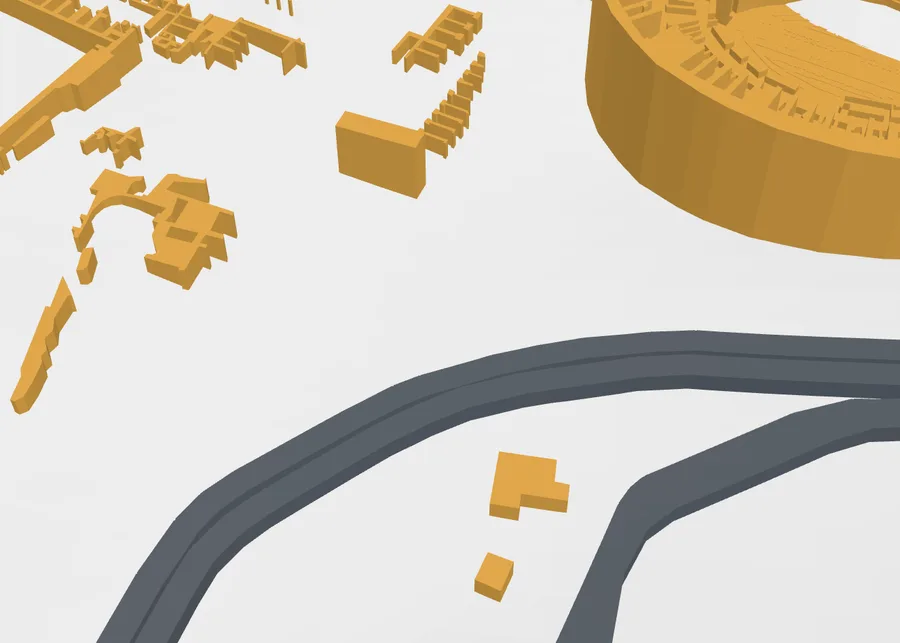
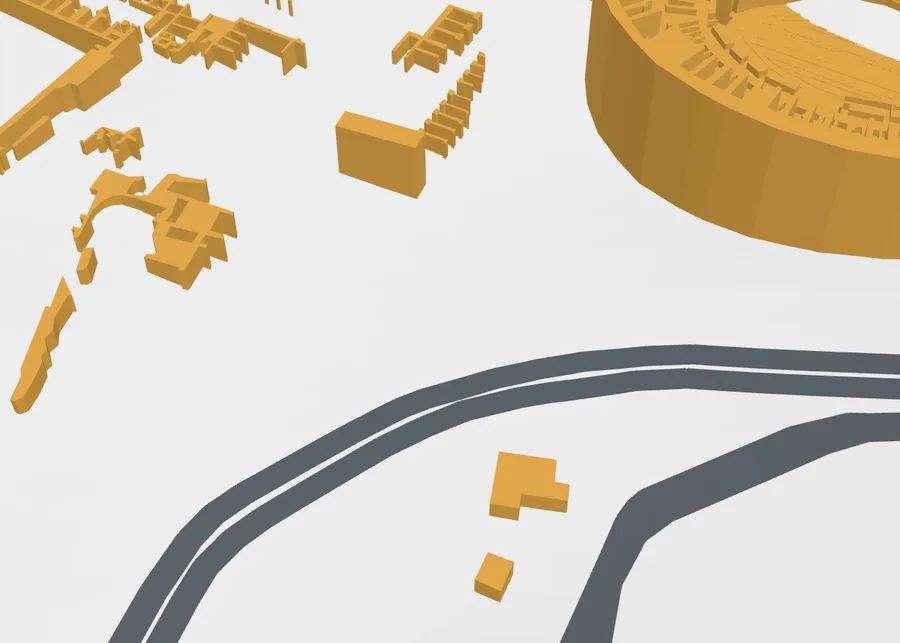
- Raised (standing on the ground) or Sunk in (cut into it, level with it - they show even printed in one colour).
- Width ×, Thinnest (mm - what your nozzle can print), the Height or Depth, and the Roads colour.
8Water and the sea
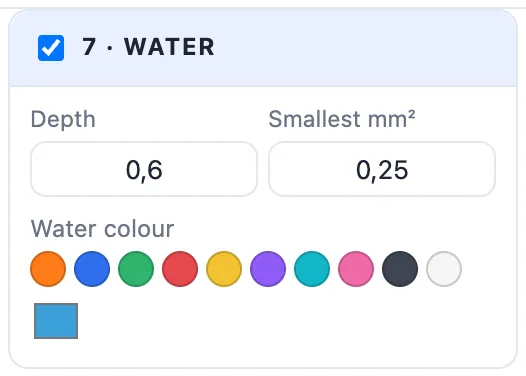
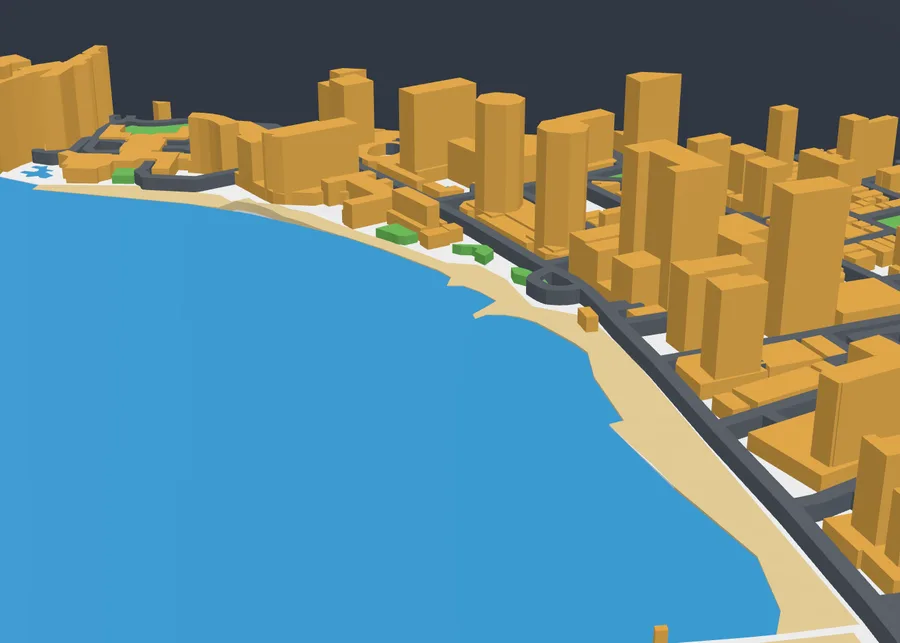
Rivers, canals, lakes and the sea are inlaid Depth mm into the ground in the Water colour; Smallest mm² leaves out tiny ponds. The sea, lakes and ponds are always flat; a river follows the ground as it falls.
9Parks and forests
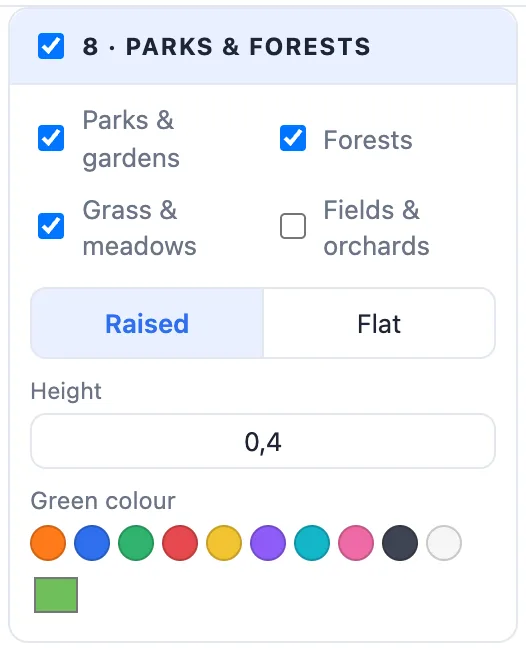
Tick Parks & gardens, Forests, Grass & meadows and Fields & orchards, then Raised or Flat, its height or depth and the Green colour.
10Beaches
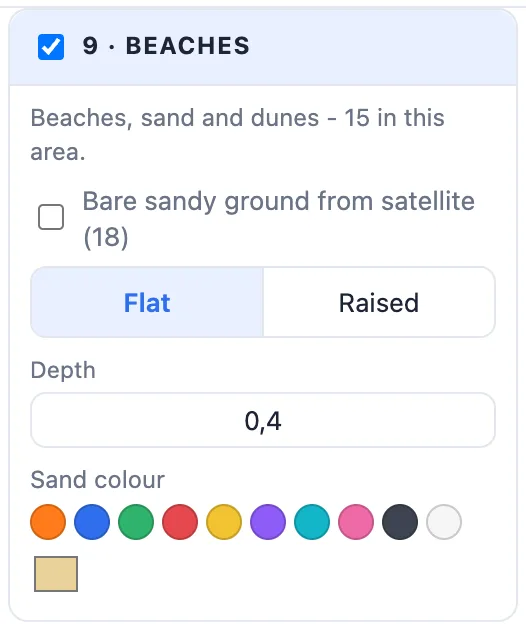
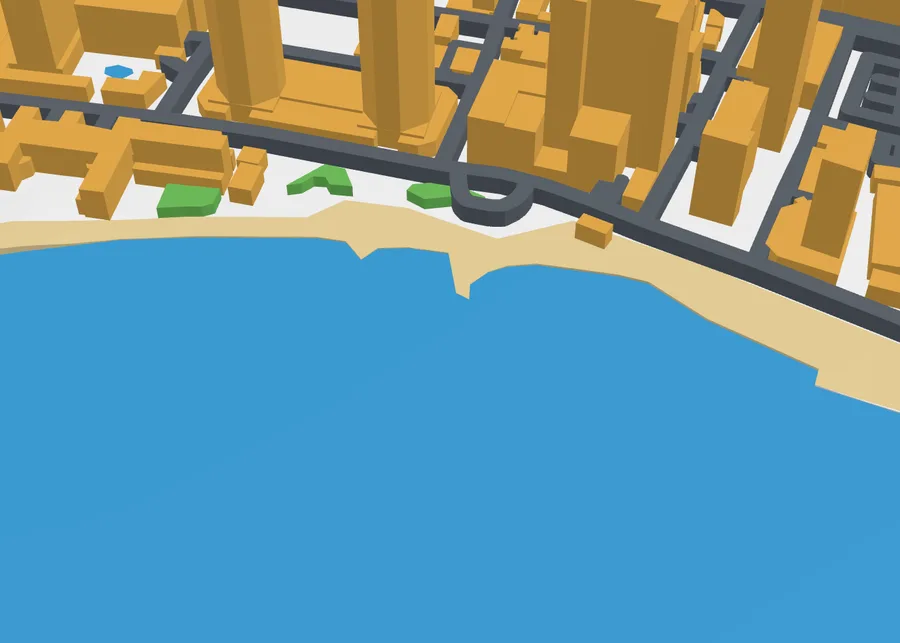
Beaches, sand and dunes in a sand colour - on by default, wherever the map has them. Bare sandy ground from satellite also adds the bare ground satellite images show: often an unmapped beach along a coast, rougher in shape. Flat or Raised, the depth or height, and the Sand colour.
11Trees
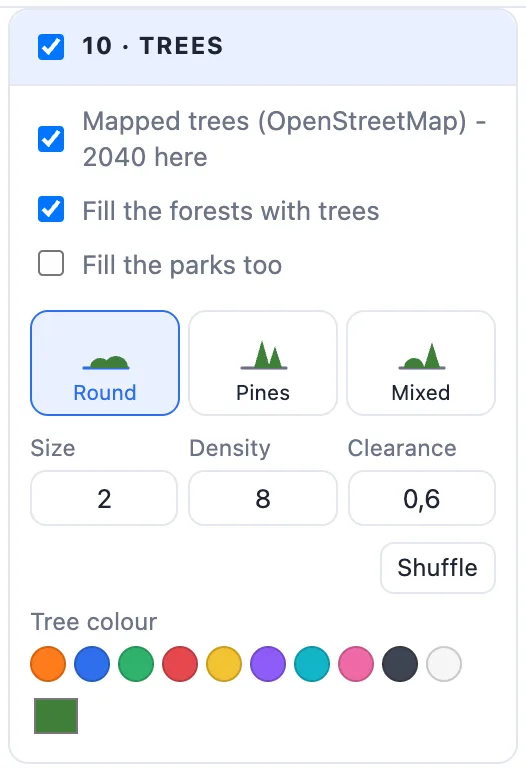
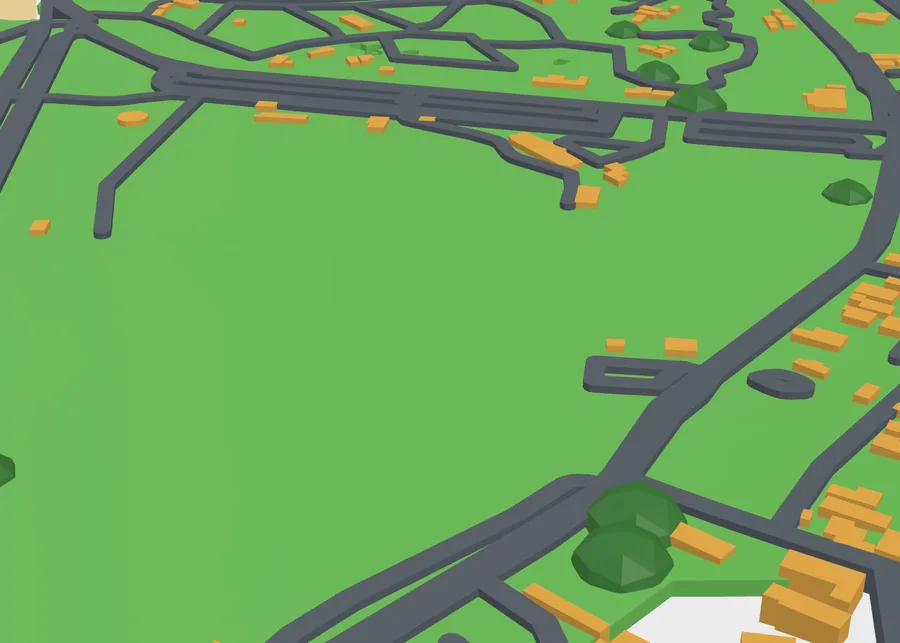
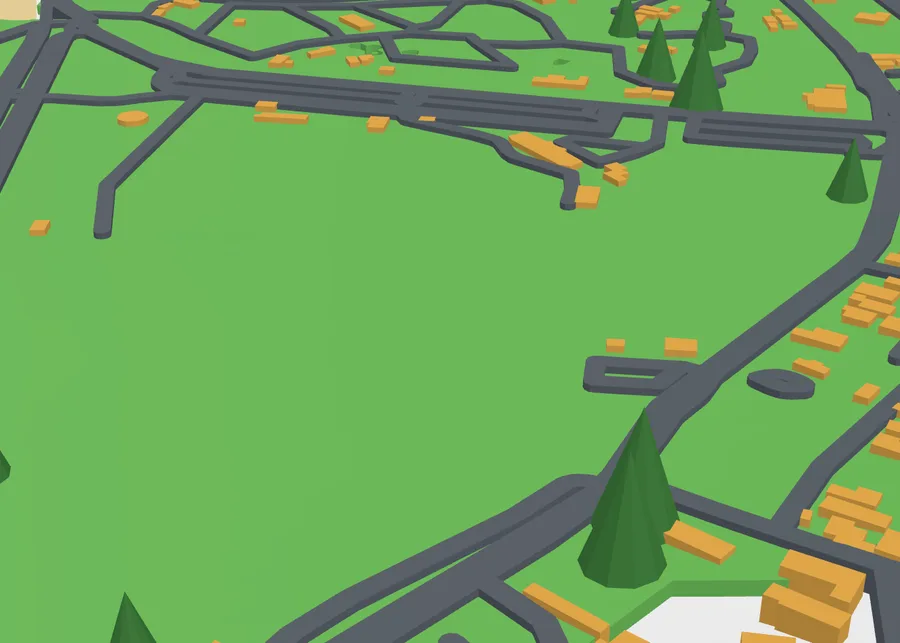
- Mapped trees - single trees and rows of trees from OpenStreetMap (2040 in this area). Fill the forests with trees, and Fill the parks too.
- Round (domes), Pines (cones) or Mixed - both print without supports.
- Size (mm - each tree 80-120 % of it), Density (trees per cm² in the forests), Clearance (how far they stay from roads, buildings, water and beaches), Shuffle for another layout, and the Tree colour.
12The frame and its title
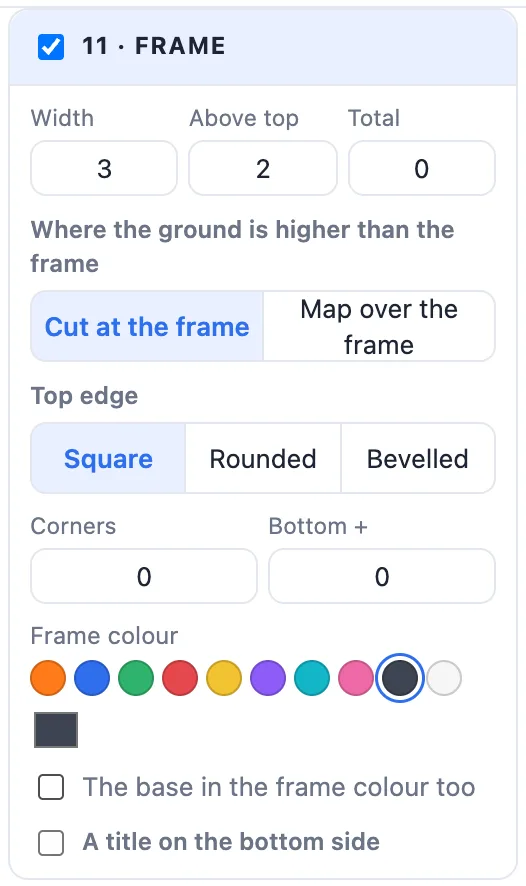
- Width, Above top (how far it stands above the highest ground) or Total (its whole height from the bed; 0 = by the ground).
- Where the ground is higher than the frame: Cut at the frame - nothing stands on it, the map ends at its inner edge - or Map over the frame - the map runs on over it, its sides in the frame's colour.
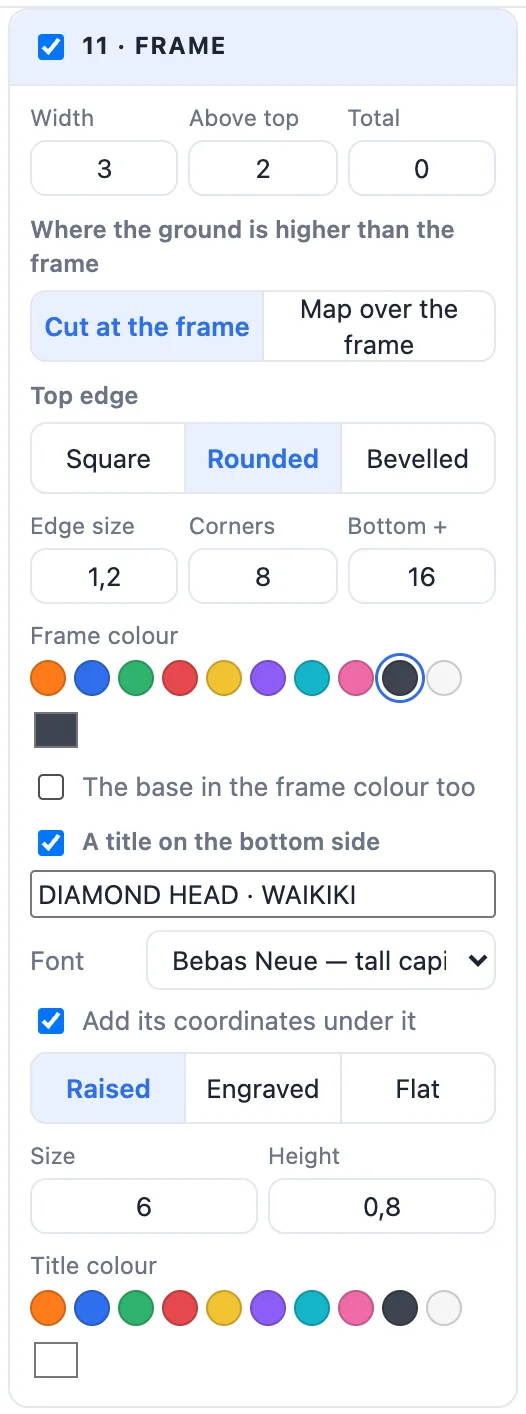
- Top edge: Square, Rounded or Bevelled; Corners rounds the map's four corners; Bottom + makes the bottom side wider for a title.
- Frame colour, and The base in the frame colour too - the frame and the base under the map print as one piece.
- A title on the bottom side: the place's name or your own words, its coordinates under it, the font, Raised / Engraved / Flat, the size and its colour.
13Map pins and markers
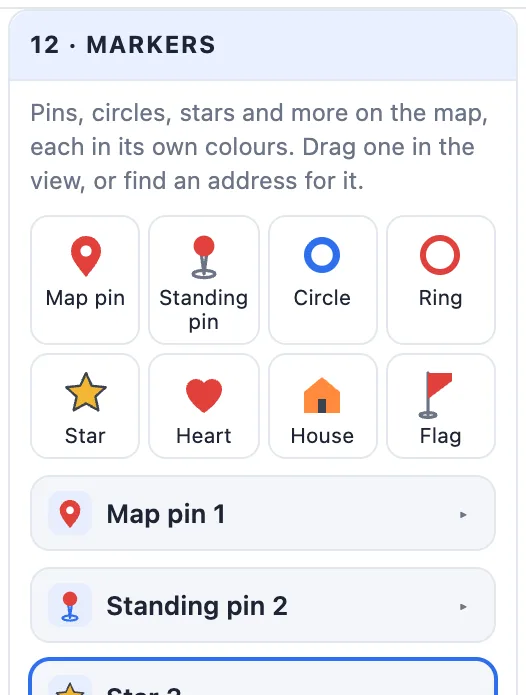
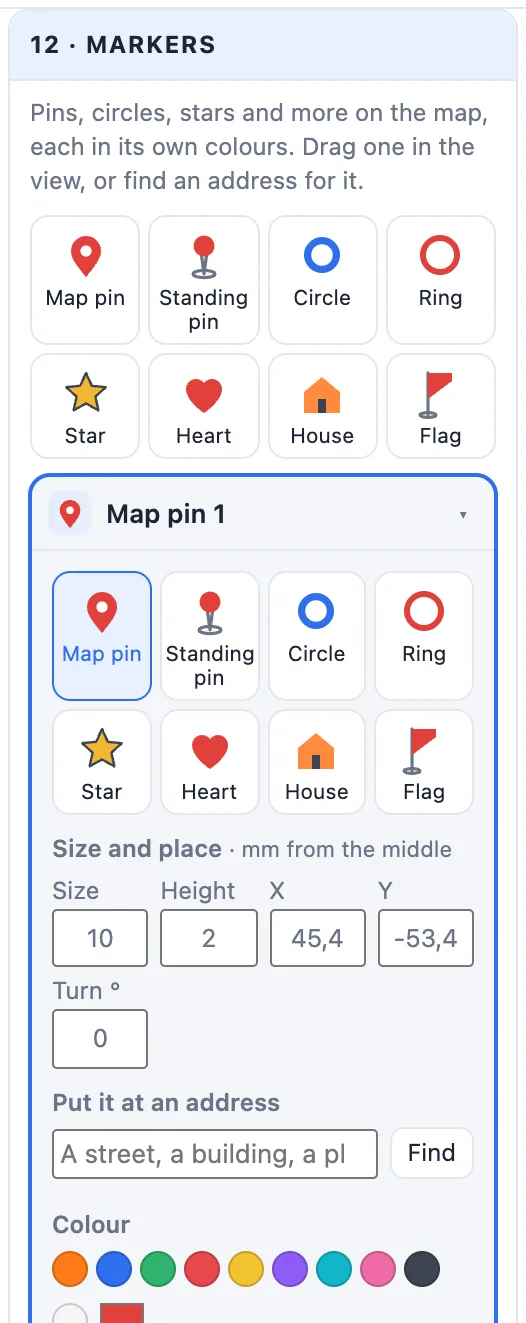
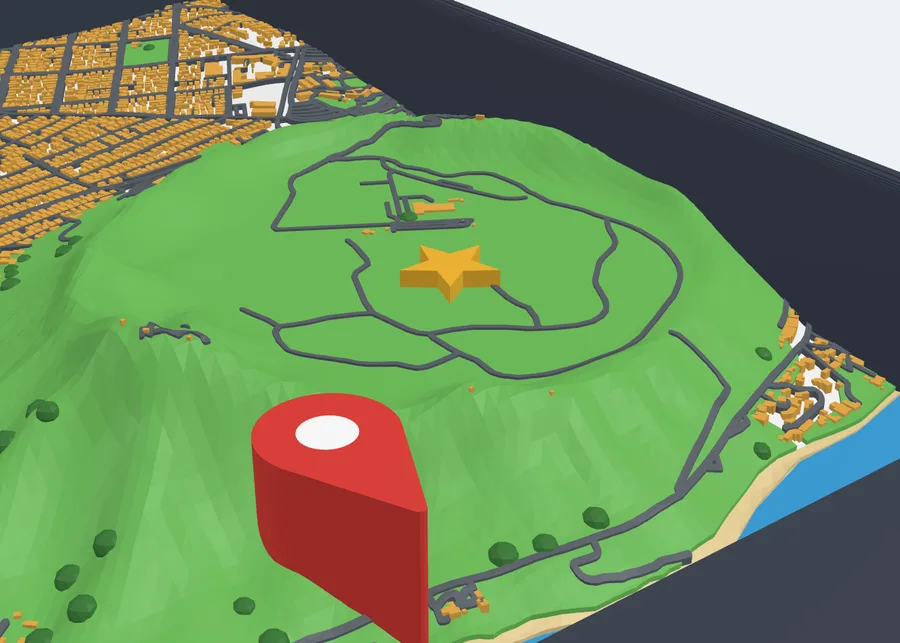
12 · Markers adds pins and shapes in their own colours: a flat Map pin (its point on the place), a Standing pin, a Circle, a Ring, a Star, a Heart, a House and a Flag (its lower edge rises at 45°, so it prints without supports). Each one has its kind, Size, Height, X / Y and Turn, Put it at an address (only the results inside your area are listed), a Colour and Two colours (the pin's dot, the house's door, the flag…). Drag a marker in the view to move it. A marker clears the map under it.
14Change roads and buildings
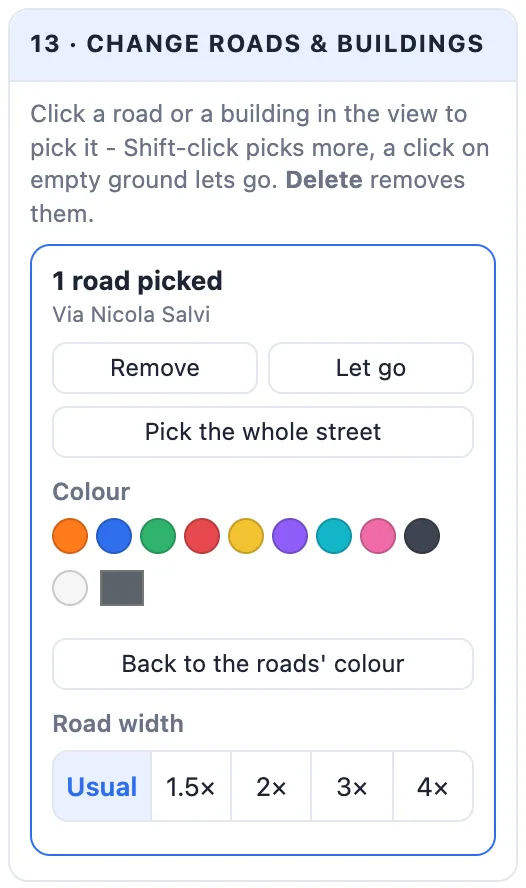
Click a road or a building in the view to pick it - Shift-click picks more, a click on empty ground lets go. Then Remove it (or press Delete), give it its own Colour, or make a road wider (Usual, 1.5× to 4×) - a route that stands out. Pick the whole street takes every part of a named street. Bring them all back and Clear them undo the changes; each one is its own colour part when printed.
15Create and print
- Click Create map: the map is added to your project. Double-click it later to change it.
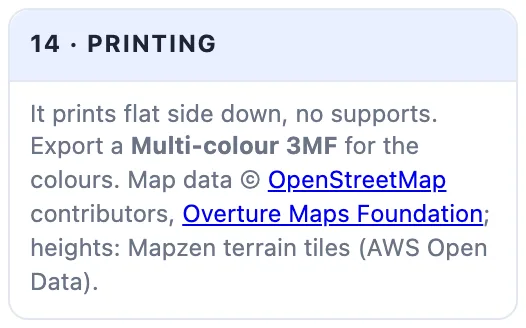
- Export it: Multi-colour 3MF keeps every layer in its colour. On a one-colour printer make the roads and water Sunk in so they still show, or change the filament at the heights your slicer shows.
- It prints flat side down, with no supports.
16Where the map data comes from
The Map generator is the only part of 3DPrintCAD that loads data from the internet - all of it public, open map data. Your browser loads it straight from these services; 3DPrintCAD's server never sees it. Only the area's place on the map (and the words you search for) is sent - nothing about you or your projects. The info box's Where the map data comes from lists the same.
- Buildings, roads, water, parks, forests, beaches and trees - Overture Maps Foundation: OpenStreetMap plus building footprints traced from satellite images by Microsoft and Google (ODbL).
- The hills - the Mapzen terrain tiles on AWS Open Data.
- The map in the area picker - OpenStreetMap; the search - Nominatim.
Sharing or selling the model or prints of it? Keep the line Map data © OpenStreetMap contributors, Overture Maps Foundation with it.
Questions
Can I 3D print a map of any place?
Yes - anywhere on Earth, up to 6 × 6 km. Search a town, a street or an address, draw the frame round the area, and the map is built from OpenStreetMap and Overture Maps data: buildings, roads, rivers, the sea, parks, forests, beaches, trees and the hills.
Where does the map data come from?
From public, open map services: Overture Maps (OpenStreetMap plus building footprints traced from satellite images by Microsoft and Google), the Mapzen terrain tiles for the heights, OpenStreetMap's map for the area picker and Nominatim for the search. There is no account or key, and only the area's place on the map (and the words you search for) is sent.
How do I print a 3D map in colour?
Every layer is its own part - base, water, green, beaches, roads, buildings, trees, the frame, its title and each marker. Export a Multi-colour 3MF for a multi-colour printer, or print it in one colour and make roads and water Sunk in so they still show.
Why do some buildings look like flat blocks?
OpenStreetMap does not know every building's height. Buildings without one get the Unknown m height (6 m by default). Famous buildings drawn in parts - like the Colosseum - get each part's own height.
Can I mark my home or a route on the map?
Yes. Add a map pin, a standing pin, a circle, a ring, a star, a heart, a house or a flag in your own colours, and place it by dragging it or by its address. Click a road in the view to give it its own colour and make it wider - a running route or the way to school.
Can I sell prints of the map?
The map data is under the Open Database License (ODbL): keep the line 'Map data © OpenStreetMap contributors, Overture Maps Foundation' with the model or the prints.
Make your map
Search the place, draw the frame - and print the town you love in 3D.
Open the Map generatorAlso see: Plate generator, Gift box generator, Add text to a 3D model and SVG to 3D model.