3DPrintCAD › Guides › Gift box generator
Gift box generator: 3D print a box with a ribbon and bow
Design a gift box that looks wrapped: a box in one of six shapes, a lid, a ribbon over it, a bow on top and a gift tag with your words. Cover it in dots, stars, hearts or your own SVG, put texts, logos and pictures on the lid, the walls or the floor inside, and print every part in its own colour - or one colour at a time.
Watch the tutorial
Every option in about six minutes, with subtitles: designs and views, the box, lid, ribbons and bows, the pins, texts, SVGs and pictures, the gift tag, patterns and printing. Watch on YouTube ↗
1Open the generator
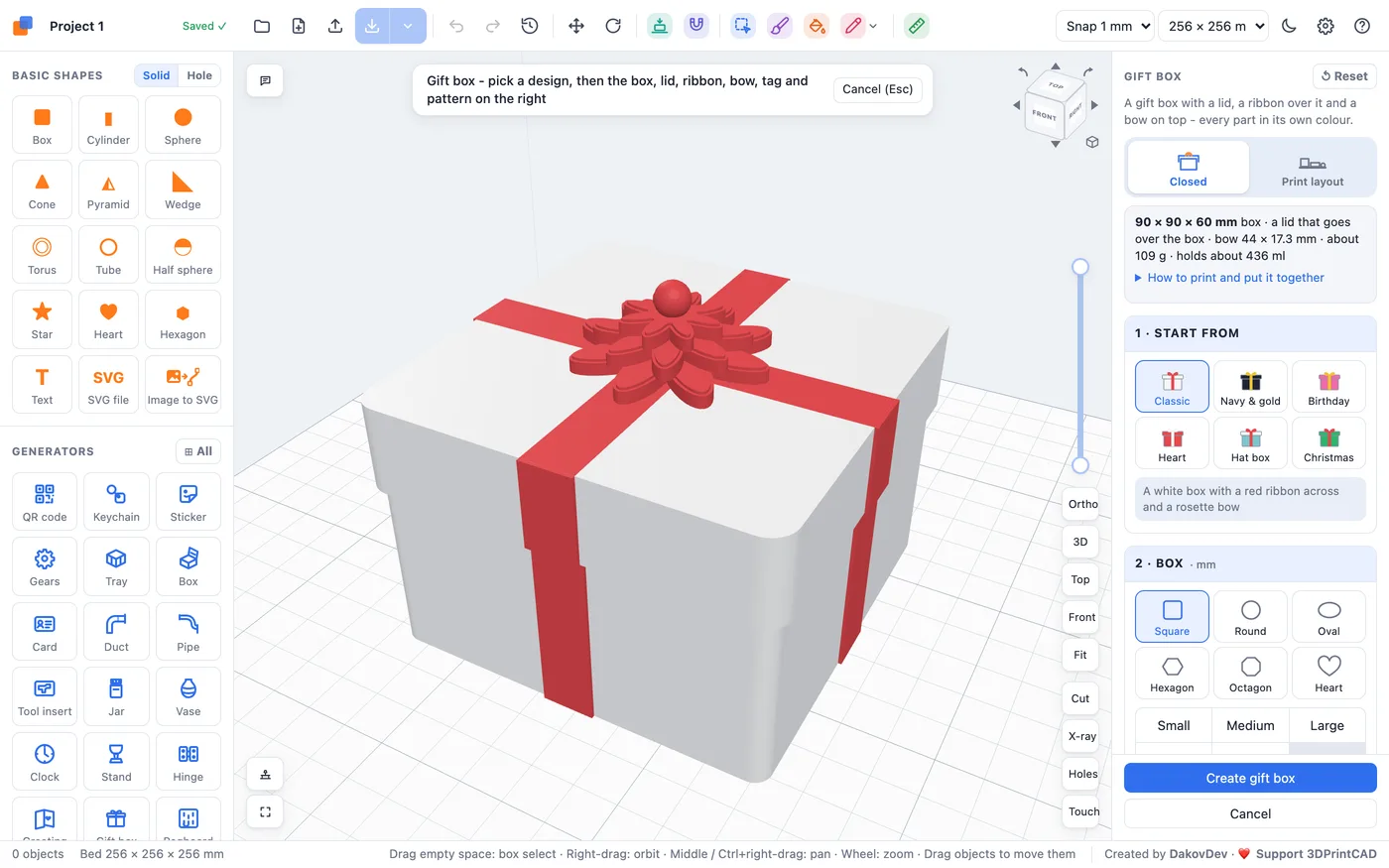
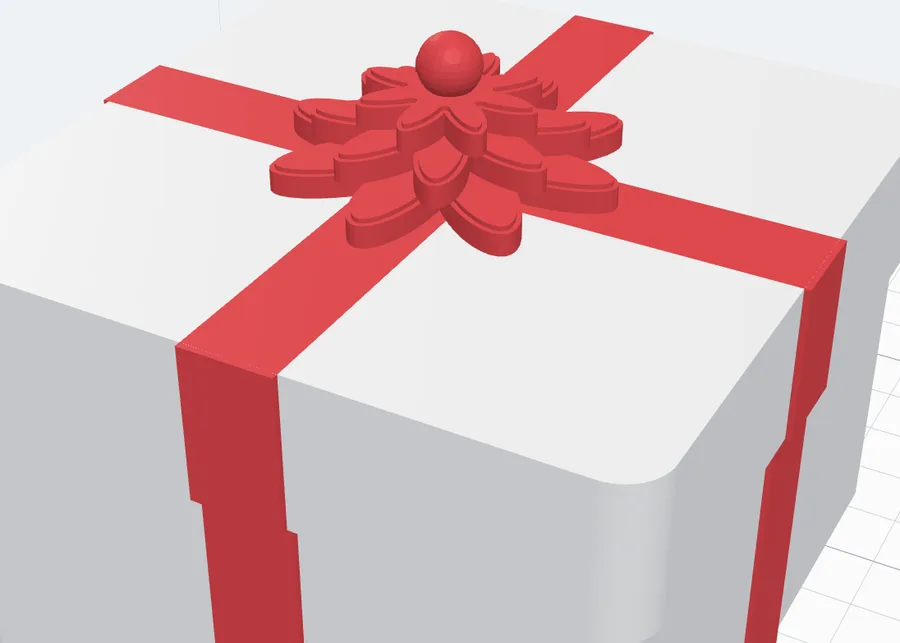
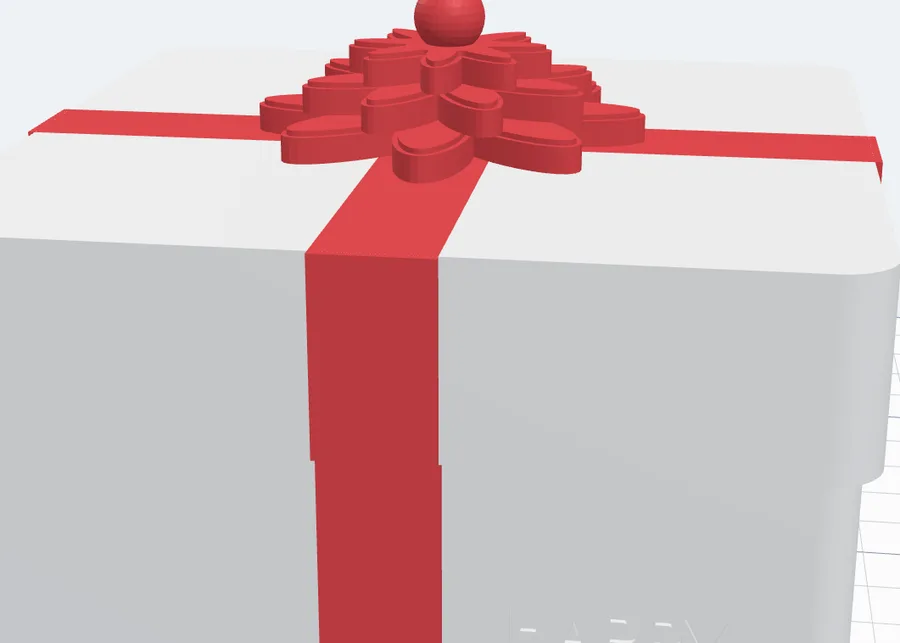
Click Gift box in the Generators list on the left, or the button above. It opens on the Classic design - a white box, a red ribbon across the lid and a rosette bow - and every change shows at once in the view. Nothing is added to your project until you click Create gift box.
2Closed and Print layout
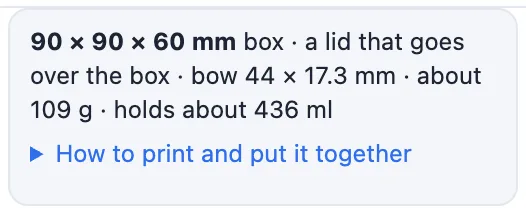
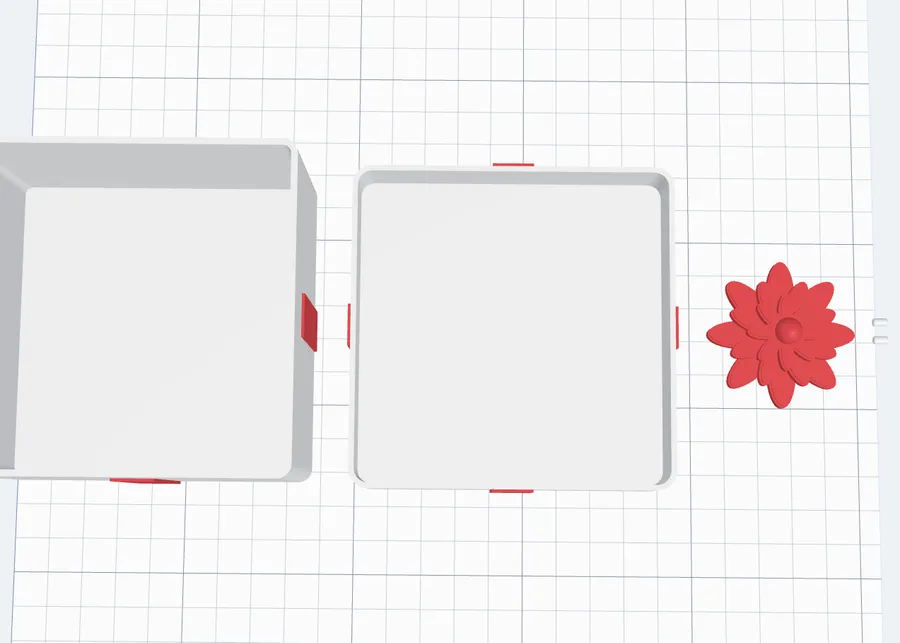
The switch at the top of the panel shows the box Closed (the lid on, the bow on top - as you give it) or in the Print layout (what Create gift box makes: the box upright, the lid upside down beside it with its top flat on the bed, the bow and its pins beside them). Under it, the info box gives the size, the lid, the bow, about how many grams it weighs and how much it holds; How to print and put it together opens the steps.
3Start from a design
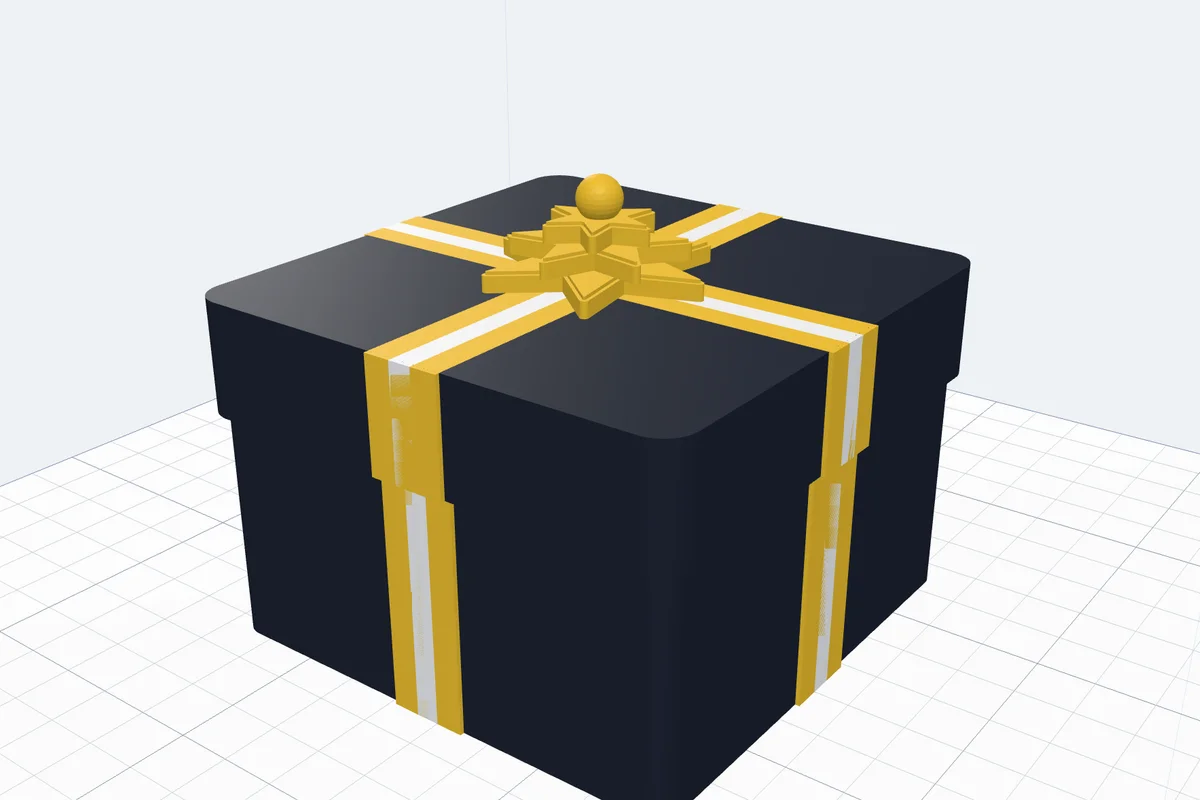
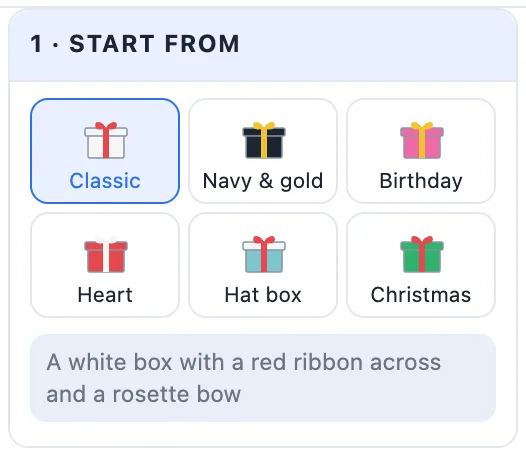
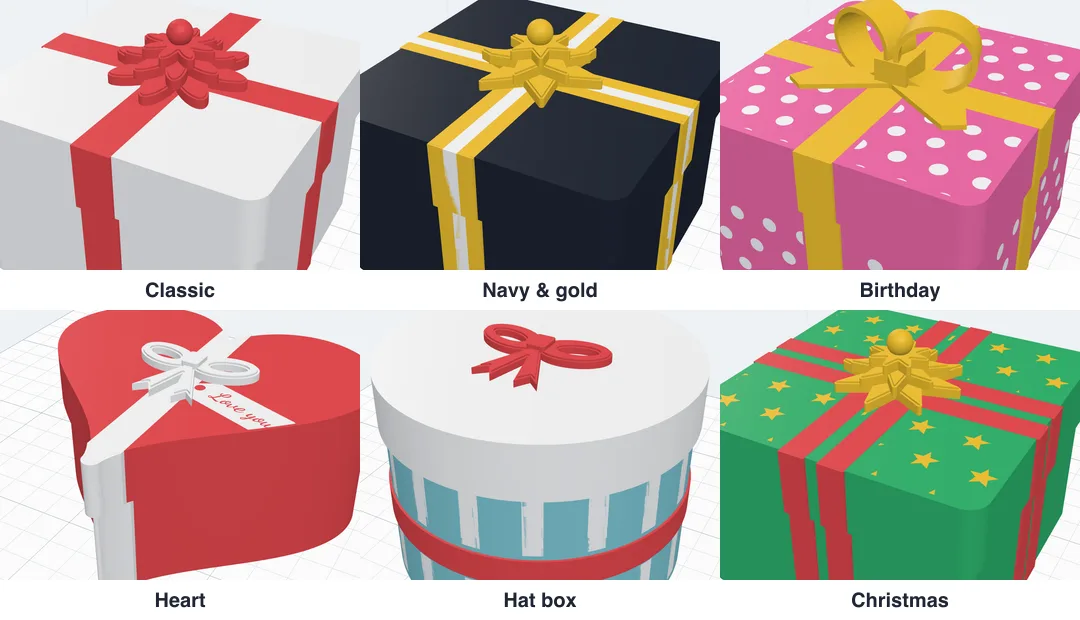
1 · Start from sets the whole box in one click: Classic, Navy & gold (a striped gold ribbon and a star bow), Birthday (pink with white dots, a yellow ribbon and loops), Heart (a heart box with a flat bow and a tag), Hat box (round, up stripes and a band round it) and Christmas (green with gold stars and a double ribbon). Change anything afterwards - the design then becomes your own.
4The box
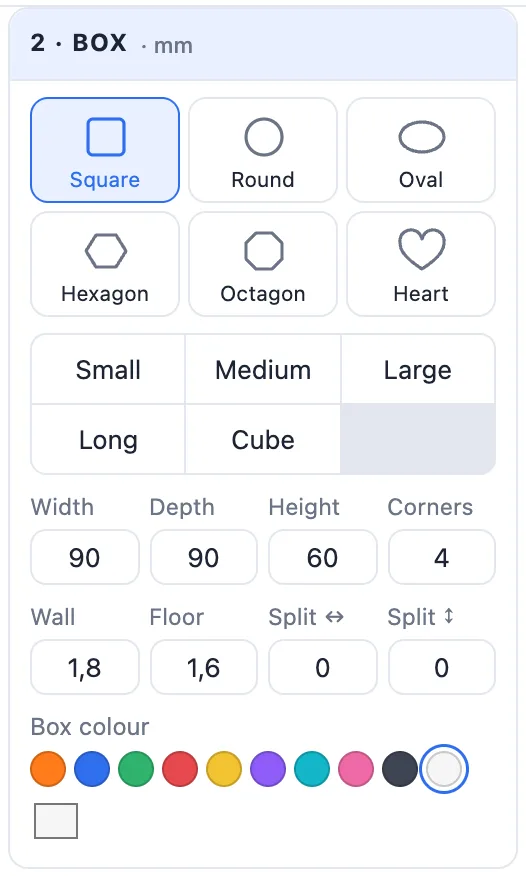
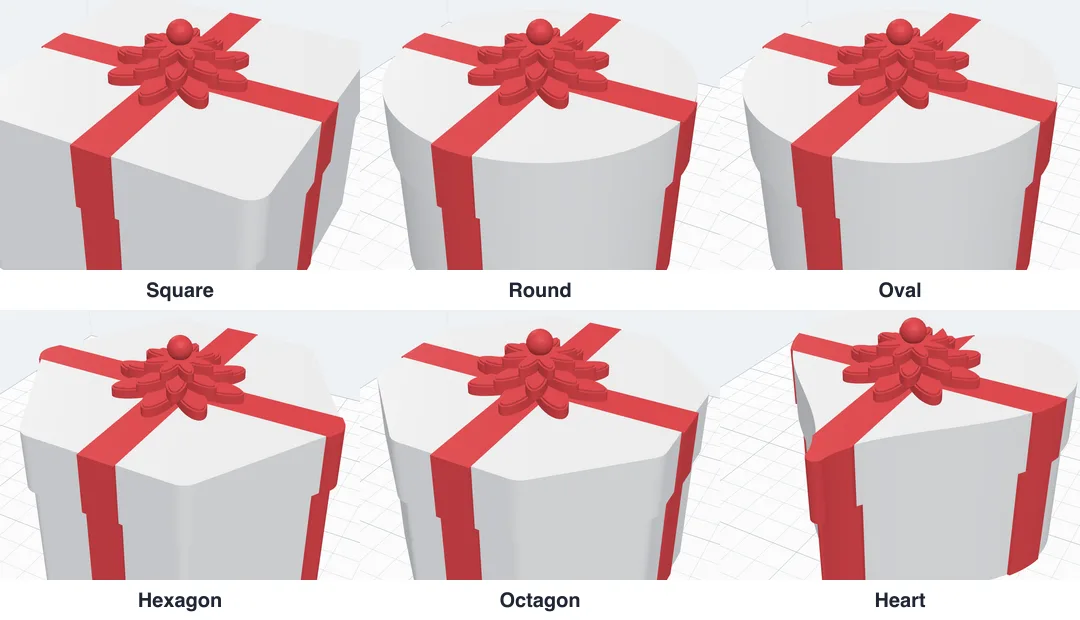
- Shape - Square, Round, Oval, Hexagon, Octagon or Heart.
- Size - the chips Small, Medium, Large, Long and Cube, or Width, Depth and Height in mm (a round box: Ø), and Corners for the square, hexagon and octagon.
- Wall and Floor - their thickness.
- Split ↔ / Split ↕ - walls inside the box, for compartments.
- Box colour.
5The lid
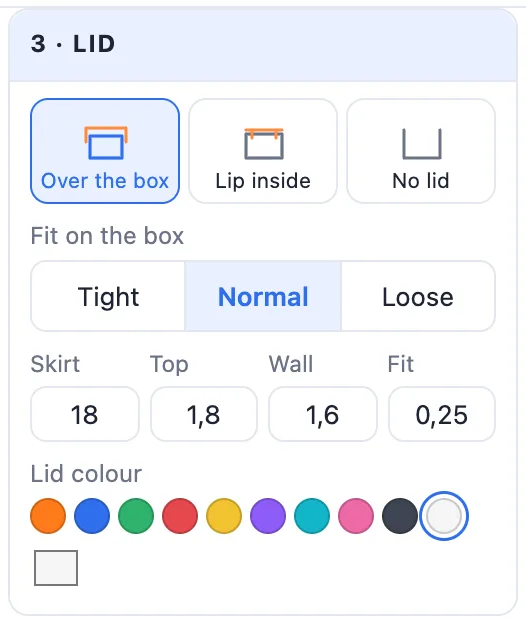
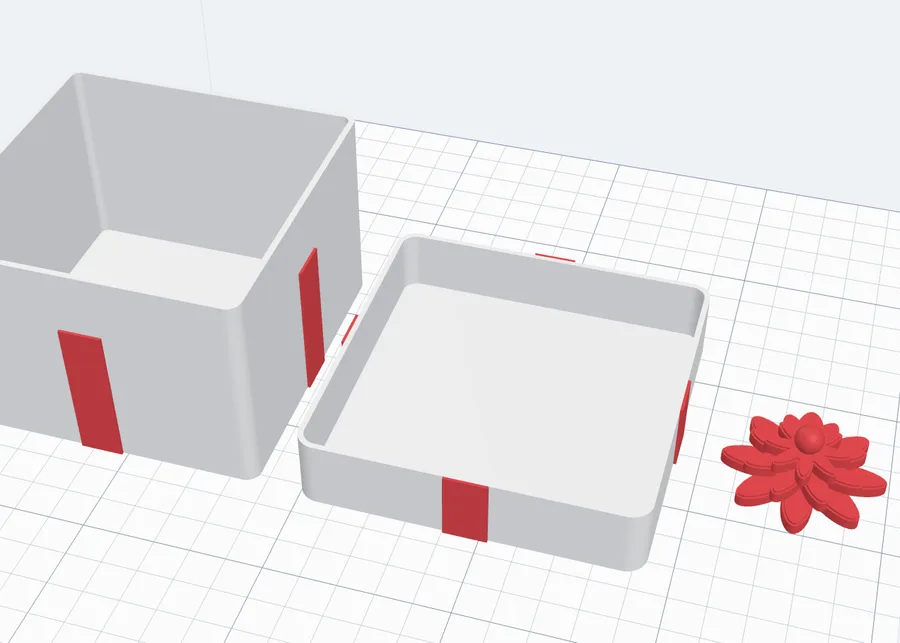
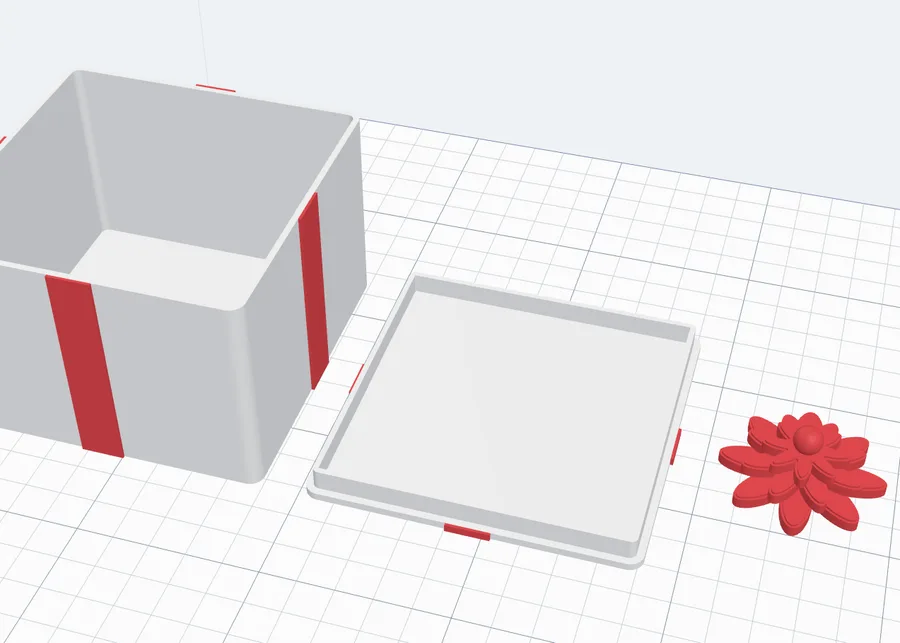
- Over the box - a lid that slides down over the box, like a shoe box; Skirt = how far it comes down.
- Lip inside - a flat lid with a lip that drops inside the box; Lip = how deep.
- No lid - an open box; the ribbon goes round its walls.
- Fit on the box - Tight, Normal or Loose (the gap per side), the lid's Top and Wall thickness, and the Lid colour.
6The ribbon
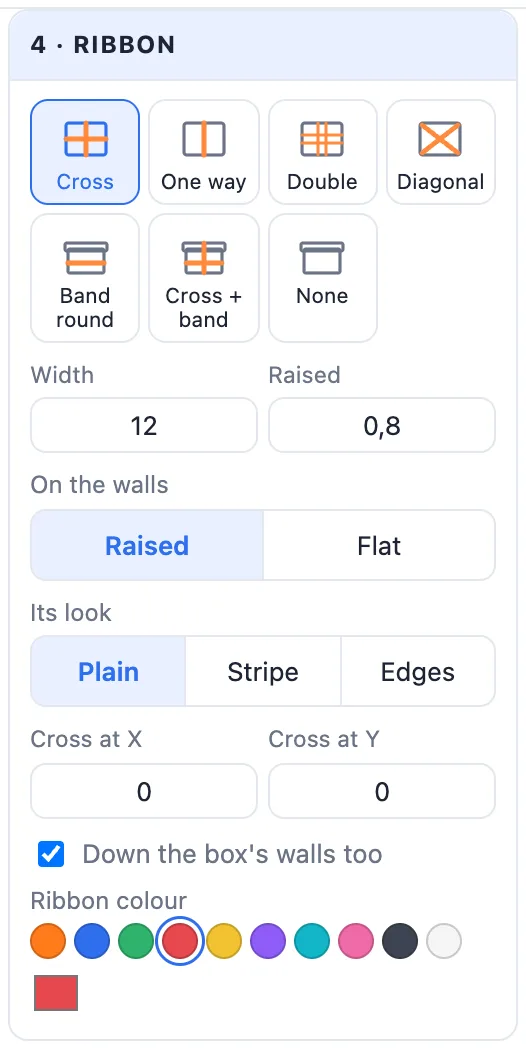
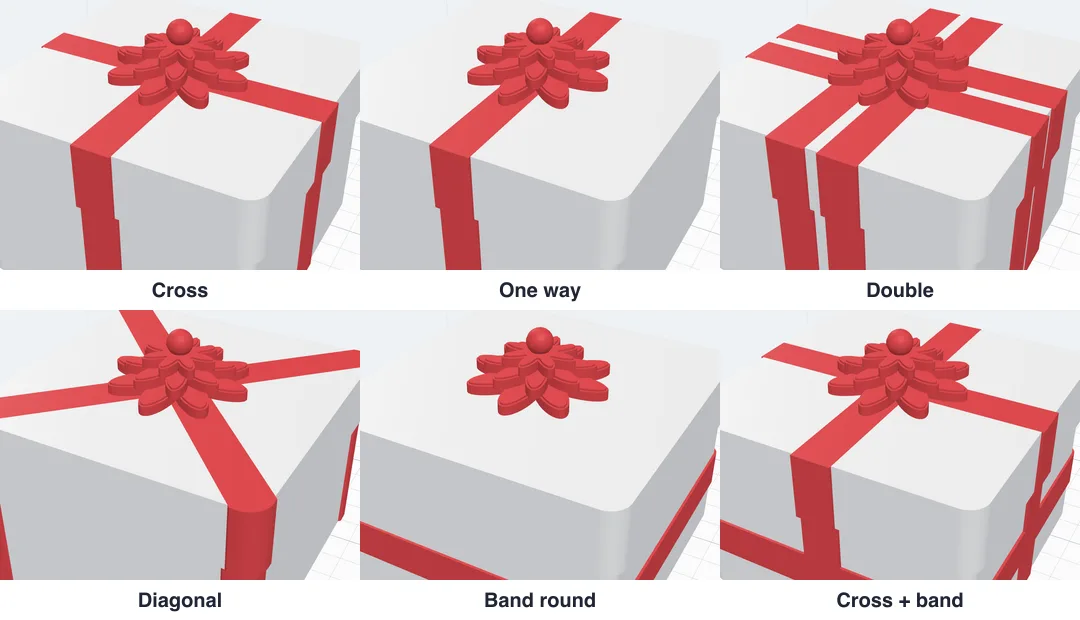
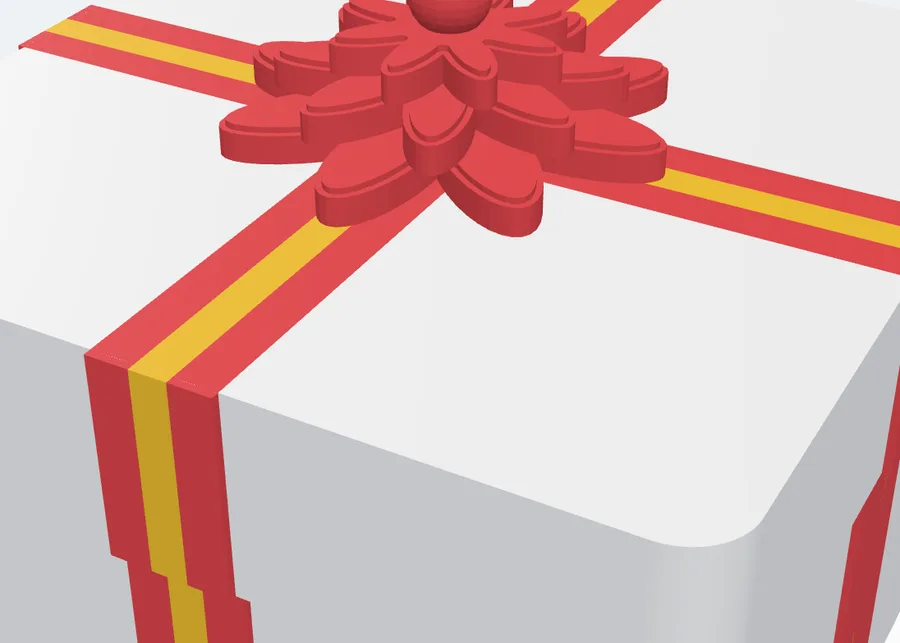
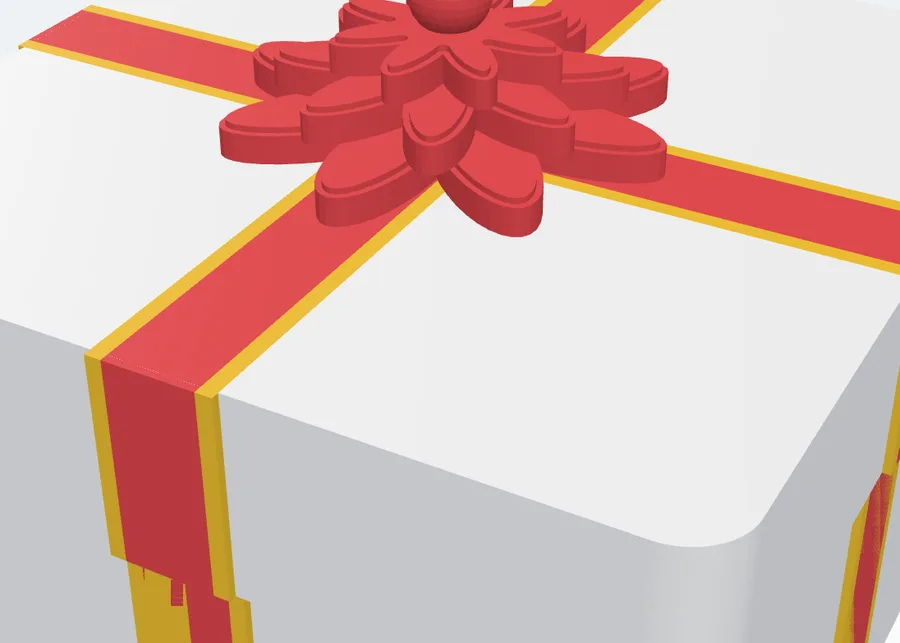
4 · Ribbon wraps the box in one of seven ways: Cross, One way, Double (two ribbons each way, a Gap apart), Diagonal, Band round (like a hat box, Band at its height), Cross + band or None. It follows any shape of box.
- Width and Raised (how far it stands out of the walls). On the lid's top it is always flat (the lid prints upside down); On the walls it is Raised or Flat.
- Its look - Plain, Stripe (a stripe of a second colour down its middle) or Edges (its edges in a second colour).
- Cross at X / Y - move where the ribbons cross (the bow goes there); Down the box's walls too - off, the ribbon is only on the lid.
- Ribbon colour and the stripe or edge colour.
7The bow
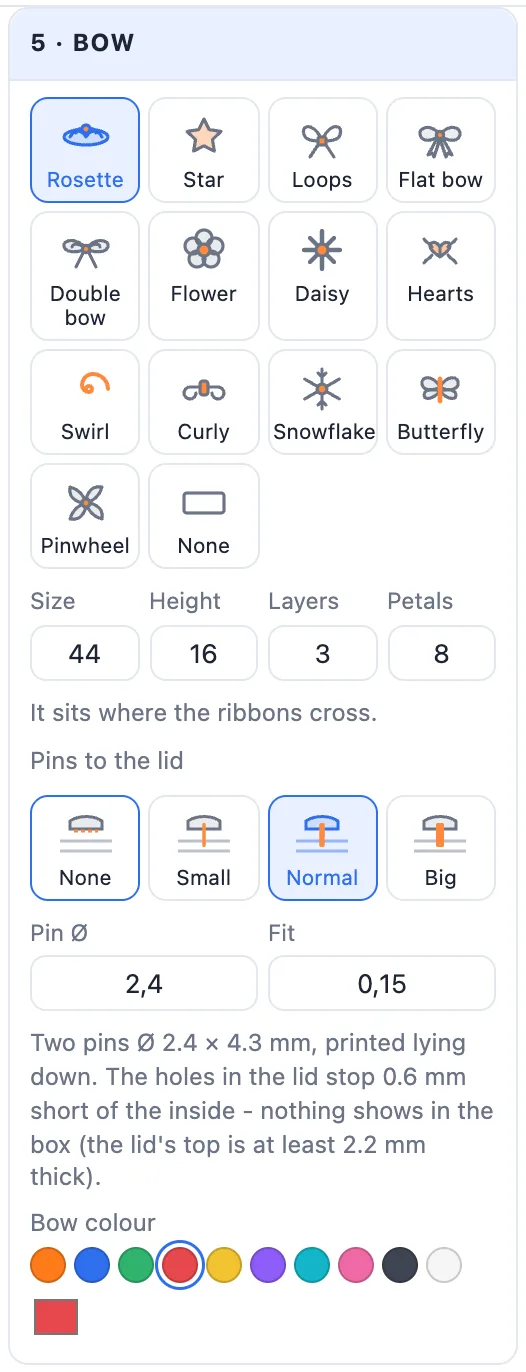
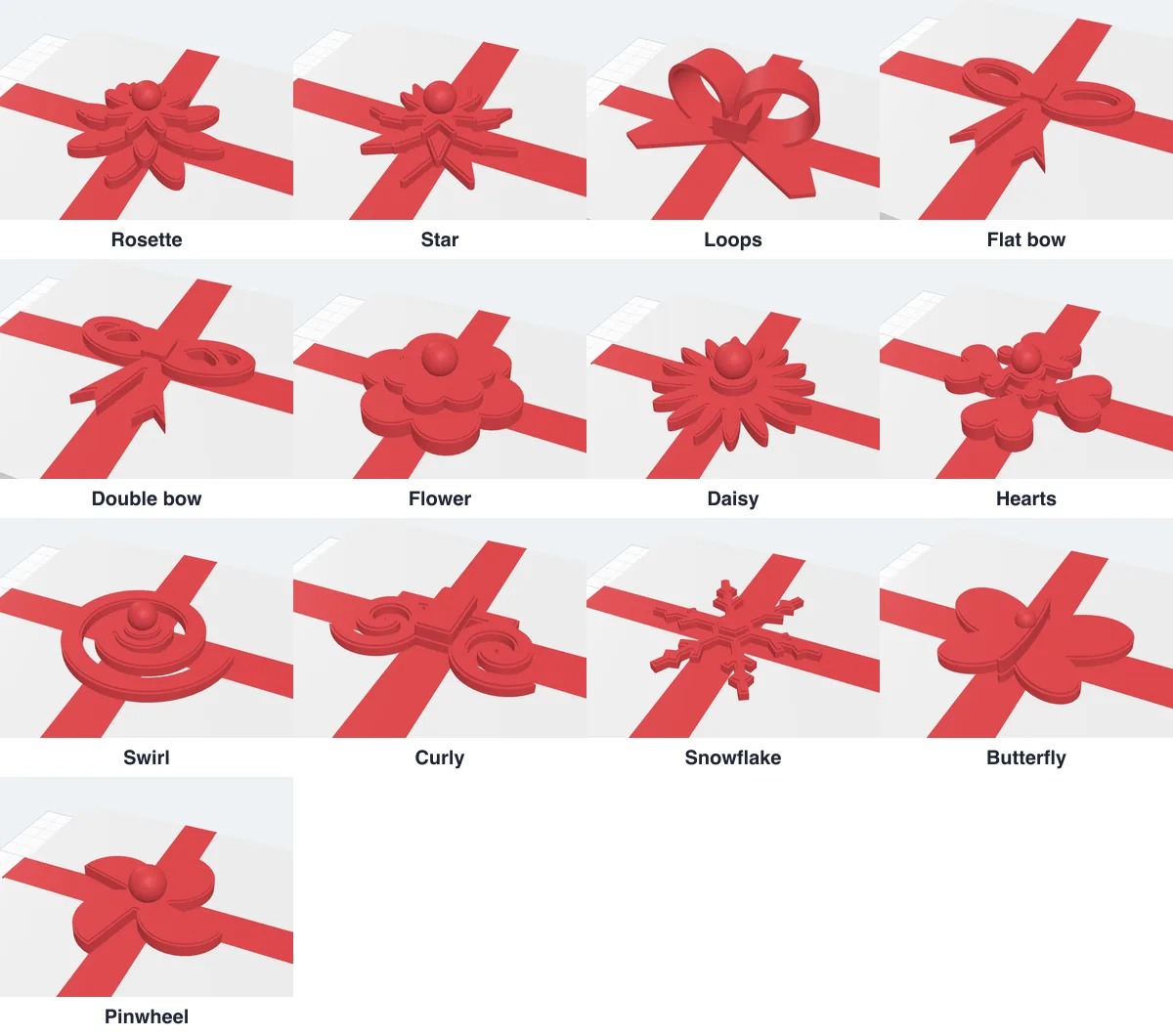
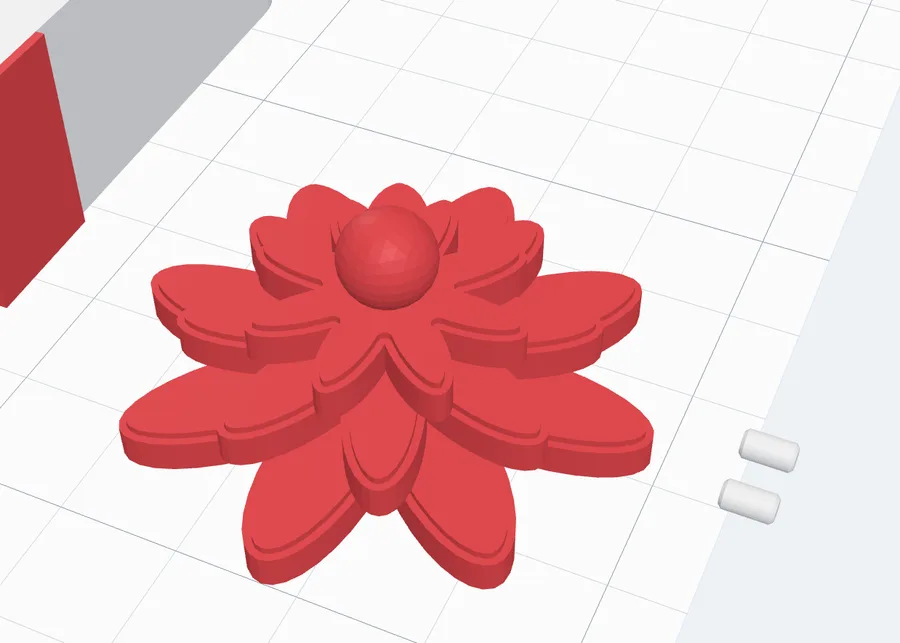
5 · Bow - thirteen bows, each printed on its own, flat side down: Rosette, Star, Loops, Flat bow, Double bow, Flower, Daisy, Hearts, Swirl, Curly, Snowflake, Butterfly and Pinwheel - or None. Set its Size and Height (a rosette or a star also its Layers and Petals / Points) and the Bow colour (the ribbon's by default). It sits where the ribbons cross; with a band or no ribbon, place it with X and Y.
8Pins that hold the bow
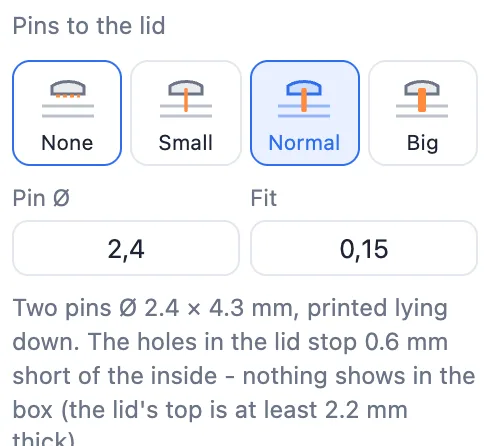
Two pins join the bow to the lid. Pins to the lid: None (glue it on), Small (Ø 1.6 mm, for small bows), Normal (Ø 2.4 mm) or Big (Ø 3.2 mm - the strongest), then Pin Ø and Fit (the room round each pin in its hole) to fine-tune. The pins print lying flat beside the bow. The holes in the lid stop 0.6 mm short of its inside, so nothing shows when the box is opened - with pins the lid's top is made at least 2.2 mm thick. A bow too thin for the pins you picked says so: pick smaller pins, or glue it.
9Texts, SVGs and pictures
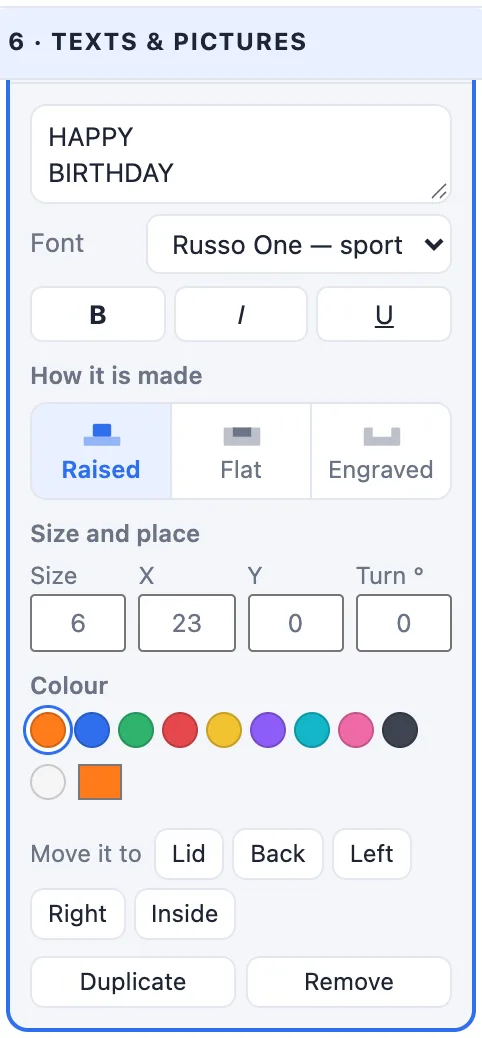
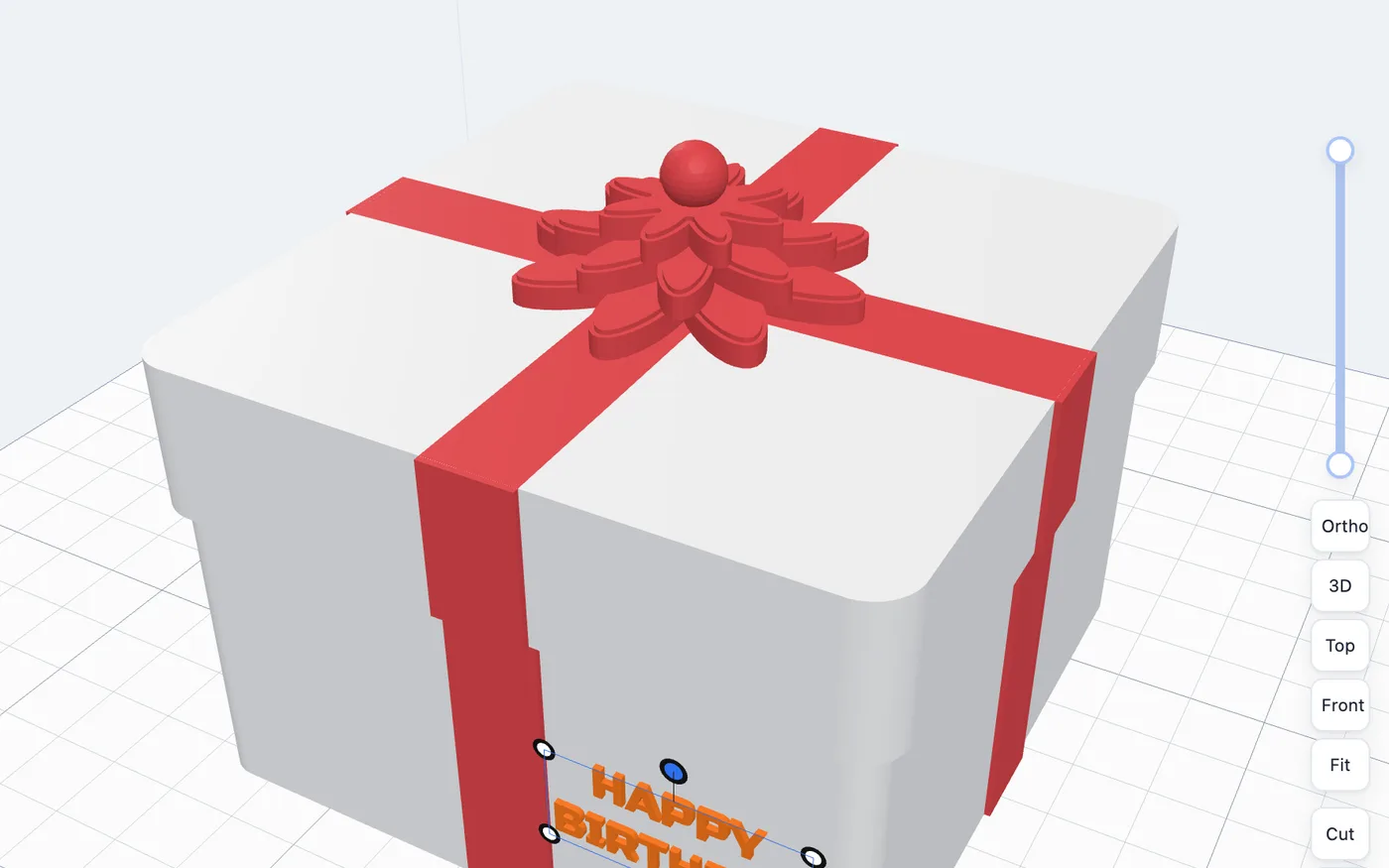
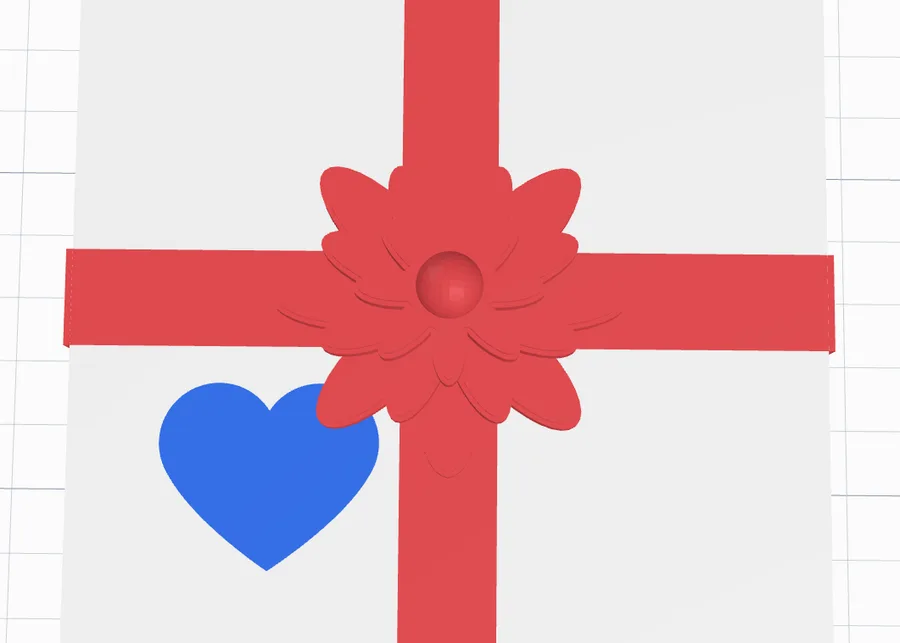
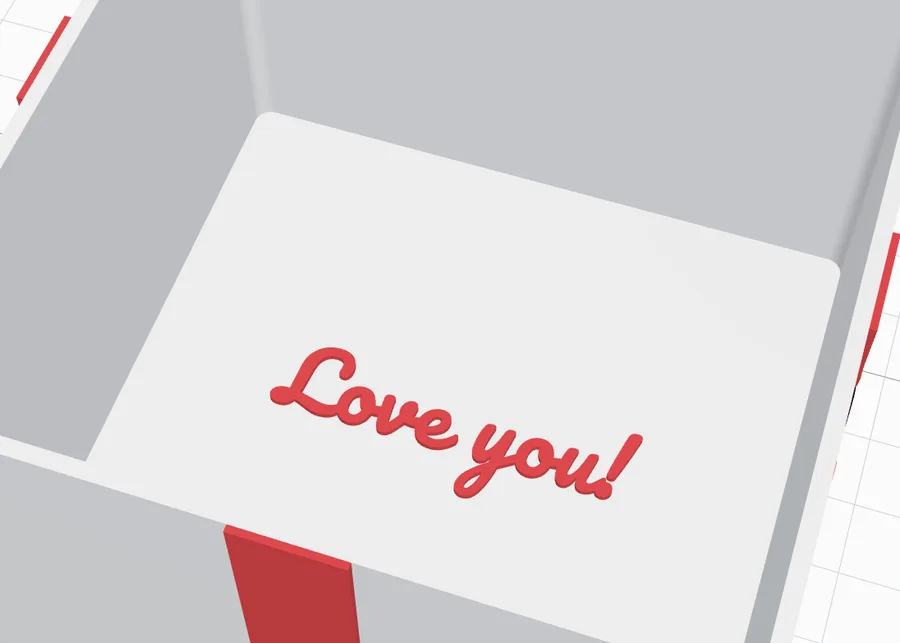
6 · Texts & pictures has a tab for each face: Lid, Front, Back, Left, Right and Inside (the floor - a hidden message), each with how many items it holds. Add a Text (any font), an SVG (a logo or icon) or a Picture (in its colours). Every item is a row - click it to open its settings:
- A text: its words, the Font and B / I / U. An SVG: Change SVG….
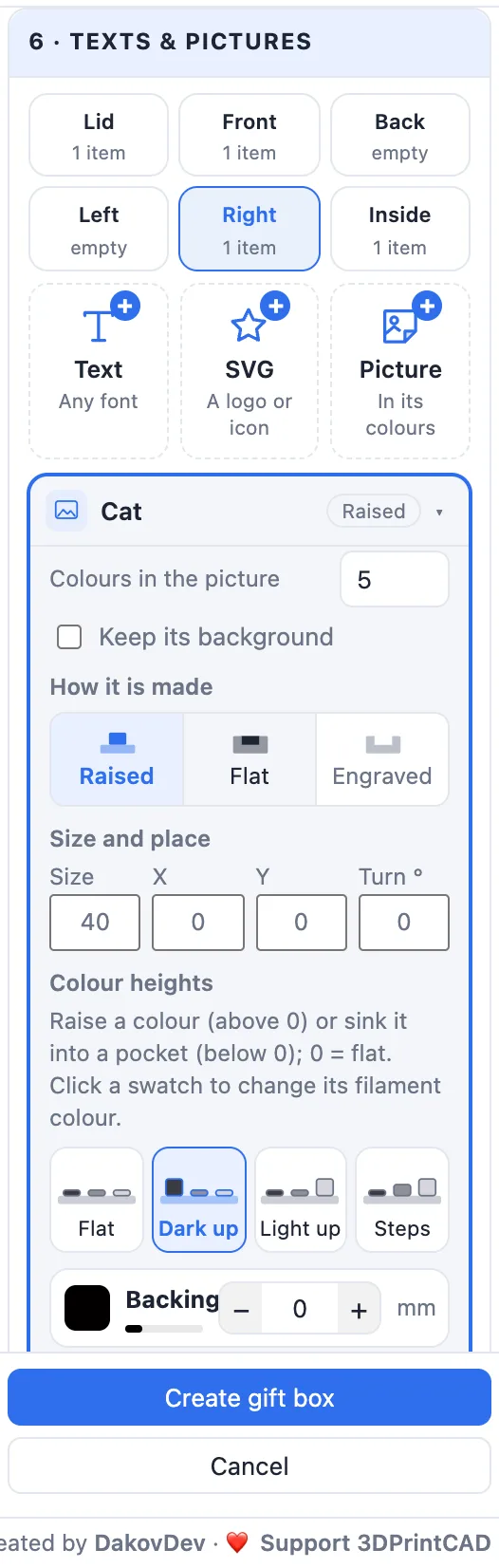
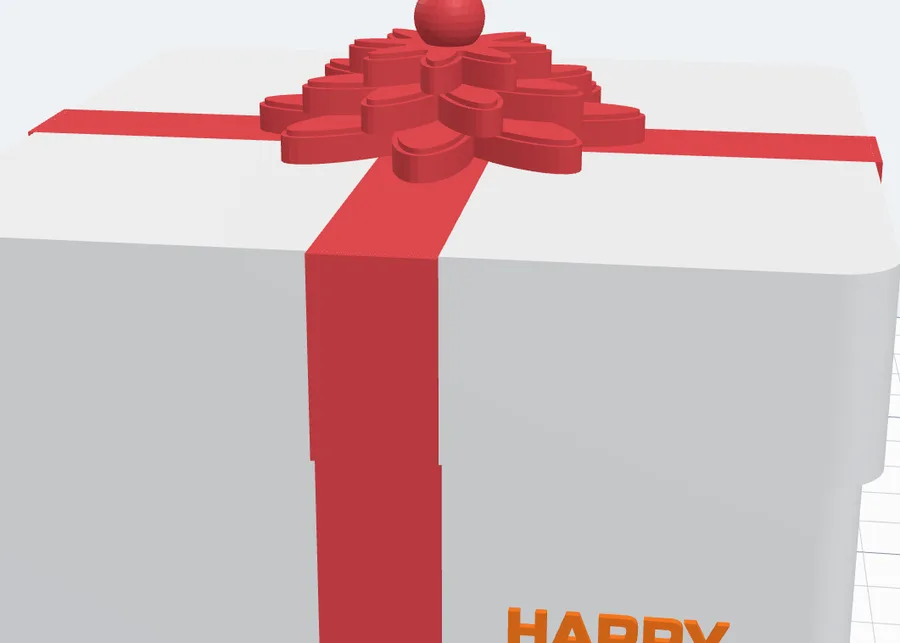
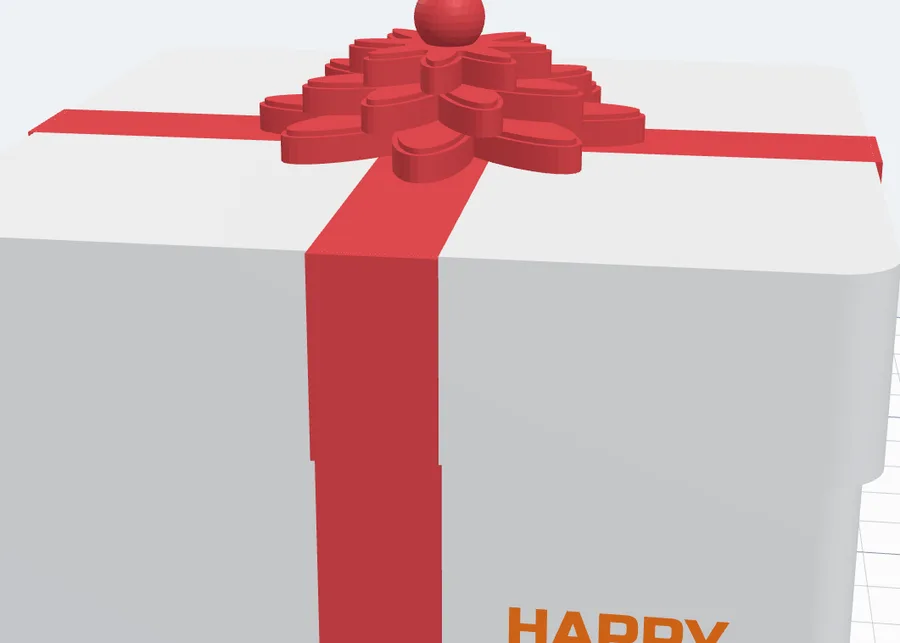
- How it is made - on the walls and inside Raised, Flat (inlaid in its own colour) or Engraved; on the lid Flat or Engraved, because the lid's top lies on the bed.
- Size, X, Y and Turn, its Colour, Move it to another face, Duplicate and Remove.
Or work in the view: click a text, SVG or picture to select it, drag it along its face, drag the blue knob to turn it (Shift: 15° steps) and a corner to size it. It snaps to the face's middle lines - hold Alt to place it anywhere. Double-click one to open its row. Things on the lid are dragged in the Closed view; on the floor, with the lid off or in the Print layout.
10Pictures and colour heights
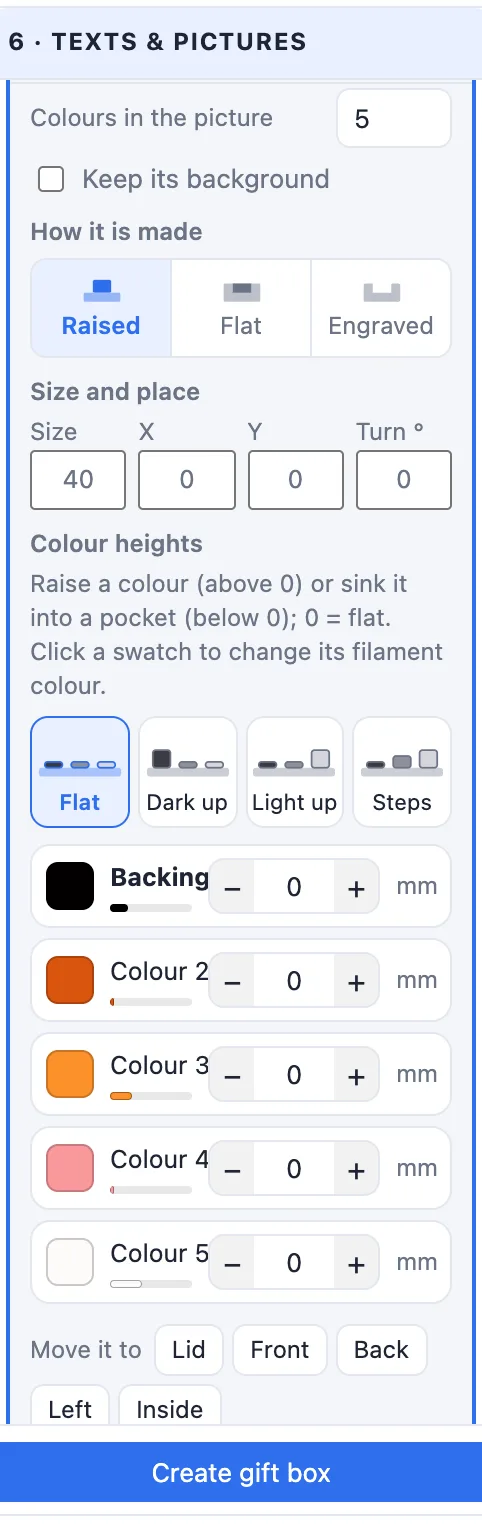
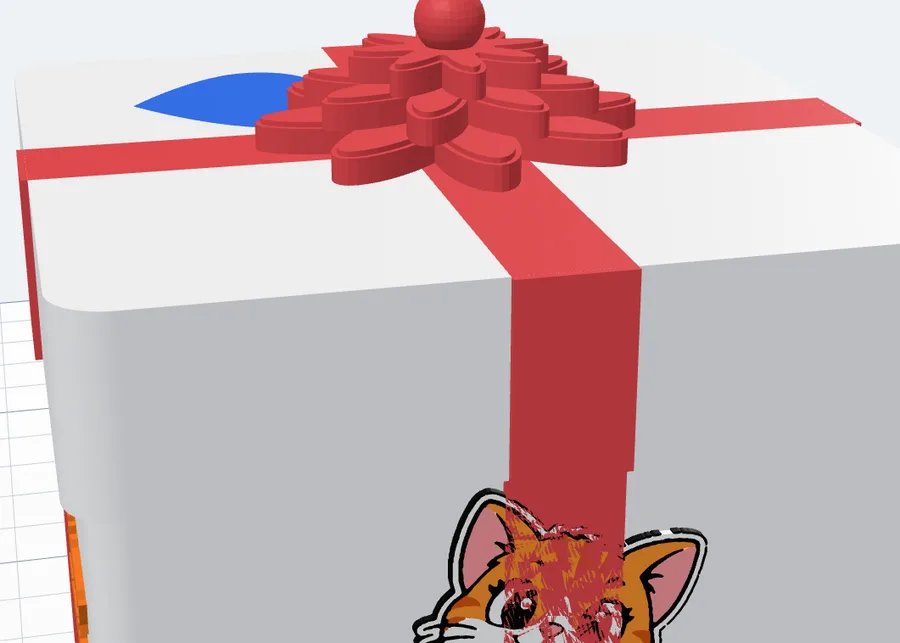
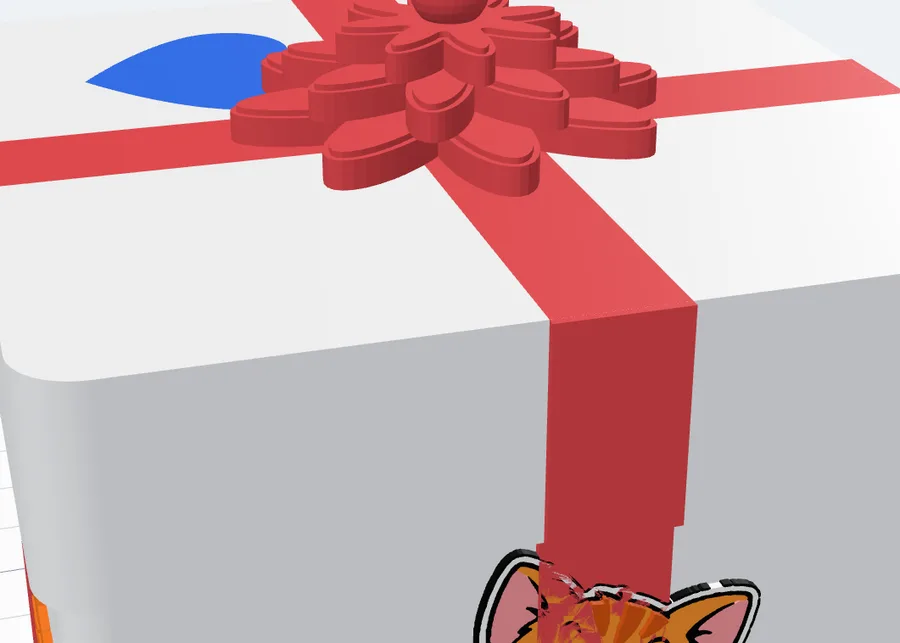
A picture is split into a few colours (Colours in the picture, 2-8; Keep its background for a picture without a plain background). Its Colour heights: the presets Flat, Dark up, Light up and Steps, and for every colour its swatch (the filament colour - click it to change), its share and its height in mm: above 0 it stands up by that much, below 0 it sits that deep in a pocket. On the lid only sinking counts.
11The gift tag
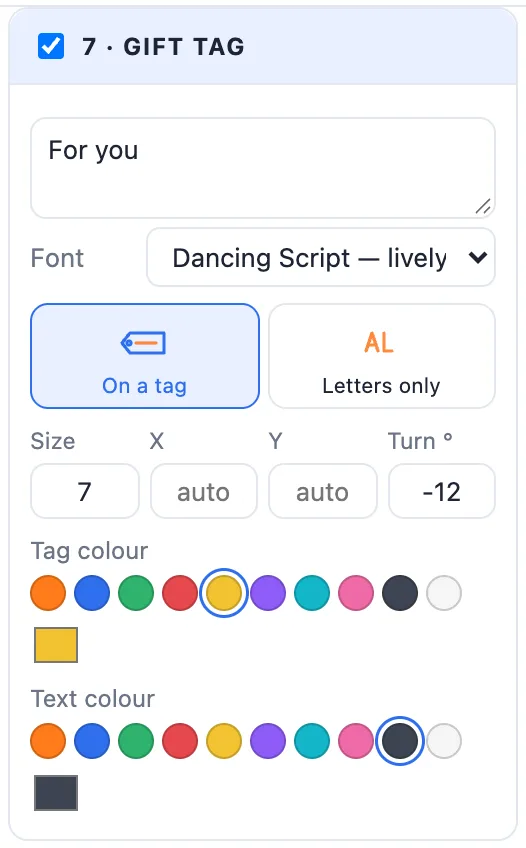
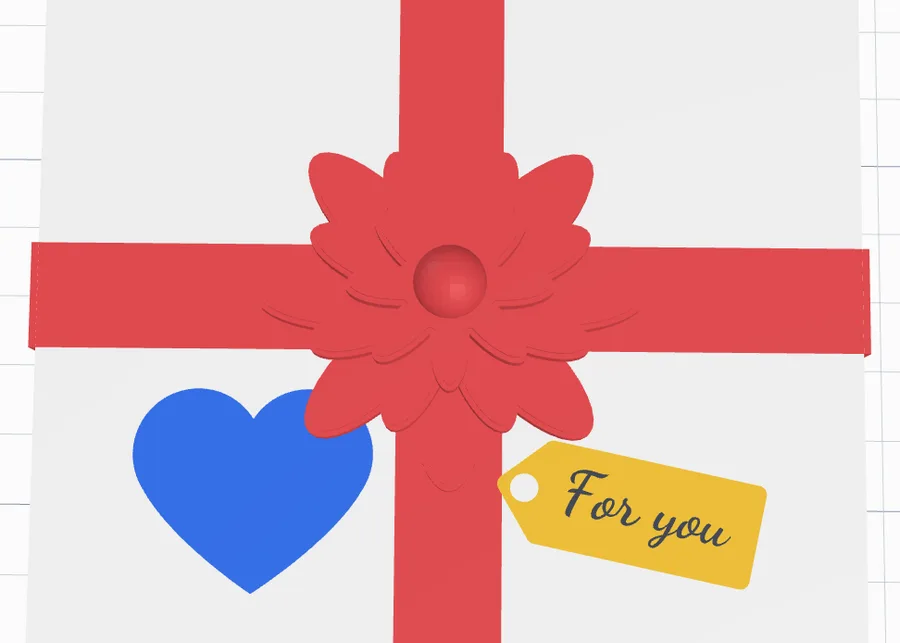
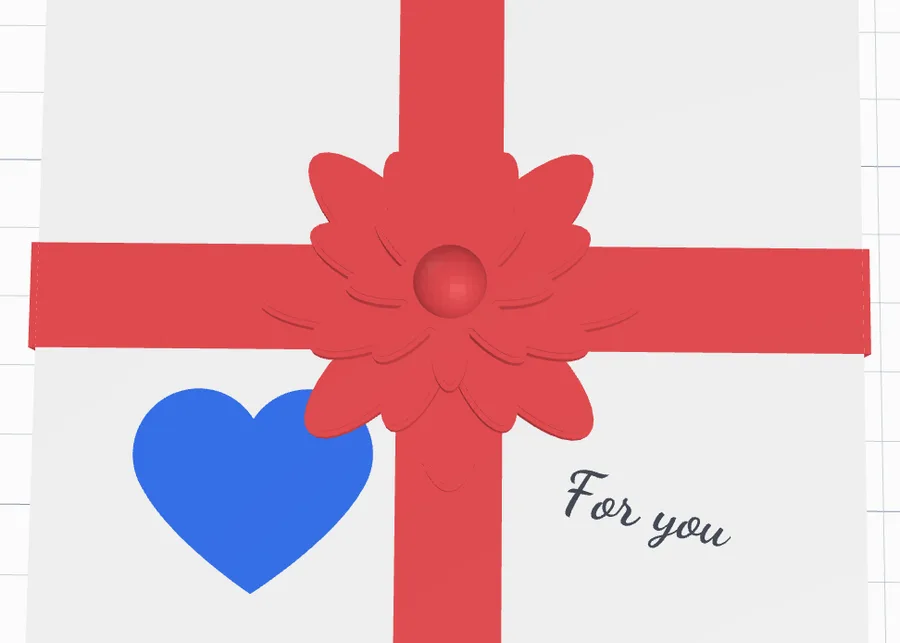
Tick 7 · Gift tag for a tag on the lid: its words (up to three lines), the Font, On a tag (a luggage tag with a hole) or Letters only, the Size of the letters, X / Y (empty = the front right quarter), Turn, and the tag and text colours. It is inlaid flat in the lid's top.
12Patterns - and your own SVG
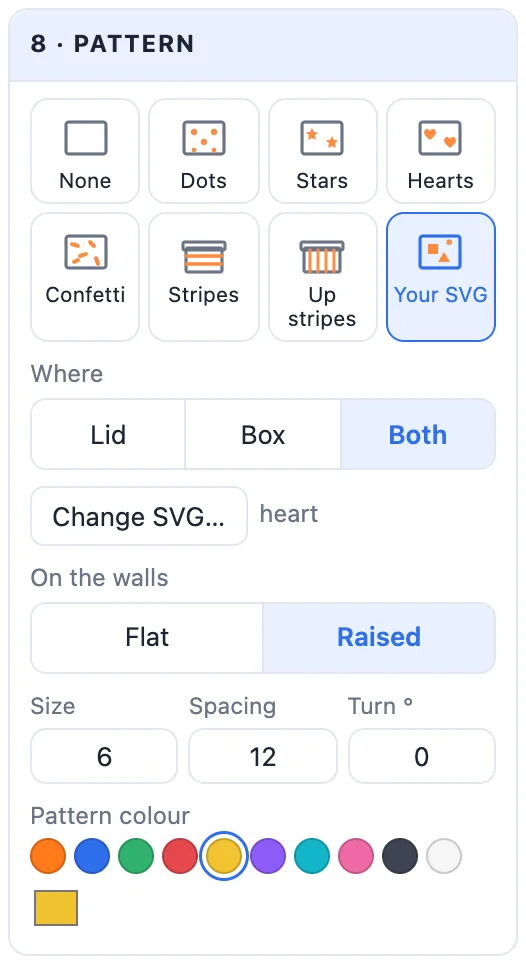
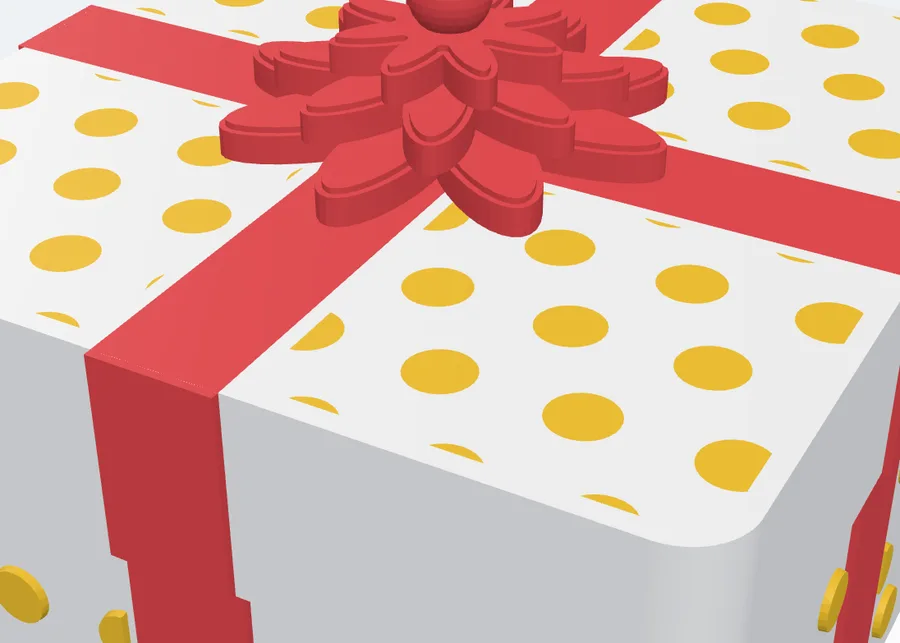
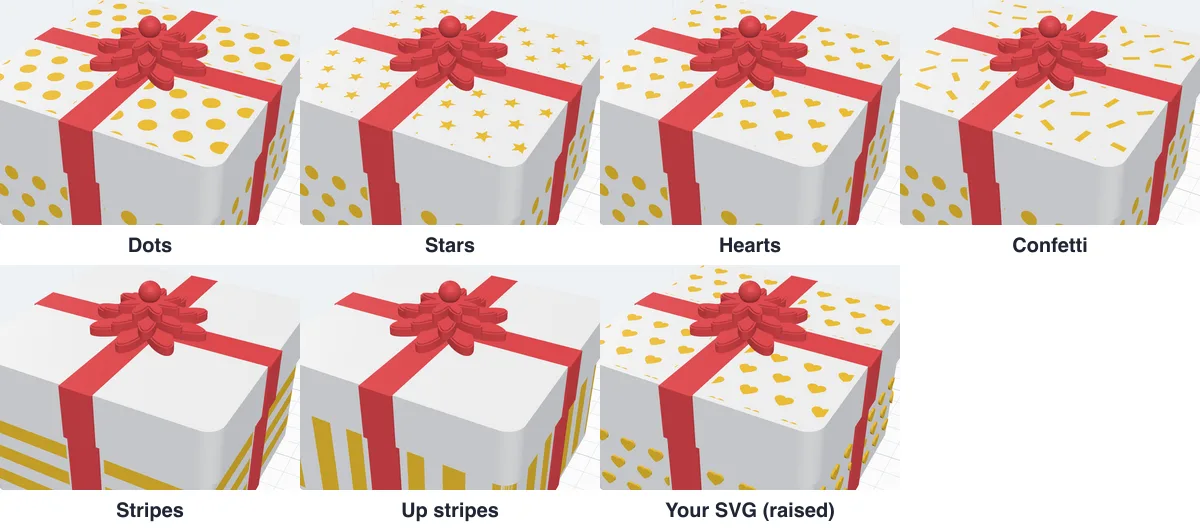
8 · Pattern covers the box: Dots, Stars, Hearts, Confetti, Stripes, Up stripes or Your SVG - any shape from an SVG file (pick the tile and choose the file; Change SVG… later). Where - the Lid, the Box or Both; On the walls Flat or Raised; Size, Spacing (centre to centre), Turn for your SVG, and the Pattern colour. It keeps clear of the ribbon, the tag and the bow, and follows any shape of box.
13Create, print and put it together
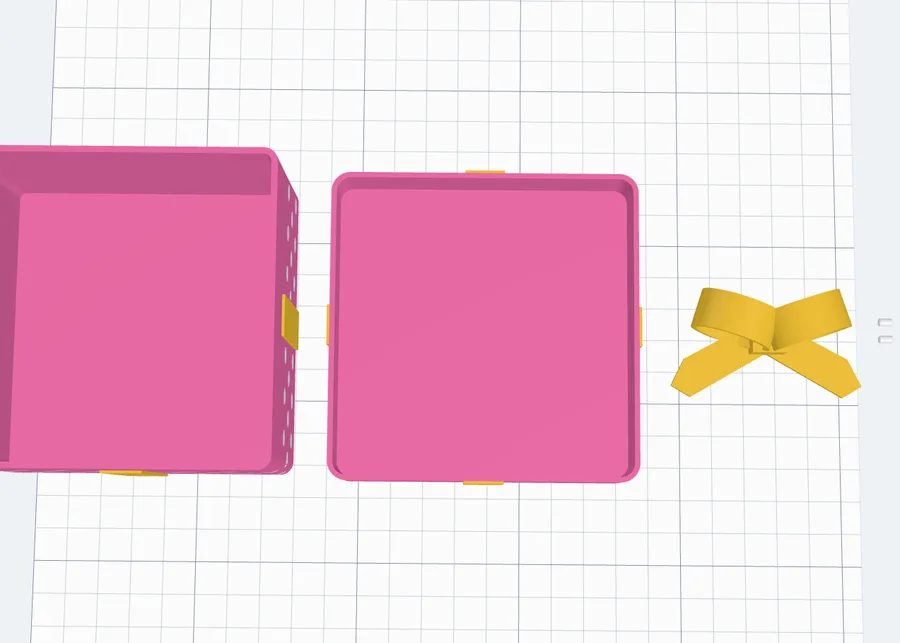
- Click Create gift box: the box is added to your project laid out for printing - the box upright, the lid upside down, the bow and the pins beside them. Double-click it later to change it.
- Export it: Multi-colour 3MF keeps every colour; on a one-colour printer print the box, the lid and the bow each in its own filament (the ribbon and the pattern then share the part's colour, or change filament at the heights the slicer shows).
- Press the two pins into the bow, then the bow onto the lid. No pins: a drop of glue.
- Put the lid on - and your gift in.
Questions
Can I 3D print a gift box with a ribbon and a bow?
Yes. The box, the lid, the ribbon, the bow and everything on them are separate coloured parts of one design. Print it in colour with a multi-colour printer (export a multi-colour 3MF), or print each colour on its own and put the box together - the bow is its own piece either way and is held on the lid by two printed pins.
How do I put the bow on the lid?
The bow prints on its own, flat side down. Two small pins print lying on the bed beside it: press them into the holes under the bow, then into the holes in the lid. The holes stop short of the lid's inside, so nothing shows in the box. Pick Small, Normal or Big pins - or None and glue the bow on.
Can I put my own text, logo or picture on the box?
Yes. Add a text in any font, an SVG or a picture on the lid, the front, back, left or right wall, or on the floor inside as a hidden message. Drag, turn and size each one right in the view. A picture is split into a few colours, each one raised or sunk with Colour heights.
Which box shapes are there?
Square (with rounded corners), round, oval, hexagon, octagon and heart - each with a lid that goes over the box, a flat lid with a lip that drops inside, or no lid at all.
Can I use my own pattern?
Yes. Besides dots, stars, hearts, confetti and stripes, pick Your SVG: your shape is repeated over the lid and round every wall, flat or raised, at the size, spacing and turn you choose.
How long does a gift box take to print?
The medium 90 x 90 x 60 mm box weighs about 110 g; most printers make it in a few hours. A smaller box or thinner walls print faster.
Make your gift box
Pick a design, choose the ribbon and the bow, add your words - and print a box that looks wrapped.
Open the Gift box generatorAlso see: Greeting card generator, Box generator, Sticker generator, Add text to a 3D model and SVG to 3D model.