3DPrintCAD › Guides › Box generator
Box generator: boxes with hinged, sliding and lip lids
Make a box with a lid that fits the first time: pick a shape or draw your own, divide it into compartments, and choose a lip, a cap, a sliding lid or a hinge that prints in place. Add magnets, a snap, texts on the walls and the lid - or make a Gridfinity bin, a flat-pack box or a sealed box with screws and a gasket. Everything happens in your browser and the box is ready for the slicer.
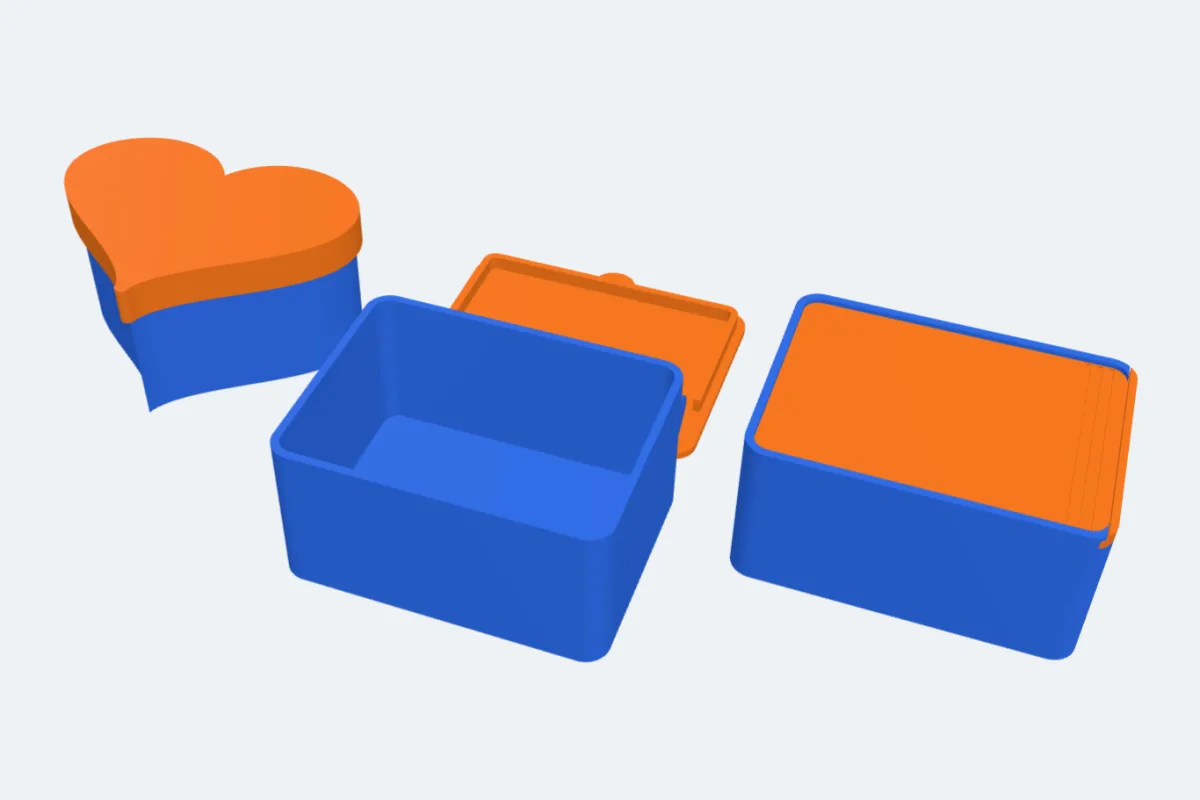
Watch the tutorial
The whole generator in two minutes, with subtitles: shapes, compartments, lids and hinges, texts, Gridfinity, flat-pack and sealed boxes. Watch on YouTube ↗
1Open the box generator
Open the app and click Box under Generators on the left (or use this link, which starts a new project with the box generator open). A box with a hinged lid appears. Every setting on the right updates the preview, and the lines at the top of the panel give the outside and inside size, how much it holds, the plastic it takes and the result of the fit check.
At the top, pick the style: One piece (a box with a lid - most of this guide), Flat-pack (separate panels that slot together) or Sealed (screws and a gasket). ↺ Reset puts every setting back.
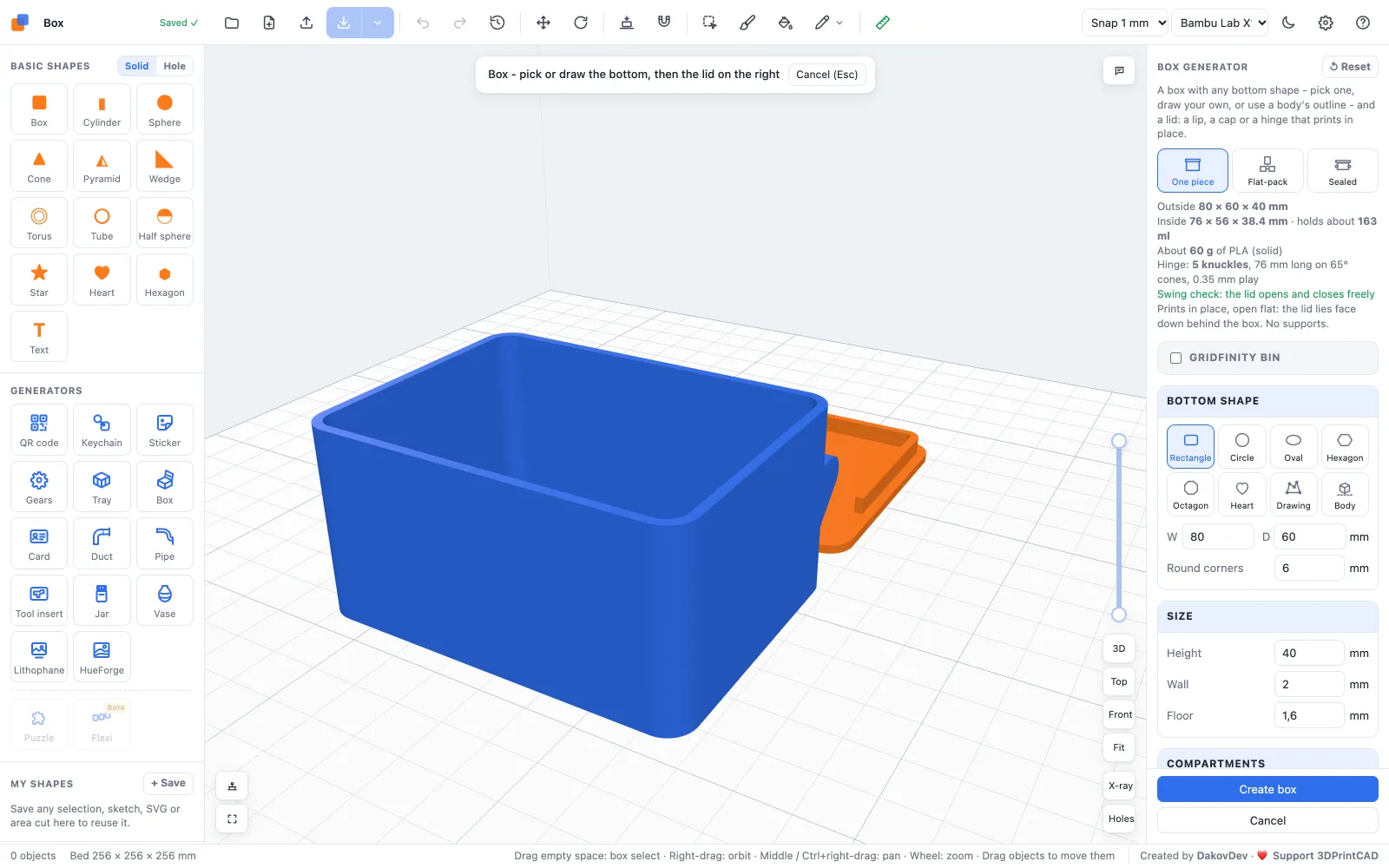
2Bottom shape and size
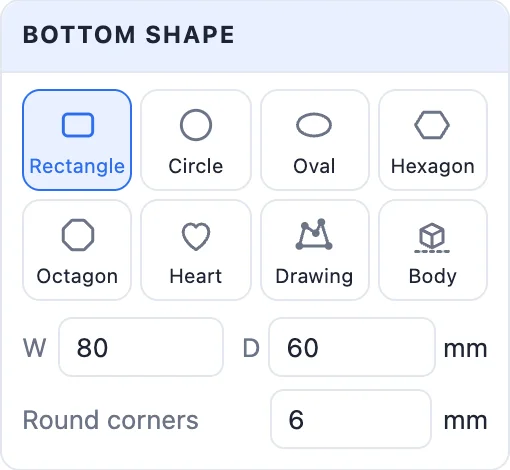
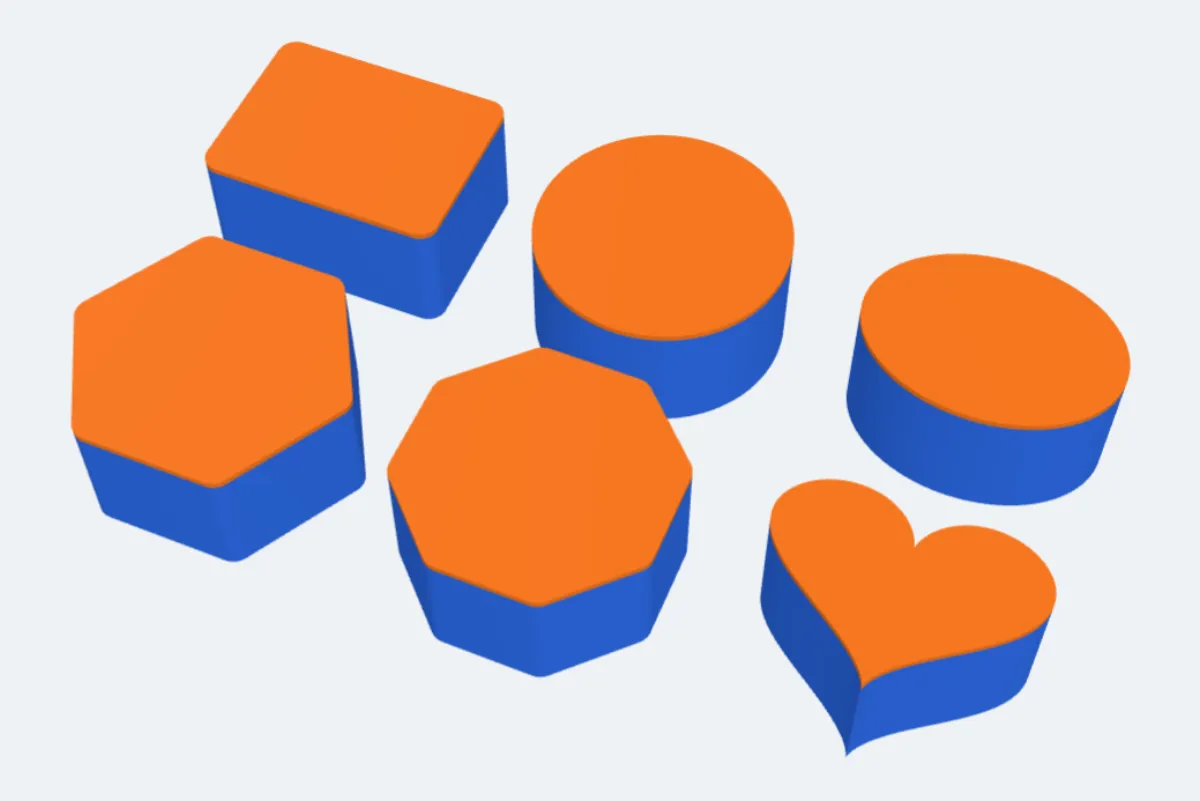
- Bottom shape: Rectangle, Circle, Oval, Hexagon, Octagon or Heart - or Drawing, an outline you draw yourself in the outline editor (lines, arcs, circles, rectangles, polygons, slots, splines, round corners, trim), or Body, the outline of the bodies you had selected when you opened the generator.
- W and D (or the diameter / across the flats), and Round corners.
- Height, Wall and Floor - 2 mm walls are five lines with a 0.4 mm nozzle.
3Compartments
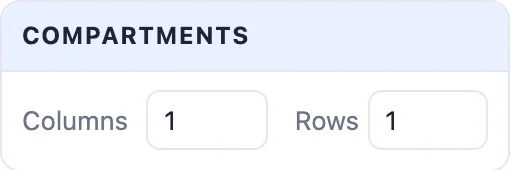
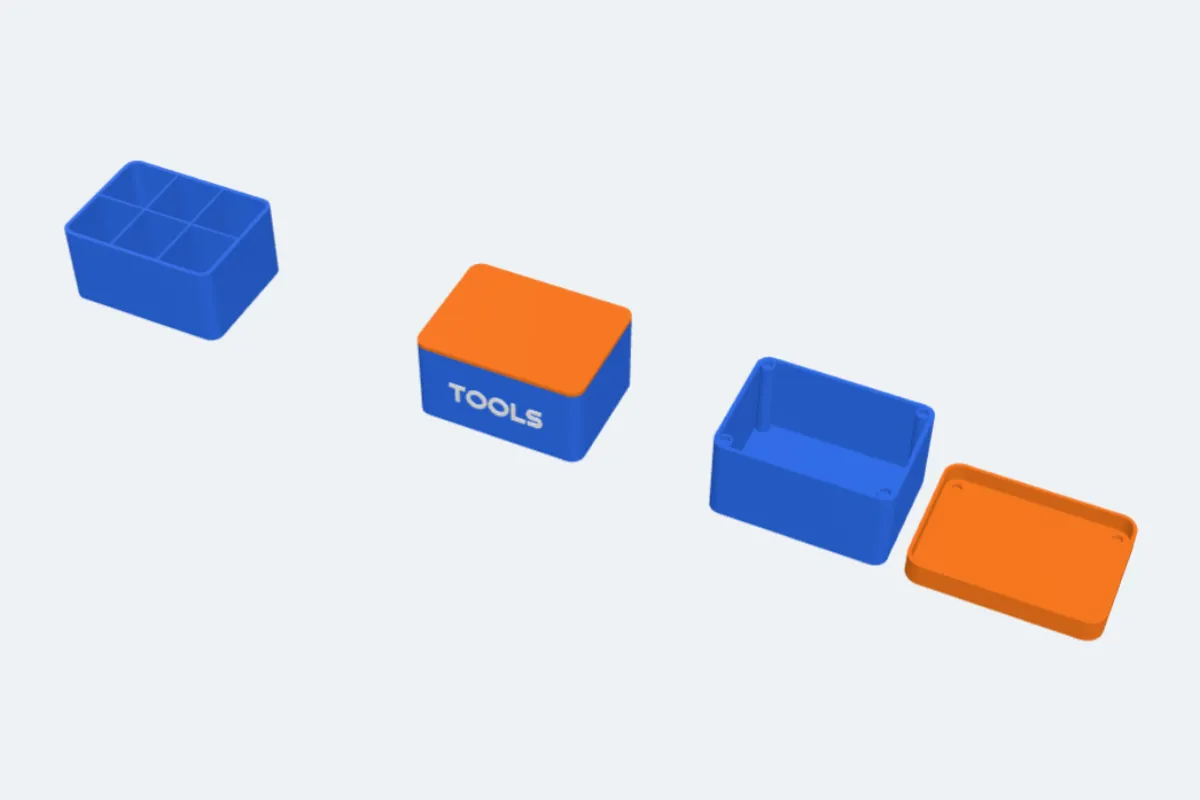
Columns and Rows divide the inside with thin walls, clipped to the box's shape. The dividers stop below a lid's lip, so the lid still closes.
4Lids
- No lid - an open box or tray.
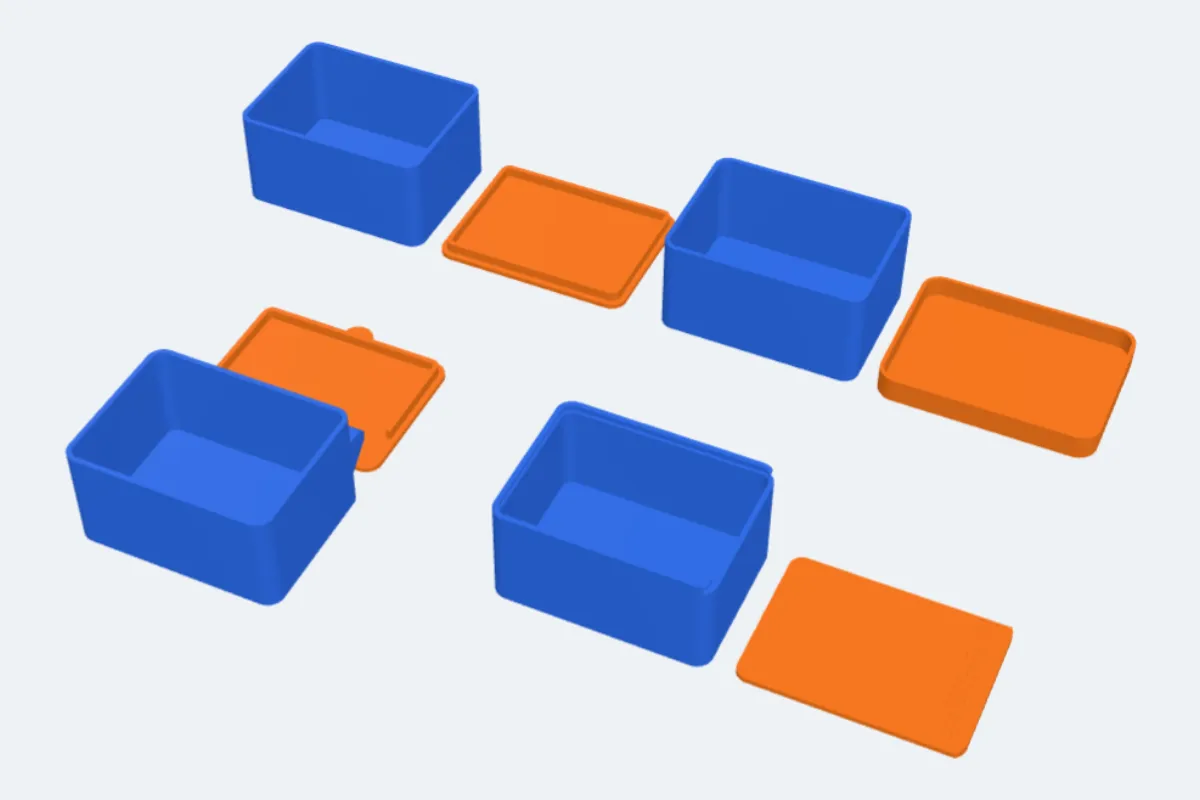
- Lip - a flat lid with a ring that drops inside the walls. Lip depth sets how deep it reaches.
- Cap - a lid with a skirt that fits over the outside.
- Hinged - a lid on a hinge that prints in place, already joined to the box: no screws, no pins, no supports. See below.
- Slide-in - a lid that slides along grooves in the walls, from the side or the front, with grip grooves to push it.
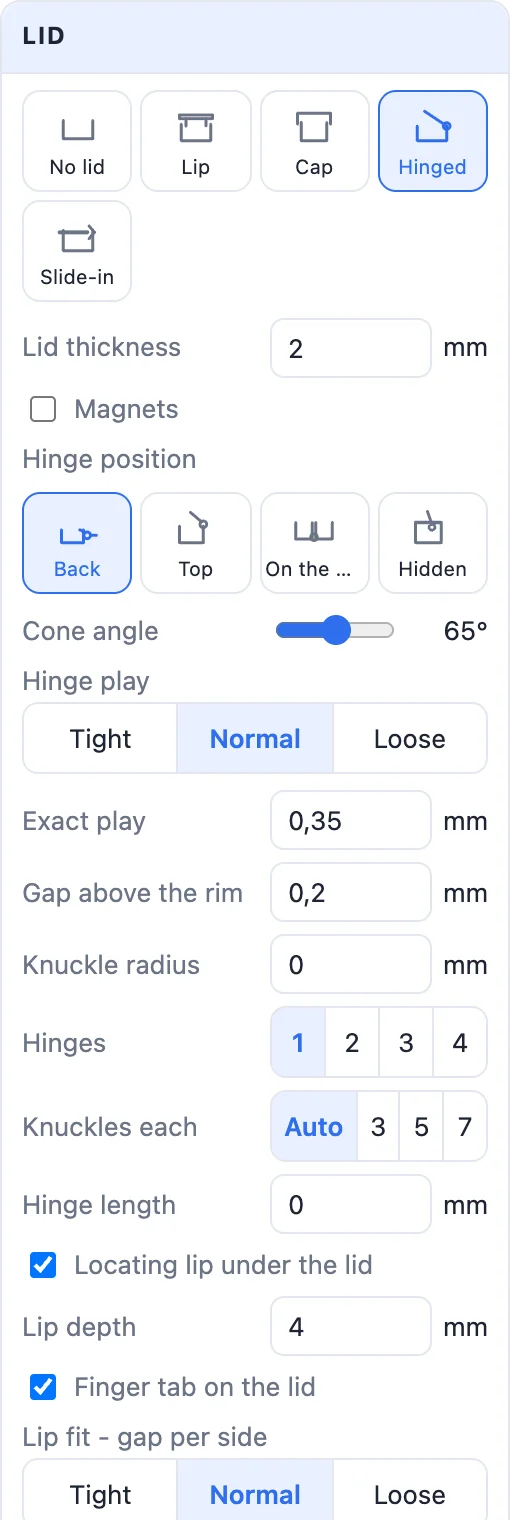
Every lid has its Lid thickness and a fit: Tight 0.2, Normal 0.3 or Loose 0.45 mm per side, or the exact gap. Options: Magnets (round pockets in pillars in the corners and matching pockets in the lid; 4 × 2 to 10 × 3 mm magnets), Finger tab on the lid, Snap closed (a small bump that clicks into a dimple) and a Finger notch in the front rim.
Hinged lids
The hinge is printed in place: knuckles on the box and the lid turn on cones, with a small play between them. Nothing has to be put together - take the box off the bed and the lid opens. The panel checks that the lid swings all the way without touching the box.
- Hinge position: Back (behind the box; it prints open flat, the lid face down behind it), Top (on the back wall, the lid printed standing open; Sunk into the back wall hides most of it), On the wall (a clamshell: the lid is a tray too, both halves print open side by side) or Hidden (inside the box under the lid).
- Hinge play: Tight 0.25, Normal 0.35 or Loose 0.5 mm. Loosen it if the hinge prints fused.
- Hinges (1-4 separate hinges), Knuckles per hinge, Knuckle radius, Hinge length, Cone angle and Gap above the rim.
- Locating lip under the lid keeps a hinged lid square when closed.
5Texts
+ Add text puts a text on the front, back, left or right wall or on the lid, raised, flush (inlaid in its own colour) or engraved, with its font, size, depth and colour. Texts follow round and drawn walls. Drag a text in the view to move it, turn it with its round knob and resize it by its corners.
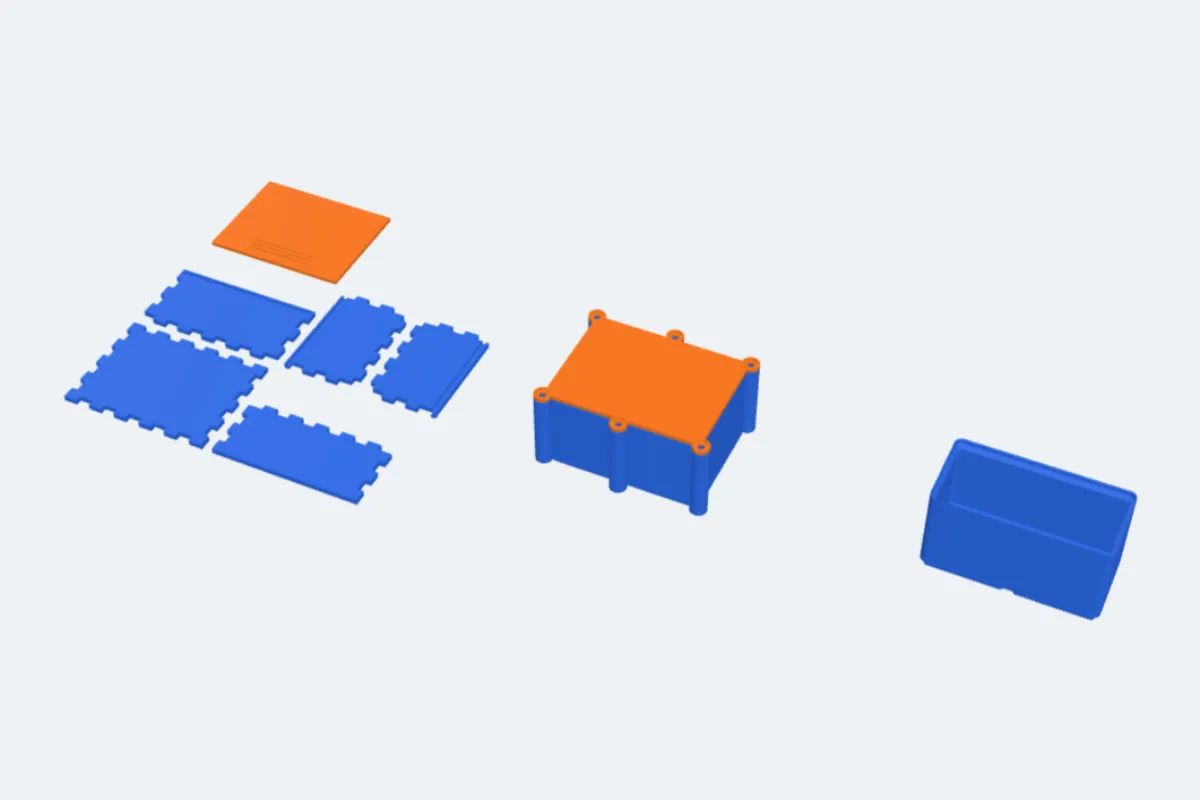
6Gridfinity, flat-pack and sealed boxes
- Gridfinity bin (one piece): the box gets the standard Gridfinity feet, sized in 42 mm units and 7 mm height units, with magnet or screw holes, and the stacking lip when it has no lid. Every lid still works.
- Flat-pack: a box of separate panels, each printed flat, that slot together. Joints: Fingers, Pinned (fingers plus printed pins), Dovetail (the sides slide down into the front and back) or Folding (one flat piece with V-groove hinges and clips - fold it up). Lid: Sliding, Lip or none. The panel checks that no panels overlap when put together.
- Sealed: a box closed with screws (M2.5, M3 or M4 into heat-set inserts, self-tapping holes or nut traps), in lugs outside or posts inside the walls, with a printed TPU gasket or O-ring cord in a groove and a tongue under the lid pressing into it; optional mounting tabs. A 3D print is never guaranteed to keep water out - test it before you trust it.
7Create and print
- Print layout: Ready to print lays every part on the bed the way it prints best (a lip or cap lid upside down beside the box, a hinged lid open); Closed shows it put together.
- Separate parts keeps the box and the lid (and text) as parts with their own colours, for a multi-colour 3MF.
- Click Create box, then Export an STL or a multi-colour 3MF. Double-click the box later to change it.
Questions
Does the hinged lid really print in place?
Yes. The knuckles of the box and the lid are printed already joined, on cones with a small play between them, and the panel checks that the lid swings without catching. Print it as it lies (no supports), then take it off the bed. If it prints fused, choose Loose play.
How tight should the lid be?
Normal (0.3 mm per side) suits most printers. Use Tight (0.2) for a well-tuned printer and Loose (0.45) if the lid does not go on. The exact gap can be typed too.
Can I make a box in my own shape?
Yes. Choose Drawing and draw the outline in the outline editor, or select bodies before opening the generator and choose Body - the box takes their outline from above.
Can I make Gridfinity boxes?
Yes. Turn on Gridfinity bin: the box gets the standard feet in 42 mm units, magnet or screw holes and, without a lid, the stacking lip. It fits any standard Gridfinity baseplate.
Is the sealed box waterproof?
It is built to keep dust and splashes out: screws press the lid onto a printed TPU gasket or O-ring cord in a groove. A 3D print is never guaranteed waterproof - test it before you trust it with anything that matters.
Can I change a box after creating it?
Yes. Double-click the box (or select it and click Edit generator) and the generator opens with its settings.
Make your box now
Open the box generator, pick a shape and a lid, and print.
Make a box nowAlso see: Tray generator, Jar generator, Tool insert generator, Image to 3D sticker and all guides.