3DPrintCAD › Guides › Stand generator
Stand generator: 3D print a stand with a dish, pockets or a holder
A stand in three parts that plug together: a body at the bottom, a neck and a holder on top - a dish for keys and jewellery, pockets for LED tea lights, a ring for a jar or a glass, a spike, a socket for a stick or a flag, or a holder for a lamp shade. Put your texts, a logo or your picture on it. Each part prints without supports. This guide goes through every option.
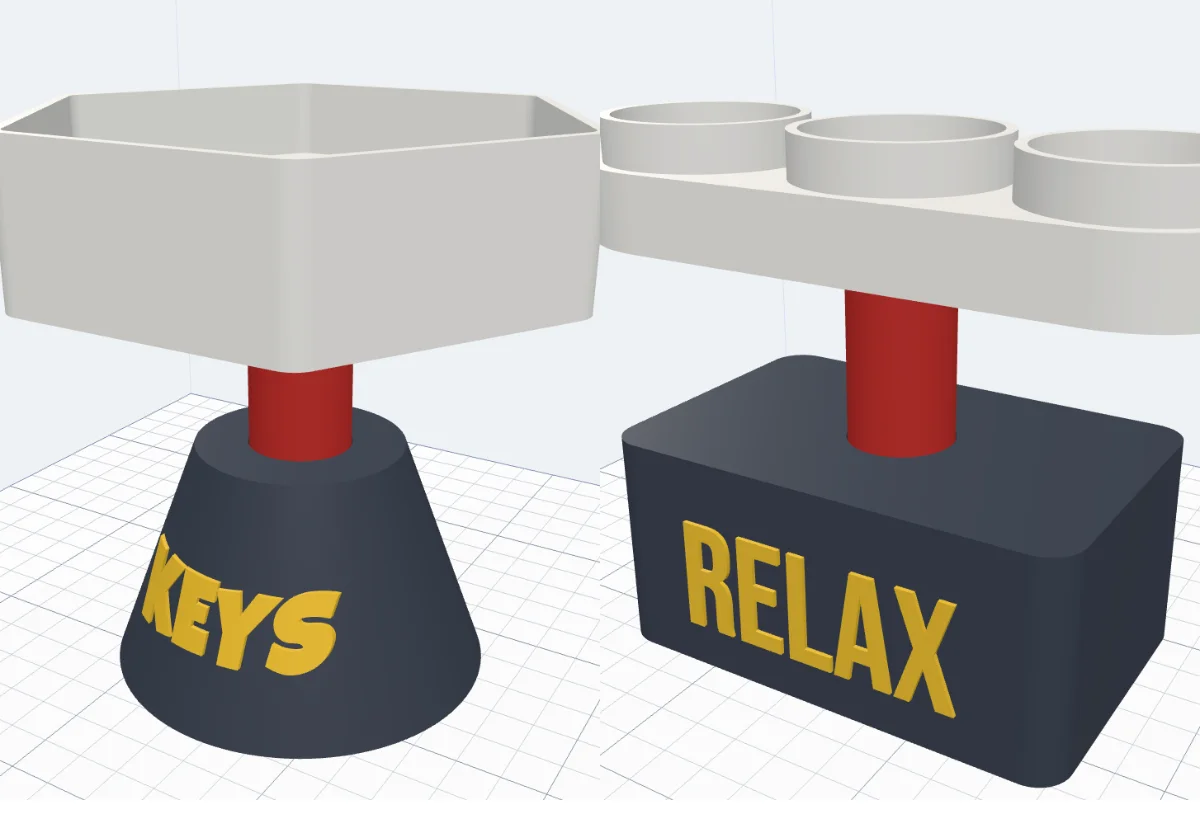
Watch the tutorial
Every option in under four minutes, with subtitles: the three parts, bodies and the neck, the nine holders, pockets and dishes, a cable, texts and a logo in the view, a sign with your picture, the fit and colours. Watch on YouTube ↗
1Open the generator
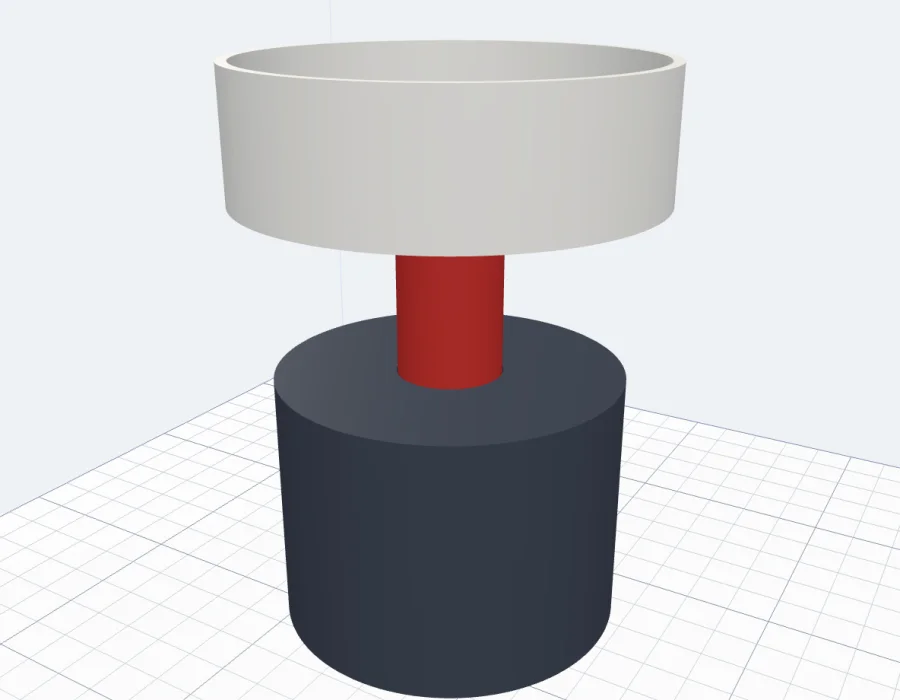
Click Stand in the Generators list on the left, or the button above. It opens on a round body, a red neck and a dish on top. Every change shows in the preview at once; nothing is added to your project until you click Create stand. The line under the title tells the size and what the holder takes.
2Three parts
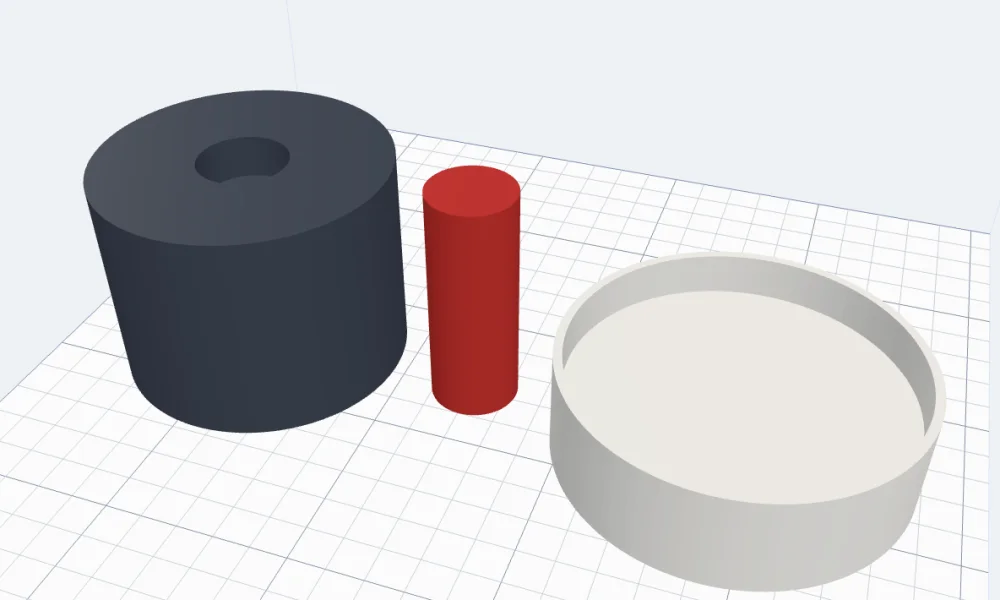
The stand is three parts in their own colours: the body, the neck and the holder. The neck plugs into a socket in the body and a socket under the holder. Tick Lay the parts out for printing (in Fit & printing) to see them apart, each standing the way it prints - no supports.
3The body
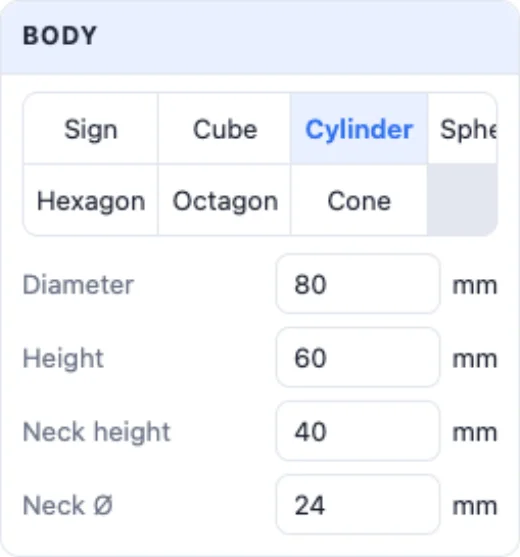
Body - Sign, Cube, Cylinder, Sphere, Hexagon, Octagon or Cone. Each has its sizes: width (or Ø, or across the flats), depth and round corners for the cube, height, the top's width for the cone, a flat bottom for the sphere so it stands.

4A sign with your picture
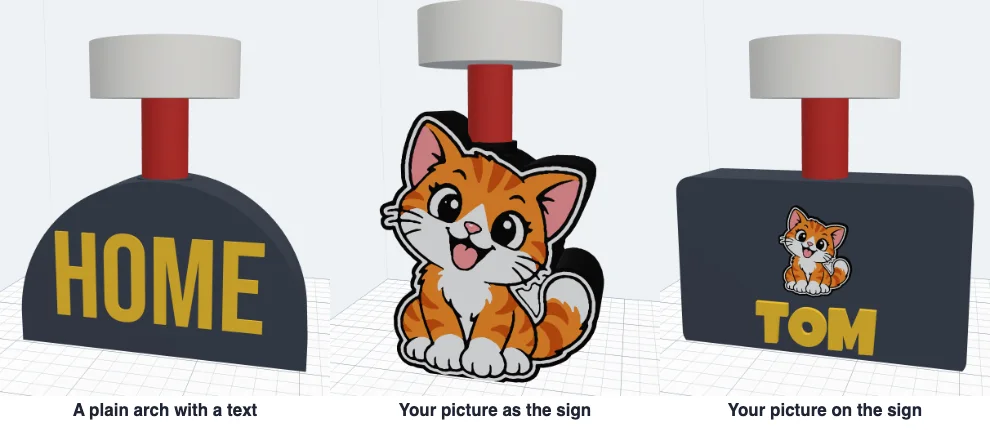
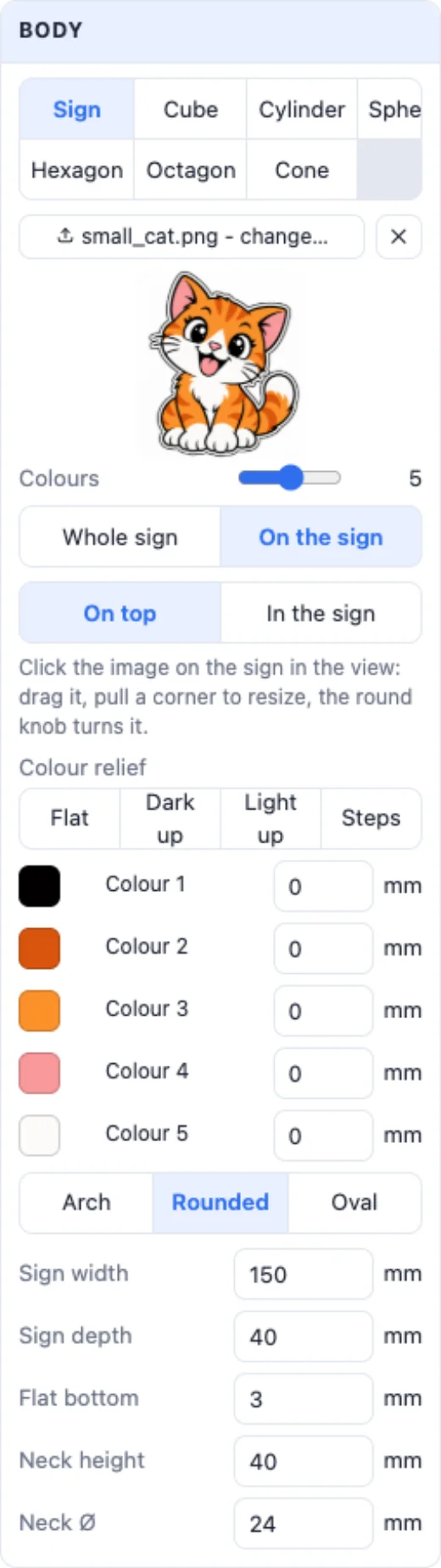
The Sign body is an upright sign: a plain Arch, Rounded or Oval shape for your texts, or your picture. Click Sign image and pick a PNG or JPG: with Whole sign the sign takes the picture's shape, with On the sign the picture sits on a plain sign - drag it, resize it by a corner and turn it by its knob in the view. Every colour of the picture is its own part; Colours sets how many, and each can stand out higher. Sign width, depth (how thick, for a steady stand) and a flat bottom are its sizes.
5The neck
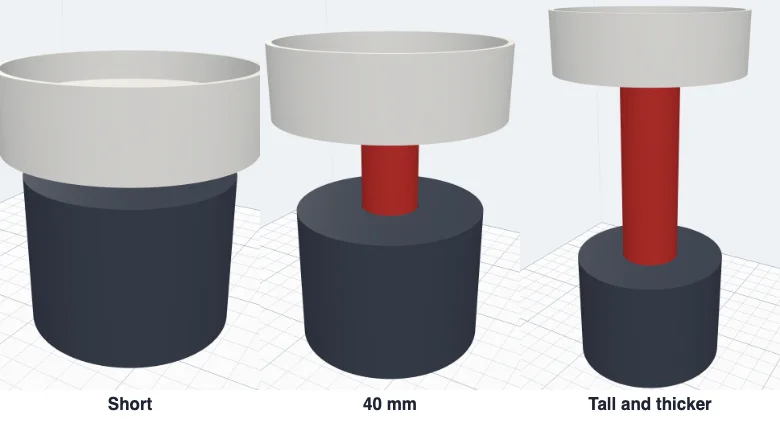
Neck height and Neck Ø - from almost none (the holder sits on the body) to a tall column. A thicker neck is steadier under a big holder.
6The holder
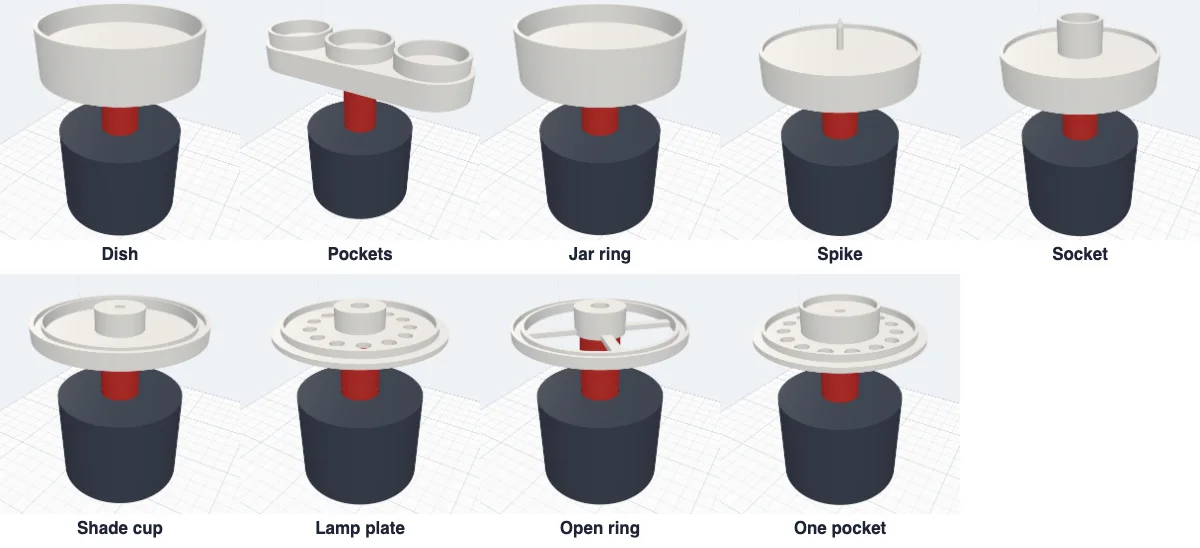
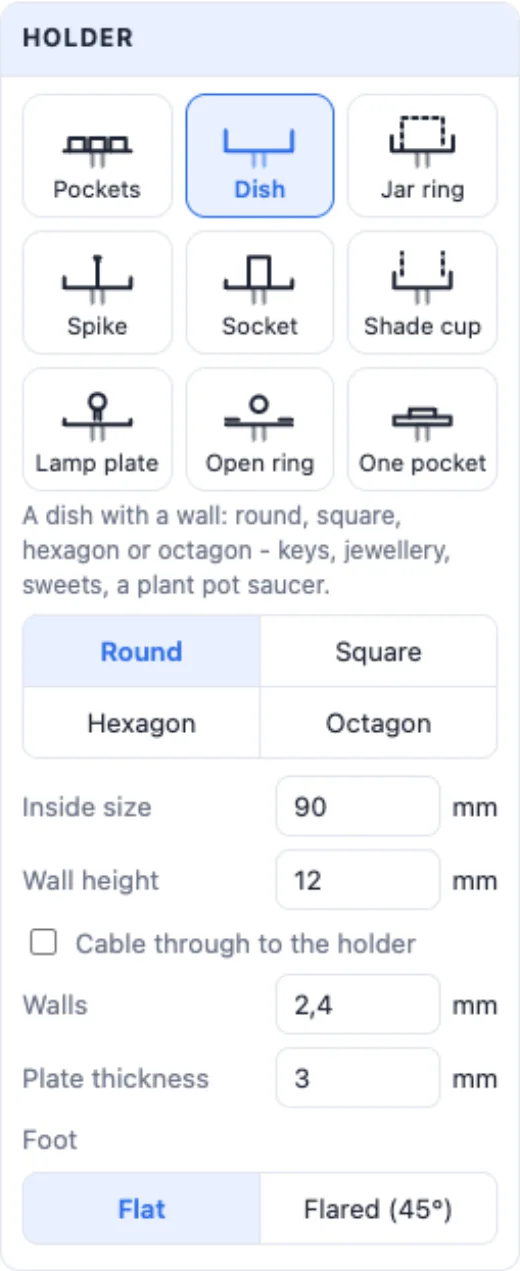
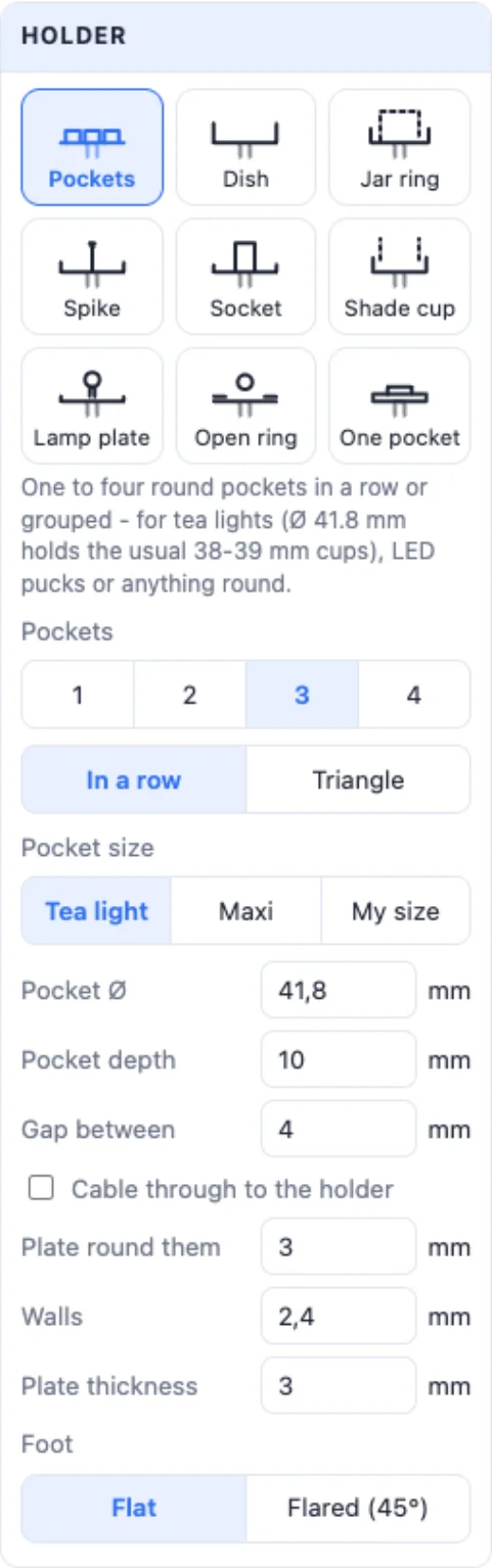
Holder - nine kinds: Pockets, Dish, Jar ring, Spike, Socket, and for a lamp Shade cup, Lamp plate, Open ring and One pocket. The note under the tiles says what each is for. Walls and Plate thickness set how strong it is, and the Foot is Flat (a tray as wide as the plate) or Flared (45°) - it rises from the neck to the plate, a goblet look that still prints without supports.
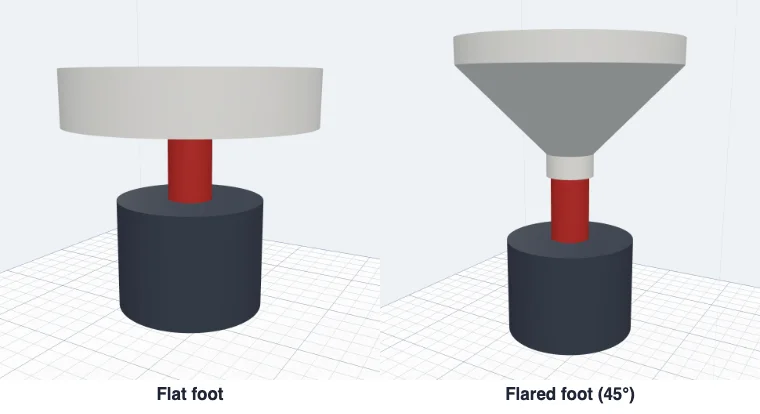
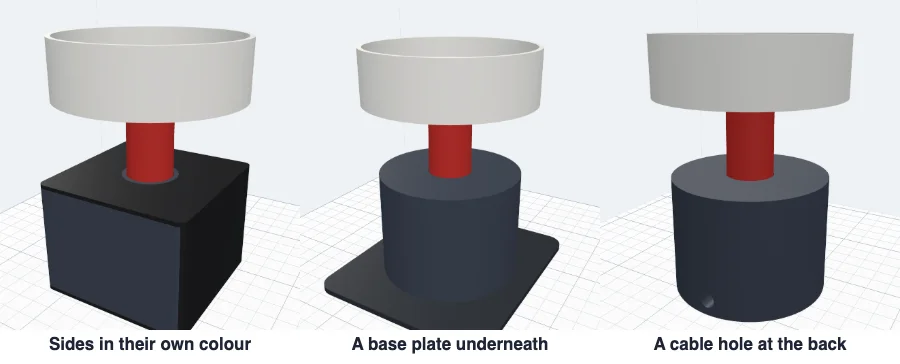
Cable through to the holder adds a hole (its Ø is a setting) that comes in at the back of the body near the bottom, runs up inside the neck and comes out in the holder - for an LED light or a lamp.
7Pockets
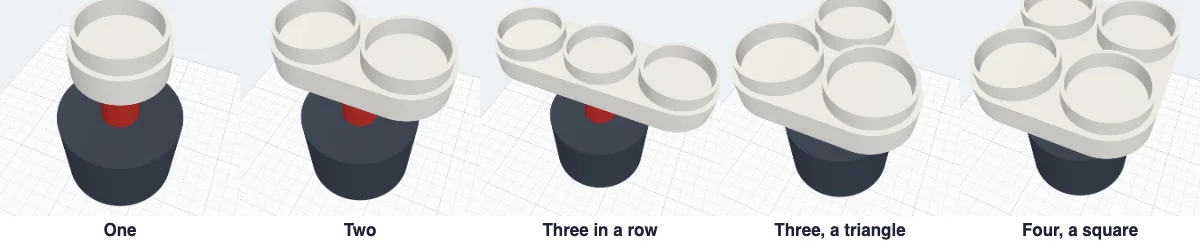
Pockets - one to four round pockets; three go In a row or in a Triangle, four in a row or a Square. Pocket size: Tea light (Ø 41.8 mm - the usual LED tea light cups fit with room), Maxi (Ø 60 mm) or My size; the pocket's depth, the gap between them and how far the plate reaches round them. Use LED lights only - never a flame on a 3D print.
8Dish, jar ring, spike and socket
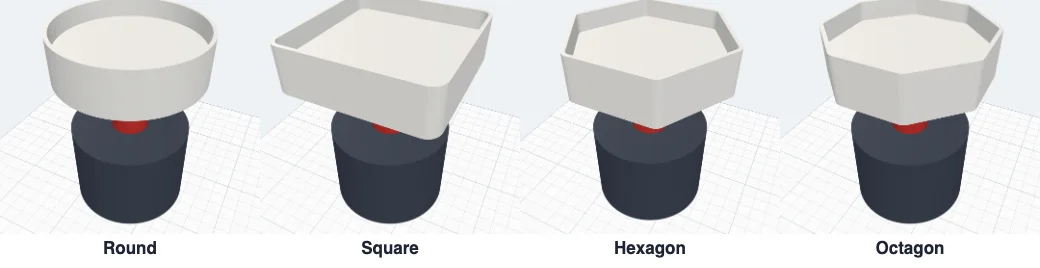
A Dish is Round, Square, Hexagon or Octagon, with its inside size and wall height - for keys, jewellery, sweets or under a plant pot. A Jar ring holds a jar or a glass: measure its outside Ø, the fit gap is added. A Spike is a pointed pin on a plate with a low rim that holds a thick column in place; a Socket is a tube for a stick, a rod or a flag (measure it and add 0.4 mm). The lamp holders take the shade's inside size and wall; the Lamp plate and Open ring can have a hole for an E14 / E27 bulb holder's M10 thread.
9Texts and a logo
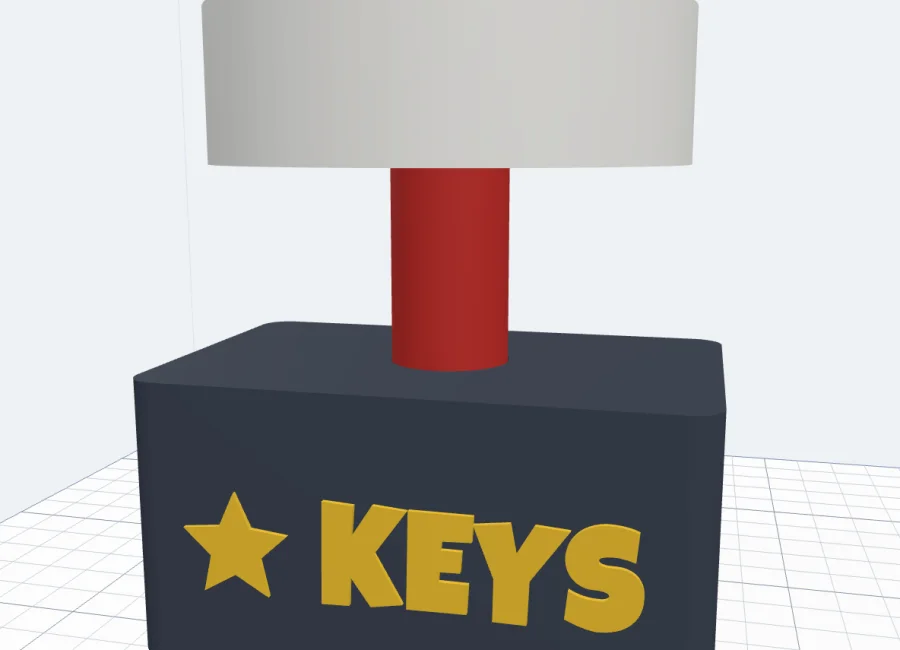
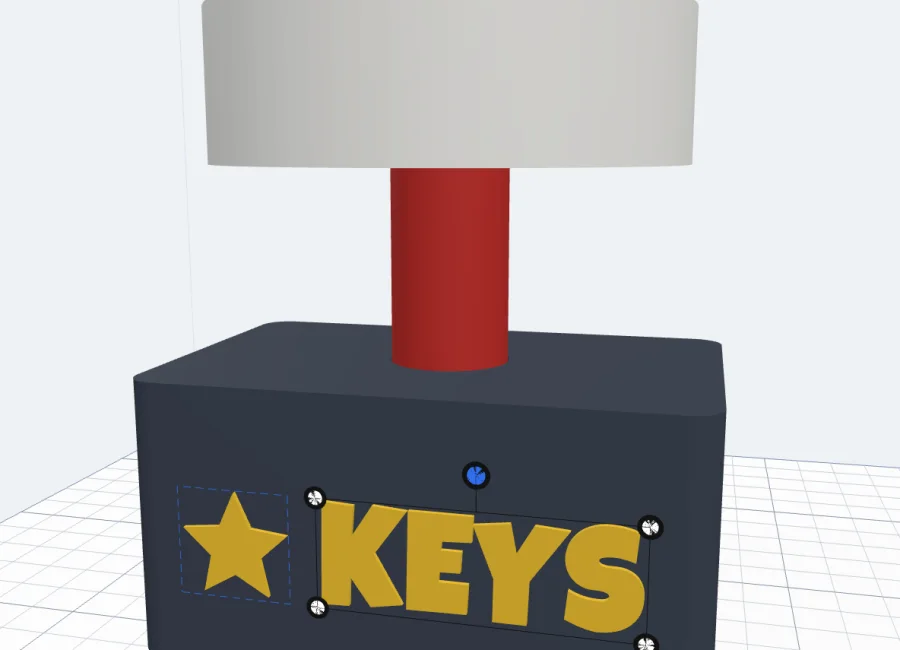
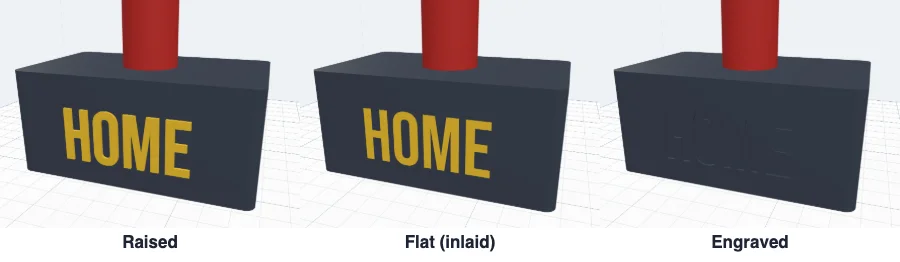
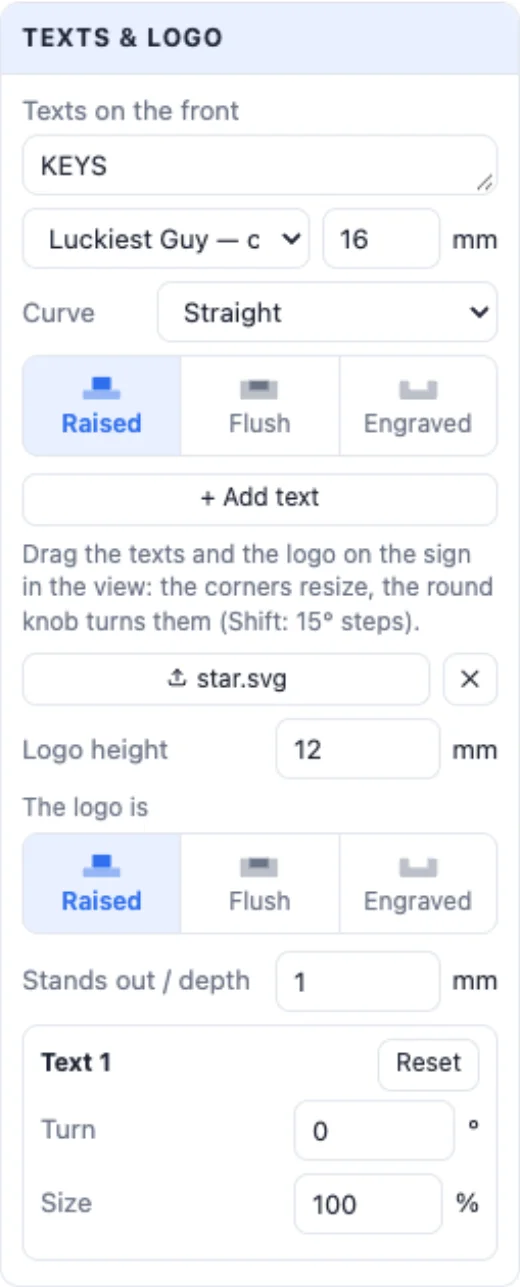
Texts & logo - type a text for the front (Enter starts a new line), pick its font and size, a Curve, and how it is made: Raised, Flush (inlaid in its own colour) or Engraved. + Add text adds more. Add an SVG logo puts your SVG on it, raised, flush or engraved too. Click a text or the logo in the view: drag it to move it, a corner resizes it, the round knob turns it (Shift: 15° steps); Reset puts it back. Stands out / depth sets how far they stand out or go in. On a round body they follow its surface.
10Fit, printing and colours
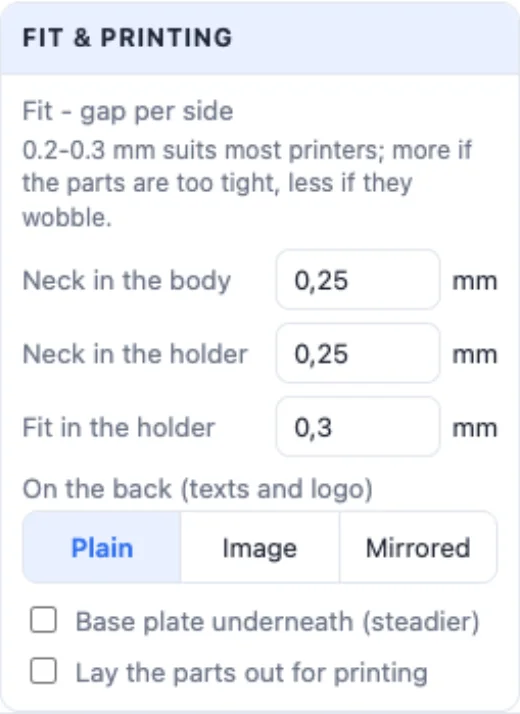
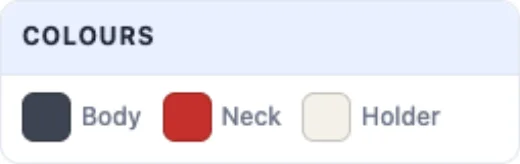
Fit & printing - the gap per side where the neck goes into the body, into the holder, and round what sits in the holder (0.2-0.3 mm suits most printers: more if the parts are too tight, less if they wobble). On the back - plain, the same texts and logo, or mirrored. Sides in their own colour (a cube, a sign) gives the sides a rim colour, Base plate underneath a wider plate for a steadier stand, and Lay the parts out for printing shows them apart. Colours - the body, the neck, the holder, the texts and logo, the sides and the plate.
Click Create stand: the three parts land in your project, each a body of its own colour. Print them, plug the neck into the body and the holder onto the neck. Print a small one first to check the fit on your printer.
Questions
Does it need supports?
No. The body, the neck and the holder each print standing the way they are, without supports - turn on Lay the parts out for printing to see them apart. The flared foot under a wide holder rises at 45°, so it prints cleanly too.
How do the parts hold together?
The neck plugs into a socket in the body and into a socket under the holder. The gap per side is a setting (0.2-0.3 mm suits most printers): raise it if the parts are too tight, lower it if they wobble. A drop of glue makes it permanent.
What size are the pockets?
Tea light gives Ø 41.8 mm pockets - the usual 38-39 mm LED tea light cups fit with room. Maxi gives Ø 60 mm. Or type your own size and depth. Use LED lights only: a 3D print must never be used with a flame.
Can I put my own picture on it?
Yes. Choose the Sign body and pick a picture: the sign takes its shape (Whole sign), or the picture sits on a plain arch, rounded or oval sign (On the sign), each colour its own part, raised as you like.
Can a cable run through it?
Yes. Tick Cable through to the holder: a hole comes in at the back of the body near the bottom, runs up inside the neck and comes out in the holder - for an LED strip, a puck light or a lamp.
Make your stand
Pick a body and a holder, put your name on it - and print it in three parts.
Open the Stand generatorAlso see: Lithophane maker, Vase generator, Money bank generator and Plate generator.