3DPrintCAD › Guides › Spiral spring generator
Spiral spring generator: turn a body into a springy toy
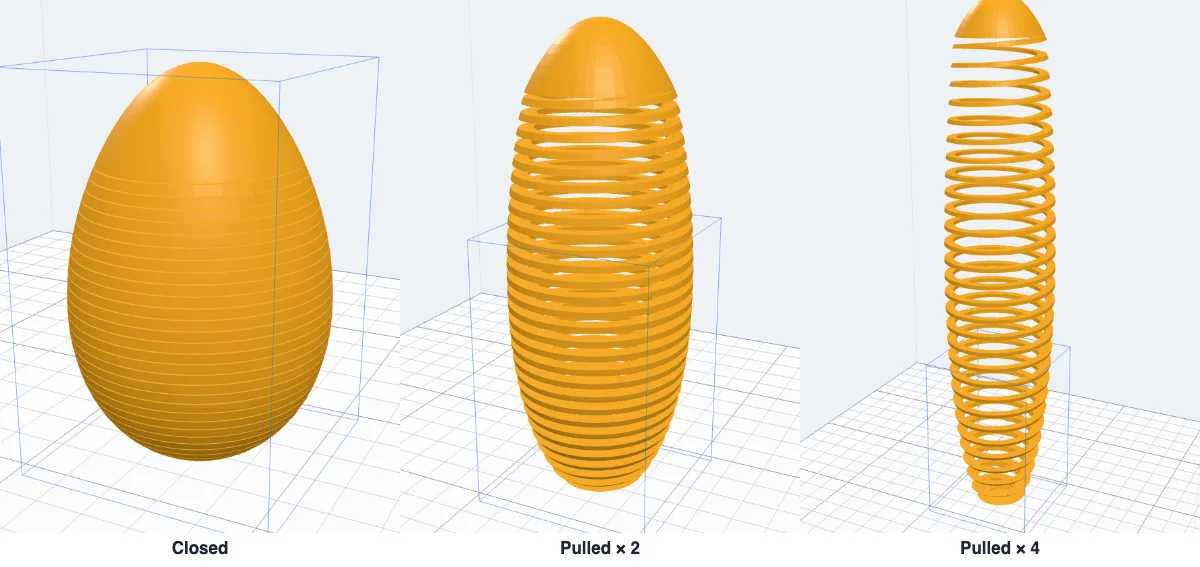
A springy egg that stretches like a coil spring and closes back into an egg - printed in one piece, no assembly. The Spiral generator does it to any body: it makes the body hollow and cuts its wall into coils, leaving a cap on top and a base below. It is experimental (Beta): the shapes are right, how well the coils come apart depends on your printer - start with the defaults.
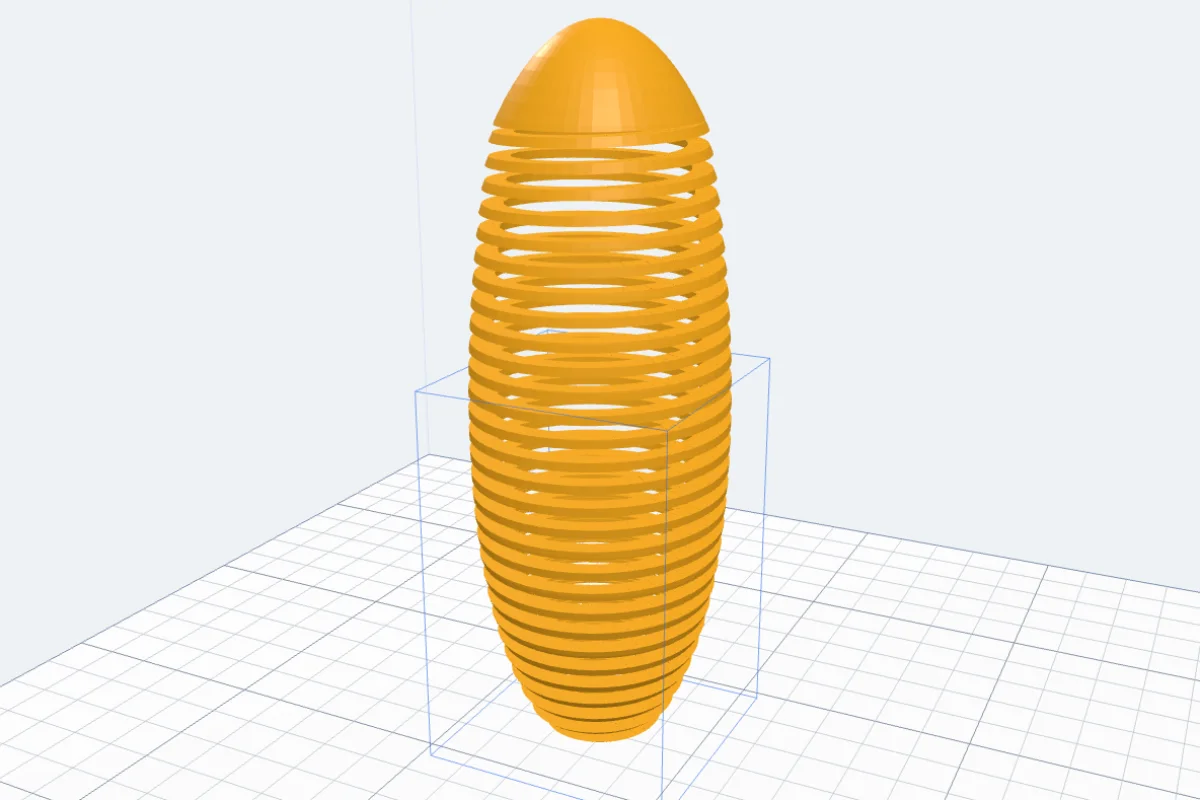
Watch the tutorial
Every step in under three minutes, narrated with subtitles: the kind of spring, the coils, top and bottom, the preview and making it. Experimental. Watch on YouTube ↗
1Pick a body
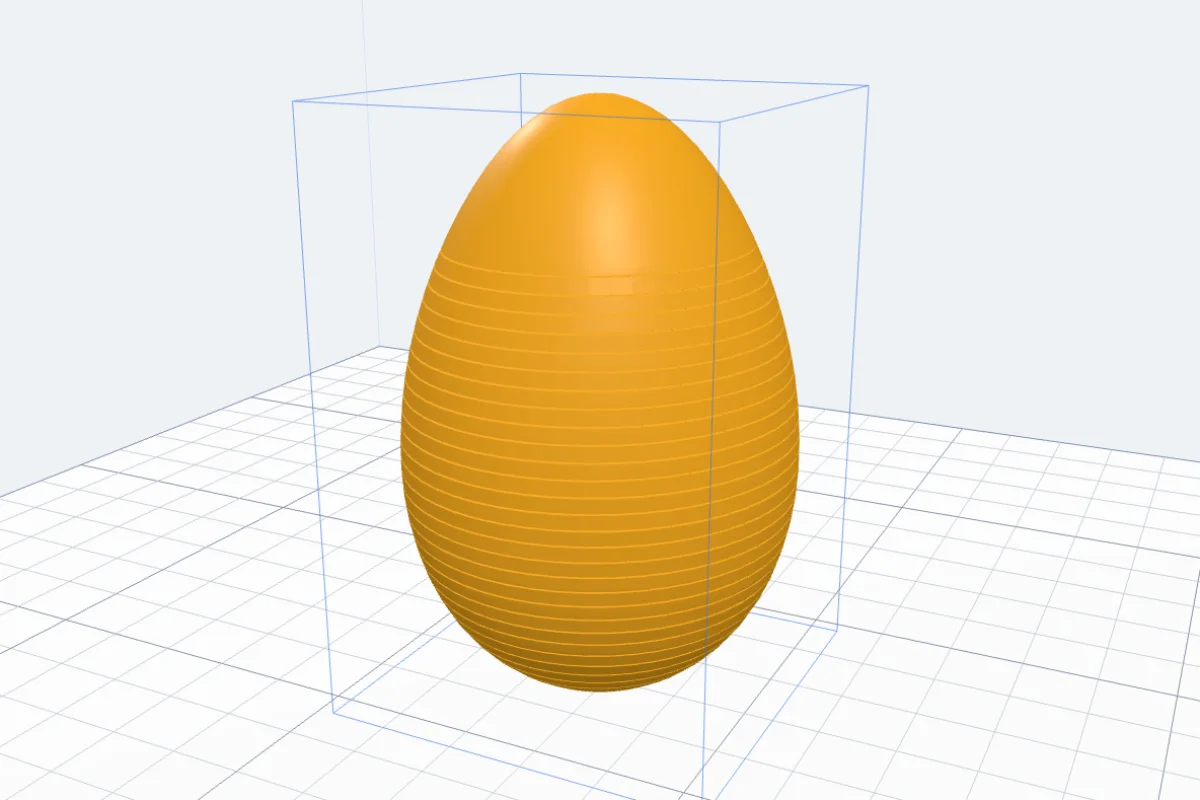
Make or import a body first - an Egg from More shapes is a good start. Then click Spiral under Generators (it works on a body you already have, like Puzzle). With several bodies, click the one you want. The body turns into a spring in the view at once.
2Spiral or rings
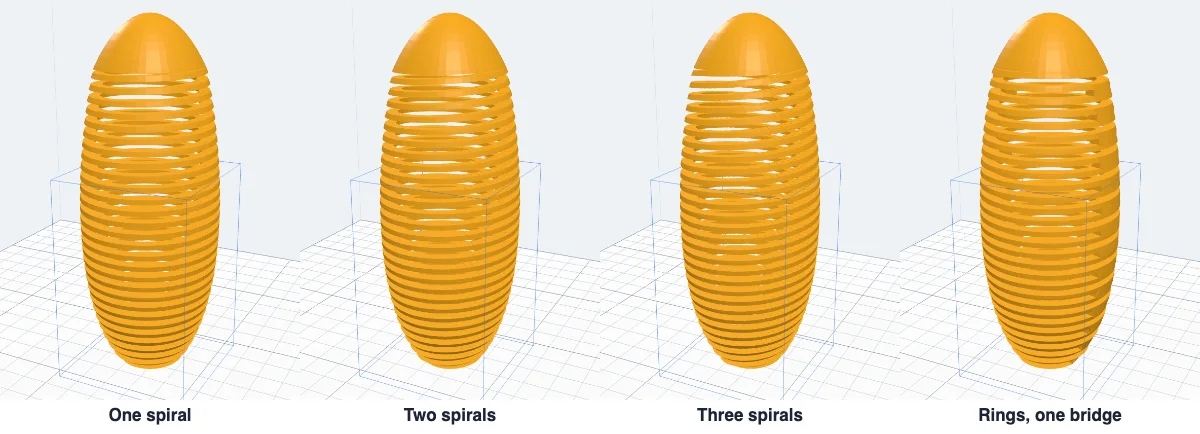
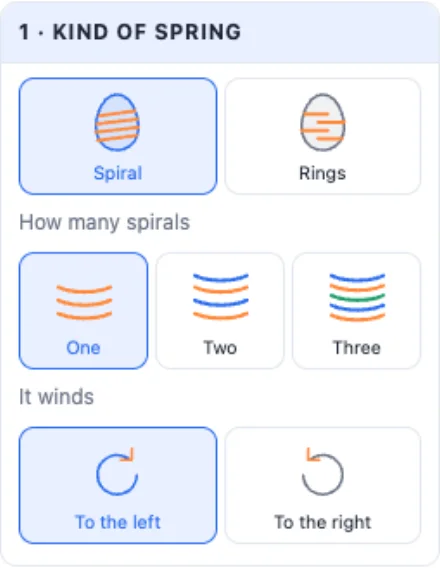
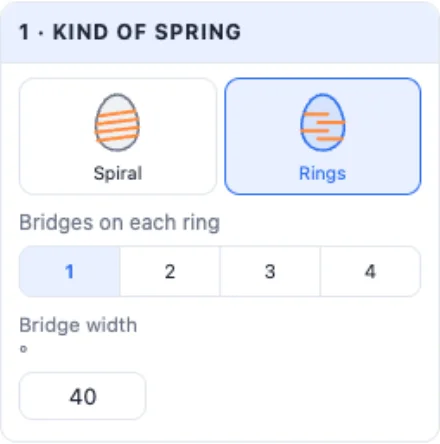
Spiral - one long coil winding up. Choose one, two or three spirals wound together, and whether they wind to the left or to the right. Rings - flat rings joined by 1 to 4 small bridges, each ring's bridges half way between the ones below; set how wide a bridge is.
3The coils
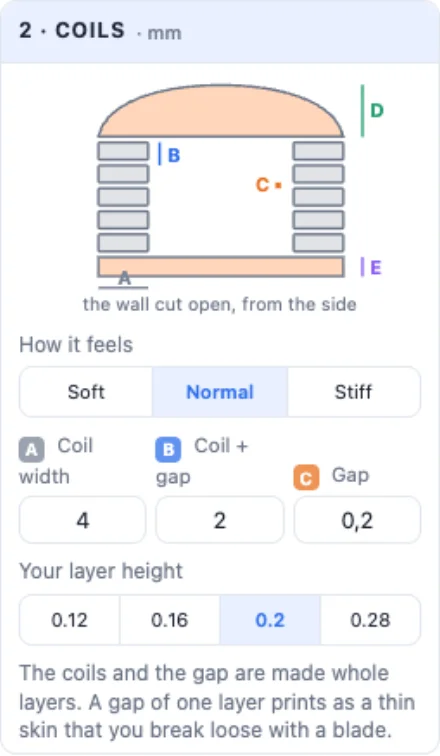
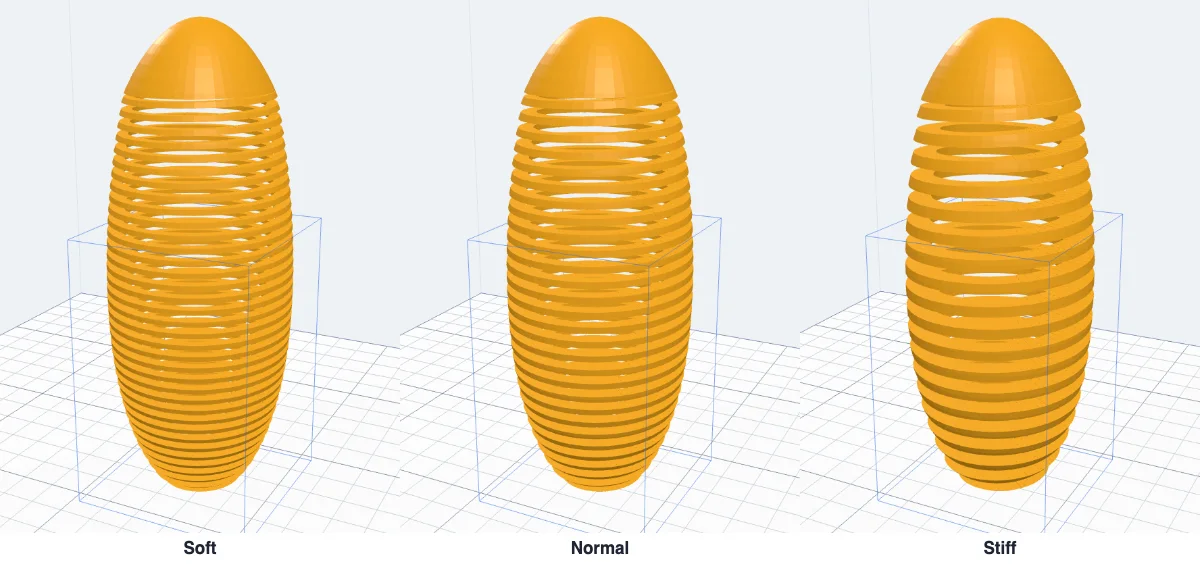
The drawing shows the wall cut open: A how wide a coil is, B one coil with its gap, C the gap. Soft, Normal and Stiff set A and B together. Pick your layer height - the coils and the gap are made whole layers, and a gap of one layer is what lets the coils come apart.
4Top and bottom
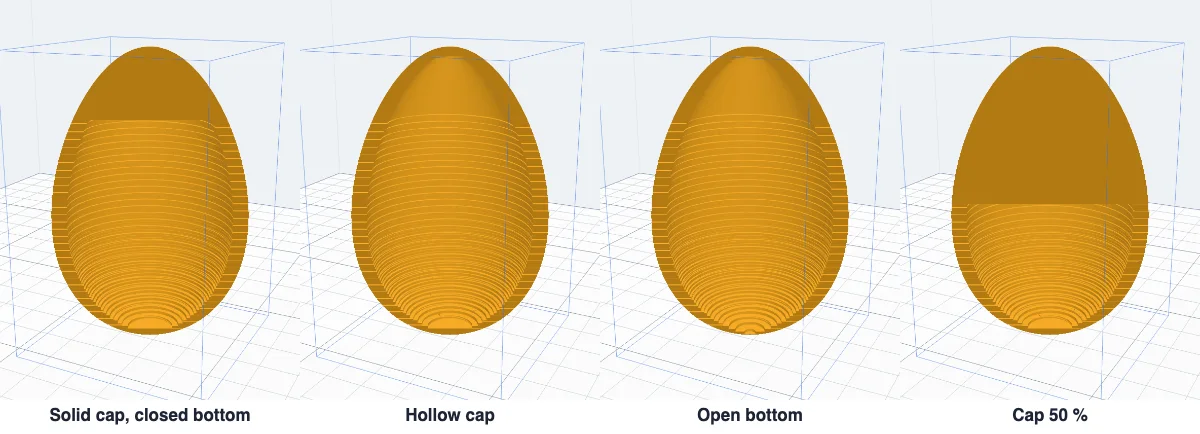
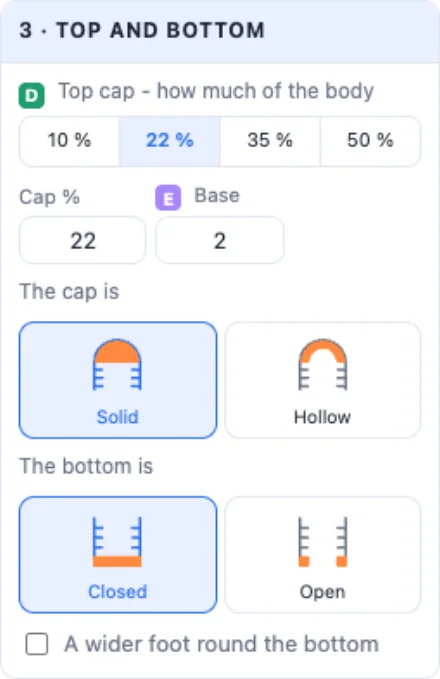
The top cap (D) is the part that stays whole: 10, 22, 35 or 50 % of the body, or your own share. It is Solid (heavier - the spring wobbles better) or Hollow. The base (E) stays whole at the bottom; the bottom is Closed or Open. A wider foot adds a rim round the bottom: it sticks to the bed better and stands firmer.
5A loop on top
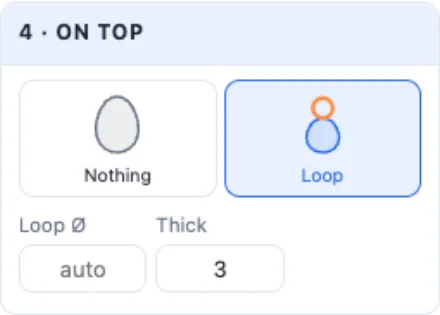
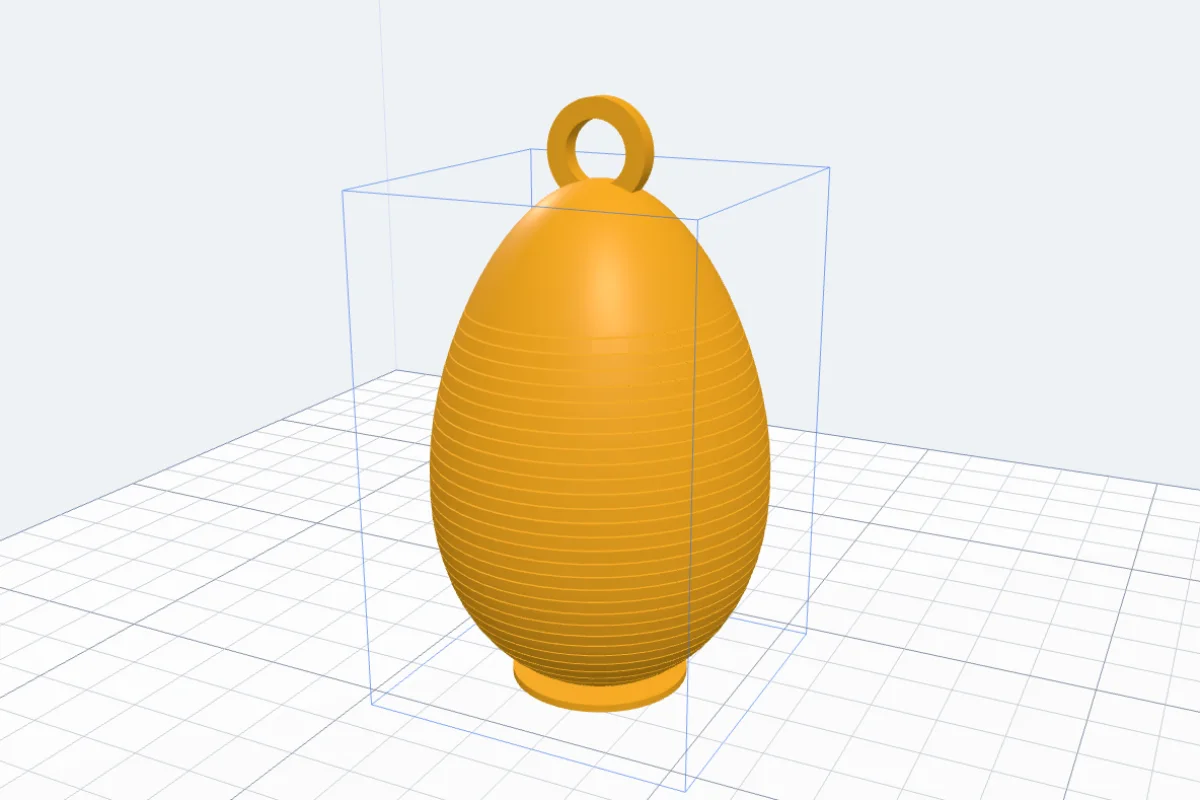
Loop adds a ring on the cap - to hang it by, or to pull the spring up. Set its diameter and thickness.
6Look at it: cut open and pull
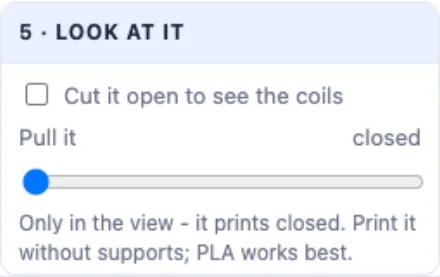
Cut it open shows the coils and the inside. Pull it stretches the spring in the view, up to five times - every coil moves as one piece, so you see what it will do. It is only a preview: it always prints closed.
7Other shapes
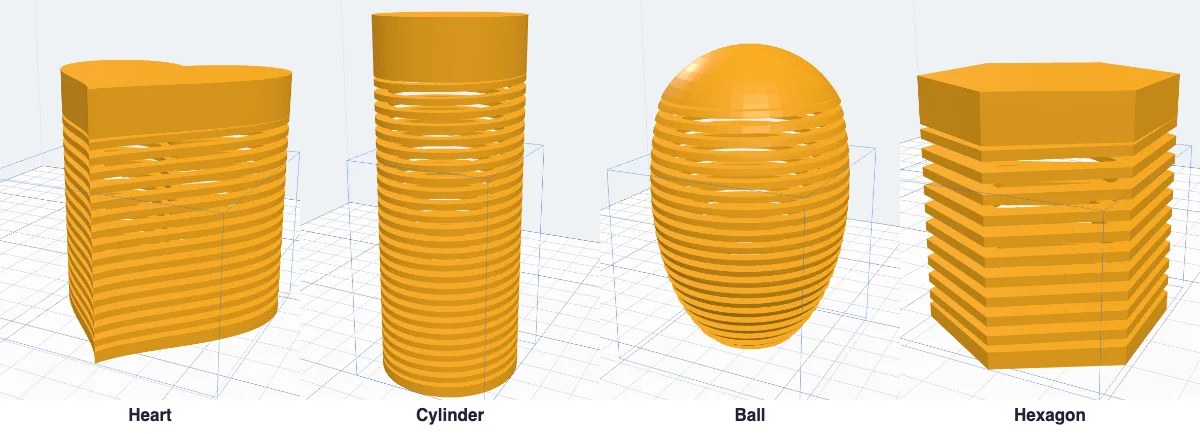
It works on any closed body: a heart, a cylinder, a ball, a prism, an imported model. Stand the body the way it should print first - the coils wind round the upright direction.
8Make it and print it
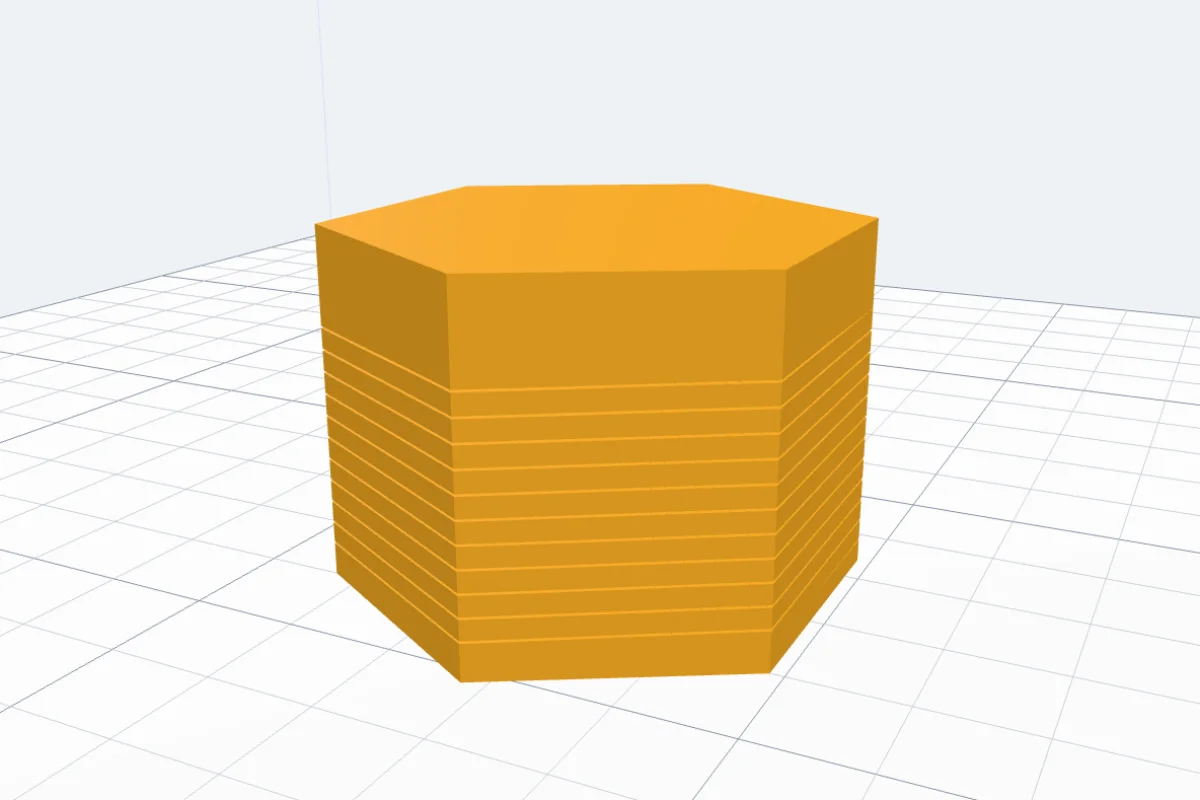
Click Make the spring. Print it standing, without supports; PLA works best. Then slide a thin blade between the coils once round to loosen them, and pull.
More to do with a body you have: the Puzzle generator and the Flexi generator.
Questions
How do I print it?
Standing as it is, without supports. PLA works best. Use the layer height you picked in the panel: the coils and the gap between them are whole layers. Print slowly enough for clean walls, with normal cooling.
How do the coils come apart?
The gap between two coils is one layer by default: it prints as a thin skin that holds the coils lightly. Slide a thin blade or a spatula between them once round, then pull gently - they come loose. If they stay stuck on your printer, raise the gap to two layers.
Spiral or rings?
A spiral is one long coil - the classic spring that stretches far and wobbles. Rings are flat rings joined by small bridges, like a bellows: they stretch less but print more easily, since every ring is level.
What do two or three spirals do?
They are wound into each other. Each one rises faster, so the spring stretches further and feels softer for the same coil size.
Why is the cap solid?
A heavy top makes the spring nod, wobble and walk better. A hollow cap saves filament and makes a lighter spring.
Which shapes work?
Anything that is one closed body and is taller than about 8 mm: eggs, hearts, balls, cylinders, your own models. Between the base and the cap every level of the body must be one piece - a shape that splits into two parts half way up breaks the coil there, and the panel says so.
Make a spring
Pick a body, pull it open.
Open 3DPrintCADAlso see: Puzzle generator, Flexi generator, Basic shapes and body tools and Vase generator.