3DPrintCAD › Guides › Keychain box generator
Keychain box generator: 3D print a little box for your keys
Pills for the day, a few coins for a trolley, earplugs, a spare SIM pin, a folded note: a keychain box keeps them on your keys. The Keychain box generator makes three kinds: a screw tube and a round tin with a screw cap (the lip balm holder's 45° thread - it prints without supports), and a flat sliding box whose lid clicks shut. Pick a design, set the size inside, the shape and the pattern, and print it in one or two colours.
Watch the tutorial
Every option in under five minutes, narrated with subtitles: screw tubes, round tins and sliding boxes. Watch on YouTube ↗
1Start from a design
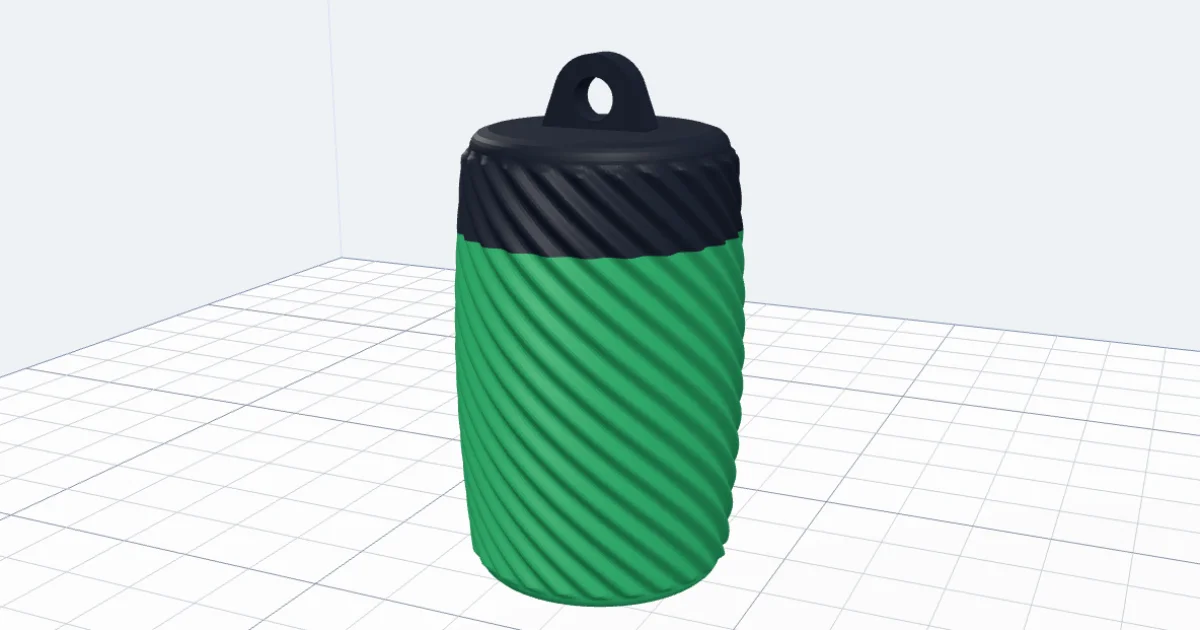
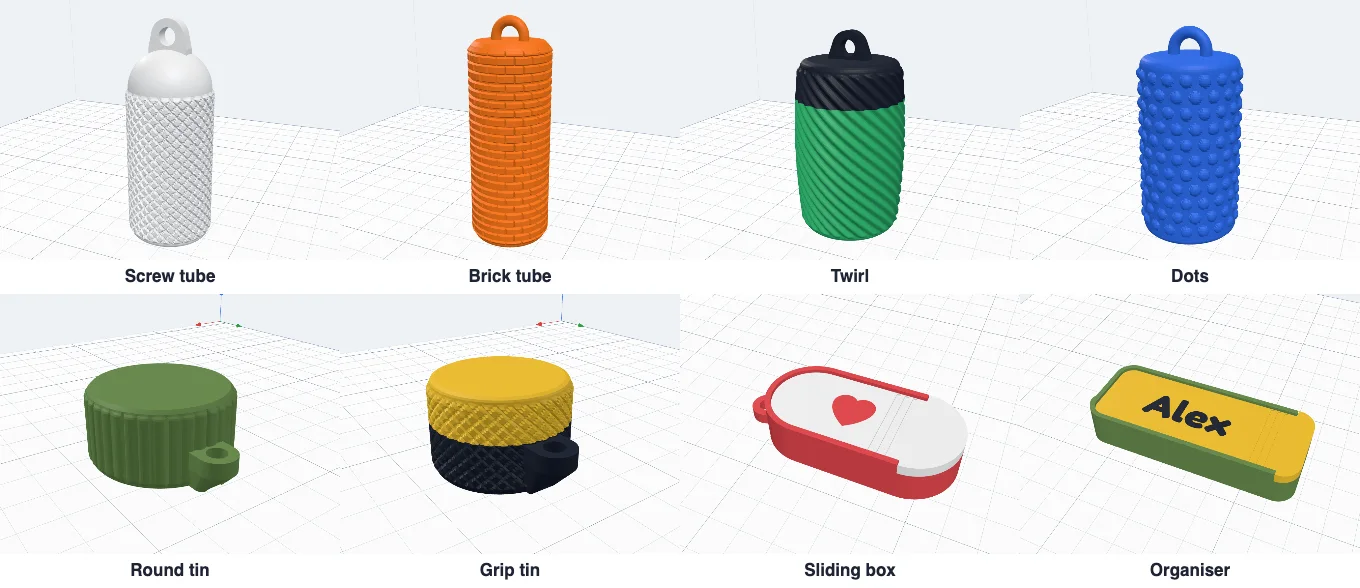
Click Keychain box in Generators. Pick the kind - Screw tube, Round tin or Sliding box - and a design to start from: Screw tube (knurled), Brick tube, Twirl (spiral ribs), Dots, Round tin (flutes), Grip tin, Sliding box (a heart on the lid) and Organiser (three compartments and a name). Change anything after; Reset goes back to the design.
2The size inside
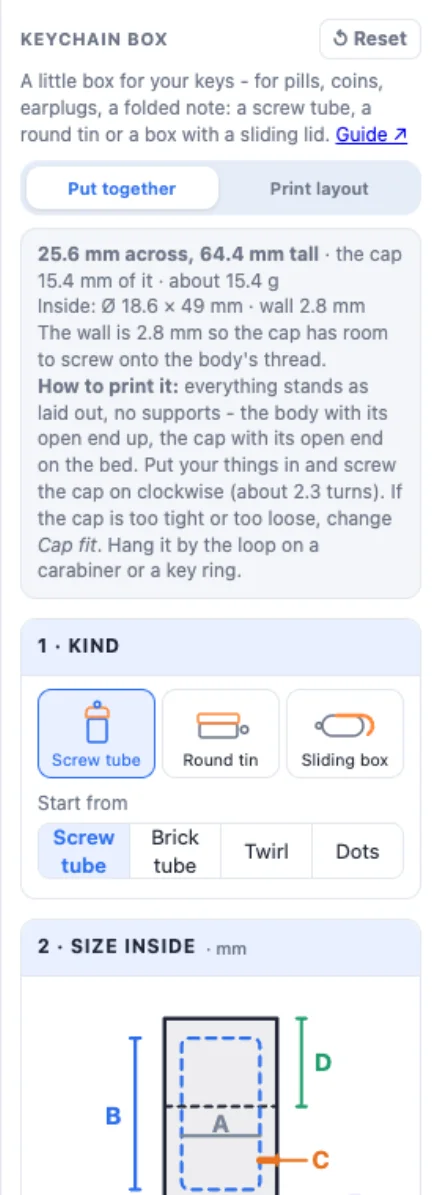
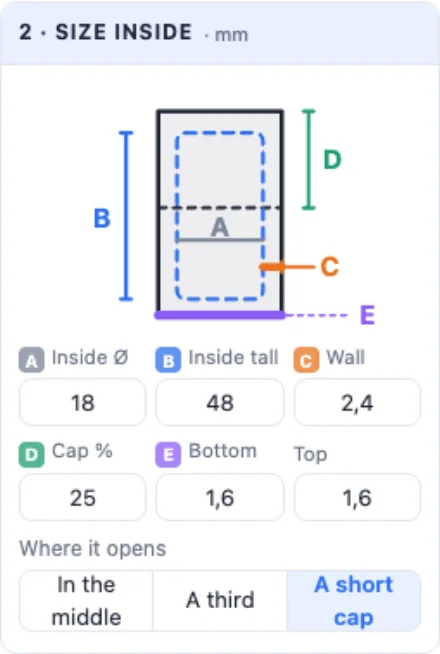
For the screw tube and the tin you set the room inside: A Inside Ø and B Inside tall, then C the wall, D how much of the height is the cap (Cap %, or In the middle, A third, A short cap), E the bottom and the top. The drawing shows which is which; the info box gives the outside size and the weight.
3Shape, profile and pattern
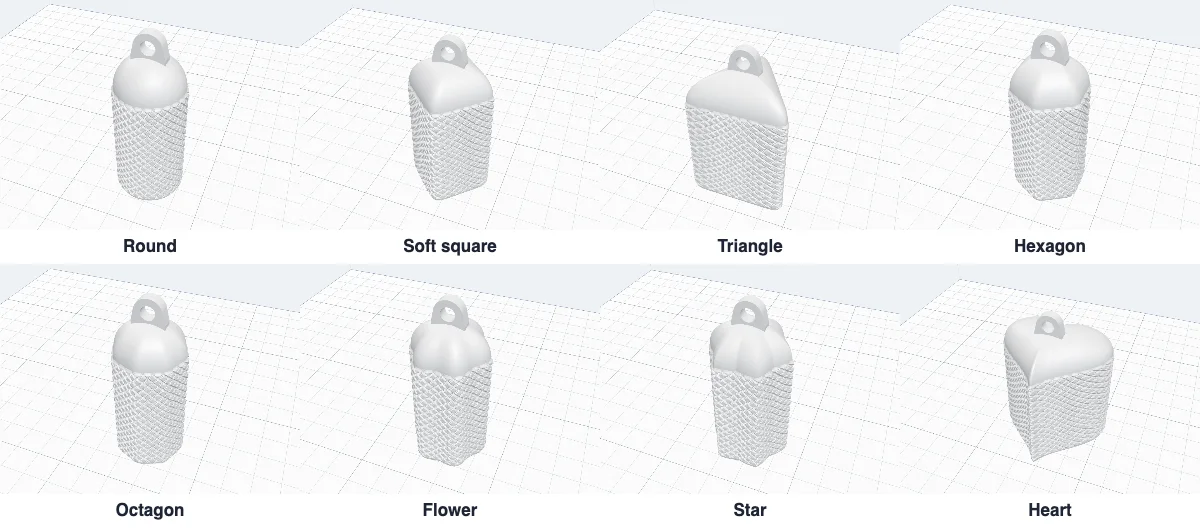
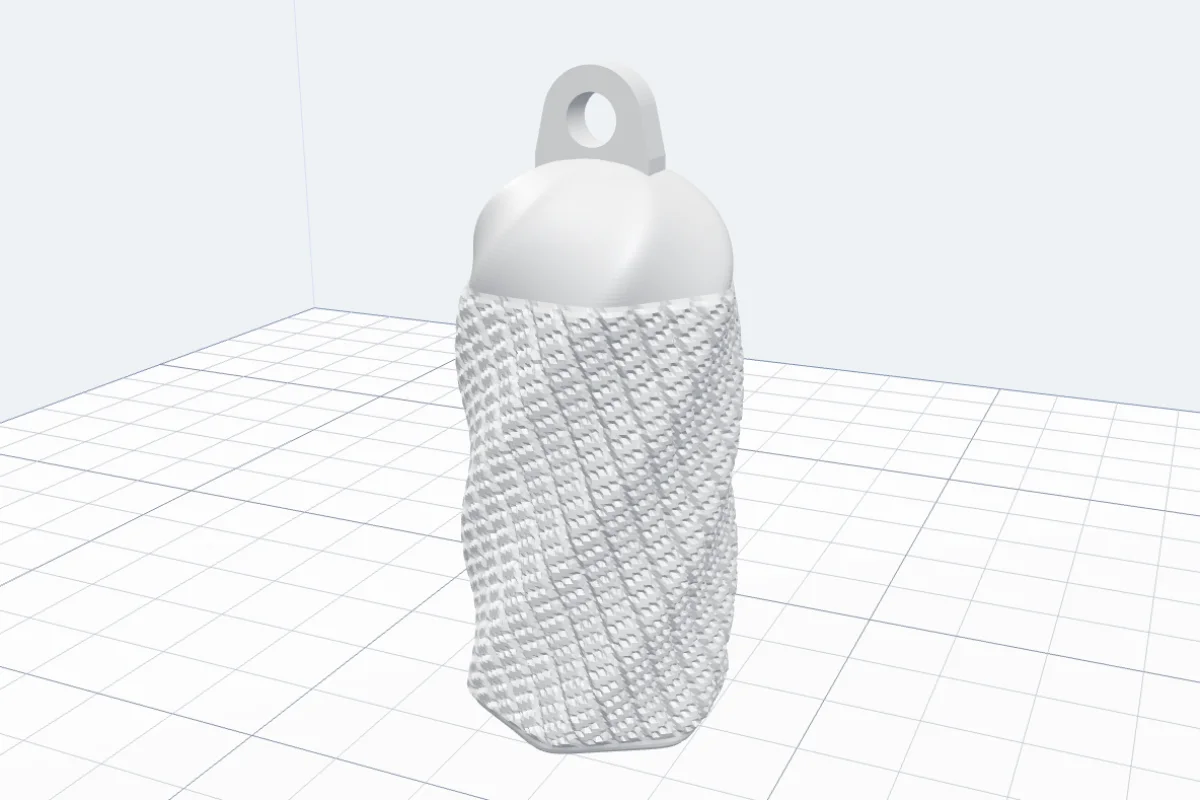
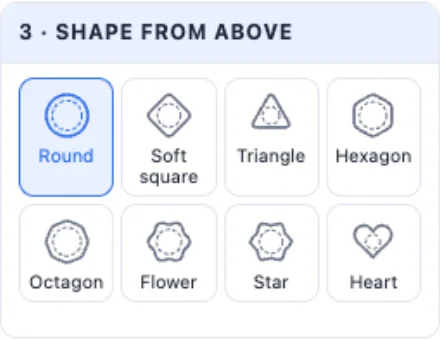
Shape from above - Round, Soft square, Triangle, Hexagon, Octagon, Flower and Star (with their petals or points and how far they stand out) and Heart. Any shape but round can twist from the bottom to the top.
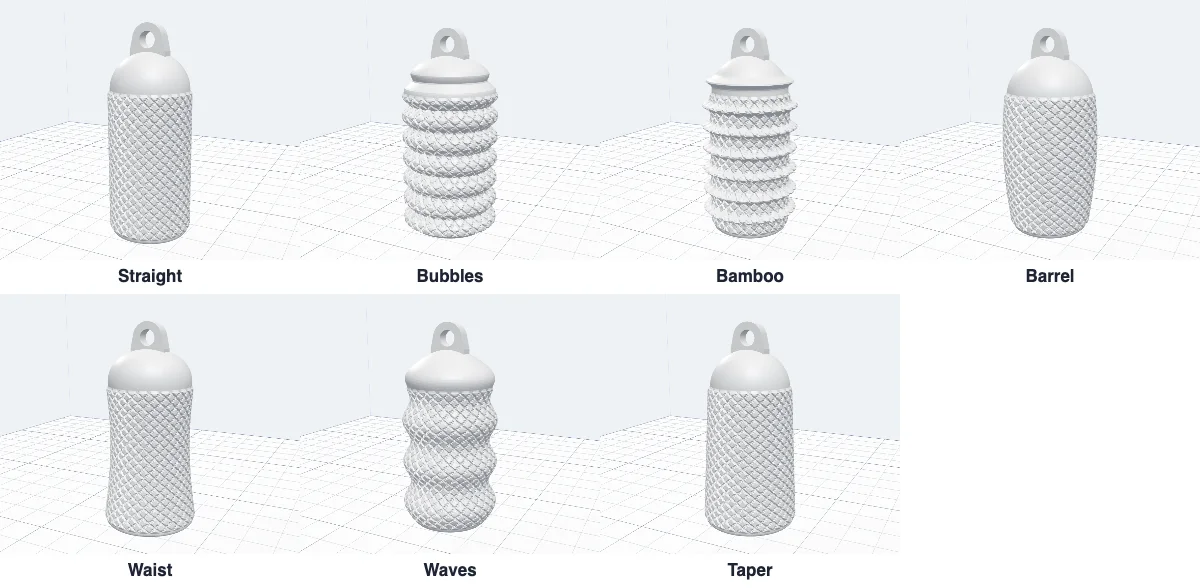
Side profile - Straight, Bubbles, Bamboo, Barrel, Waist, Waves and Taper, with how far it bulges and how many rings.
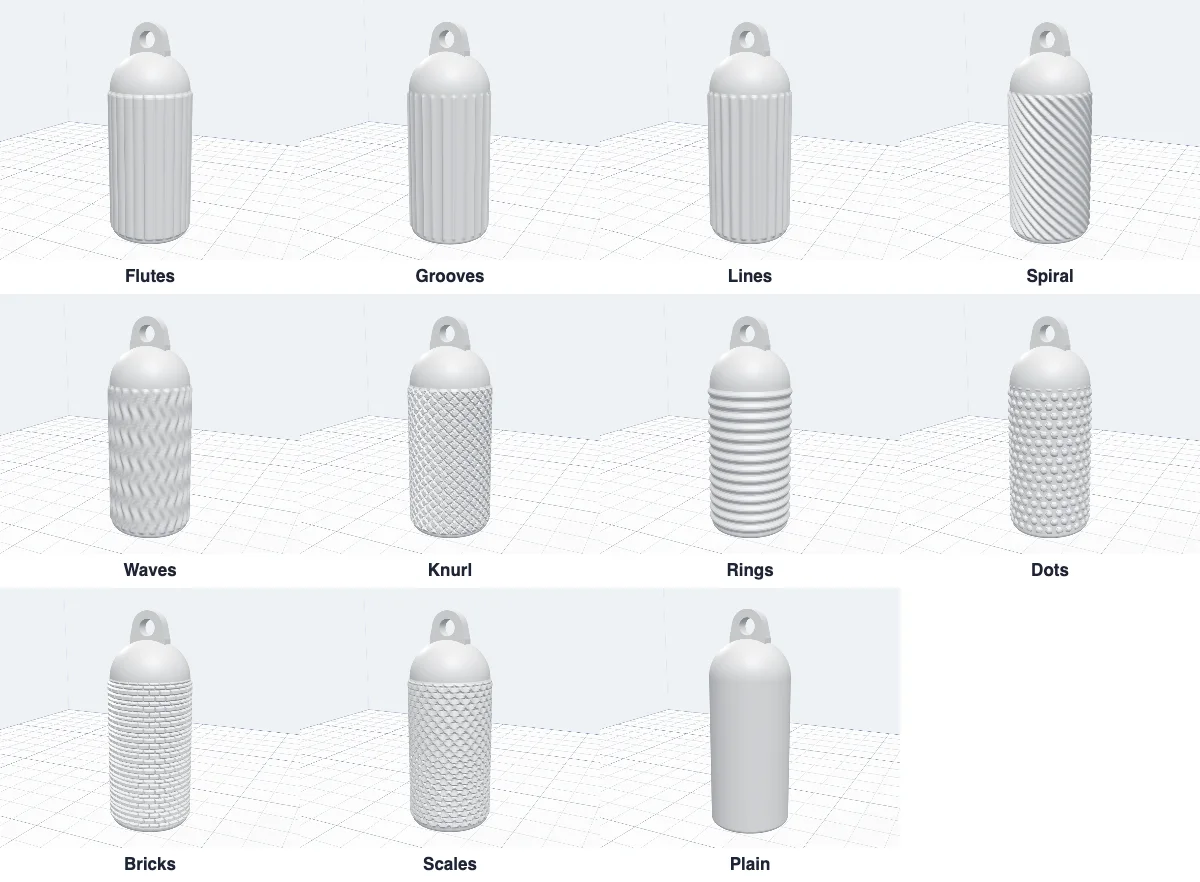
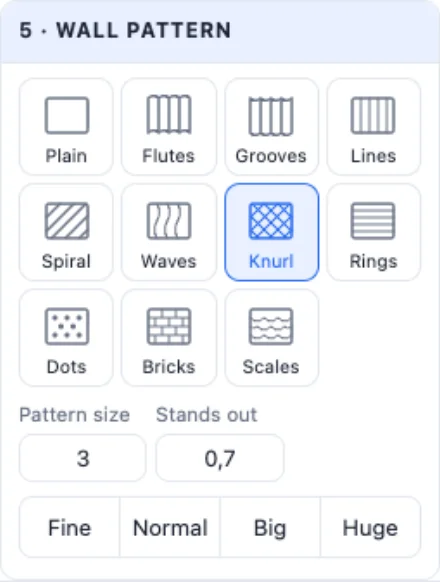
Wall pattern - Flutes, Grooves, Lines, Spiral, Waves, Knurl, Rings, Dots, Bricks and Scales standing out of the wall, or Plain - with its size (Fine, Normal, Big, Huge) and how far it stands out. A pattern gives your fingers grip on the cap.
4The cap and its thread
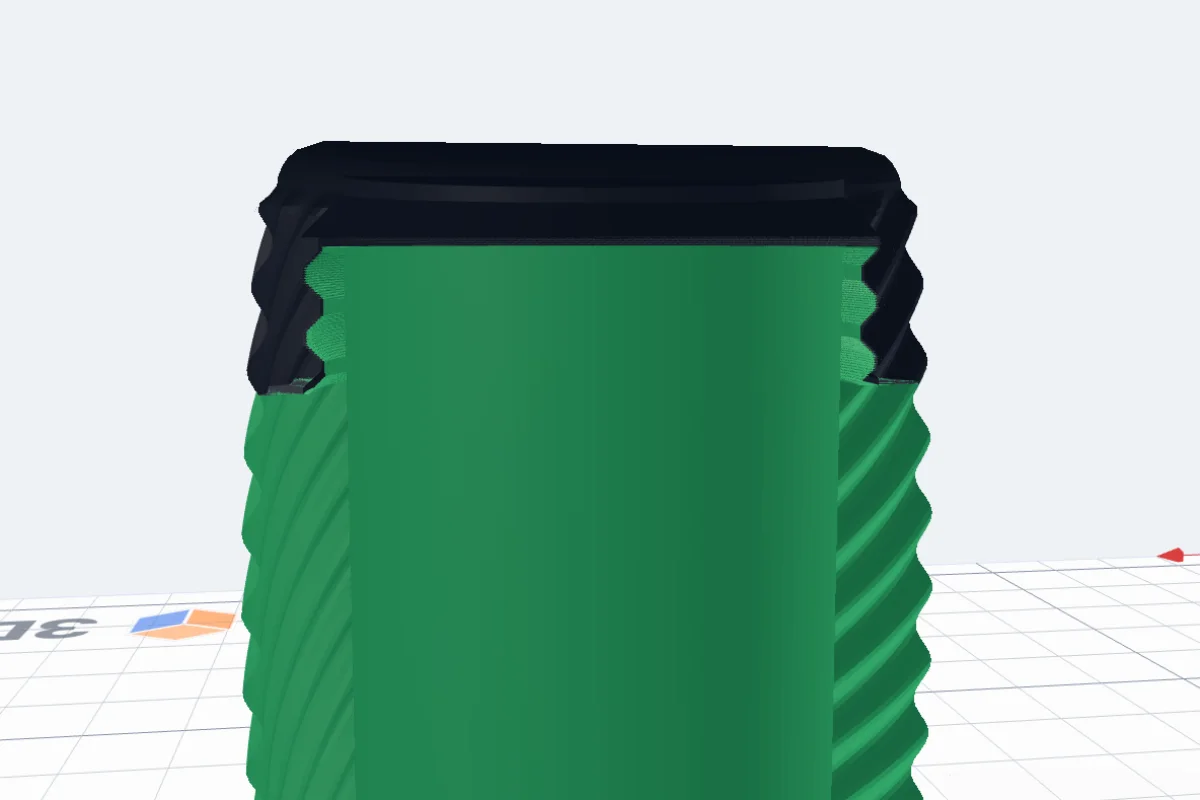
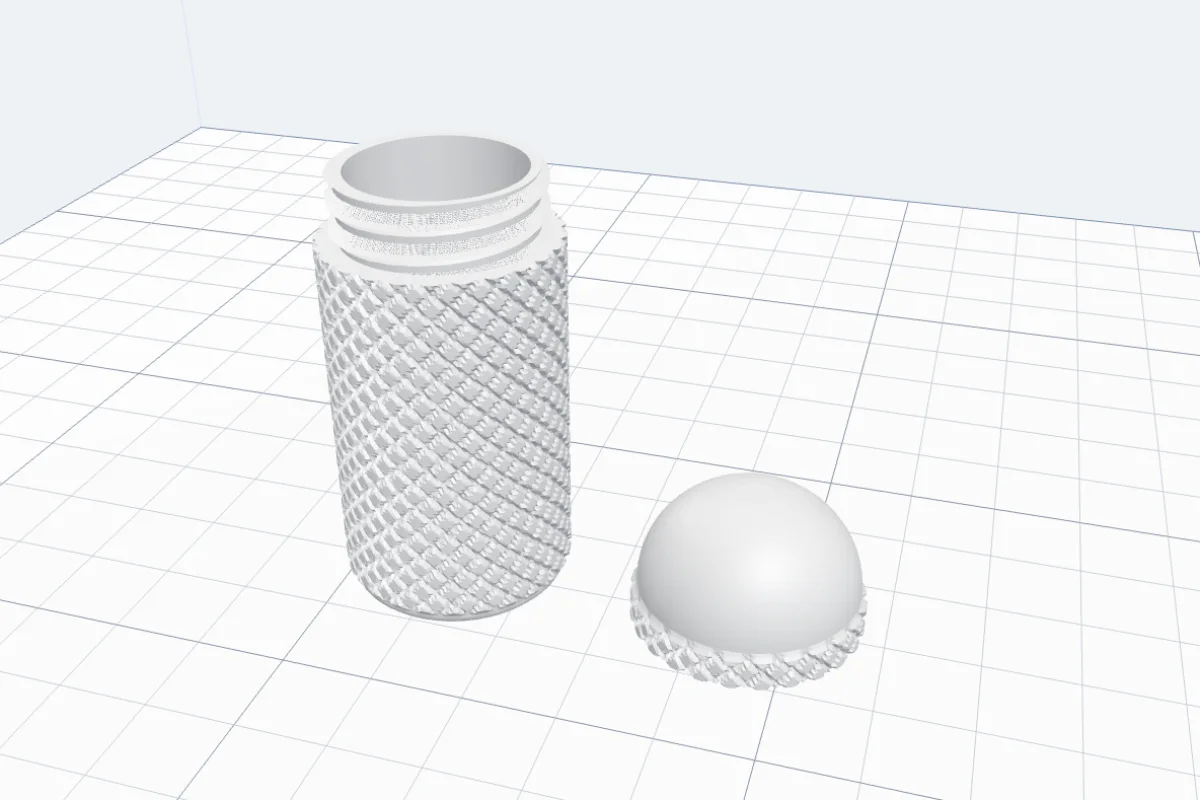
The cap screws on (or pushes on, or clicks). The thread has 45° teeth - like the lip balm holder's - so the body and the cap print without supports, and the cap's inside narrows at 45° where the thread ends, with no flat ceiling to sag. One thread holds best, two or three open in fewer turns. Cap fit is the gap per side: Tight, Normal or Loose.
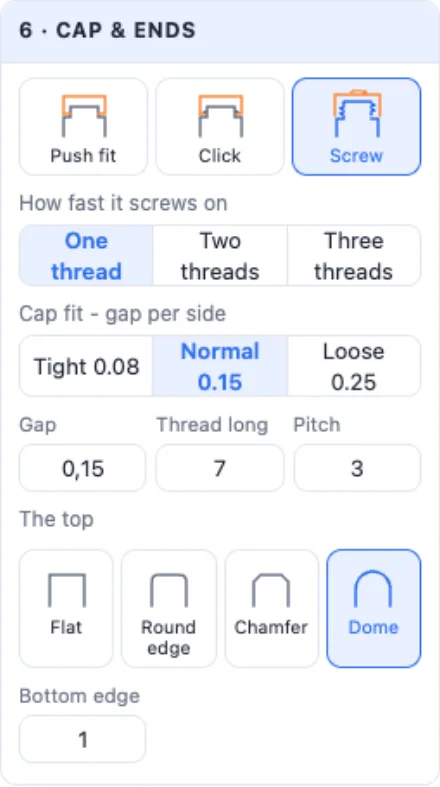
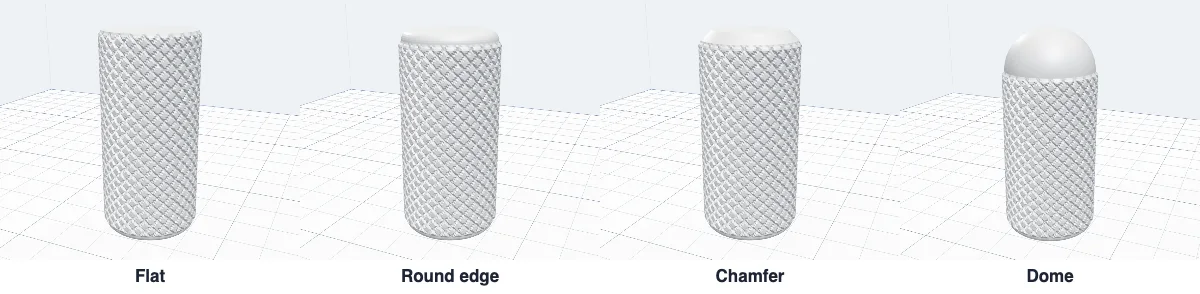
The top - Flat, Round edge, Chamfer or Dome, and the bottom edge rounded at 45° at most so it prints cleanly. In the print layout the body stands open end up and the cap stands on its open end.
5The loop for the key ring
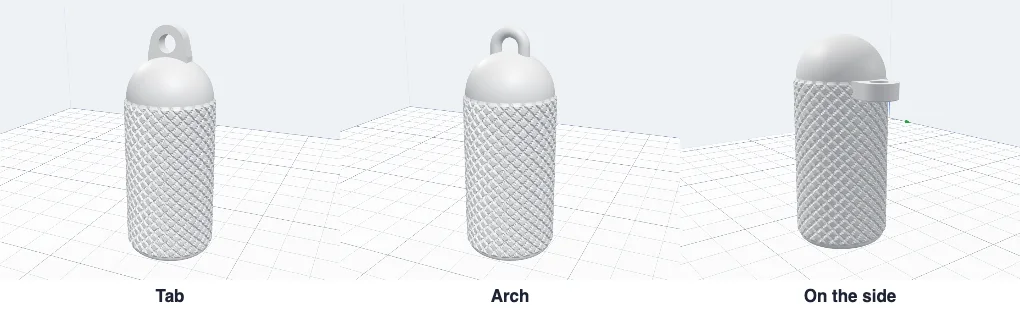
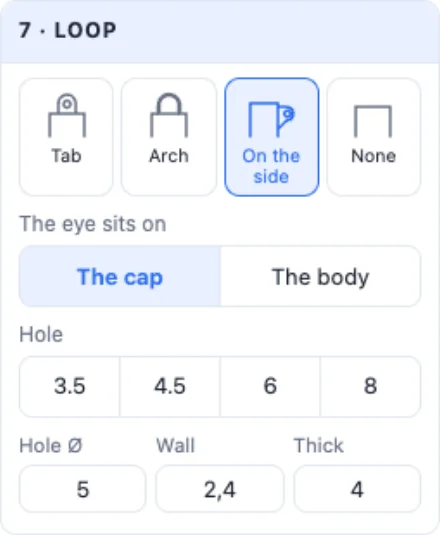
Tab - a flat tab with a hole on the cap, Arch - a half ring, On the side - a lug with a 45° brace under it. On the round tin the eye can sit on the body, just under the cap, so the cap stays plain and turns freely. Set the hole Ø (3.5, 4.5, 6 or 8 mm), the wall and the thickness.
6The round tin
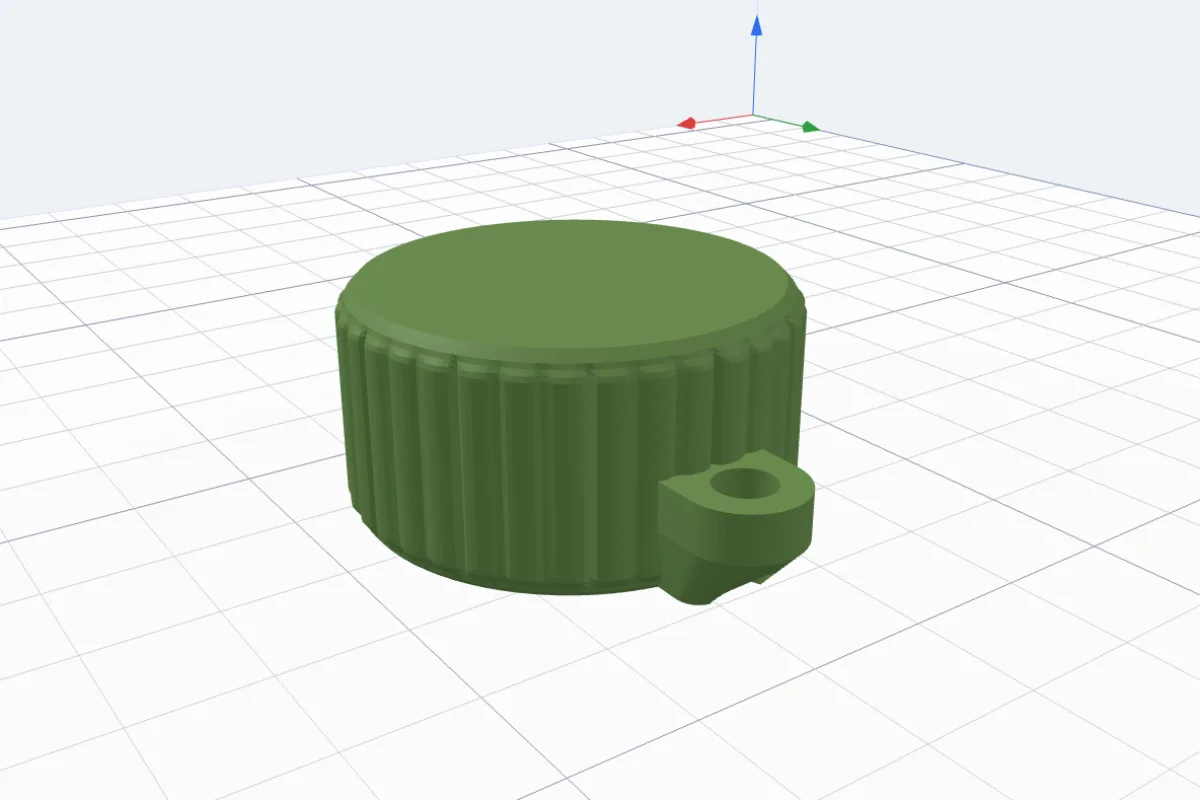
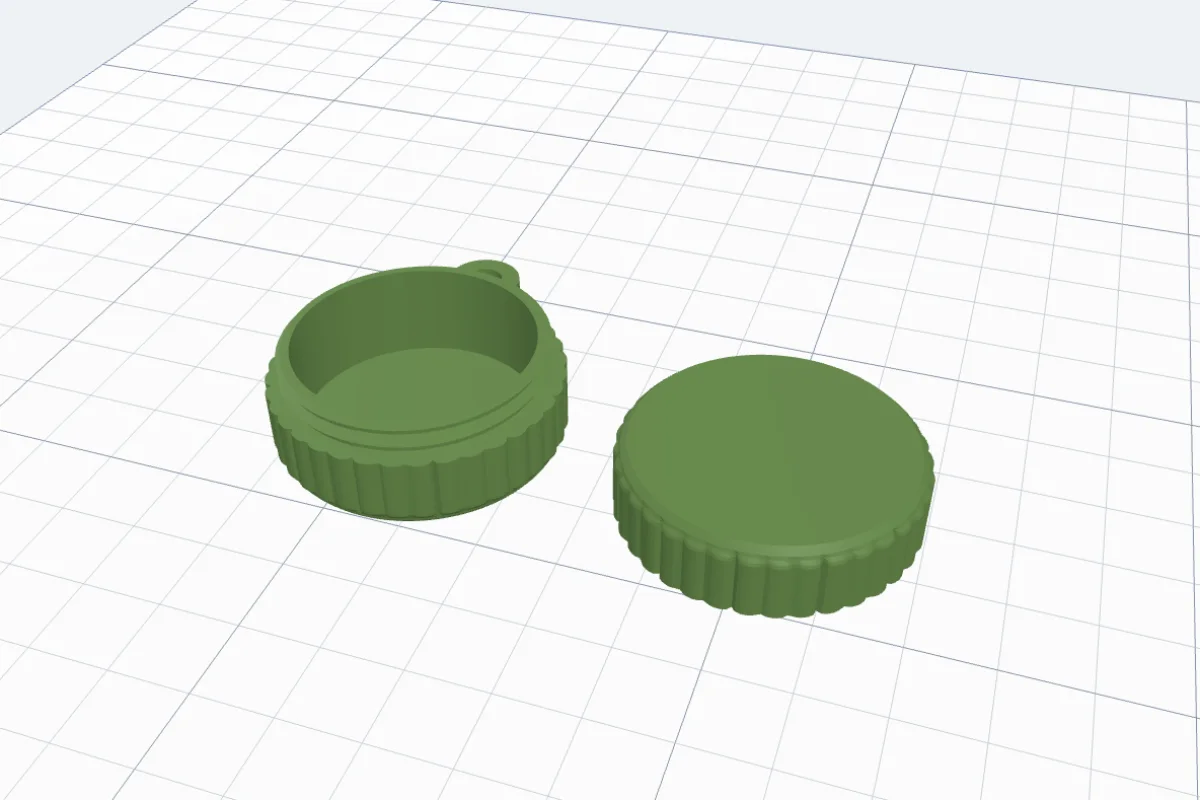
A low round tin - a coin holder, a pill tin, a box for earplugs. The same shapes, patterns and screw lid, with the eye on the side of the body.
7The sliding box
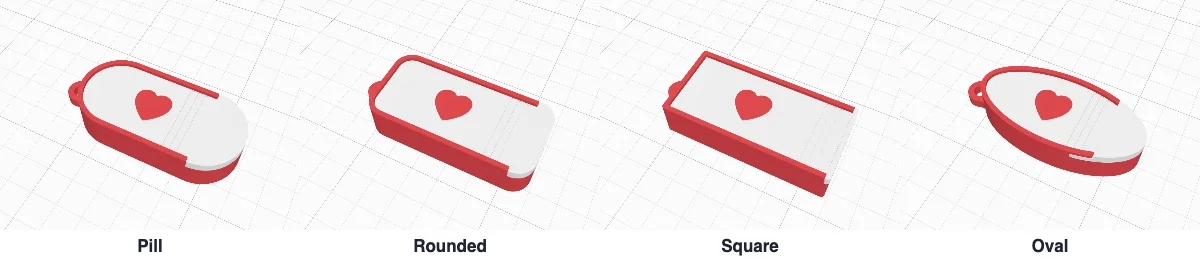
A flat box with a lid that slides out - the box generator's sliding lid made small. Pill, Rounded, Square or Oval, its length, width and height outside, the walls, the bottom and the lid. The lid's open end is the whole round end of the box, solid - nothing thin to break off.
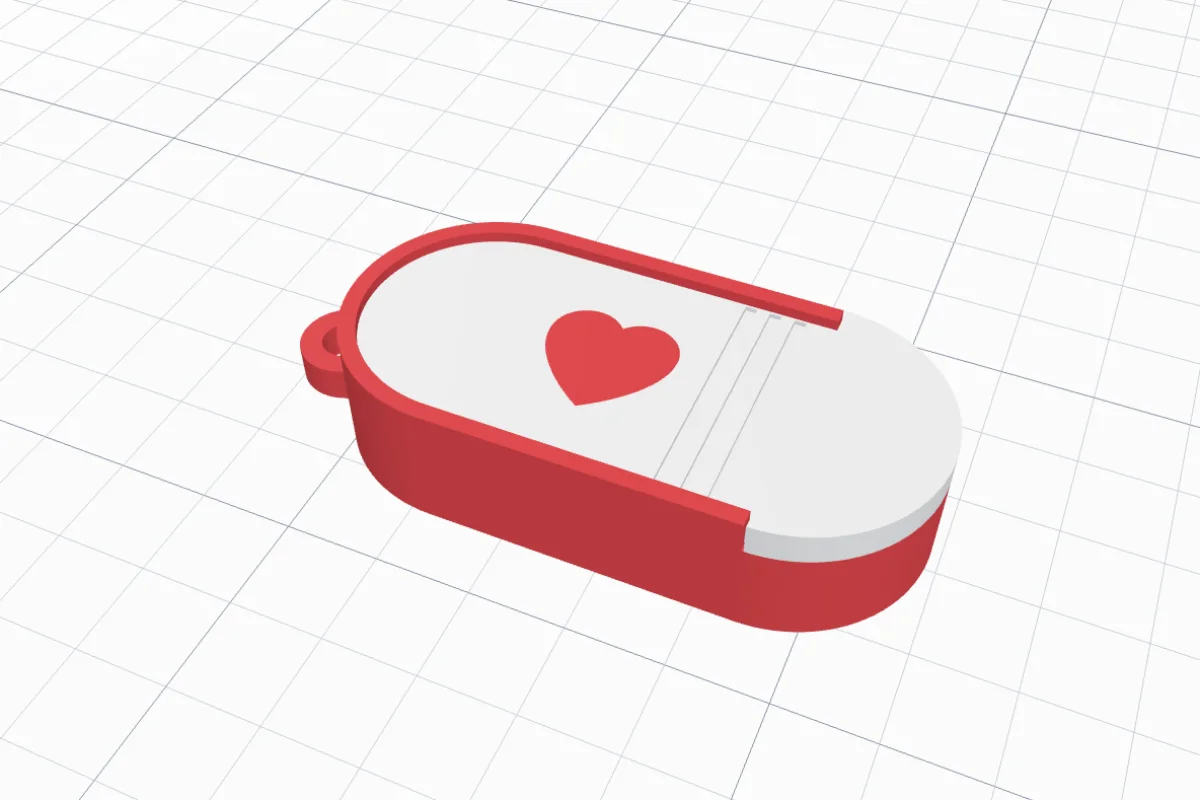
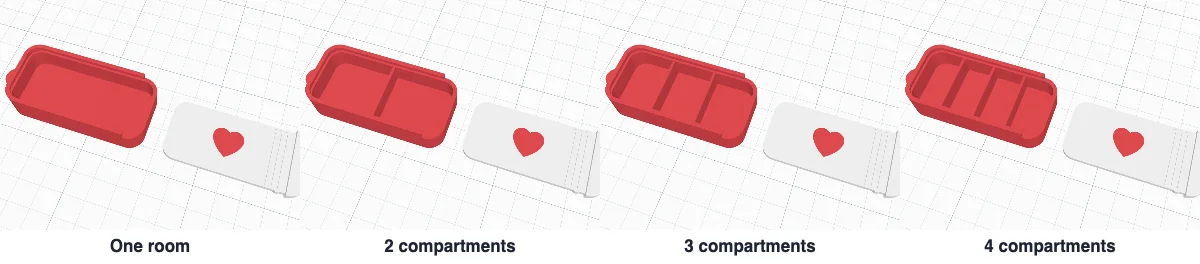
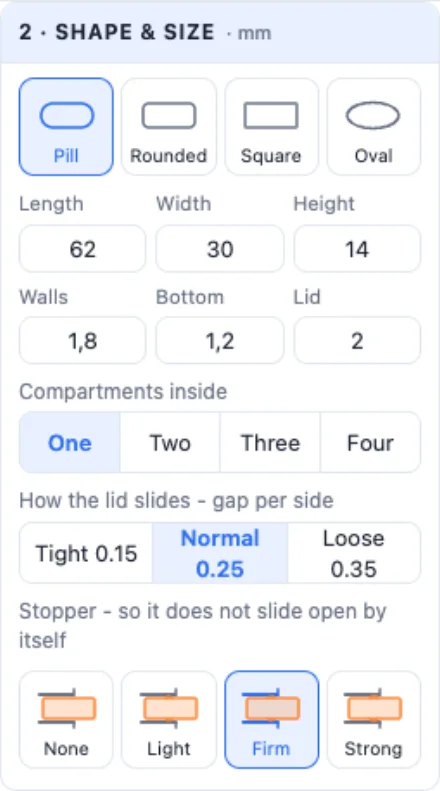
Compartments inside - one room, or two, three or four. How the lid slides - the gap per side, Tight, Normal or Loose. Stopper - two bumps on the lid's sides click into the walls: None, Light, Firm or Strong (hard to open - for pills and small children).
8A picture or a name on the lid
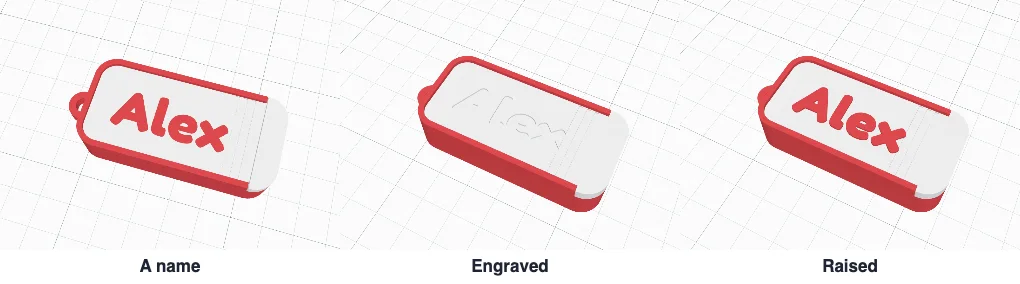
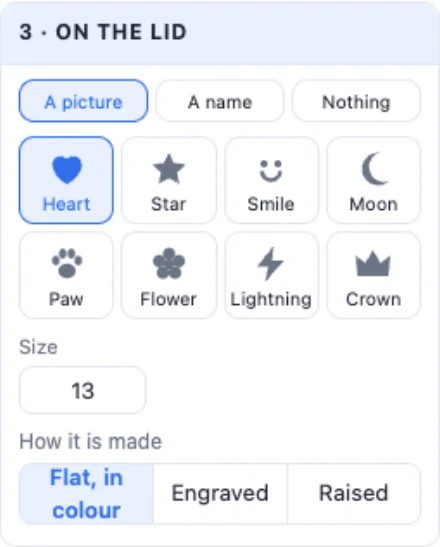
On the lid - A picture (heart, star, smile, moon, paw, flower, bolt or crown), A name (up to 14 letters in any font) or Nothing. Its size, and how it is made: Flat, in colour (inlaid in a second colour), Engraved or Raised.
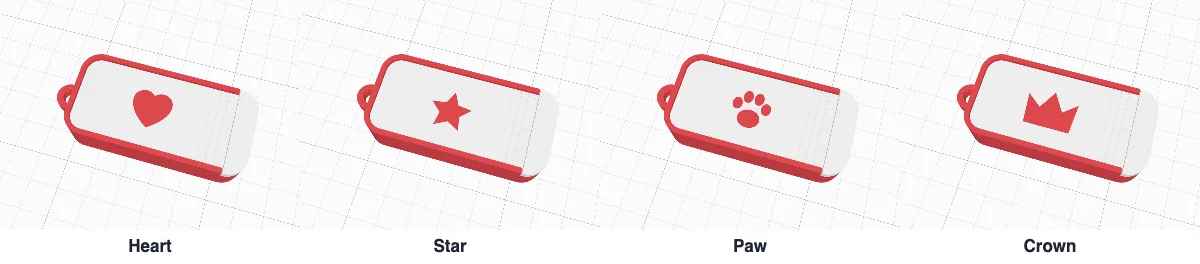
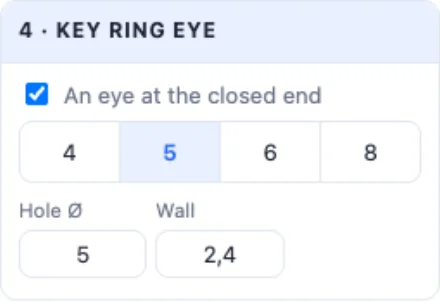
Key ring eye - an eye at the closed end of the box, with its hole Ø and wall.
9Colours and printing
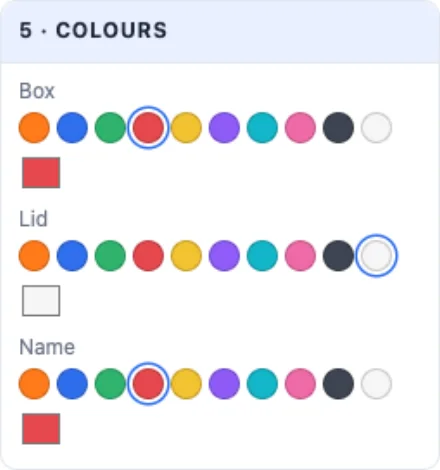
Colours - the box, the lid (or the cap) and the picture or name. Print layout shows every part as it prints: the box on its bottom and the lid flat beside it - no supports. Click Create keychain box, then export an STL per part or a multi-colour 3MF.
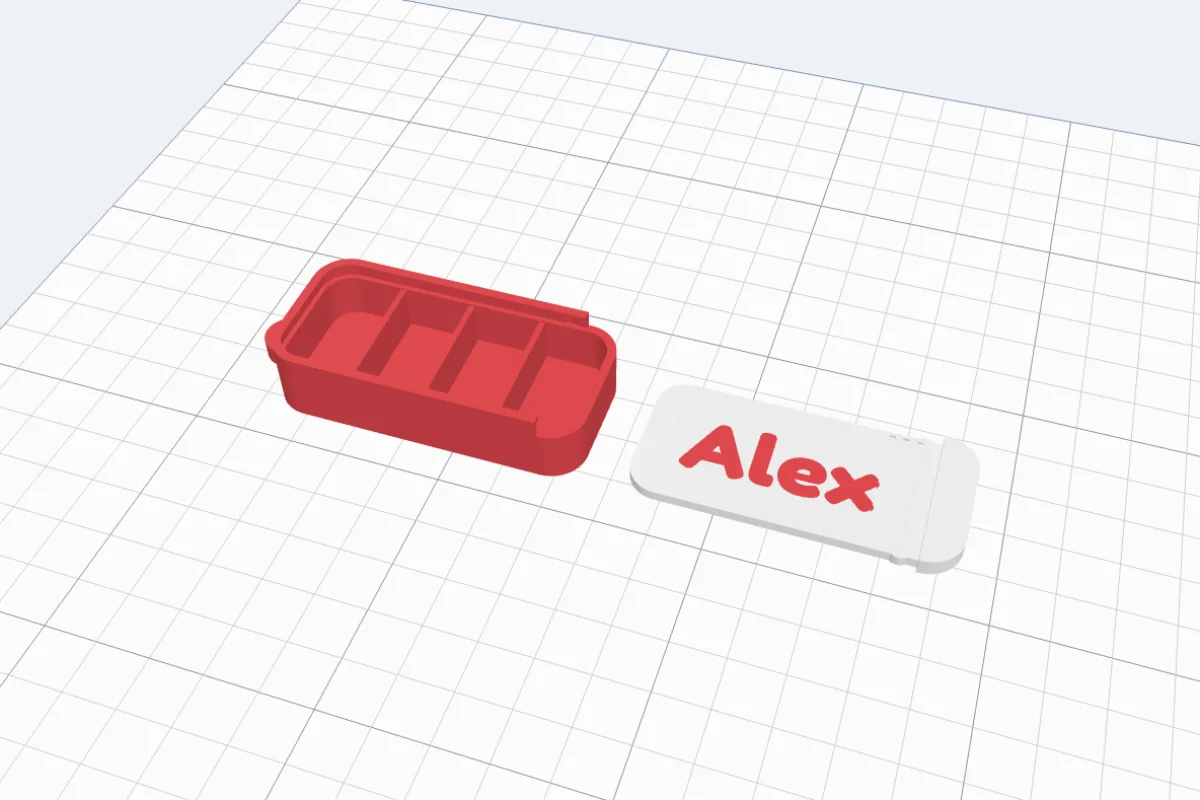
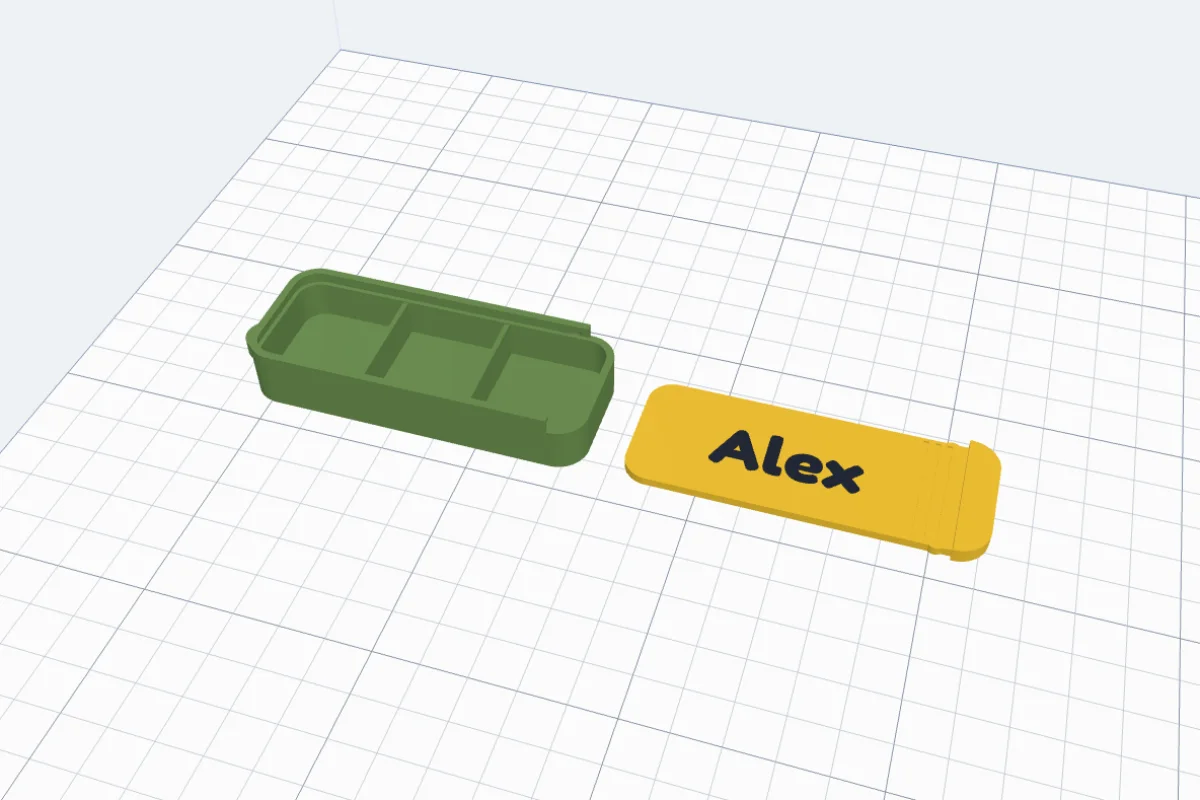
Slide the lid in from the end without the eye until the bumps click. If it is stiff, pick a looser gap or a lighter stopper.
Questions
Does the thread need supports?
No. The thread's teeth have 45° sides and the cap narrows at 45° where its socket ends, so both parts print standing as laid out - the body with its open end up, the cap with its open end on the bed. Print with 0.2 mm layers or finer for a smooth thread.
The cap is too tight or too loose - what do I change?
Cap fit - gap per side in the Cap card: Tight 0.08, Normal 0.15 or Loose 0.25 mm, or type your own. Print a small tin first to test your printer. Two threads screw on in half the turns; one thread holds best.
How big is it inside?
You set the room inside, not the outside: Inside Ø and Inside tall for the tube and the tin, the box's length, width and height for the sliding box. The info box gives the outside size, the inside, the wall and the weight.
How does the sliding lid stay shut?
With the stopper: two small bumps on the lid's sides click into dimples in the walls when it is closed. Light, Firm (the default) or Strong - or None for a lid that slides freely. To open it, pull it firmly by its round end. An oval box has no straight sides for the bumps, so pick a pill, rounded or square box for a lid that clicks.
Which filament is best?
PLA or PETG. PETG is tougher for something that rides on your keys every day. For pills, use a filament you trust for that and wash the box before use.
Can I put a name on it?
On the sliding box: a picture (heart, star, paw, crown and more) or a name on the lid, in another colour, engraved or raised. The screw tube and the tin take a pattern all round instead.
Make a box for your keys
A screw tube for pills, a tin for coins, a sliding box with your name - printed in an hour or two.
Open 3DPrintCADAlso see: Jar generator, Box generator, Carabiner generator and Keychain generator.