3DPrintCAD › Guides › Brackets generator
Brackets generator: 3D print angle brackets, corner plates and mending plates
A shelf that sags, a frame that wobbles, two boards to join end to end - a bracket fixes it. The Brackets generator makes twelve kinds, from flat mending plates to a boxed angle bracket, in exactly the size you need, with screw holes that fit your screws: countersunk for a flat head, counterbored for a pan head, round or slotted to adjust.
Watch the tutorial
Every option in under three minutes, narrated with subtitles: the kinds, sizes, bracing, screw holes and printing. Watch on YouTube ↗
1Pick the kind
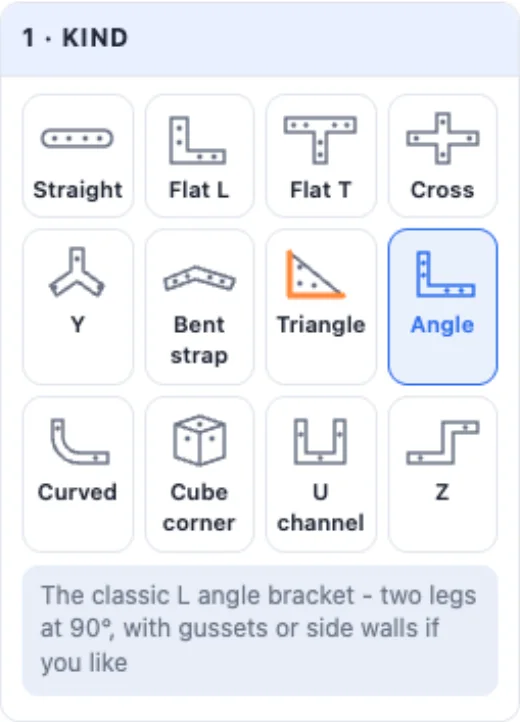
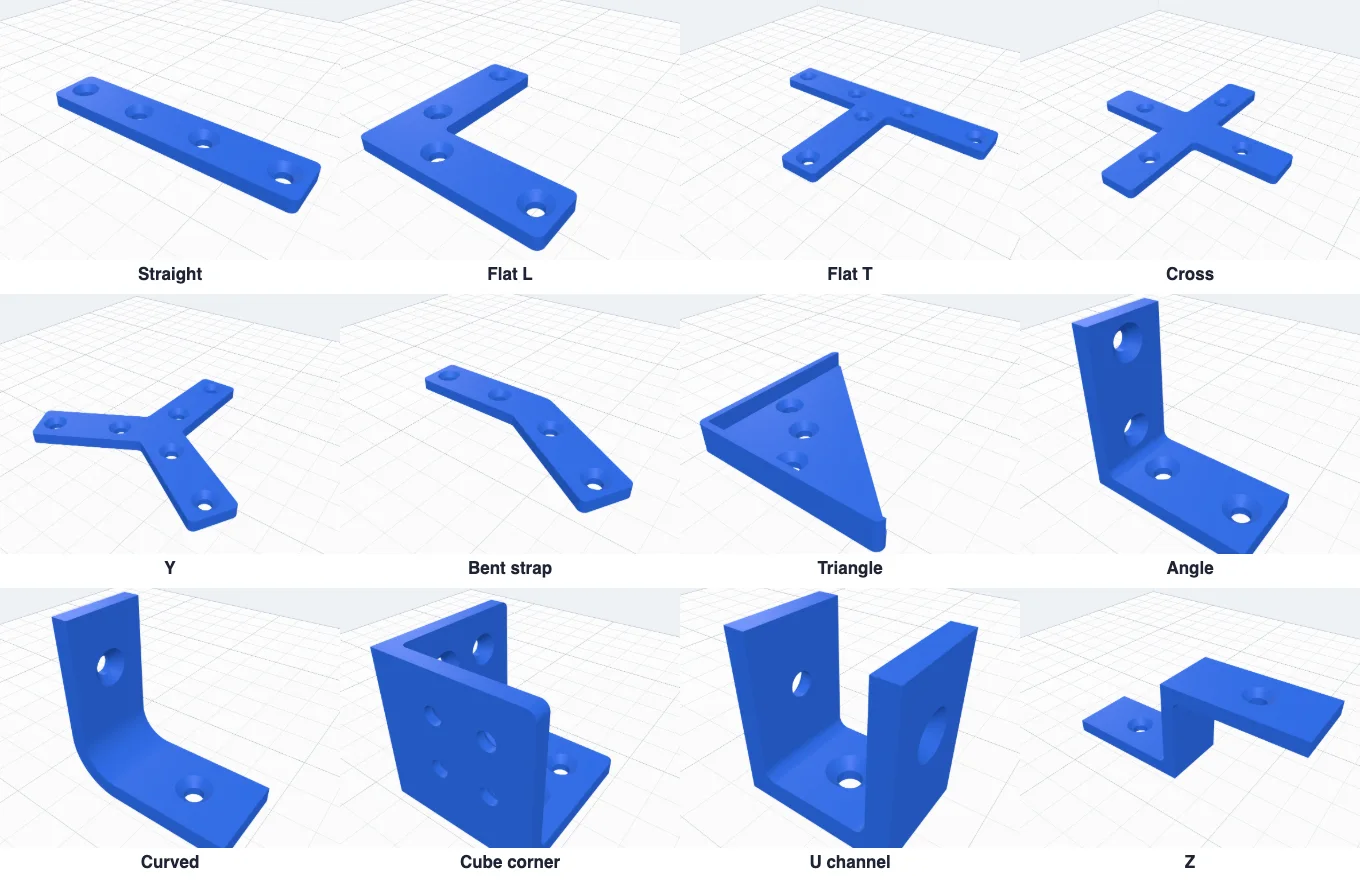
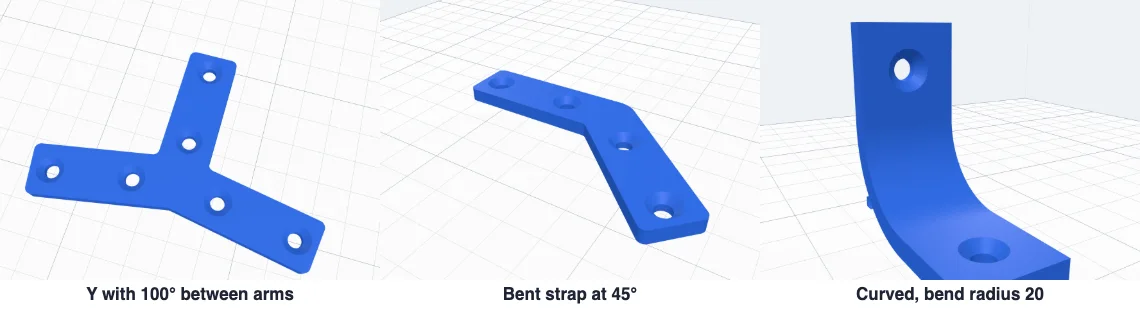
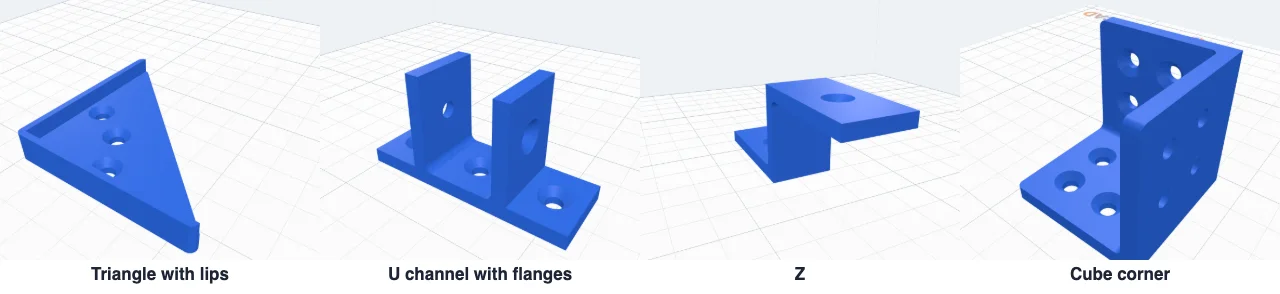
Click Brackets in Generators. Twelve kinds - seven flat plates: Straight (a mending plate), Flat L, Flat T, Cross, Y (three arms at any angle), Bent strap and Triangle (a corner plate) - and five 3D brackets: Angle, Curved, Cube corner, U channel and Z. Each starts with sizes that suit it; your colour, holes and thickness stay when you switch.
2Size, ends and corners
The drawing at the top of Size shows each size as a coloured letter, and the boxes below carry the same letters: A and B the legs (or the length, the arms, the plate), C the width, D the thickness. A Y sets the angle between its arms, a Bent strap its bend, a Curved bracket its bend radius, a U channel the gap inside and how high its legs are, a Z its bottom, height and top.
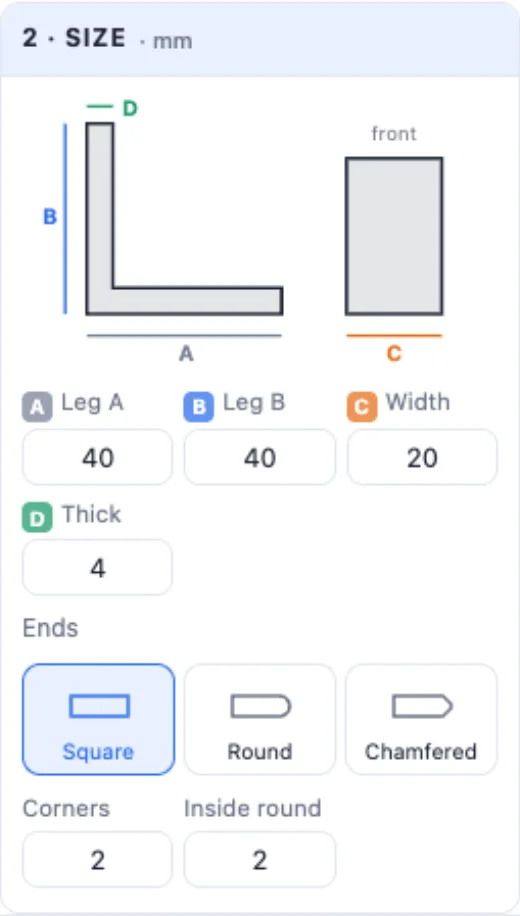
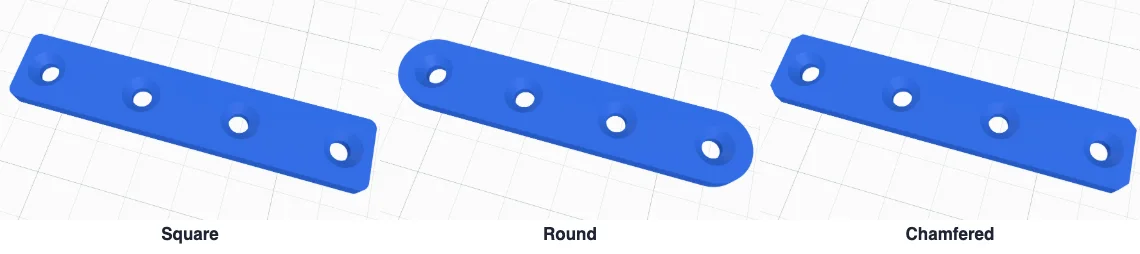
Ends: Square, Round or Chamfered. Corners rounds the outer corners (or sets the chamfer), Inside round rounds the corner where the legs meet - it makes it stronger.
3Bracing, lips and flanges
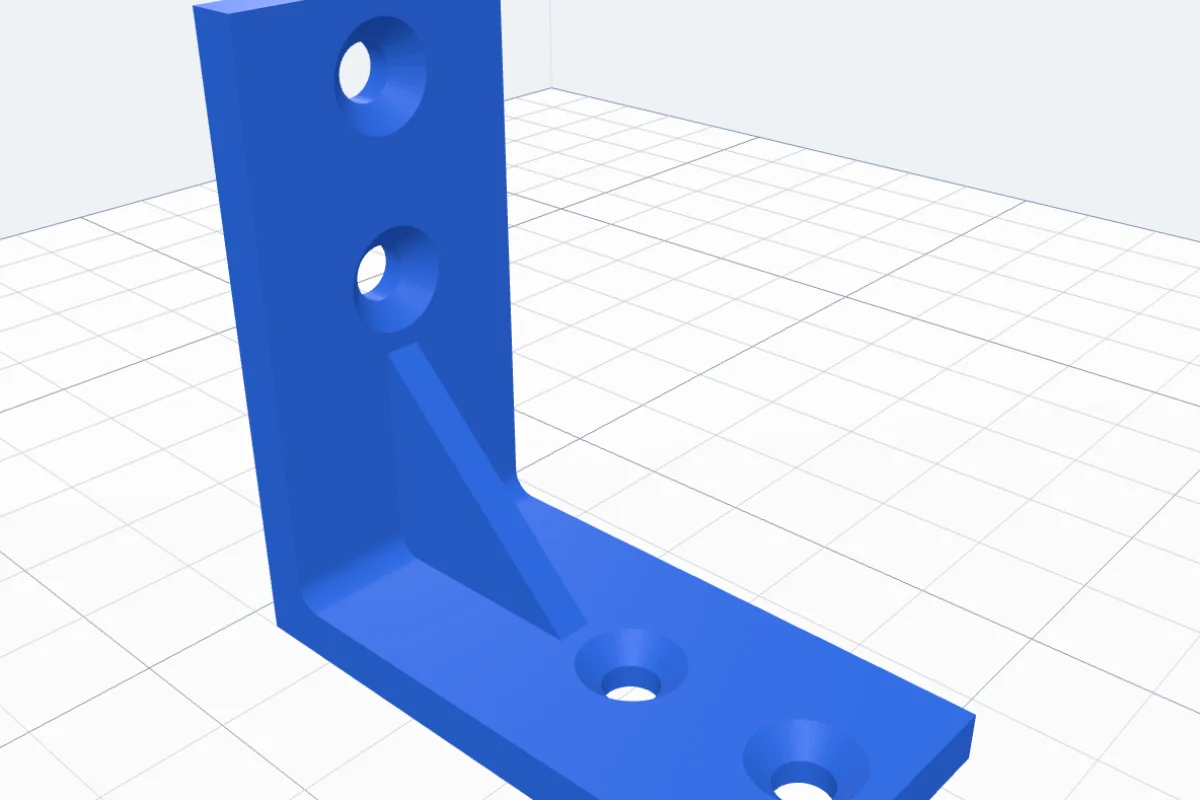
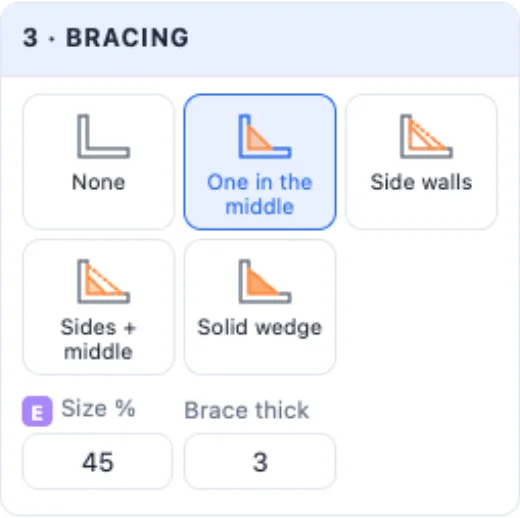
An Angle bracket can be braced: One in the middle (a triangle in the corner - much stiffer), Side walls (two triangle walls - a boxed angle, the strongest that still leaves the middle open), Sides + middle or a Solid wedge. E sets how far up the legs the brace reaches, and its thickness.

A Triangle gets raised lips along its two short edges (they sit against the frame and stiffen it) and a hole in the middle; a U channel gets flanges out at the bottom to screw it down, and a hole in its base.
4Screw holes
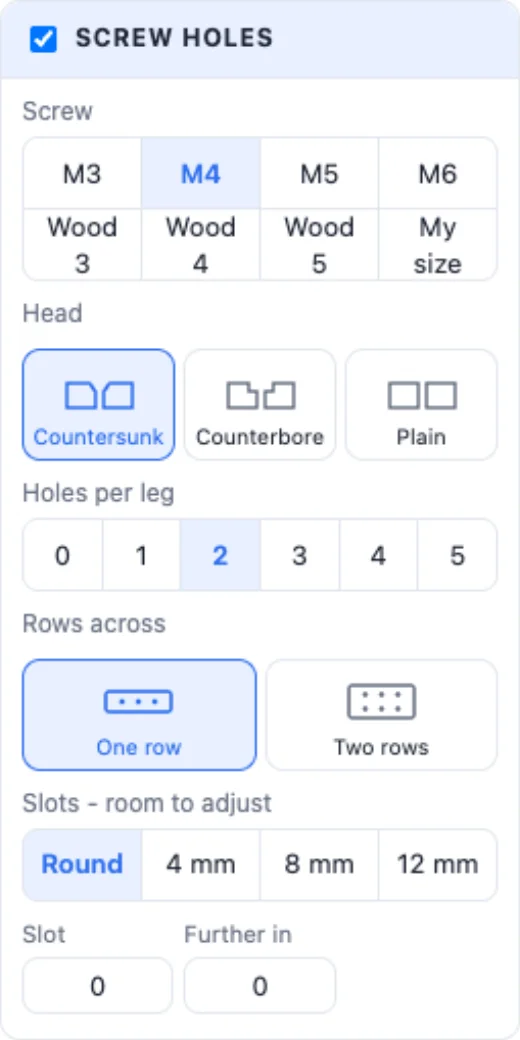
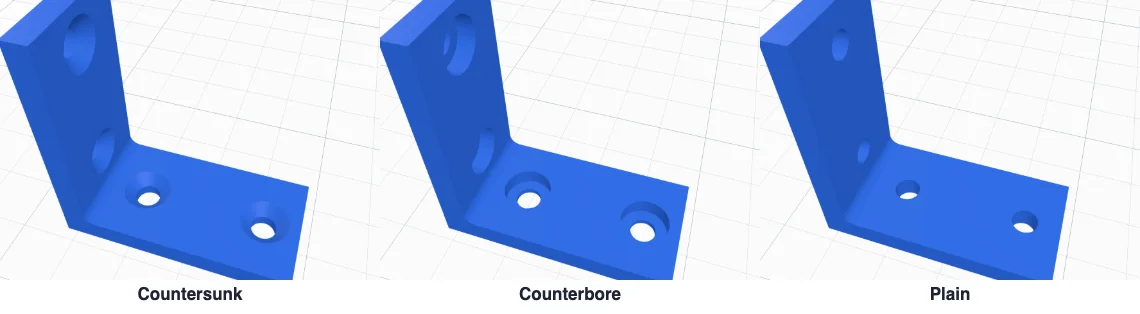
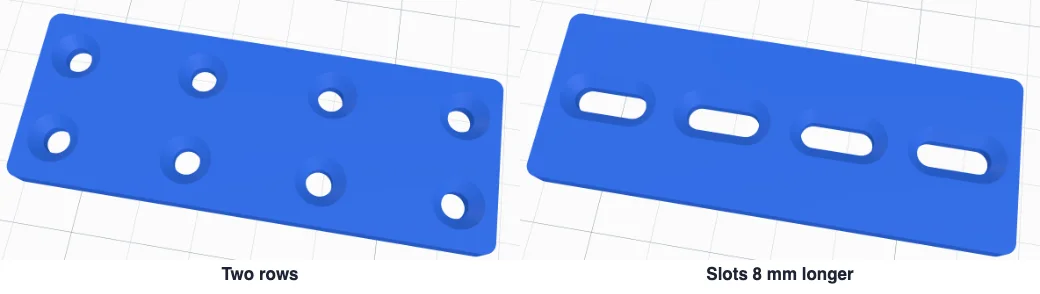
Pick the screw: M3, M4, M5, M6, Wood 3, Wood 4, Wood 5 or My size (type the hole and the head Ø). The head: Countersunk (a 90° cone - a flat-head screw sits flush), Counterbore (a flat pocket for a pan or socket head) or Plain. Then how many holes per leg (per plate on a cube corner, along each edge on a triangle), one or two rows across, Further in to move the first hole from the corner - and untick Screw holes for none.
Slots make every hole longer along the leg (4, 8 or 12 mm, or any length), so the bracket can slide before you tighten the screws.
5Printing
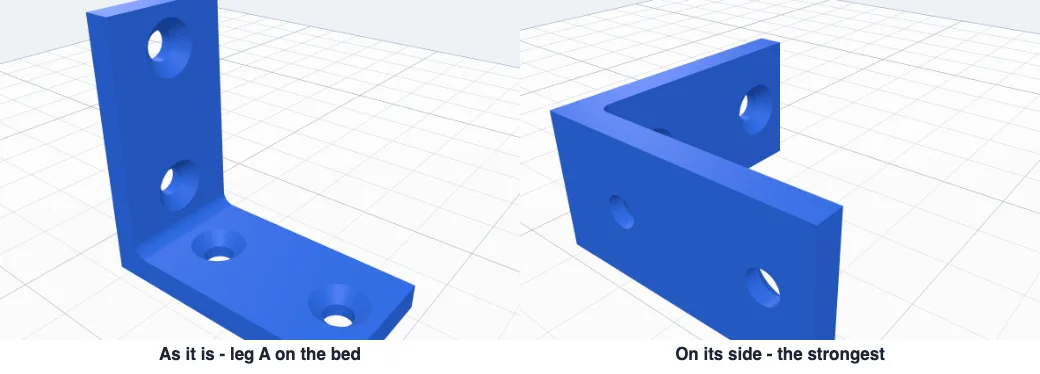
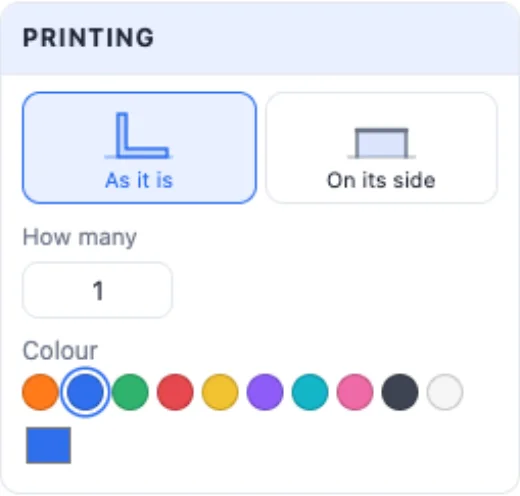
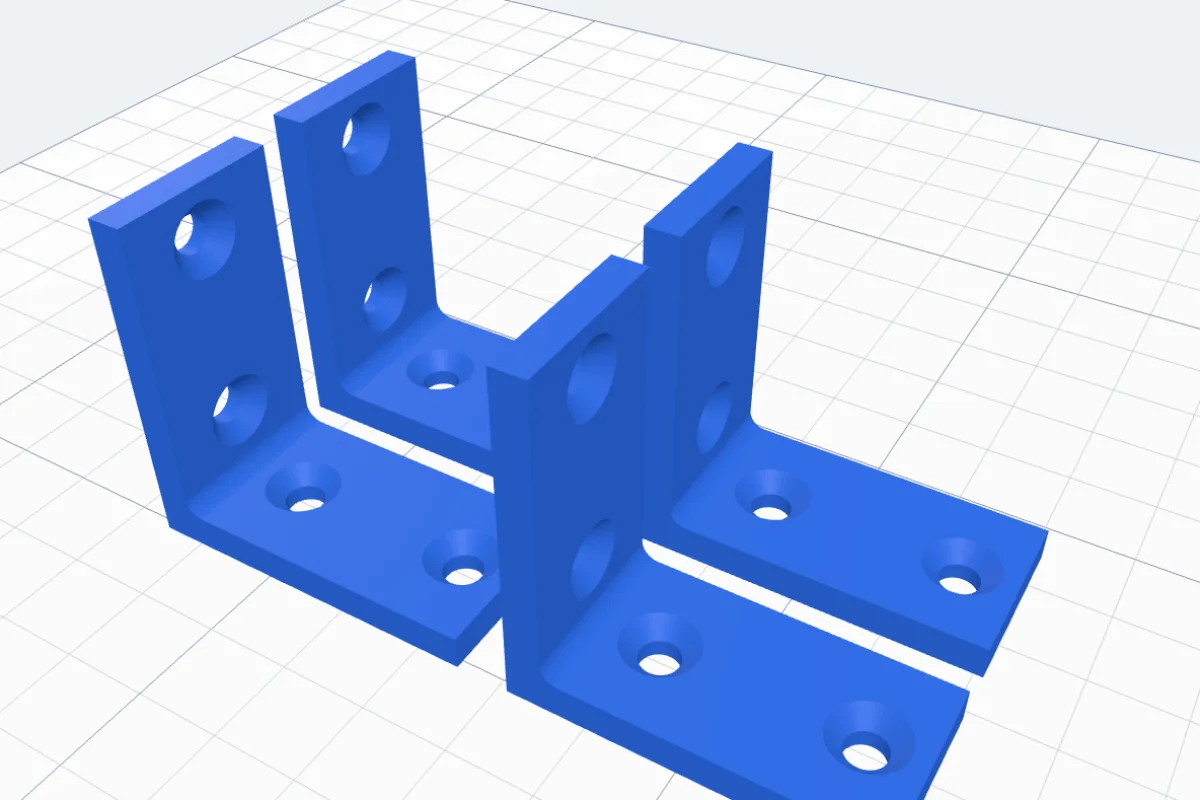
Flat plates print as they lie. A 3D bracket prints As it is (leg A on the bed, the other leg standing) or On its side - the side profile on the bed, the layers running along both legs: the strongest way for a bracket that carries weight. Neither needs supports. How many lays out several copies side by side. The info at the top gives the size, the holes and about how many grams it takes.
Click Create bracket. Use 4 walls and 30-50 % infill for anything that carries weight.
Questions
How strong is a 3D printed bracket?
Strong enough for light jobs - holding a small shelf, squaring a frame, joining parts of a project. Print the 3D kinds On its side (the layers run along both legs), use 4 walls and 30-50 % infill, add a gusset or side walls, and choose PETG or ASA - they bend less than PLA under a load. A 3D print is not rated for a load: never hold anything heavy, valuable or over a person with it.
Which screw holes do I pick?
Pick your screw (M3-M6 or wood screws 3-5 mm, or type your own hole and head Ø) and its head: Countersunk for a flat-head (cone) screw that sits flush, Counterbore for a pan or socket head, Plain for a bolt with a washer. The holes get the clearance size for the screw.
What are slots for?
A slot is a hole made longer along the leg, so you can slide the bracket a few millimetres before you tighten the screw - handy when the holes in the wall or the board do not line up exactly. Pick 4, 8 or 12 mm, or type any length.
Why print it on its side?
Printed as it stands, the layers of the standing leg lie across the bend - the weakest way: under a load it can split along a layer at the corner. On its side, the side profile lies on the bed and every layer runs round the corner, through both legs. It needs no supports either way.
Can I print several at once?
Yes - set How many (up to 12) and they are laid out side by side on the plate, ready to print in one go.
Make the bracket you need
Pick the kind, type its size and your screw - and print it in minutes.
Open 3DPrintCADAlso see: Wall mount generator, Bolt generator, Hinge generator and Stamp roller generator.