3DPrintCAD › Guides › Border tool
Border tool: add a coloured border to any flat 3D model
A dark rim round a sign, a frame round a name, a coloured outline round a logo: the Border tool adds the border the Plate generator makes - to any flat body you already have: a plate, a sign, a text or an SVG lying on the bed. An inner border goes on the body (raised, inlaid or as the whole edge), an outer border goes round it. It is its own colour, ready for a multi-colour print.
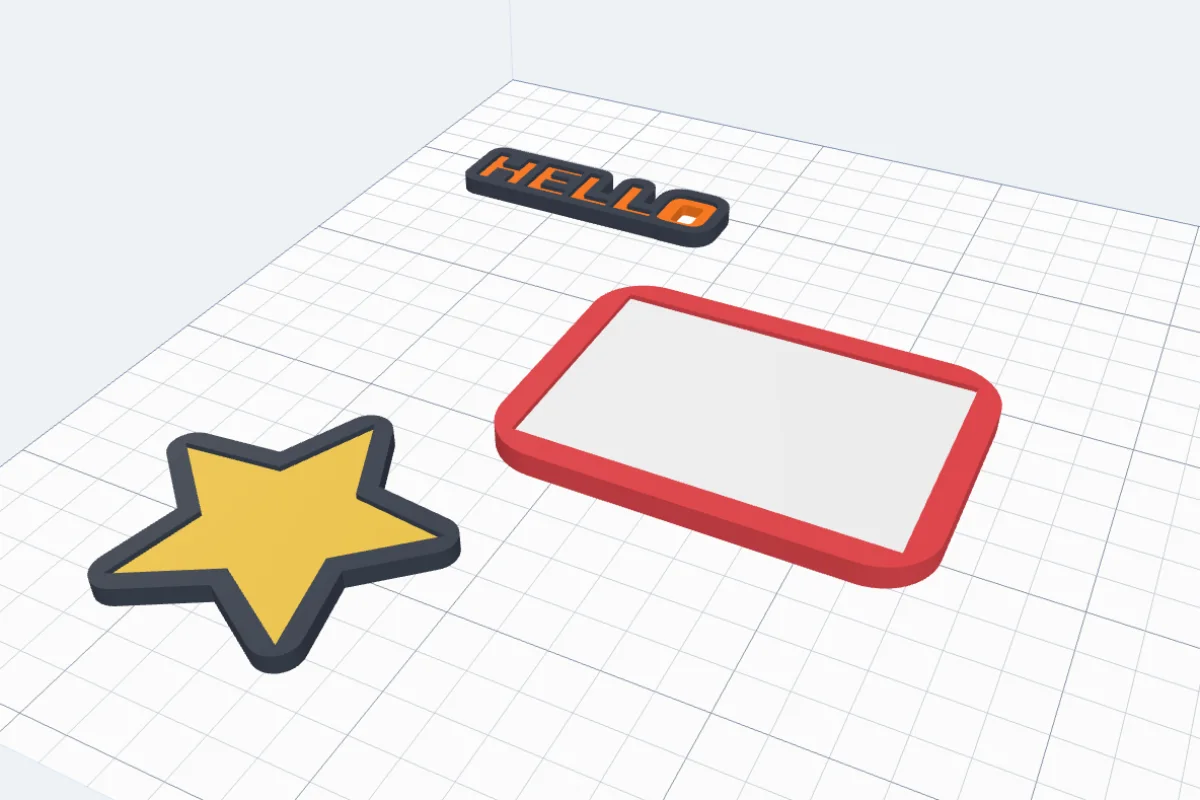
Watch the tutorial
Every option in three minutes, with subtitles: inner and outer borders, their sizes and corners, the colour, a text and an SVG logo. Watch on YouTube ↗
1Open the tool
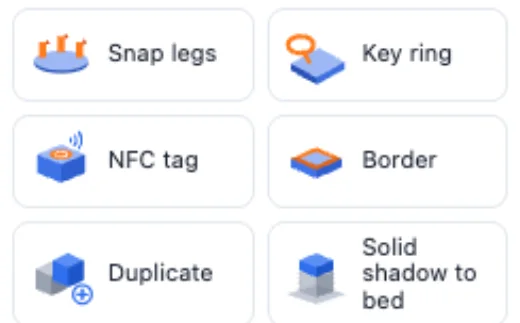
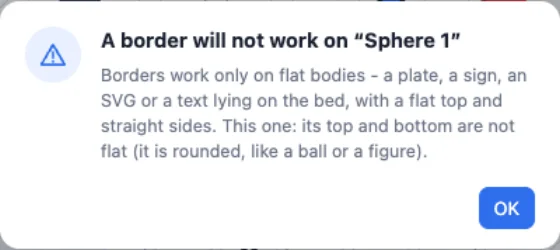
Select one flat body and click Border in the Body card. The tool first checks the body: it must have a flat top, a flat bottom on the bed and straight sides. If not, a message says why and the tool does not open.
2An inner border
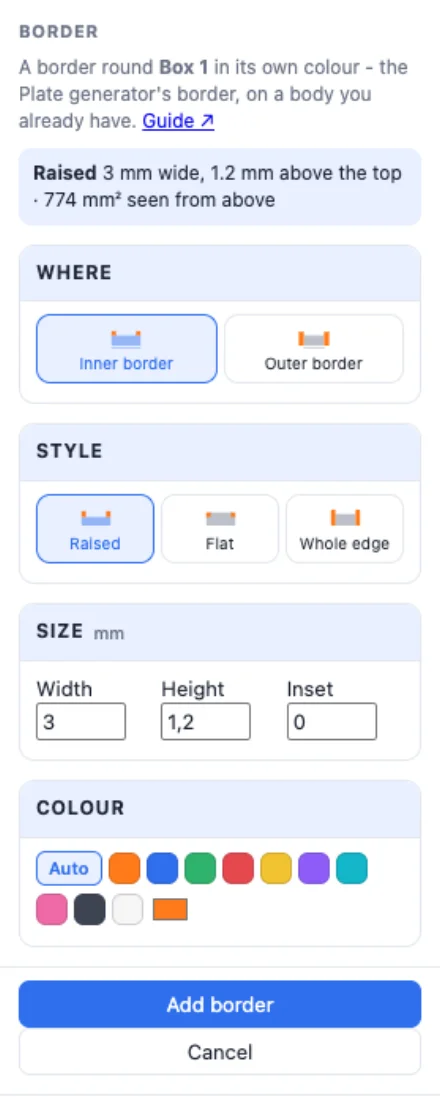
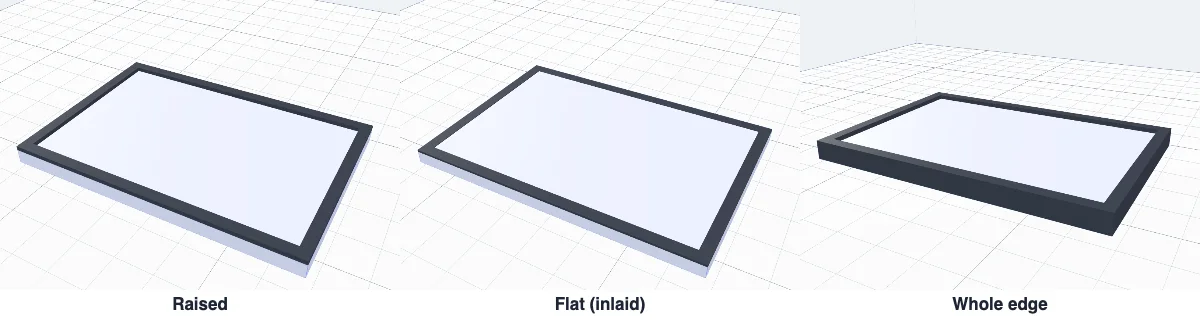
Inner border - on the body, inside its edge; the body keeps its size. Three styles, the Plate generator's: Raised (a rim standing on the top, by its Height), Flat (inlaid level with the top, its Depth into it) and Whole edge (the whole edge from the bed up in the border's colour, standing up by the height). Width is the band's width and Inset moves it in from the edge.
3An outer border
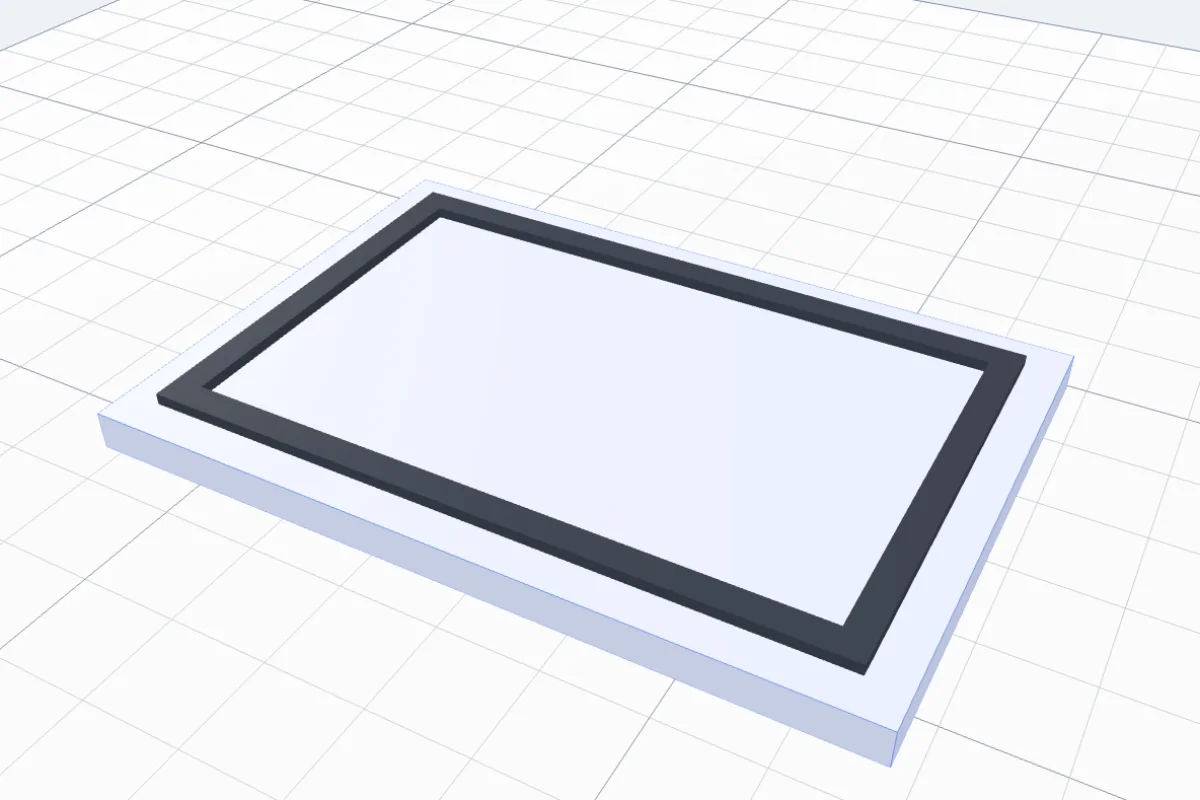
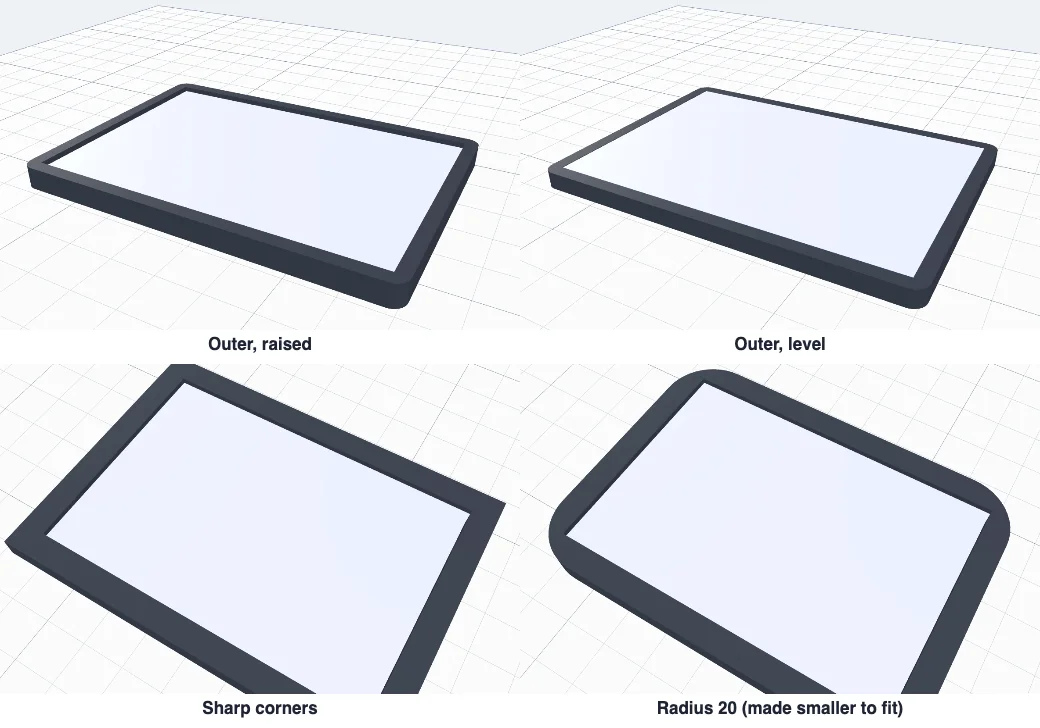
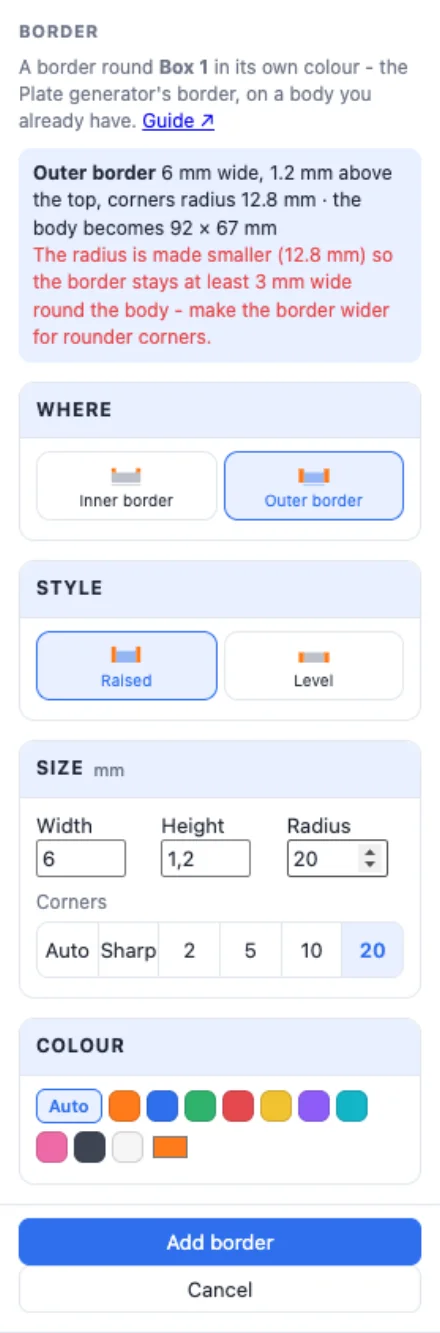
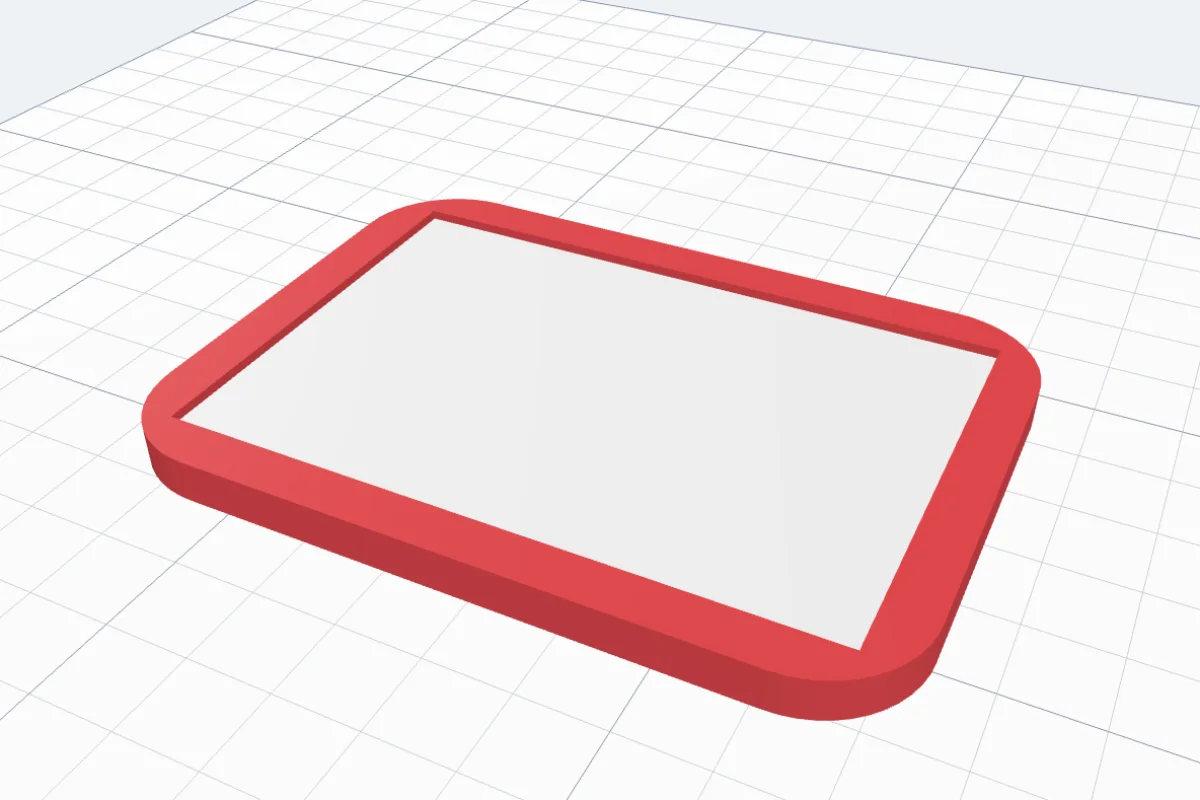
Outer border - round the outside of the body, from the bed up; the body is not cut, it gets bigger by twice the width (the panel gives the new size). Raised stands above the top by the height, Level is flush with it. Corners: Auto rounds them by the width, Sharp keeps them square, or pick 2, 5, 10, 20 or type any Radius - if it is too big for the shape it is made smaller so the border keeps at least half its width, and the panel says so.
4Texts and SVGs
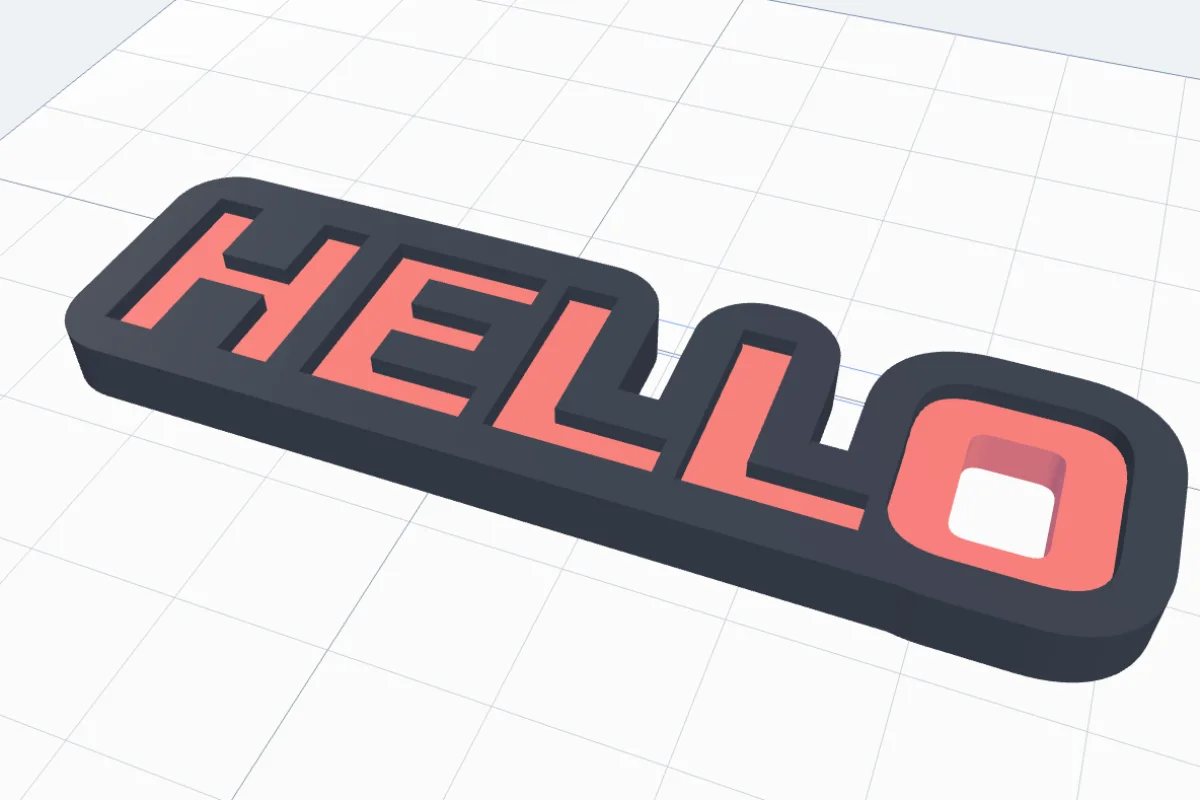
A text or an SVG lying on the bed works the same. An outer border goes round the outside of the letters only - the holes in A, B, O or 8 stay open - and joins the letters into one piece; an inner border follows every outline.

5Colour and Add border
Colour - Auto (dark on a light body, white on a dark one) or any colour. The preview shows the border in it. Click Add border: the body and its border become one group, each part in its own colour (one undo step). Export it with Multi-colour 3MF to print both colours.
Questions
Why does it say a border will not work?
Borders work only on flat bodies: a flat top, a flat bottom on the bed and straight sides - a plate, a sign, an SVG or a text lying on the bed, a cylinder on its end. A rounded body (a ball, a figure), a sloped or bumpy top, or a body that does not lie flat gets a message with the reason. Lay it on a face first, or make a plate with the Plate generator.
Inner or outer border - which do I pick?
An inner border goes on the body, inside its edge - the size stays the same: Raised stands on the top, Flat is inlaid level with it, Whole edge replaces the sides from the bed up. An outer border goes round the outside from the bed up - the body gets bigger by twice the width: Raised stands above the top, Level is flush with it.
Why is my radius smaller than I typed?
An outer border keeps at least half its width round the body everywhere. A big radius on a small or narrow shape would leave less than that at the corners, so the tool uses the largest radius that still fits and says so in the panel - make the border wider for rounder corners.
How do I print the border in another colour?
The body and its border become one group with two parts in their own colours. Export it with Export - Multi-colour 3MF and your slicer gives each part its own filament (AMS or another multi-colour printer). A raised border can also be printed with one filament change at the top of the body.
Does it work on text and SVGs?
Yes - on any text or SVG lying on the bed. An inner border follows the outline of every letter, the holes inside letters too; an outer border goes round the outside only, so the holes in A, B, O or 8 stay open.
Frame your next print
A sign, a name, a logo - give it a border in its own colour in a few clicks.
Open 3DPrintCADAlso see: Plate generator, Add text to a 3D model, SVG to 3D model and NFC tag tool.