3DPrintCAD - online 3D design tool for 3D printing
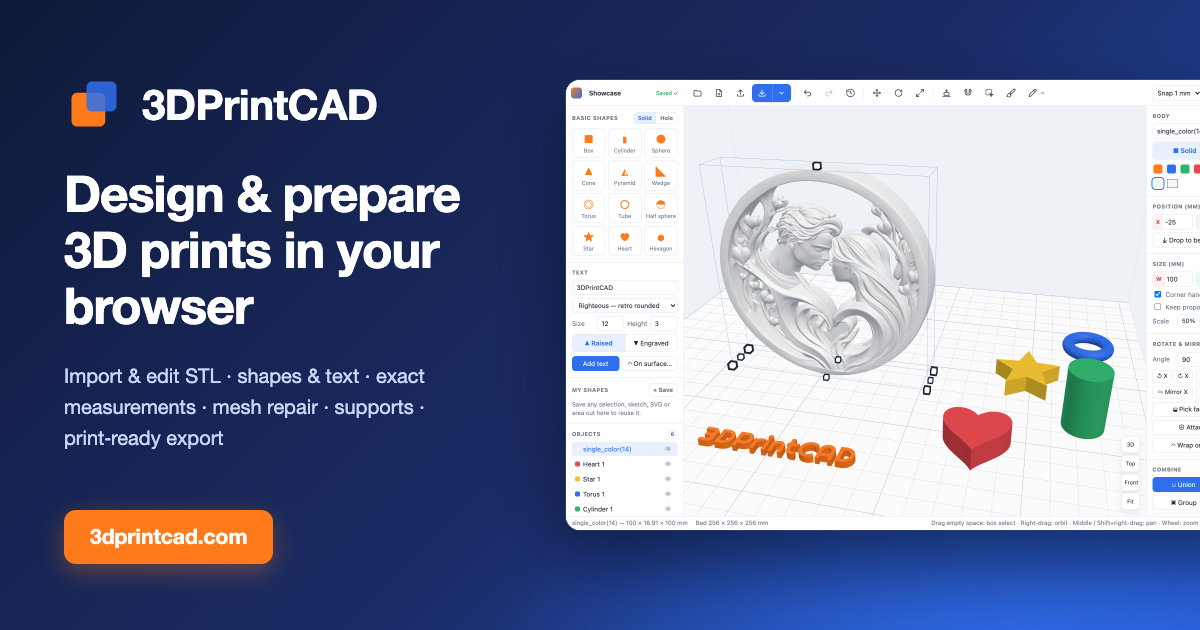
3DPrintCAD is a 3D modeling app that runs in your browser. Build models from boxes, cylinders, spheres and other shapes, add 3D text (even wrapped around curved surfaces), cut holes, and combine parts. Import STL files to resize, rotate, split, repair hollow or broken meshes, and cut out or reshape areas. Prepare for printing with lay-flat, overhang detection and automatic supports, then export a print-ready STL for Bambu Studio, OrcaSlicer, PrusaSlicer or Cura.
3DPrintCAD
Designed for your computer
3DPrintCAD is a full 3D design studio for 3D printing. Precise modelling needs a mouse, a keyboard and a large screen, so it runs on desktop and laptop computers.
Open 3dprintcad.com in Chrome, Edge, Firefox or Safari on your computer
Start buildingClick a shape on the left, drop an STL file here, or sketch your own shape.
New sketch on
Reference
Patterns (selected objects)
In a sketch: Line L · Rectangle R · Circle C · Arc A · Polygon G · Slot S · Spline B · Trim T · Fillet F · Mirror M · Construction X · type sizes + Enter
History
Click a step to go back to it. Greyed steps come back with Redo — until you make a new edit.
 3DPrintCAD